

Prime Mover – Migrate WordPress Website & Backups
The simplest all-around WordPress migration tool/backup plugin. These support multisite backup/migration or clone WP site/multisite subsite.
Plugin info
Maintenance & Compatibility
Maintenance score
Maintained • Last updated 133 days ago • Support resolved 100% • 131 reviews
Is Prime Mover – Migrate WordPress Website & Backups abandoned?
Likely maintained (last update 133 days ago).
Compatibility
Languages
Similar & Alternatives
Explore plugins with similar tags, and compare key metrics like downloads, ratings, updates, support, and WP/PHP compatibility.
Description
Easily Transfer WordPress Site to New Host/Server/Domain
- Move single-site installation to another single-site server.
- Move WP single-site to existing multisite sub-site.
- Migrate the subsite to another multisite subsite.
- Migrate multisite sub-site to single-site.
- Migrate within WordPress admin.
- WordPress backup and restore packages within single-site or multisite.
- Backup WordPress subsite (in multisite).
- You can back up the WordPress database within admin before testing something and restoring it with one click.
- Cross-platform compatible (Nginx / Apache / Litespeed / Microsoft IIS / Localhost).
- Clone a single site and restore it to any server.
- Clone subsite in multisite and restore it as single-site or multisite.
- Supports legacy multisites.
- Debug package.
- Supports backup of the non-UTF8 single-site or multisite database.
PRO Features
- Scheduled backups: Automatic backup support for multisite and single-site.
- Save time during migration with the direct site-to-site package transfer.
- Move the backup location outside the WordPress public directory for better security.
- Migrate or backup WordPress multisite main site.
- Encrypt WordPress database in backups for maximum data privacy.
- Encrypt the WordPress media directory inside the backup for better security.
- Encrypt plugin and theme files inside the backup/package for protection.
- Export and restore the backup package from Dropbox.
- Save and restore packages from and to Google Drive.
- Exclude plugins from the backup (or network-activated plugins if multisite).
- Exclude upload directory files from the backup to reduce the package size.
- Improved migrated site performance by excluding unused database tables created by inactive plugins.
- Create a new multisite subsite with a specific blog ID.
- Disable network maintenance in multisite so only the affected subsite is in maintenance mode.
- Configure migration parameters to optimize and tweak backup/migration packages.
- It includes all complete restoration options at your own choice and convenience.
- Full access to the settings screen to manage all basic and plugin advanced configurations.
- Migrate non-UTF8 database charset to standard UTF8 database charset (utf8mb4).
- Migrate UTF8 database charset (utf8mb4) to non-UTF8 database charset (edge case scenario).
Documentation
Installation
- Upload to the
/wp-content/plugins/directory - Activate the plugin through the ‘Plugins’ menu in WordPress
- Optionally, opt-in to security and feature update notifications, including non-sensitive diagnostic tracking, with freemius.com. If you skip this, that’s okay! Prime Mover will still work just fine.
- You should see the Prime Mover Control Panel. Click “Go to Migration Tools” to start migrating sites.
Frequently Asked Questions
- The free version has no restrictions on package size, number of websites, or migration mode (single-site or multisite will work). (Note: Exporting/Restoring a multisite main site is a PRO feature)
- The free version supports WordPress multisite migration on any number of subsites, except that exporting/restoring the multisite main site is a PRO feature.
- It can back up WordPress multisite sub-sites or migrate multisite.
- No need to delete your WordPress installation, create/delete the database, and all other technical stuff. It will save you a lot of time.
- This is not hosting-dependent. Prime Mover is designed to work with any hosting company you choose.
- The free version has full multisite migration functionality, usually missing in most migration plugins’ free versions.
- Full versatility—migrate from your local host dev site or from a live site to another live site.
- The entire migration will be done inside the WordPress admin. Anyone with administrator access can do it. Hiring a freelancer to do the job is unnecessary and will save you money.
- You won’t have to mess with complicated migration settings; the free version has built-in settings. You can choose only a few options to export and migrate—that’s it.
- You can save, download, delete, and migrate packages using the management page.
- No need to worry about PHP configuration and server settings. Compatible with most default PHP server settings, even in limited shared hosting.
- Prime Mover works with modern PHP versions 5.6 to 8.4+ (Google Drive feature requires at least PHP 7.4).
- The code follows PHP-fig coding standards (standard PHP coding guidelines).
- The free version supports backup and restoration of non-UTF8 sites. However, you need the PRO version to migrate non-UTF8 to the UTF8 (utf8mb4) database charset and vice versa.
- After migration, you don’t need to worry about setting up users or changing passwords. It does not overwrite existing site users.
For more common questions, please read the plugin FAQ listed on the developer site.
Review feed
Great plugin! Does the job right!
Awesome plugin
Perfect solution!
It's must have plugin for any multisite network.
Smooth migration
Screenshots
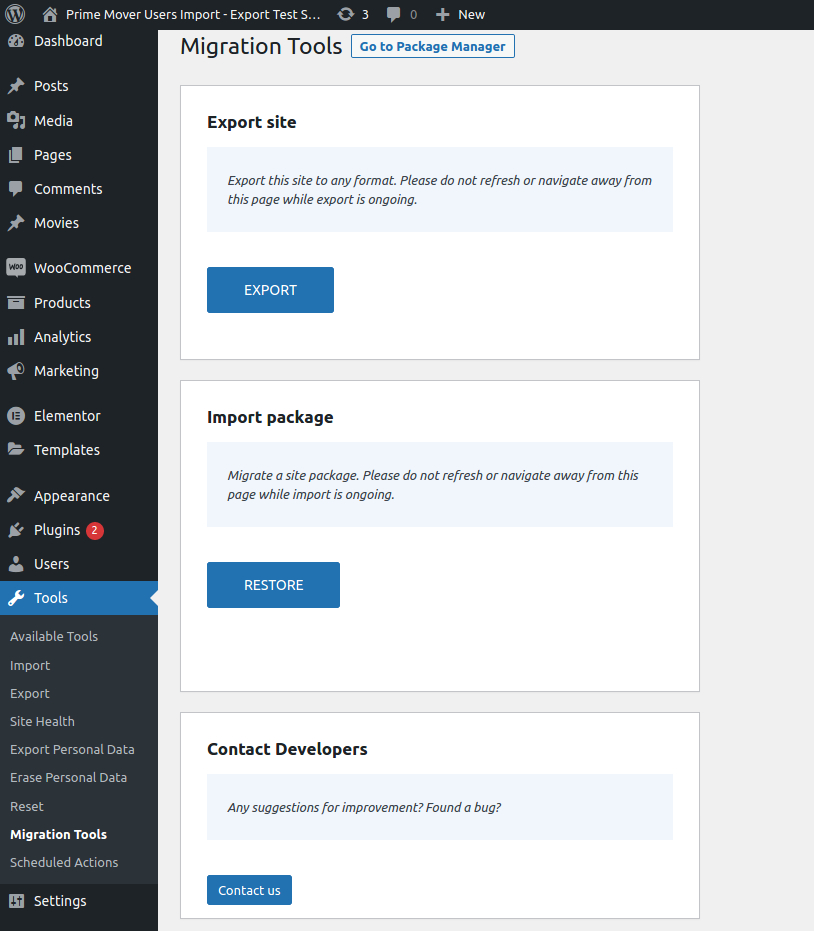
Single-site Migration Tools
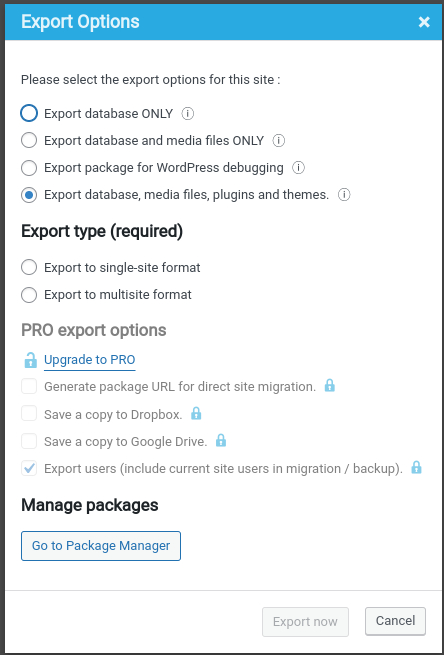
Export options dialog
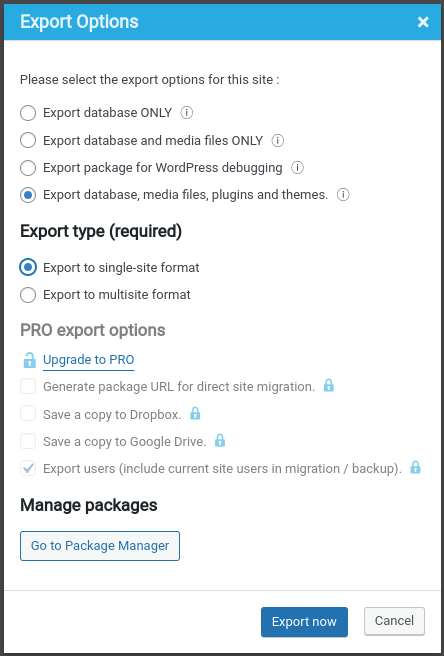
Export to single-site format example
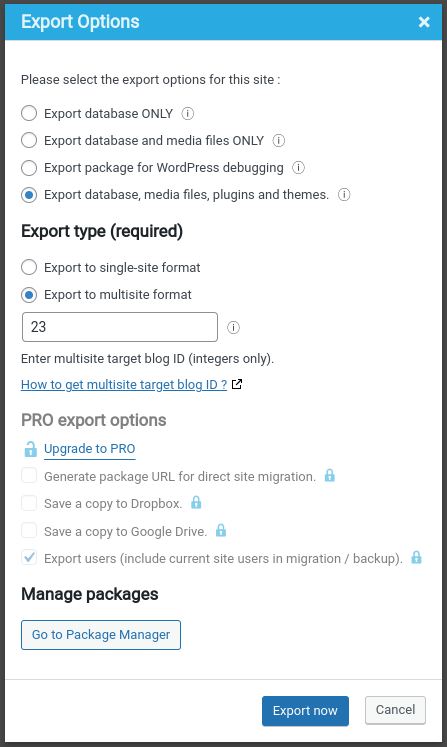
Export to multisite subsite with blog ID of 23 example
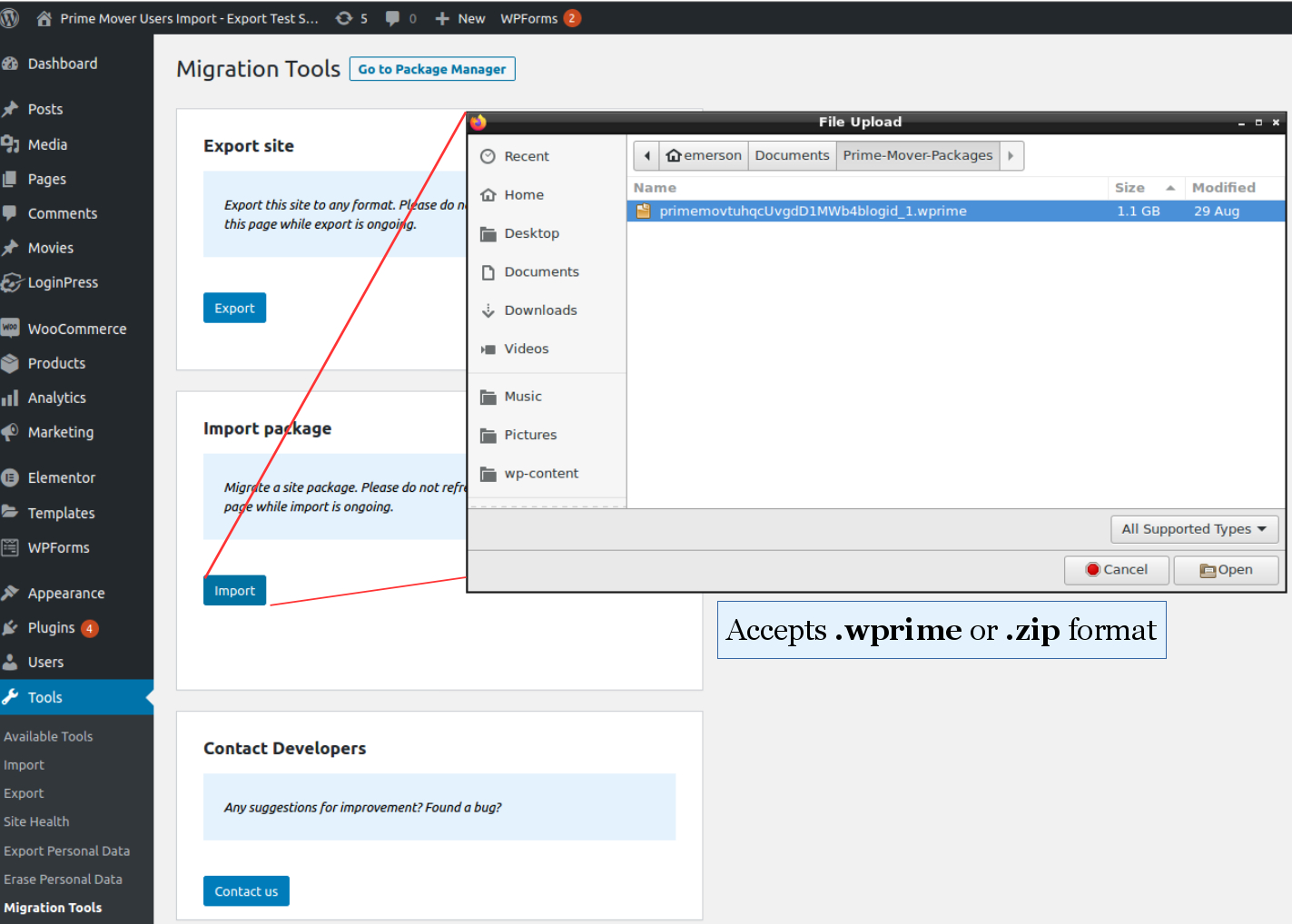
Restore package via browser upload
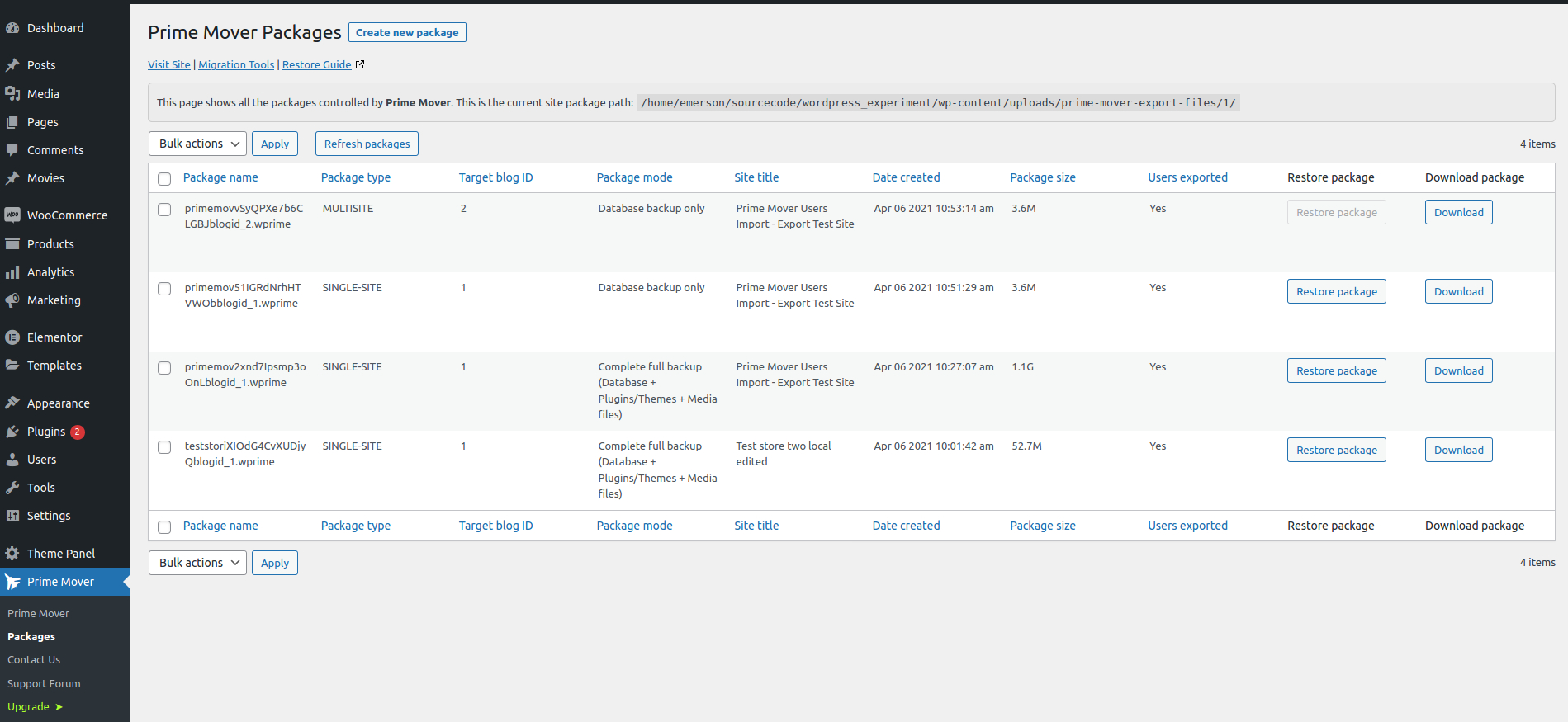
Single-site package manager
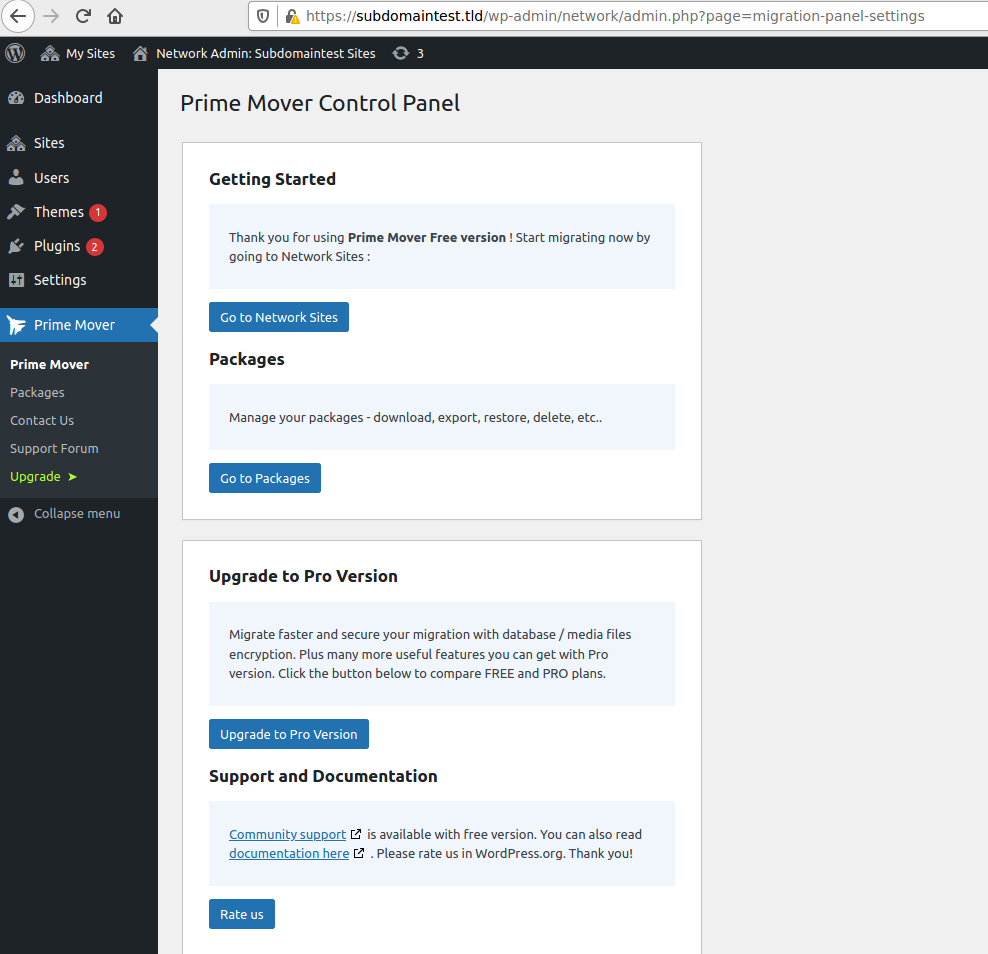
Prime Mover network control panel
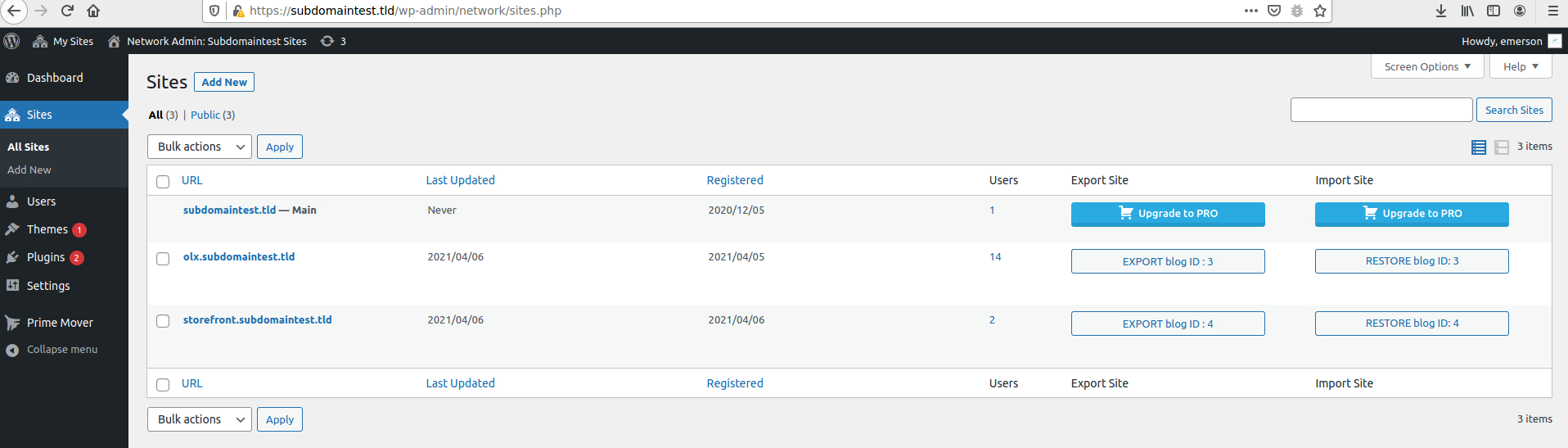
Export and restore packages from Network Sites
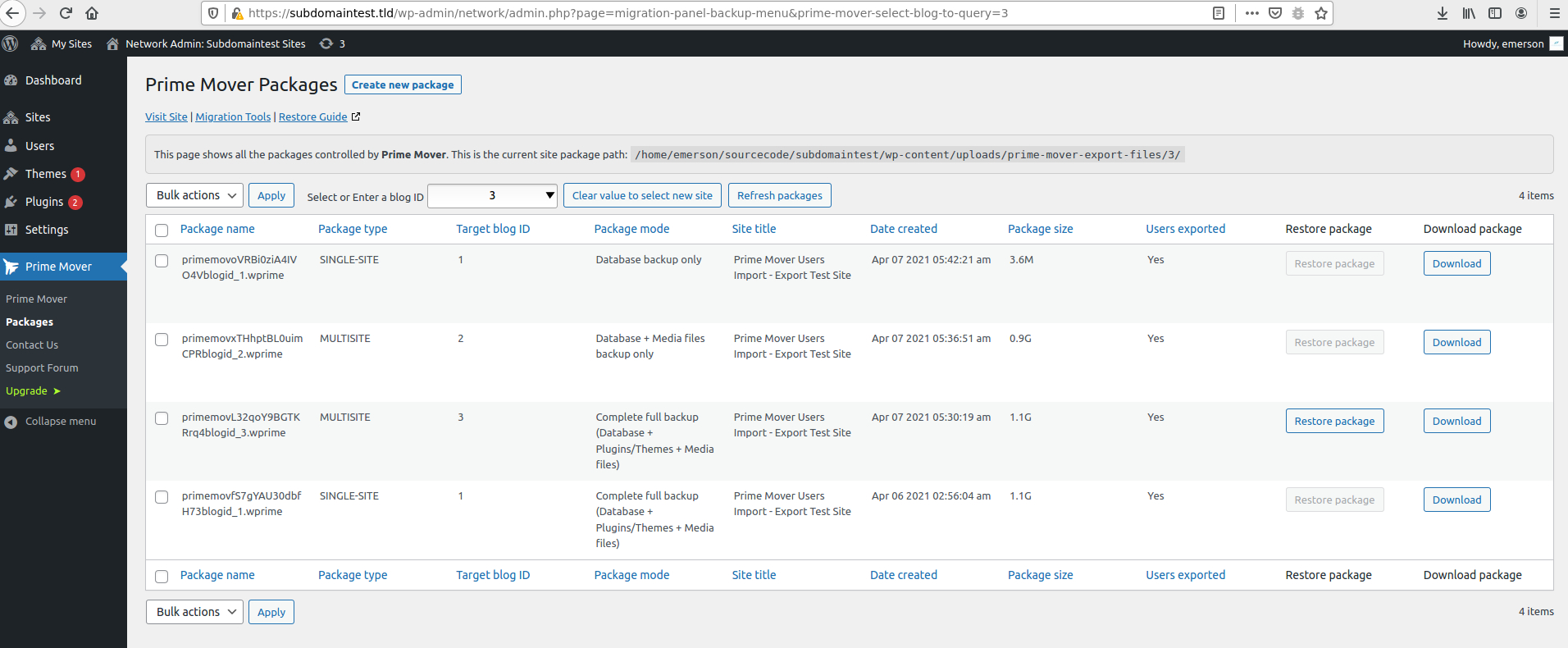
Multisite network package manager
Changelog
2.1.1
- Fixed: Incompatibility issues with third-party salt implementation.
- Fixed: Runtime error when activating plugins during import.
- Fixed: Insufficient memory errors during the search and replace process.
- Fixed: Improved restore performance by reducing the search-and-replace batch size.
- Fixed: Database export timeouts on servers with minimal resources.
- Fixed: Updated the Freemius SDK to version 2.13.0.
- Fixed: Updated the Freemius pricing page library to the latest version 1.3.0.
- Compatibility: Tested with WordPress 6.9 release.
2.1.0
- Fixed: Deprecated notices in the PHP 8.4 latest version.
- Fixed: Outdated libraries to work in PHP 8.4.
- Fixed: Updated all third-party libraries to work from PHP 5.6 to PHP 8.4.
- Fixed: Updated the Freemius SDK to version 2.12.2.
2.0.9
- Fixed: Added support for page builders using base64 encoded data.
- Fixed: Compatibility issues with the preview domains setup.
See the previous changelogs in changelog.txt.