Printify for WooCommerce
Printify is a print on demand drop shipping platform for WordPress users.
Plugin info
Maintenance & Compatibility
Maintenance score
Possibly abandoned • Last updated 562 days ago • 35 reviews
Is Printify for WooCommerce abandoned?
Possibly abandoned (last update 562 days ago).
Compatibility
Similar & Alternatives
Explore plugins with similar tags, and compare key metrics like downloads, ratings, updates, support, and WP/PHP compatibility.
Description
Printify makes Print-on-Demand Simple and Profitable.
With over two million active merchants, Printify is a leading all-in-one solution for modern print-on-demand needs. Any merchant can make a new customized product in seconds — then have those items automatically synced to an online store. All the back-end logistics are handled by our experts, including printing, sourcing, and shipping. This makes your business, truly your business.
What Do You Get with Printify?
- Over 700 customizable products.
- Arguably the best product costs on the market
- Simple creation process for new items
- A comprehensive network of 80 print providers. This means faster global fulfillment, better prices, and more creative options for merchants.
- Automatic syncing. All products can be swapped over to an eCommerce platform or marketplace in moments.
How Does Printify Work?
- Click the “Add app” button.
- Create an account with Printify or sign in with your existing account.
- Choose a product and a print provider.
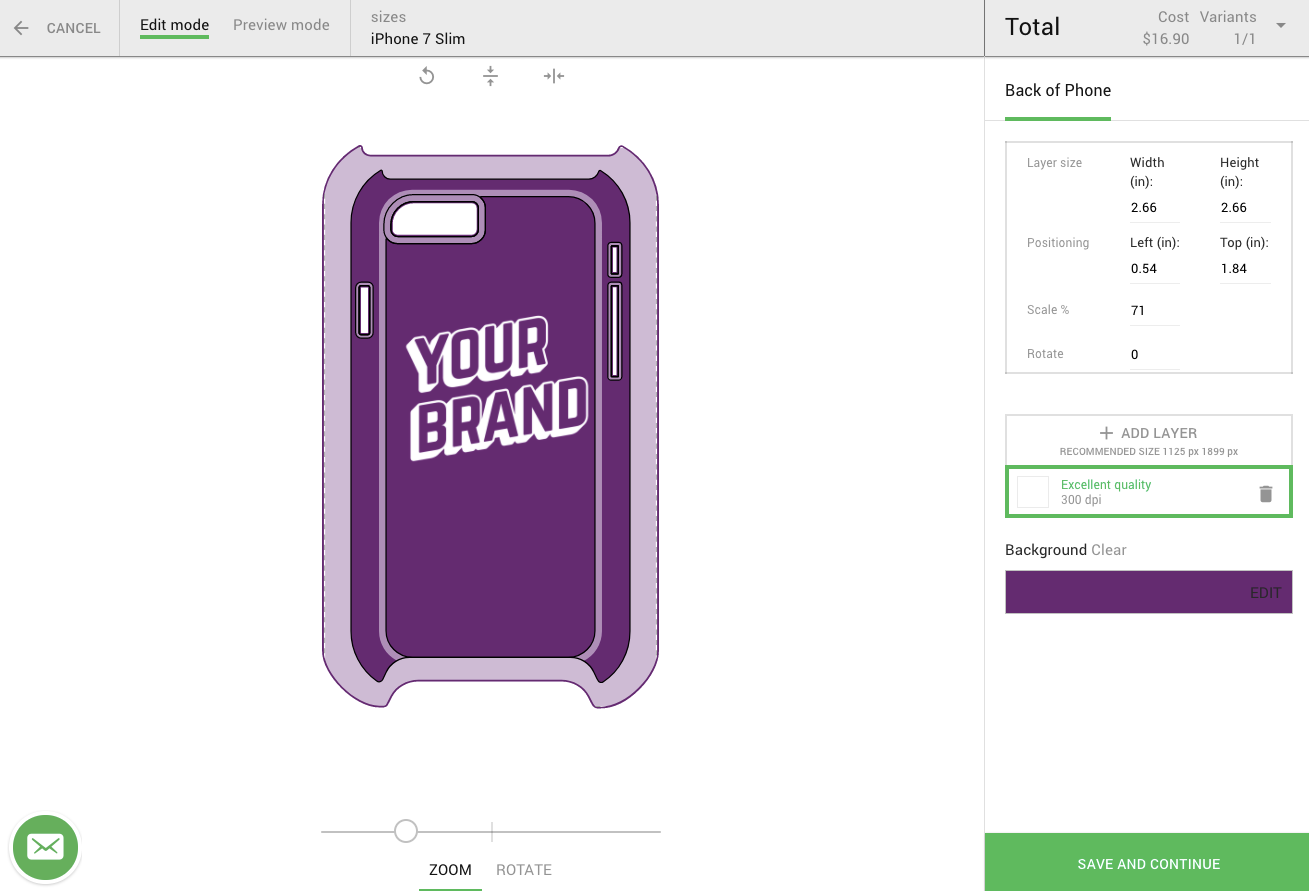
- Upload a design file to the Mockup Generator.
- Publish your product. It will automatically sync with your store.
- Sell those now-viable products. Printify will take care of all fulfillment and shipping.
About Printify
We’re passionate about changing lives for the better. Our aim is to break down the overcomplicated global printing industry. This way, everyone gets a fair chance to create great products, drive sales, and run their own businesses.
For a full tutorial please visit: How to setup WooCommerce
Known Limitations
- Works with WooCommerce 2.1 and up
Installation
- Upload ‘printify’ to the ‘/wp-content/plugins/’ directory
- Activate the plugin through the ‘Plugins’ menu in WordPress
- (optional) Enable shipping rate calculation in WooCommerce -> Settings -> Shipping -> Printify Shipping tab