

Product Feature Request
Product Feature Request plugin allows you to easily create and manage feature requests in your WordPress products.
Plugin info
Maintenance & Compatibility
Maintenance score
Possibly abandoned • Last updated 554 days ago
Is Product Feature Request abandoned?
Possibly abandoned (last update 554 days ago).
Compatibility
Similar & Alternatives
Explore plugins with similar tags, and compare key metrics like downloads, ratings, updates, support, and WP/PHP compatibility.
Description
Many a time, it’s difficult to incorporate all of the features in a WooCommerce Product. Chances are that the missed out feature could be a significant one that would bring in more conversion rates for your online store! Product Feature Request – the WordPress idea management plugin is a perfect solution for all your product feedbacking concerns.
With this brand new feature request plugin, you can easily collect ideas and suggestions from your customers so as to include new impressive features or improvements for the WooCommerce products.
Installation
Minimum Requirements
- WooCommerce 5 or greater
- WordPress 5.2 or greater
- PHP 7.4 or greater
- MySQL 5.7 or greater
Automatic installation
- Log in to your WordPress dashboard.
- Navigate to the Plugins menu, and click “Add New”.
- Search and locate ‘Product Feature Request’ plugin.
- Click ‘Install Now’, and WordPress will take it from there.
Manual installation
The manual installation method requires downloading the ‘Product Feature Request’ plugin and uploading it to your webserver via your FTP application. The WordPress codex contains instructions on how to do this here.
Frequently Asked Questions
Select any Product on the frontend Feature Request tab -> post Request and will create a new Feature request for the product. To manage, you can All Feature Request Edit the Feature request.
Product Feature Request Plugin is completely responsive
You can add as many requests as you need. There is no limit defined.
Review feed
Screenshots
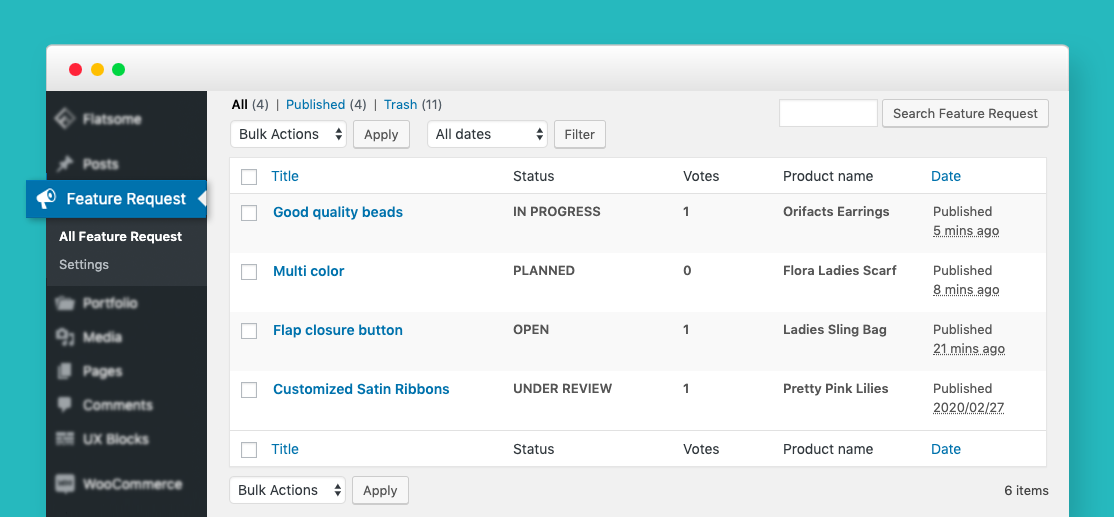
Feature requests
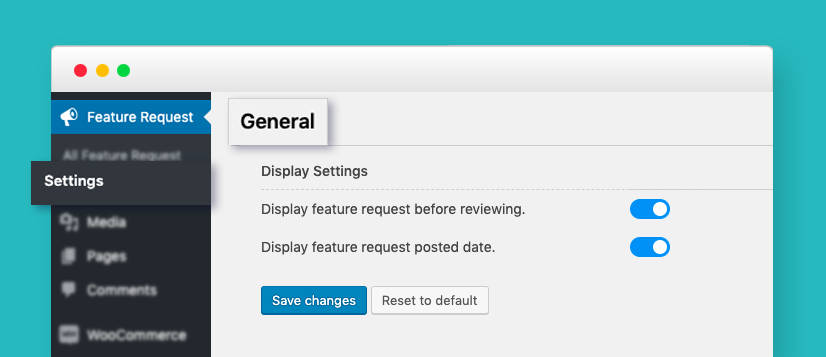
General settings
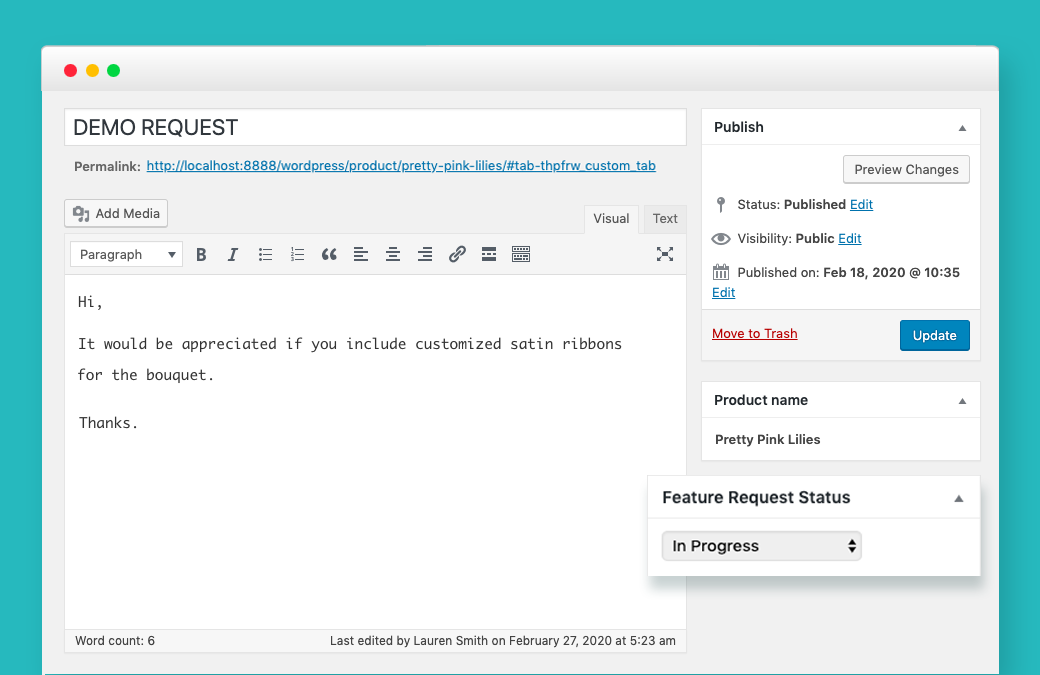
Request submission admin
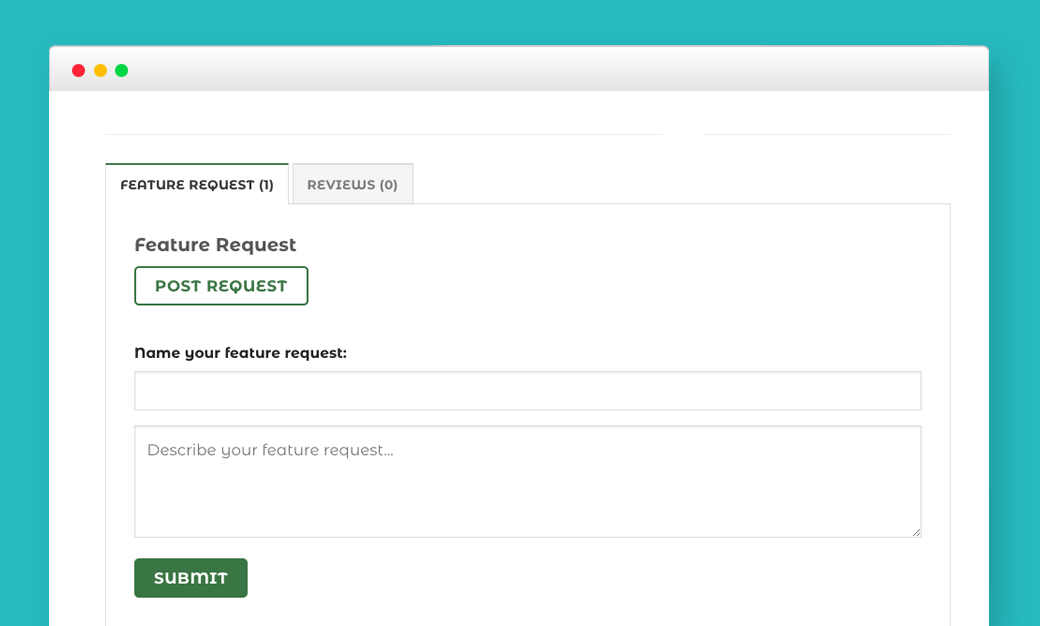
Request submission frontend
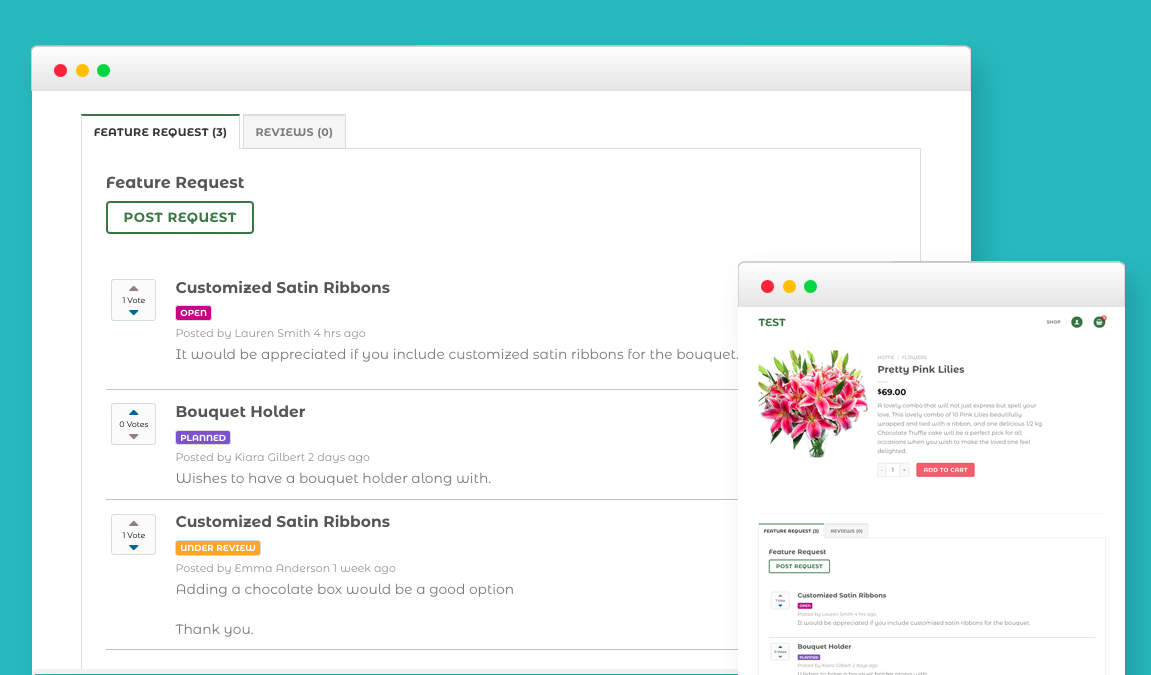
Feature requests listing frontend
Changelog
1.2.3
- Added WooCommerce 9.2 compatibility.
- Added WordPress 6.6 compatibility.
1.2.2
- Added WooCommerce 8.9 compatibility.
- Added WordPress 6.5 compatibility.
1.2.1
- Added WooCommerce version 8.1 compatibility.
- Added WordPress version 6.3 compatibility.
1.2.0
- Added WooCommerce version 7.7 compatibility.
- Added compatibility with HPOS(High-Performance order storage).
1.1.1
- Added WooCommerce version 5.9.0 compatibility.
1.1.0
- Fixed the issue of not showing the feature request button for not logged-in users.
- Fixed the issue while voting the feature request.
- Added WooCommerce version – 5.6.0 compatibility.
- Added WordPress version – 5.8 compatibility.
1.0.0
- Initial Release.
- Add feature request for each product.
- vote each feature request in a product.
- We can submit feature requests either without reviewing or upon approval from the admin end.