

Product File Upload for WooCommerce
Allowing customers to upload files on the WooCommerce product page.
Plugin info
Maintenance & Compatibility
Maintenance score
Maintained • Last updated 127 days ago
Is Product File Upload for WooCommerce abandoned?
Likely maintained (last update 127 days ago).
Compatibility
Languages
Similar & Alternatives
Explore plugins with similar tags, and compare key metrics like downloads, ratings, updates, support, and WP/PHP compatibility.
Description
DEMO: https://demo.add-ons.org/product/demo-product-upload-file/
Download Pro Version: https://add-ons.org/plugin/file-upload-on-woocommerce-product-page/
Document: https://add-ons.org/document-file-upload-for-woocommerce-product-page/
Allowing customers to upload files on the WooCommerce product page can be a useful feature for various types of products, such as customizable items, print-on-demand products, or products that require specific file inputs from the customer.
Features
- Easy to use
- Image Preview: Show Thumbnail for images
- Attach to email
- Custom for each product
- File Type Validation
- File Size Validation
- Limit number of files Upload
- Send files as email attachment or as a links
- Support multiple languages
- Mobile Responsive
Pro Verion
- Image Preview: Show Thumbnail for images
- Support: Response within 2 business hours
Upload for WooCommerce
WooCommerce file upload plugin, WooCommerce product file upload, add file upload to WooCommerce product, allow customers to upload files WooCommerce, upload image on product page WooCommerce, WooCommerce product customization with file upload, upload file before checkout WooCommerce, WooCommerce product personalization with upload, WooCommerce upload PDF to product, WooCommerce upload field for customers, plugin upload file cho WooCommerce
Installation
Normal installation
- Download the xxx.zip file to your computer.
- Unzip the file.
- Upload the
xxxdirectory to your/wp-content/plugins/directory. - Activate the plugin through the ‘Plugins’ menu in WordPress.
Frequently Asked Questions
Review feed
Screenshots

Frontend Working
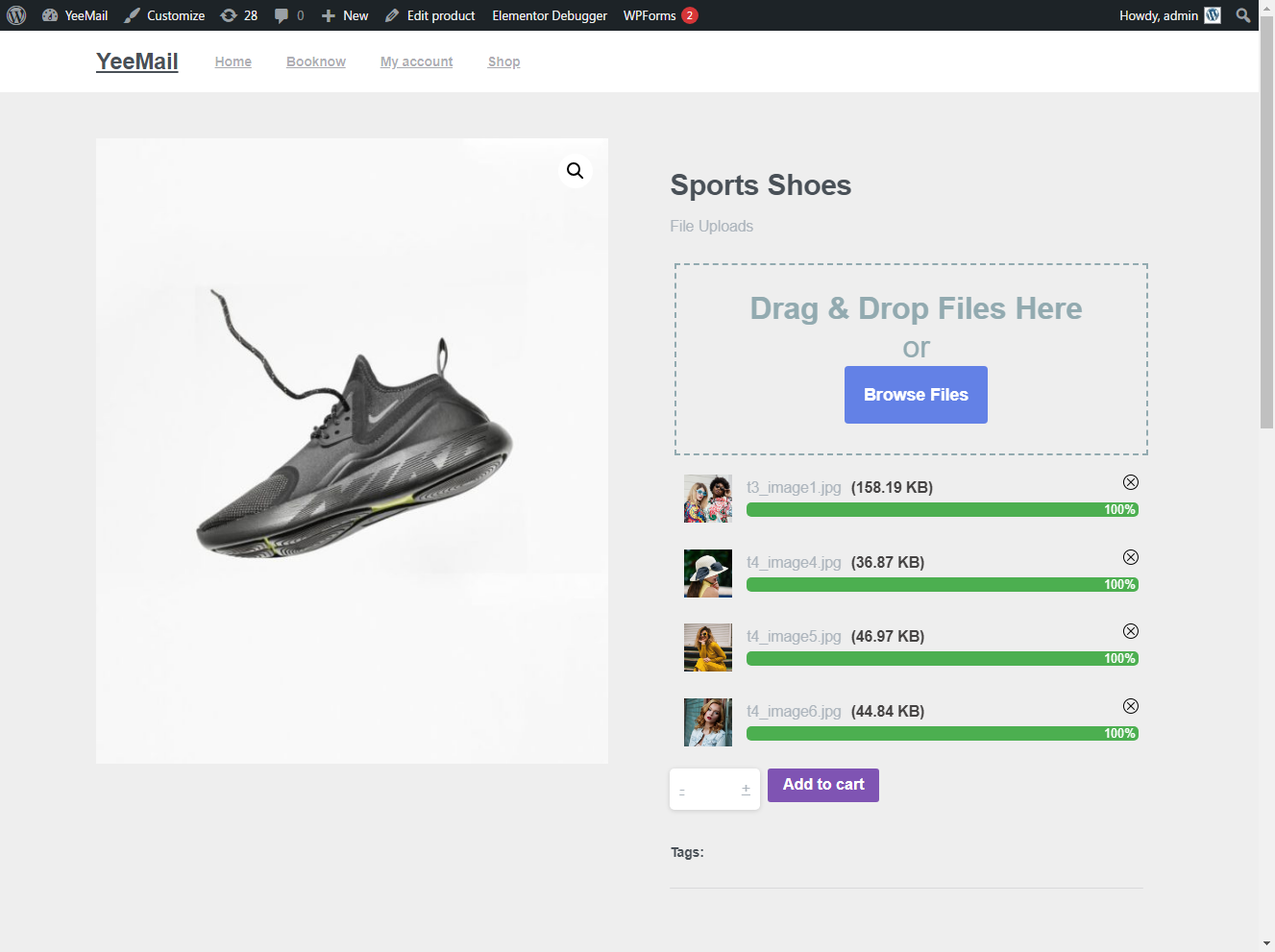
product page upload

Checkout page upload
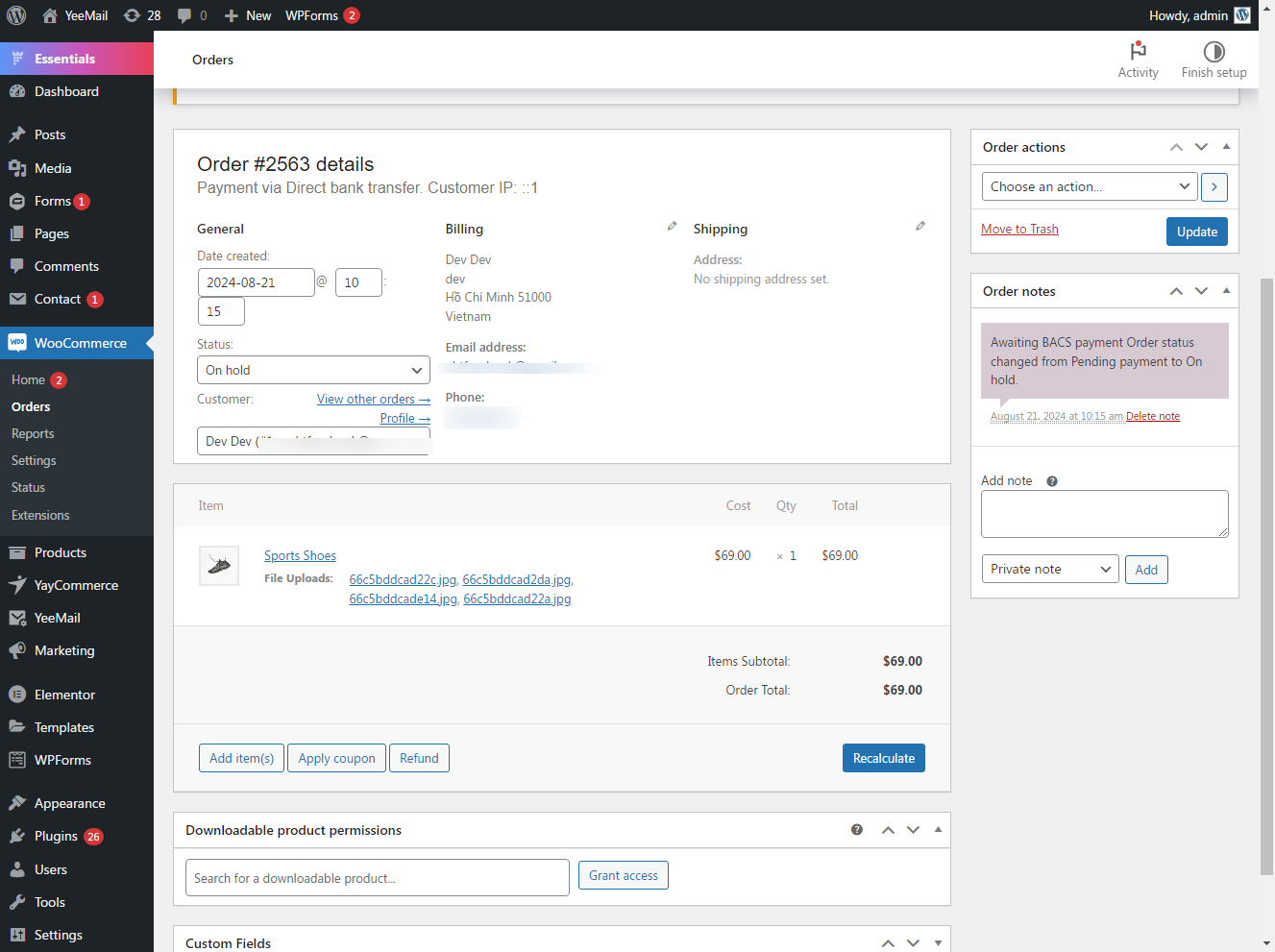
Order details
Changelog
2.3.4
- Fiexed: Remove files
2.2.1
- Updated: Compatible with wp 6.7
2.2.0
- Fixed: Upload for product
2.1.5
- Fixed: big update
1.0.0
- Version 1.0 Initial Release