

Products Sync for WooCommerce
Sync WooCommerce products with dropshipping suppliers or inventory APIs. Auto import product name, price, stock, images & more with this plugin.
Plugin info
Maintenance & Compatibility
Maintenance score
Maintained • Last updated 122 days ago • Support resolved 0% • 6 reviews
Is Products Sync for WooCommerce abandoned?
Likely maintained (last update 122 days ago).
Compatibility
Similar & Alternatives
Explore plugins with similar tags, and compare key metrics like downloads, ratings, updates, support, and WP/PHP compatibility.
Description
WooCommerce Product Sync Plugin allows integration with your dropshipping supplier APIs to import products into your WooCommerce store.
This plugin simplifies the process of syncing products from external supplier API by importing:
- SKU, Name, Description
- Inventory Stock
- Product Pricing
- Product Images
- Connect JSON, XML, SOAP APIs
With this plugin, you can automate the process of importing and syncing products from an external API for seamless inventory management.
What Does the WooCommerce Product Sync Plugin Do?
The WooCommerce Product Sync Plugin connects your WooCommerce store to external APIs, allowing you to import and sync products automatically from those suppliers into your WooCommerce store.
-
Import Products: It fetches product data (like name, SKU, description, price, stock levels, and images) from the supplier’s API and automatically adds or updates those products in your WooCommerce store.
-
Customizable Field Mapping: You can map the data fields from the supplier’s API (e.g., SKU, price, stock) to WooCommerce fields, ensuring that the data is correctly imported and displayed on your store.
-
Stock and Price Updates: Whenever there’s a change in the supplier’s inventory or pricing, the plugin will update your store accordingly, ensuring your product information is always up to date.
Which Suppliers are supported?
The WooCommerce Product Sync Plugin is designed to work with any external supplier API that follows a RESTful API structure and provides the necessary product data such as SKU, price, description, stock levels, and images.
While the plugin is not limited to specific suppliers, here are some pre-integrated suppliers:
- WooCommerce
- Shopify
- SnS Activewear
- Amrod
- Barron
- Suppliers with custom APIs (The plugin can be configured to sync product data from any API as long as the supplier provides the product data.)
Requirements
- WooCommerce: Version 3.0 or higher.
- WordPress: Version 6.0 or higher.
- Supplier Product API access
External services
This plugin helps users import products from external inventory suppliers into their WooCommerce-based WordPress site by connecting to those suppliers’ public APIs.
The following third-party services are supported –
-
S&S Activewear – https://api.ssactivewear.com
S&S Activewear Terms Of Use
S&S Activewear Privacy Policy -
Amrod – https://vendorapi.amrod.co.za
Amrod Terms Of Use
Amrod Privacy Policy -
Shopify – https://shopify.dev/docs/api
Shopify Terms Of Use
Shopify Privacy Policy -
Barron – https://wslive.kevro.co.za
Barron Policy & Terms
Important Notes:
- This plugin does not directly interact with these suppliers and does not reply on them directly to function. It simply provides the feature to connect to them.
- Users choose which supplier(s) they want to connect to through the plugin settings and must provide their own API credentials.
- The plugin only fetches product data from these suppliers — it does not send any data from user’s site to them.
- Access to each supplier’s API requires a valid API token or credentials, which must be obtained by the plugin user from the supplier and used according to that supplier’s terms of service.
Additionally, the plugin may connect to login.xecurify.com if a user opts to register with miniOrange (our service). This is entirely optional.
Privacy
This plugin does not store any user data. However, it offers users the option to share basic WordPress site details (such as WordPress environment information, WooCommerce environment information, and plugin configuration details) if they require support from our team when facing any issues while using the plugin. Please note that sharing this information is entirely optional, and users can choose not to share it.
Installation
This section describes how to install the Products Sync for WooCommerce and get it working.
From your WordPress dashboard
- Visit
Plugins > Add New - Search for
Products Sync for WooCommerce. Find and install theproducts-sync-for-woocommerceplugin by miniOrange - Activate the plugin
From WordPress.org
- Download Products Sync for WooCommerce.
- Unzip and upload the
products-sync-for-woocommercedirectory to your/wp-content/plugins/directory. - Activate Products Sync for WooCommerce from your Plugins page.
Frequently Asked Questions
The plugin is designed to work with any external supplier API that follows a standard REST API structure. We have also preintegrated suppliers in the plugin which are mentioned above.
With this plugin you can connect to a single supplier API, allowing you to sync products from a single source into your WooCommerce store.
The plugin will automatically update your WooCommerce store’s product data (such as price, stock level, and descriptions) based on the latest data from the supplier’s API whenever a sync occurs.
Yes, you can manually trigger a sync at any time by going to our plugin > Connections Tab and clicking on the Sync Now button.
Yes, the plugin allows you to import products even if the supplier’s API does not provide images. You can also choose to skip the image import or manually upload product images later.
If you face any issues or need assistance, you can contact our support team by emailing [email protected]. Kindly include the error, your API credentials, and any other relevant information so we can help resolve your issue as quickly as possible.
Review feed
miniOrange team make it so easy
Screenshots
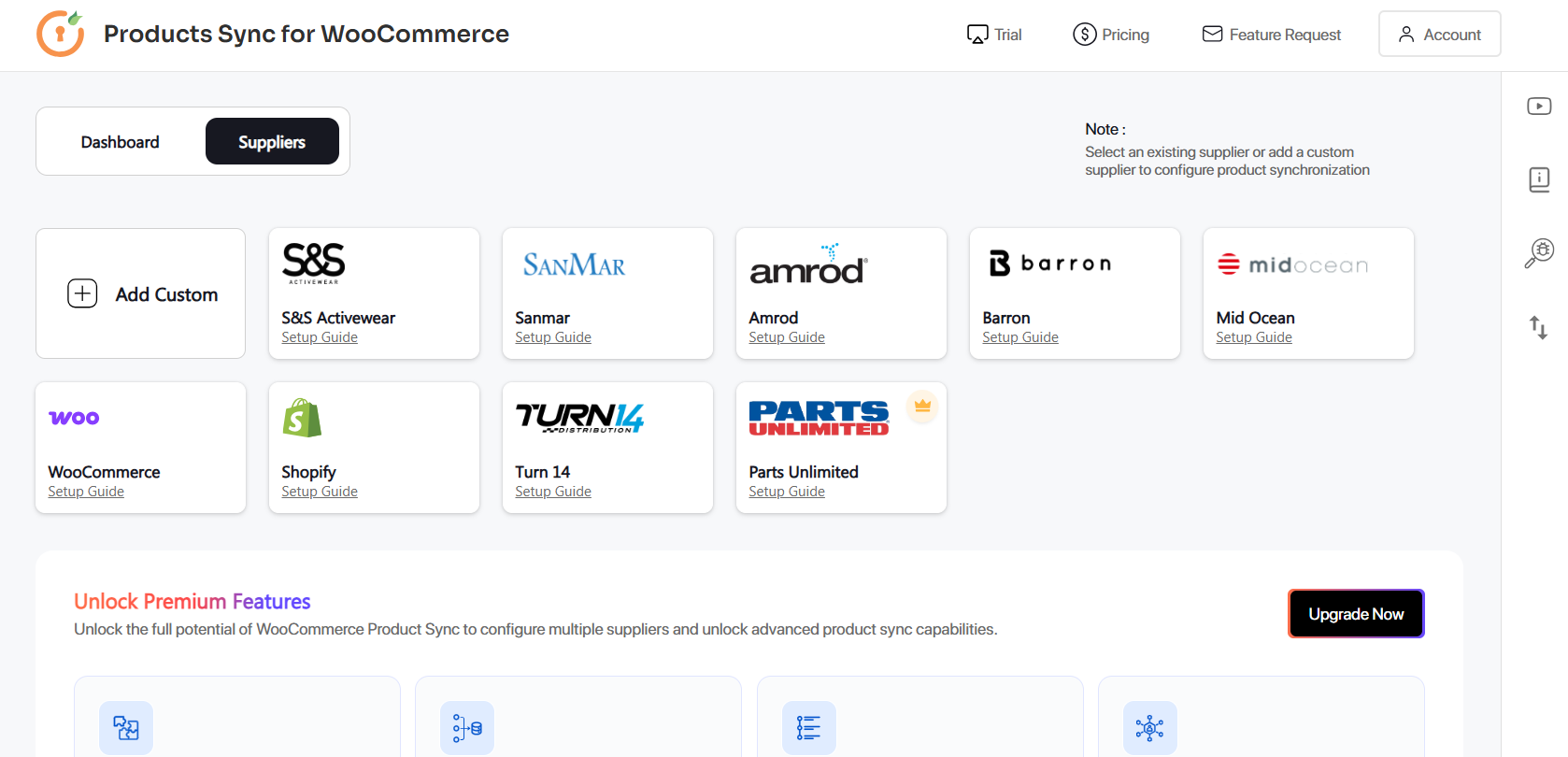
Supplier section
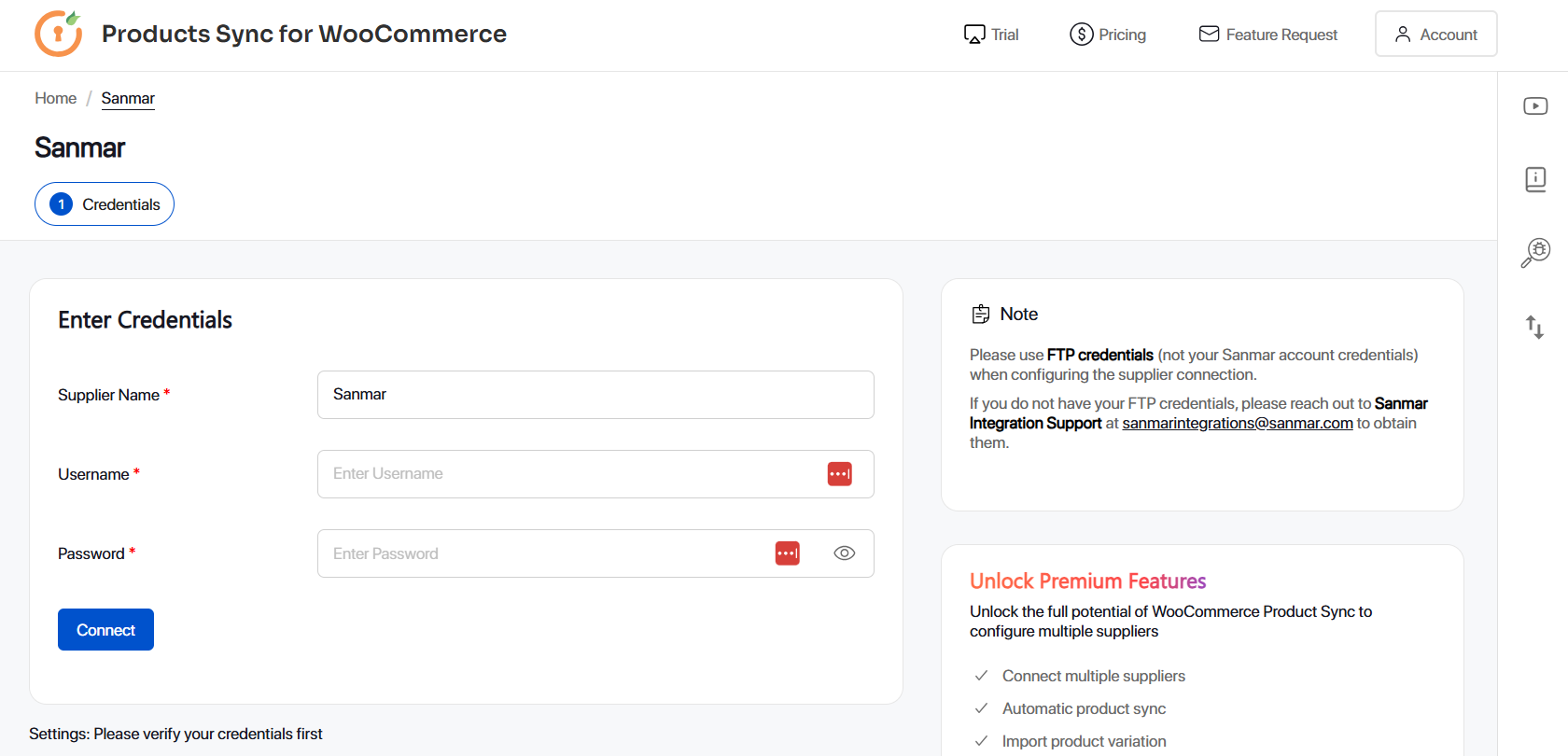
Supplier API configuration
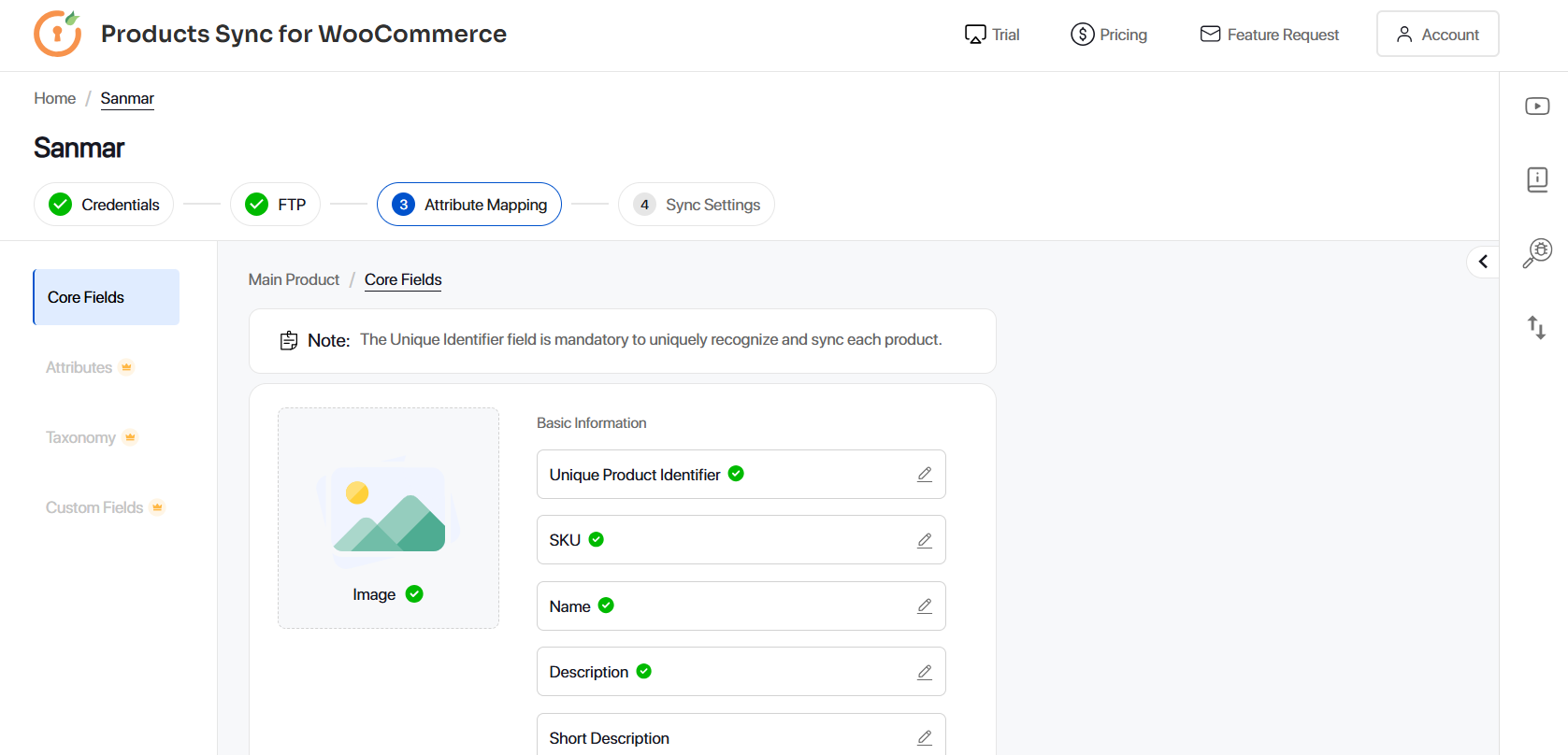
Supplier sync operation configuration
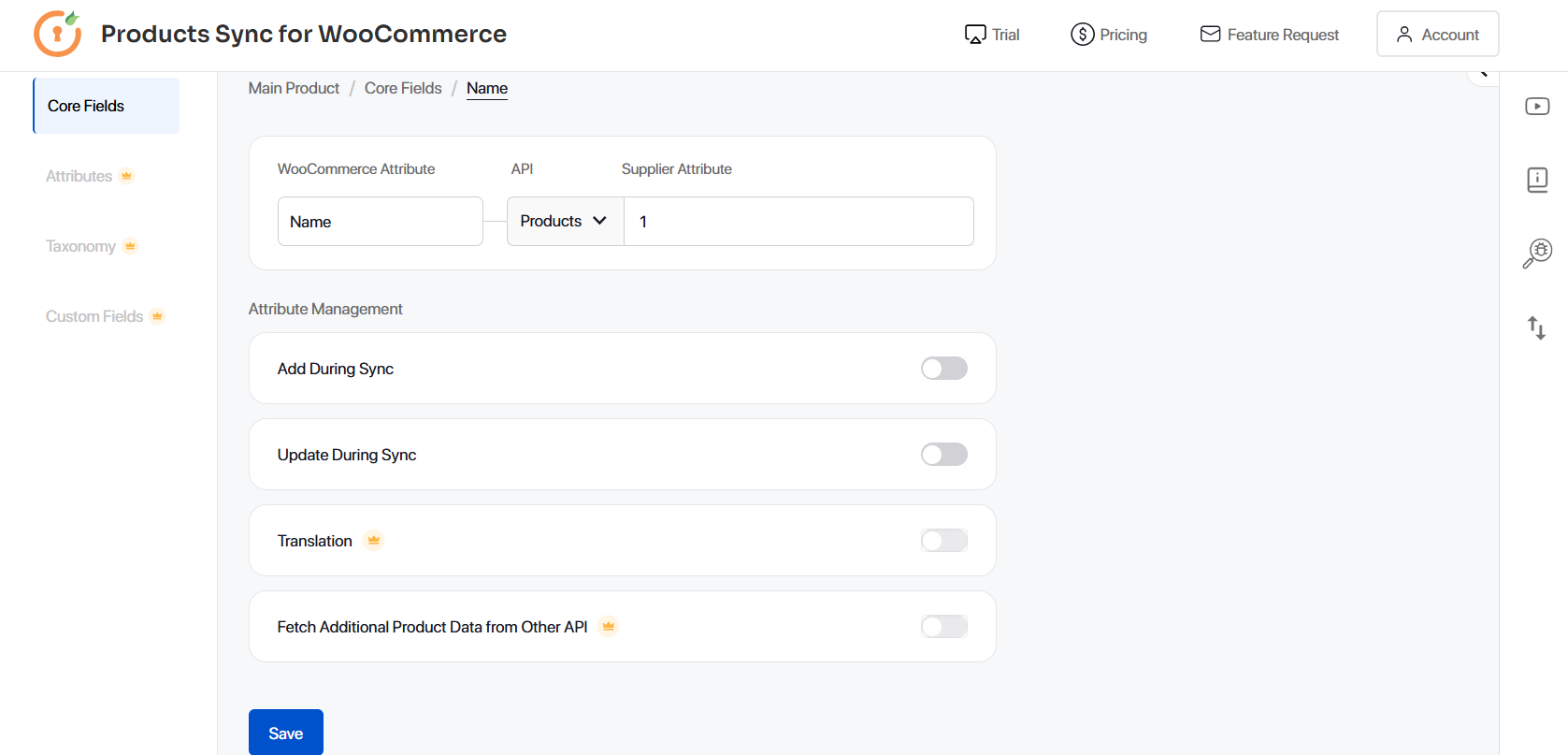
Supplier attribute fields mapping configuration
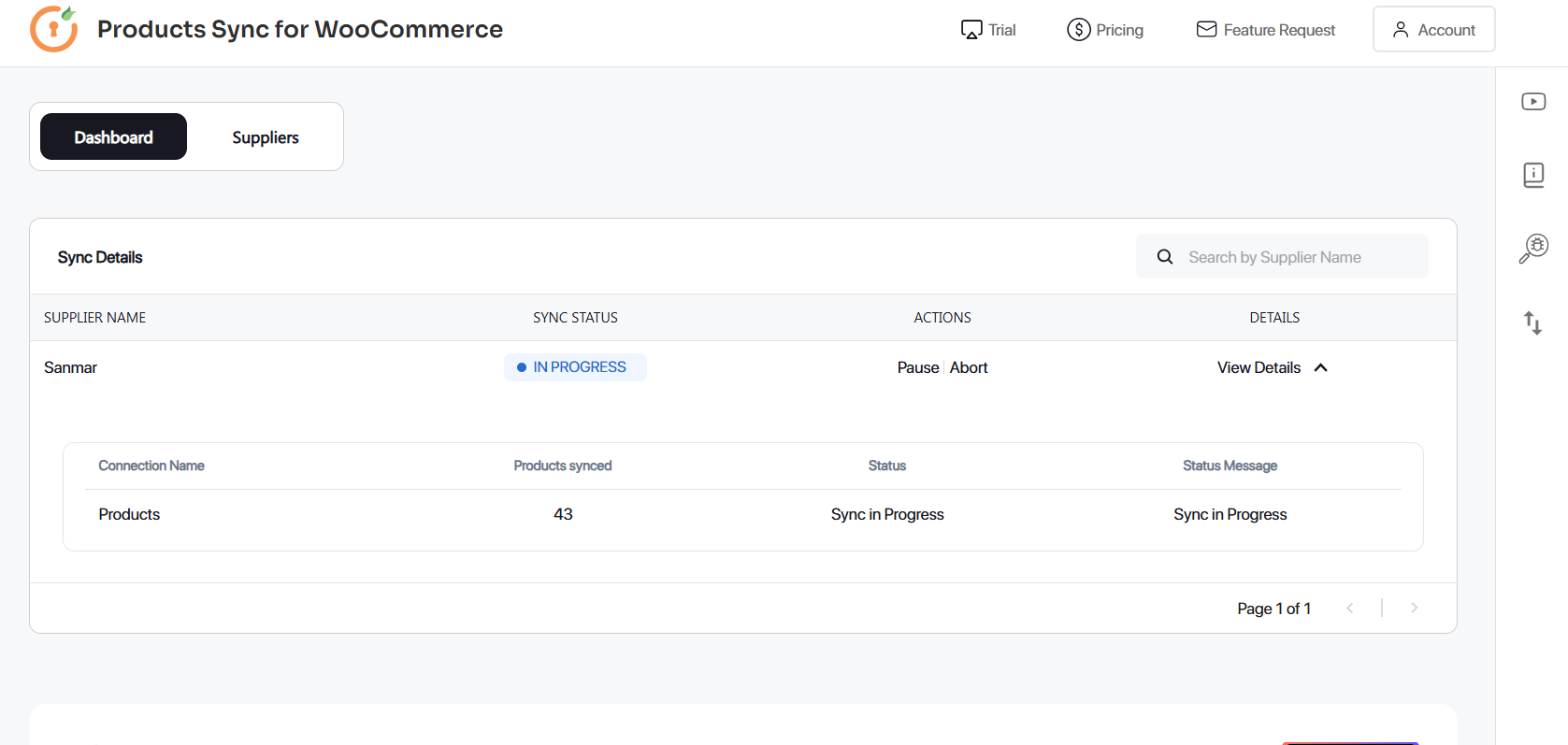
Sync analytics
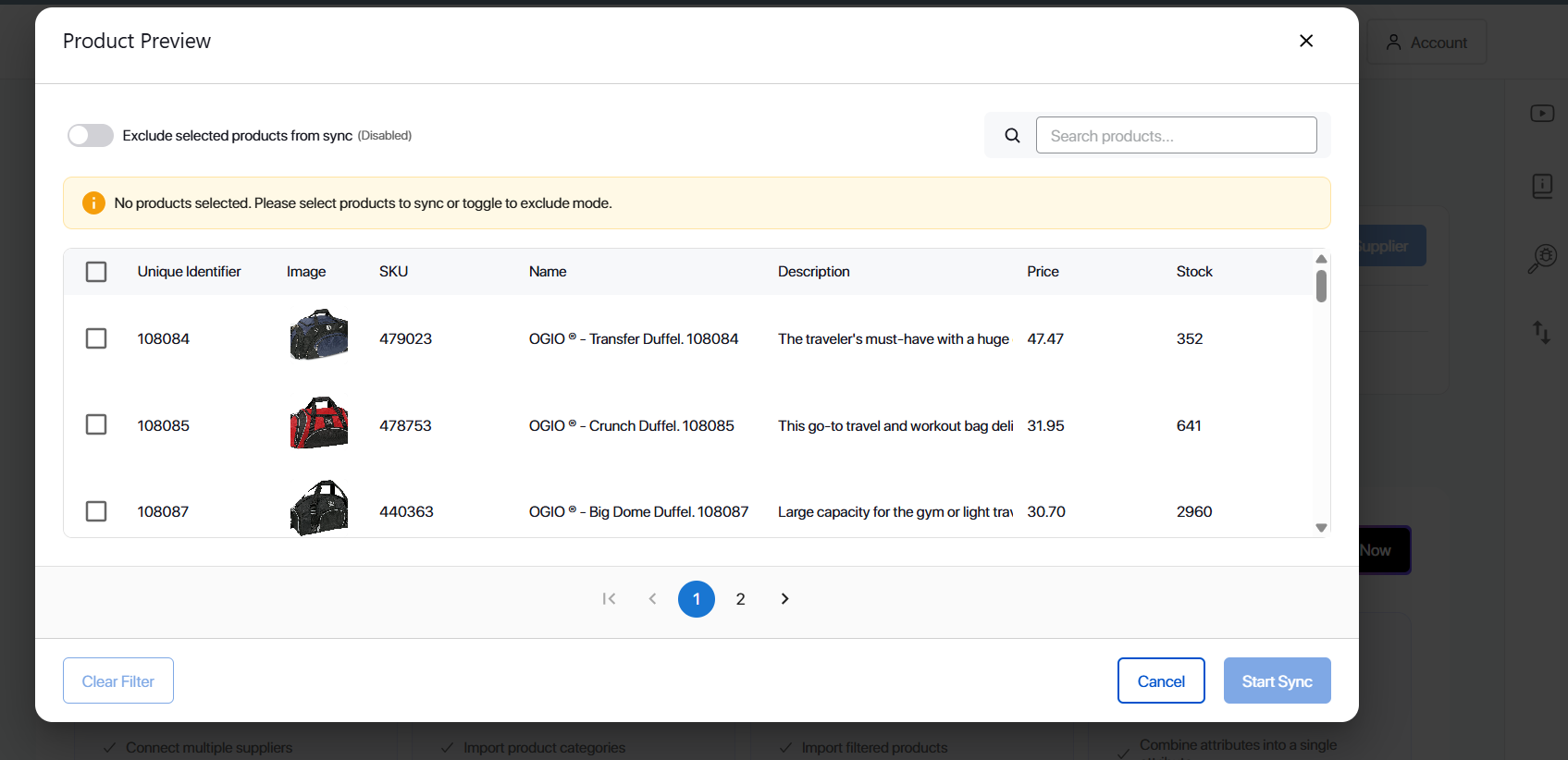
Changelog
2.0.0
- Complete UI revamp for better user experience and improved usability.
- Added support for Turn14 Supplier API.
- Added support for WordPress 6.9.*
1.4.0
- Sync products from external inventories like Sanmar, and Midocean.
- UI improvements.
1.3.0
- Security enhancements
1.2.0
- Bug fixes
1.1.0
- Added feedback form
- Bug fixes
1.0.0
- Sync products from external inventories like Shopify, WooCommerce, SnS Activewear, Amrod, Barron and Custom APIs
- Import product name, SKU, description, price, stock levels and images
- Connect JSON, XML, SOAP APIs
- Compatibility with WordPress 6.8.*