

Protect WP Admin
Protect your WP site by changing the default wp-admin URL and customizing the login page for enhanced security.
Plugin info
Maintenance & Compatibility
Maintenance score
Stale • Last updated 267 days ago • 50 reviews
Is Protect WP Admin abandoned?
Likely maintained (last update 267 days ago).
Compatibility
Similar & Alternatives
Explore plugins with similar tags, and compare key metrics like downloads, ratings, updates, support, and WP/PHP compatibility.
Description
Protect WP Admin adds an extra security layer to your WP site by allowing you to rename and secure the wp-admin and wp-login.php URLs.
- Change default admin URL (e.g., /wp-admin to /myadmin)
- Restrict access to dashboard by roles or specific user IDs
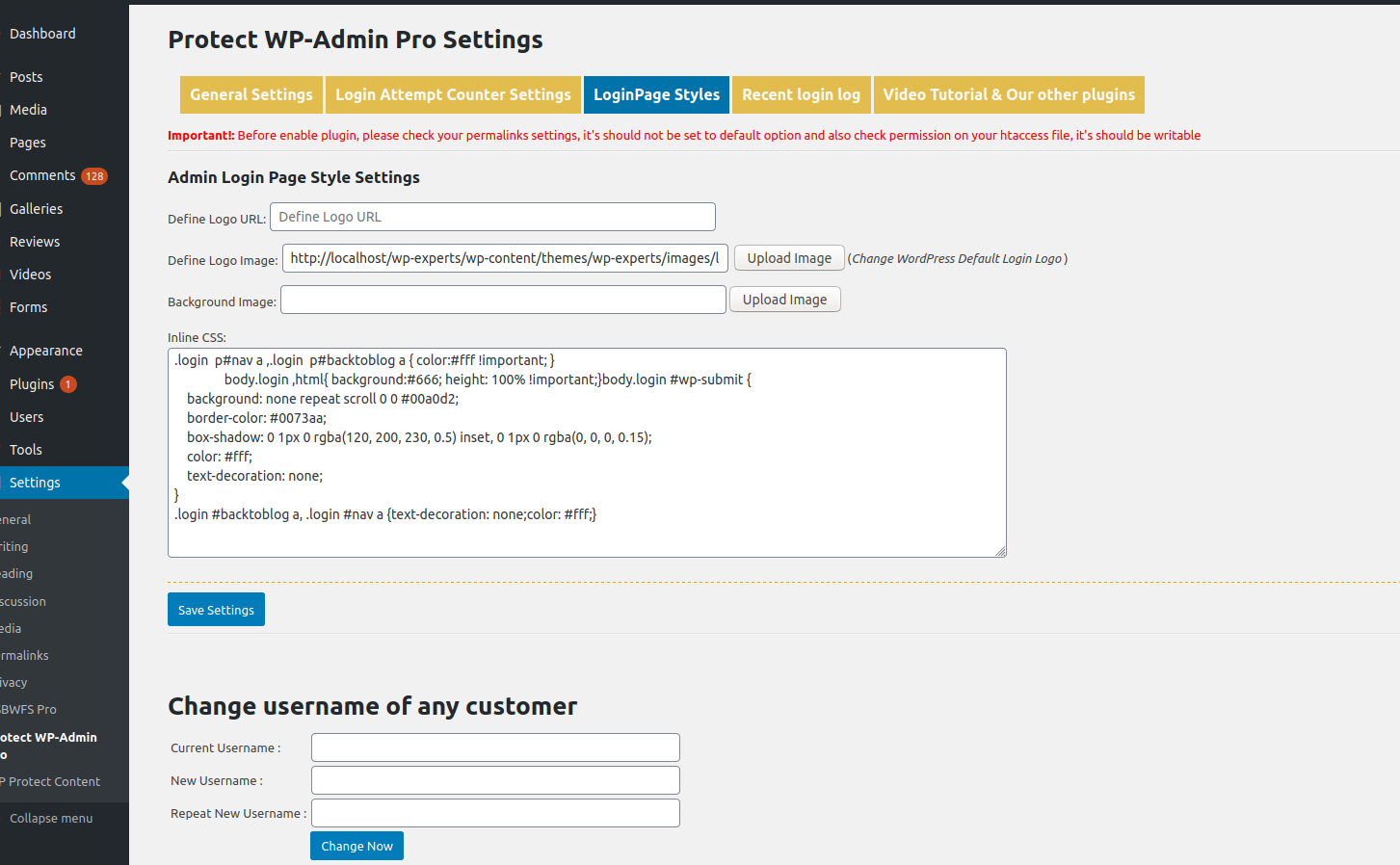
- Customize login page colors and logo
- Block access to default login URLs
Stop bots and hackers from brute-forcing your login page. This plugin is ideal for any site looking to increase login security without modifying core files.
Video Demo:
https://youtu.be/Mxr2MLDNACE
Pro Add-on Available:
Click here to download add-on
Features
- Define Custom WP Admin Login URL (e.g., http://yourdomain.com/myadmin)
- Add custom logo and styling to login page
- Restrict wp-admin access to only admin or defined user IDs
- Redirect all unauthorized users and bots
Pro Features
- Rename wp-admin completely
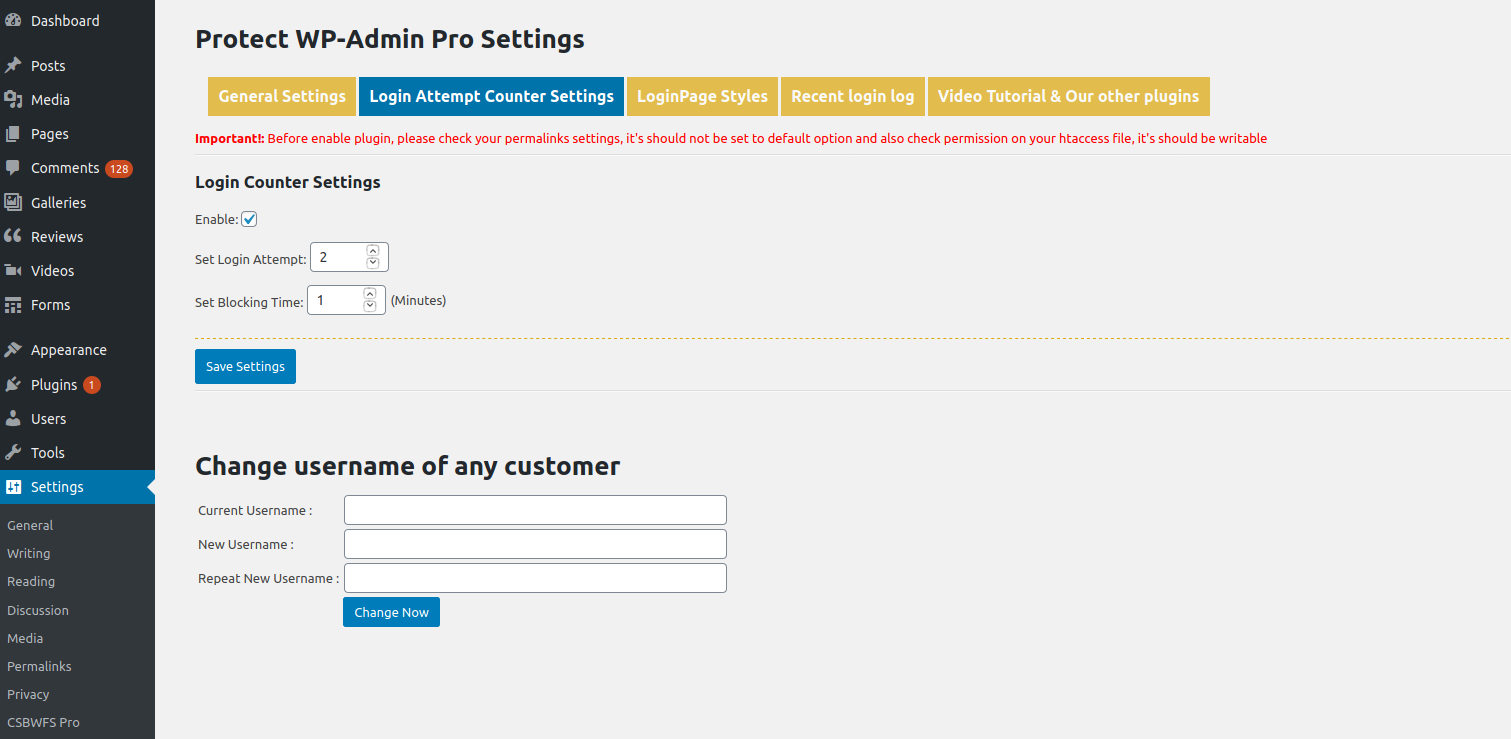
- Set login attempt limits
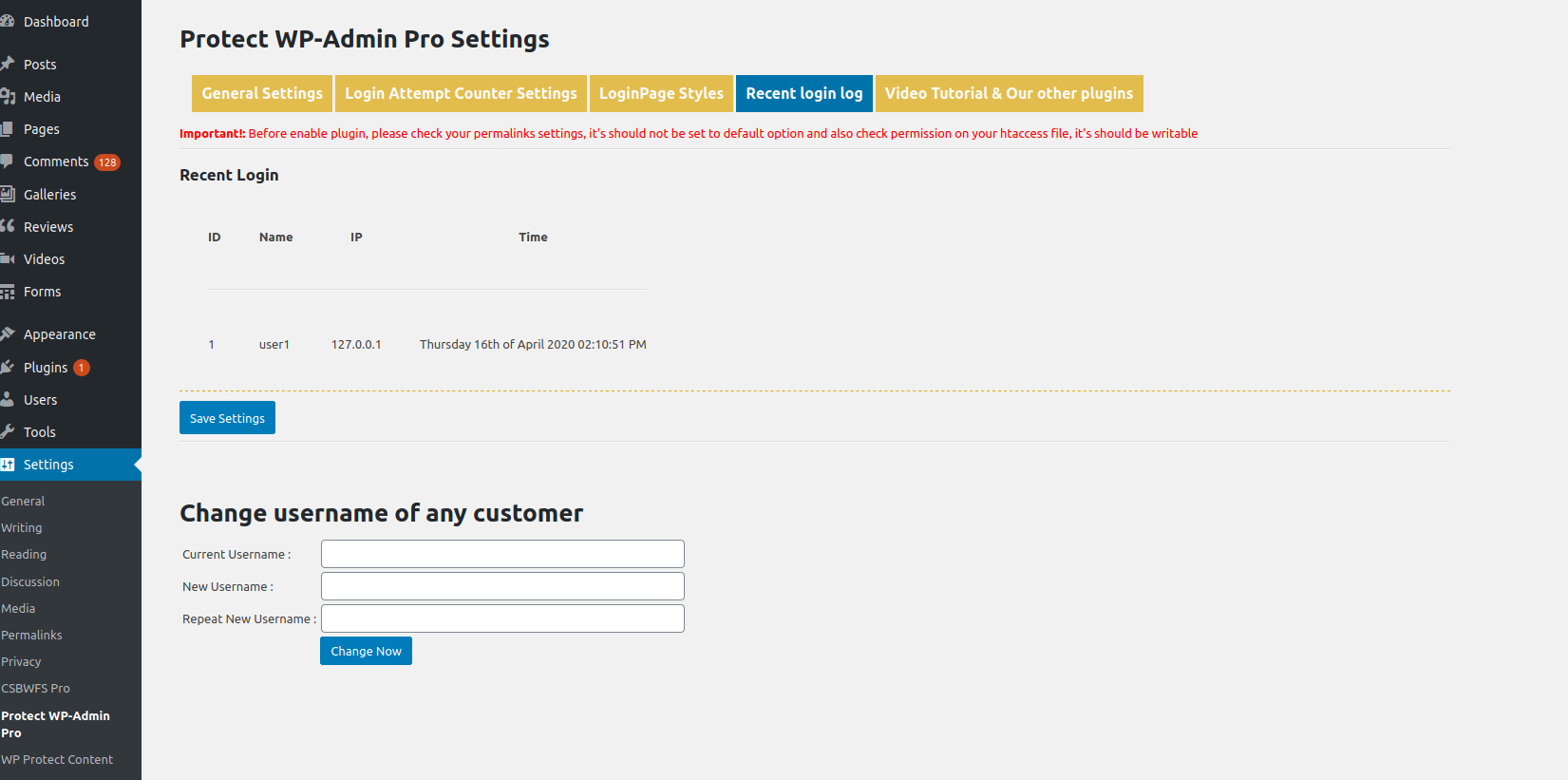
- Track login history
- Change usernames
- More style controls
Get the Pro Version:
Protect WP Admin Pro
License
This plugin is licensed under the GPLv2 or later.
https://www.gnu.org/licenses/gpl-2.0.html
Installation
- Upload the plugin folder to
/wp-content/plugins/ - Activate the plugin via the Plugins screen
- Go to Settings > Protect WP Admin to configure the plugin
- Update permalink structure under Settings > Permalinks (important!)
Frequently Asked Questions
Rename the plugin folder via FTP (e.g., /protect-wp-admin to /pwa-disabled). This disables the plugin.
Ensure your .htaccess is writable and permalinks are not set to “Plain.”
Yes. Only administrators or allowed user IDs will have wp-admin access if enabled.
Yes. It works independently of your theme.
It blocks access to the default login URLs, which stops many automated attacks.
Review feed
Screenshots

Settings Panel
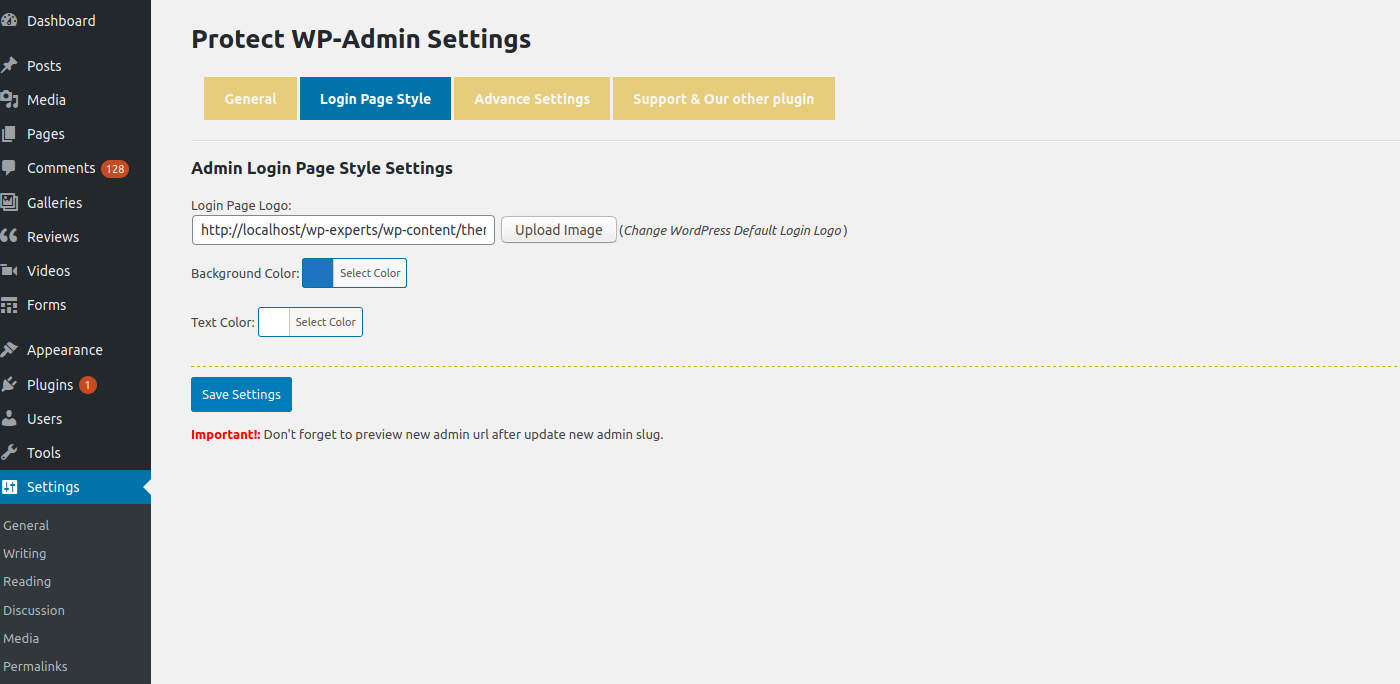
Login Customization
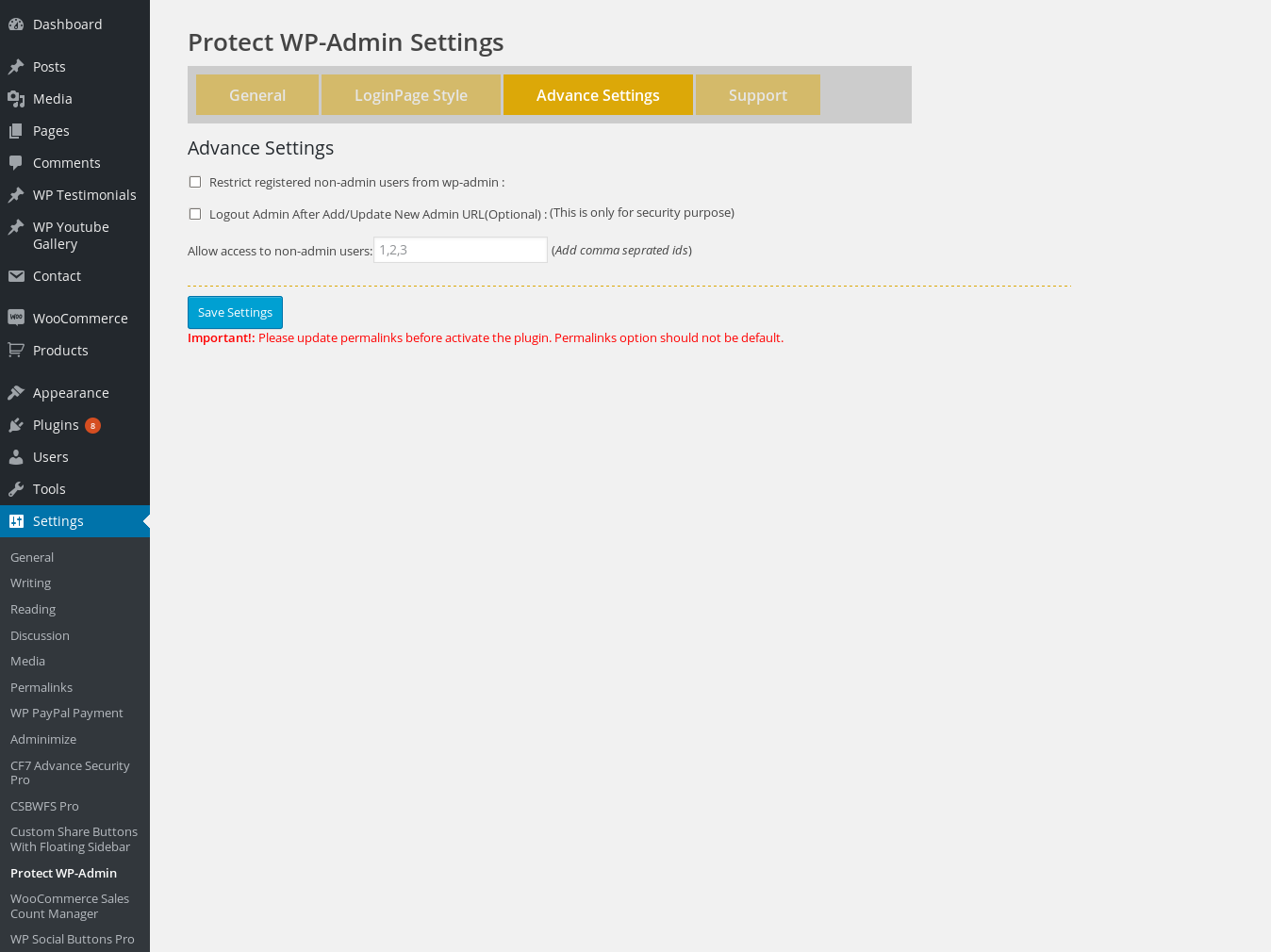
Restriction Settings
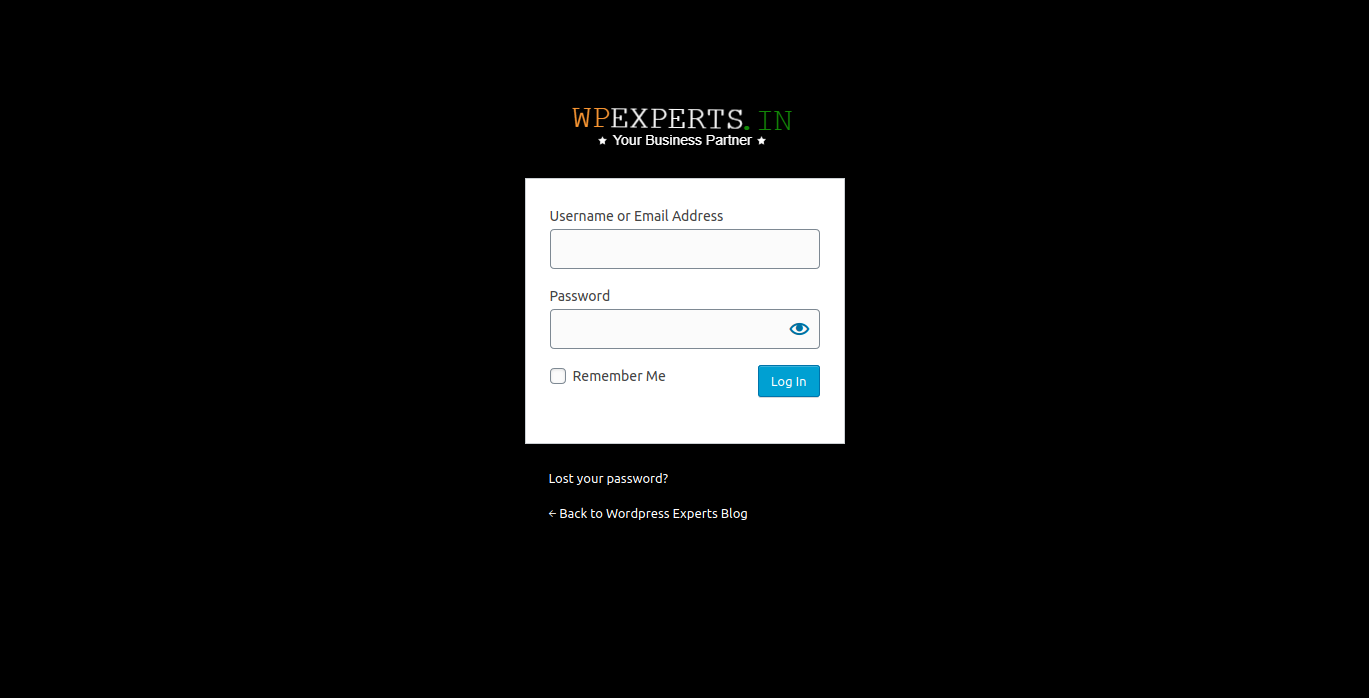
Pro Features Preview
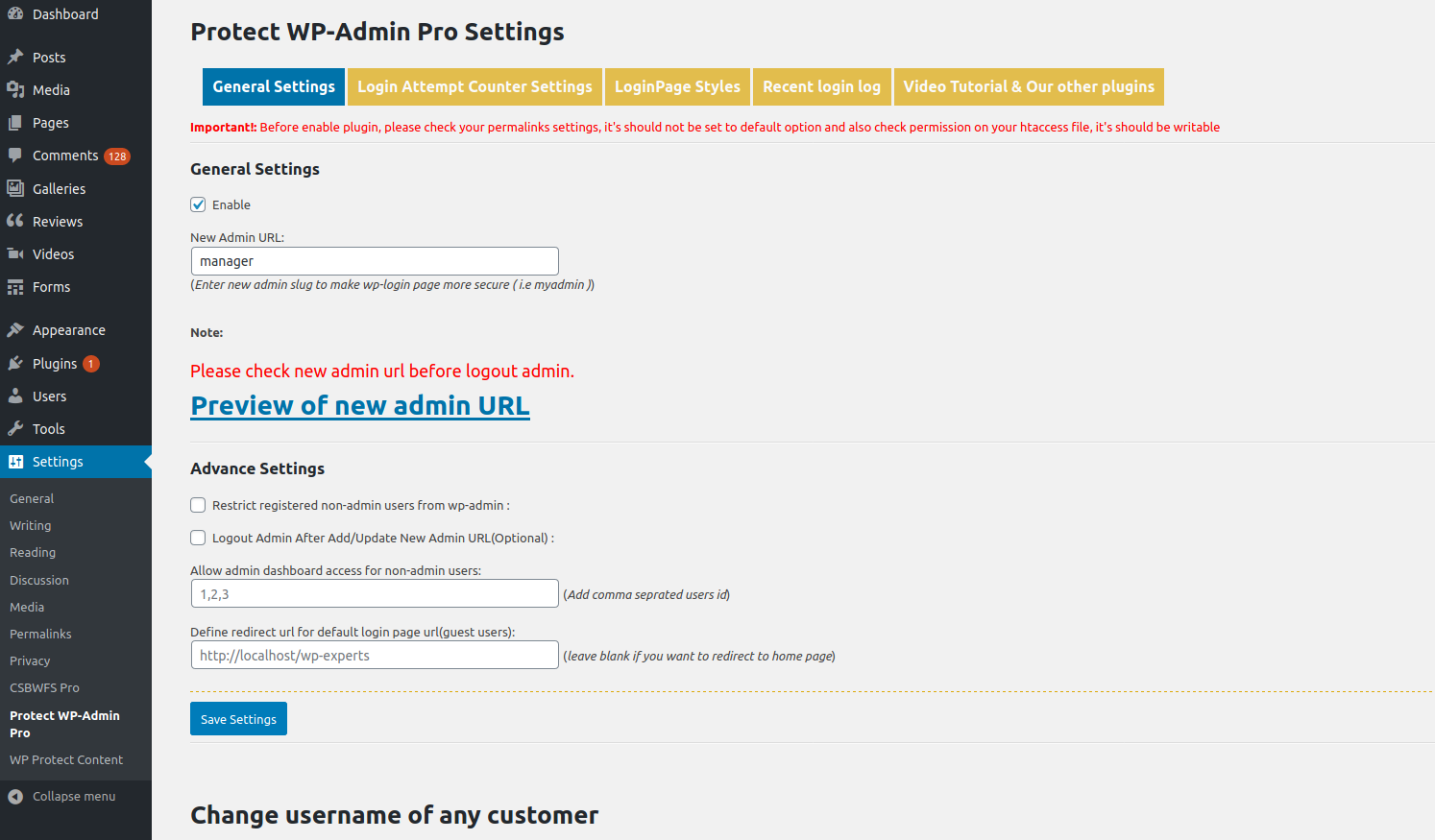
Login Tracker (Pro)
Changelog
4.0
- Fixed major bug
- Tested with WordPress 6.6.2
3.8
- Security updates
- Tested with WordPress 5.9.3
3.7
- Fixed URL issue
- Code optimization
3.6
- Optimized code and security
- Tested with WordPress 5.8.2
3.5
- Resolved double slash issue in login URL
3.4
- Added admin bar restriction for non-admin users
3.3
- Fixed login page not found when installed in subdirectory
- Released Add-on v2.0
3.0 – 1.0
- Initial stable releases with improvements and bug fixes