

Pulse Chat AI
AI-powered chat assistant for WordPress powered by an advanced ChatGPT 5 AI models. Zero configuration required - works immediately after installation …
Plugin info
Maintenance & Compatibility
Maintenance score
Maintained • Last updated 135 days ago • 1 reviews
Is Pulse Chat AI abandoned?
Likely maintained (last update 135 days ago).
Compatibility
Similar & Alternatives
Explore plugins with similar tags, and compare key metrics like downloads, ratings, updates, support, and WP/PHP compatibility.
Description
Pulse Chat AI integrates a powerful AI chat assistant into your WordPress site using an advanced ChatGPT 5 AI models. The plugin works immediately after installation – no API keys, no configuration required. Simply install, activate, and add the shortcode to start chatting with your visitors.
Features include customizable chat interface, floating chat bubble, usage limits, rate limiting, and full control over conversation behavior. Perfect for customer support, FAQs, and visitor engagement.
The plugin provides a seamless way to add AI-powered conversations to any page, post, or widget using a simple shortcode. With built-in security features, usage tracking, and a freemium model, it’s ideal for businesses looking to enhance user engagement.
Version 2.2 Highlights:
* NEW: Complete license validation system
* NEW: Automatic license validation and Pro features activation
* NEW: License status display with plan, expiration, and domain info
Version 2.1 Highlights:
* NEW: Conversation saving and management system (Pro feature)
* NEW: Full conversation history with export capabilities
* NEW: License activation page
* Improved admin menu organization
Version 2.0 Highlights:
* Complete redesign with modern React/TypeScript interface
* Unified branding system with light/dark themes
* Custom avatar support for Pro users
* Improved chat UI with message avatars
* Reorganized admin panel with tabbed interface
* Enhanced customization options
How it works:
The plugin uses a secure hosted API service provided by pulsechatai.com to generate responses. AI processing does NOT happen on the visitor’s device or the site owner’s servers. You don’t need to create an OpenAI account, configure API keys, or manage credentials. Everything is handled automatically by the service.
Key Features:
* Embeddable chat via shortcode [pulse_chat_ai]
* Works on any WordPress page/post/widget
* Zero configuration required – works immediately after activation
* Powered by an advanced GPT-based AI model
* No streaming – complete responses
* Simple admin configuration (optional customization)
* Rate limiting by IP for security
* Responsive, accessible UI
* Configurable conversation history
* Optional floating chat bubble for global access
* Usage limits: 40 messages/day, 100/month per site (free plan)
* Modern React-based admin interface
* Light/Dark theme support
* Custom branding options (Pro feature)
* Custom avatar for AI assistant (Pro feature)
* Conversation saving and history (Pro feature)
* Export conversations as JSON or CSV (Pro feature)
Installation
- Upload the
pulse-chat-aifolder to/wp-content/plugins/or install the ZIP from the WordPress admin. - Activate the plugin through the “Plugins” menu in WordPress.
- Add the shortcode
[pulse_chat_ai]to any page or post where you want the chat to appear.
That’s it! The plugin works immediately – no API keys, no configuration needed. The chat will start working right away.
Optional Configuration:
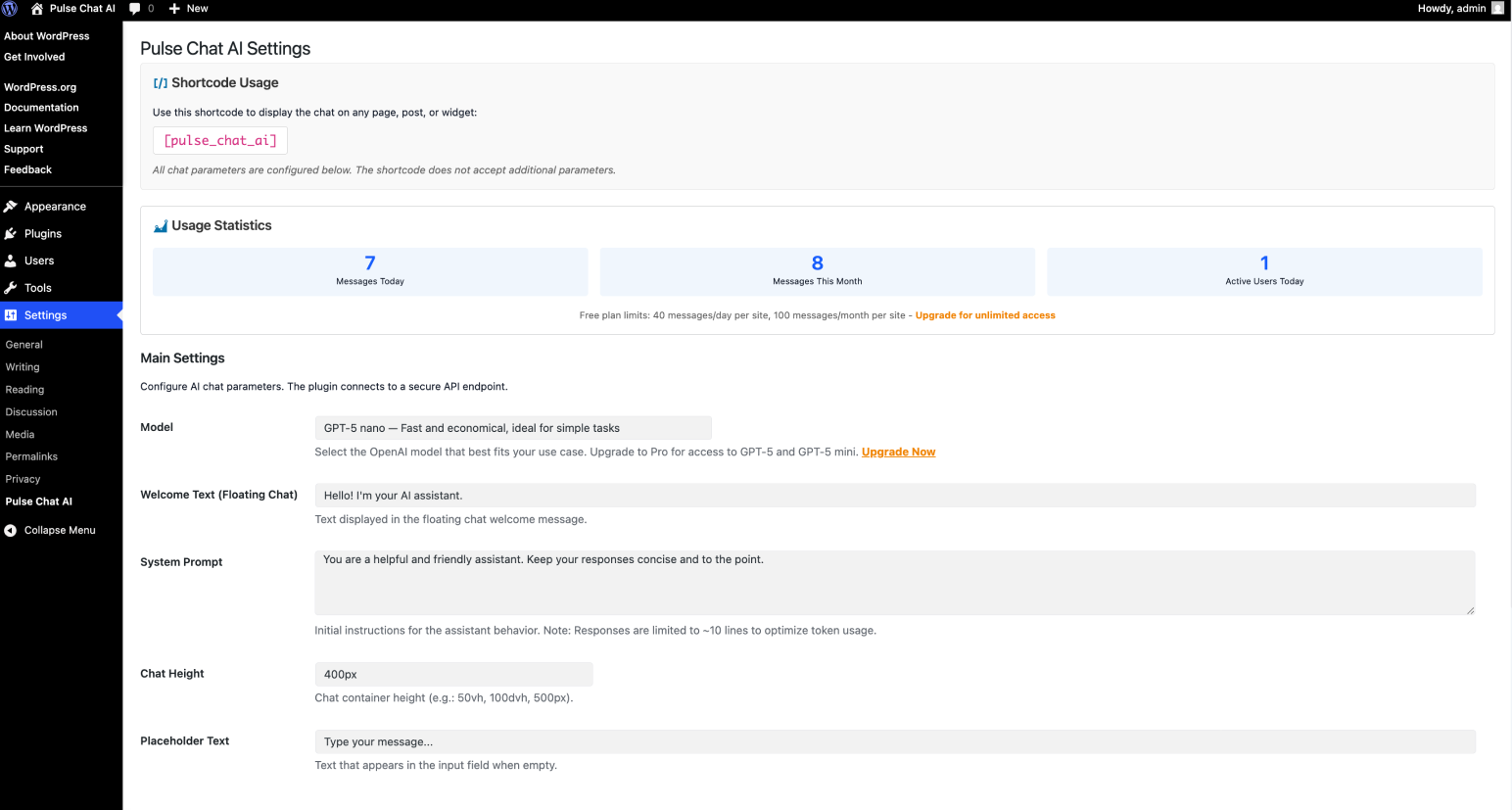
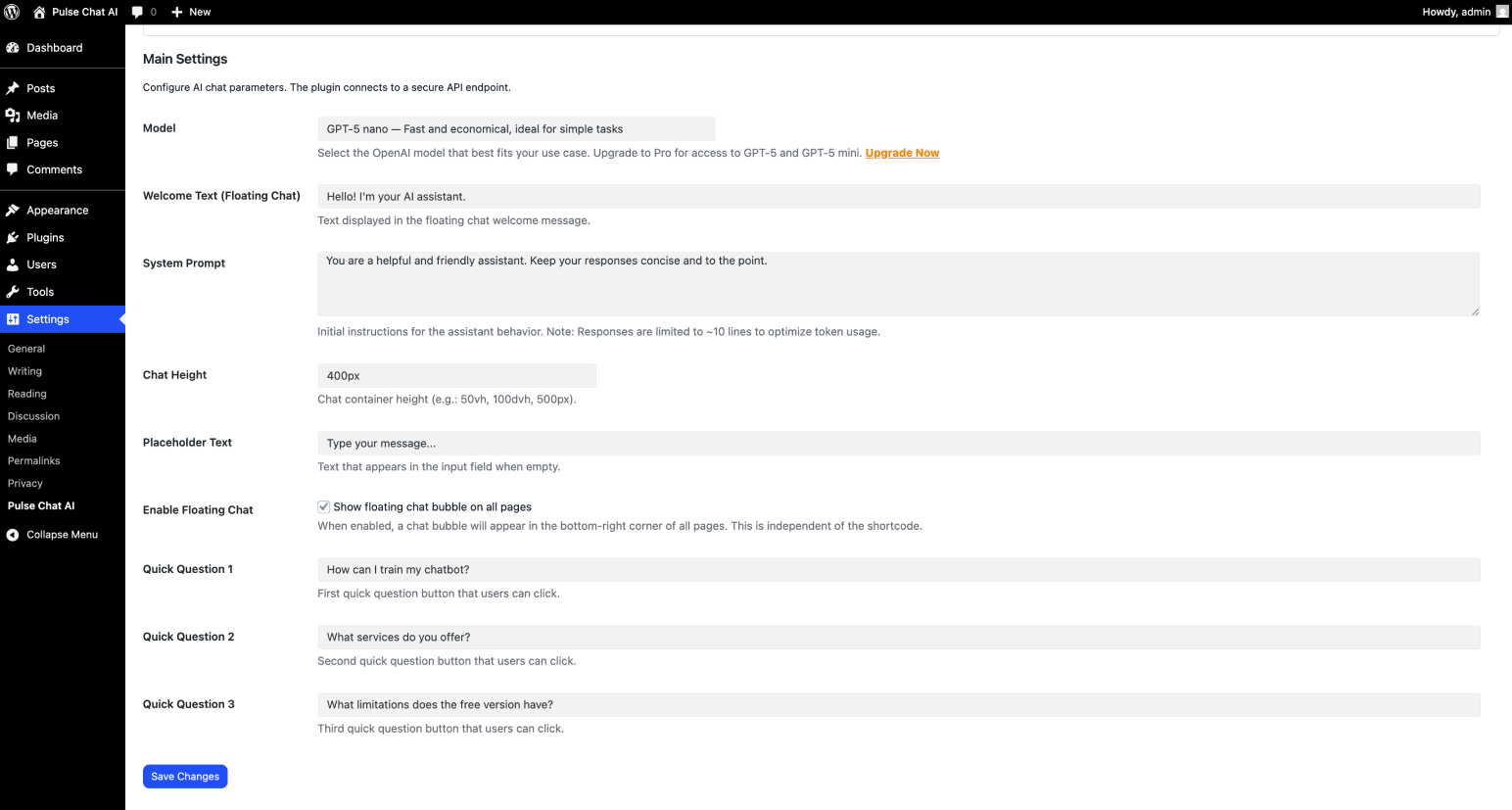
Go to Pulse Chat AI in the WordPress admin menu to customize the chat appearance, system prompt, enable floating chat bubble, or set up quick questions. All settings are optional – the plugin works perfectly with default settings.
Pro Features (Available with Pro license):
* Access to GPT-5 Mini and GPT-5 models
* Advanced branding customization (themes, colors, avatar)
* Custom AI assistant avatar
* Full-screen chat mode
* Advanced positioning options for floating chat
* Conversation saving and history management
* Export conversations as JSON or CSV
* Filter conversations by date, page, and model
Frequently Asked Questions
Use the shortcode:
[pulse_chat_ai]
Place it in any page, post, widget, or template (echo do_shortcode('[pulse_chat_ai]');).
No. All configuration is done in Settings > Pulse Chat AI.
The plugin uses a secure hosted API service provided by pulsechatai.com to generate responses. AI processing does NOT happen on the visitor’s device or the site owner’s servers. The service uses an advanced GPT-based AI model to handle all AI processing. You don’t need to manage API keys, accounts, or credentials. Simply install, activate, and use the shortcode – the service handles everything automatically.
No. The plugin connects to a secure hosted API service that handles all AI processing. You don’t need to create an OpenAI account, configure API keys, or provide any credentials. Just install and activate – it works immediately!
The free version uses a fast and efficient GPT-based AI model provided through the secure PulseChat AI service. The plugin connects to a secure hosted service that manages the AI processing – you don’t need to configure anything.
The plugin exposes a REST endpoint at POST wp-json/pulse-chat-ai/v1/chat for programmatic access. However, most users will simply use the shortcode [pulse_chat_ai] which is much easier.
Go to Pulse Chat AI in the WordPress admin menu and check “Enable Floating Chat” in the Main Settings tab. The bubble will appear on all pages. You can customize its position in the Pro settings.
Free plan: 100 messages per month for your entire site. Basic plan: 1,000 messages per month. Pro plan: 10,000 messages per month. All visitors share these limits. Additional usage plans are available at pulsechatai.com.
Yes! The free version includes basic customization options. Pro users can customize themes (light/dark), accent colors, upload custom avatars, and adjust positioning. Go to Pulse Chat AI > Pulse Chat Pro tab to access branding options (requires Pro license).
Custom avatars are available in the Pro version. Go to Pulse Chat AI > Pulse Chat Pro > Branding & UI and use the “Upload Avatar” button. Supported formats: PNG, SVG, JPG (max 500KB, square images recommended). If no custom avatar is set, the default robot icon will be used.
Review feed
Screenshots
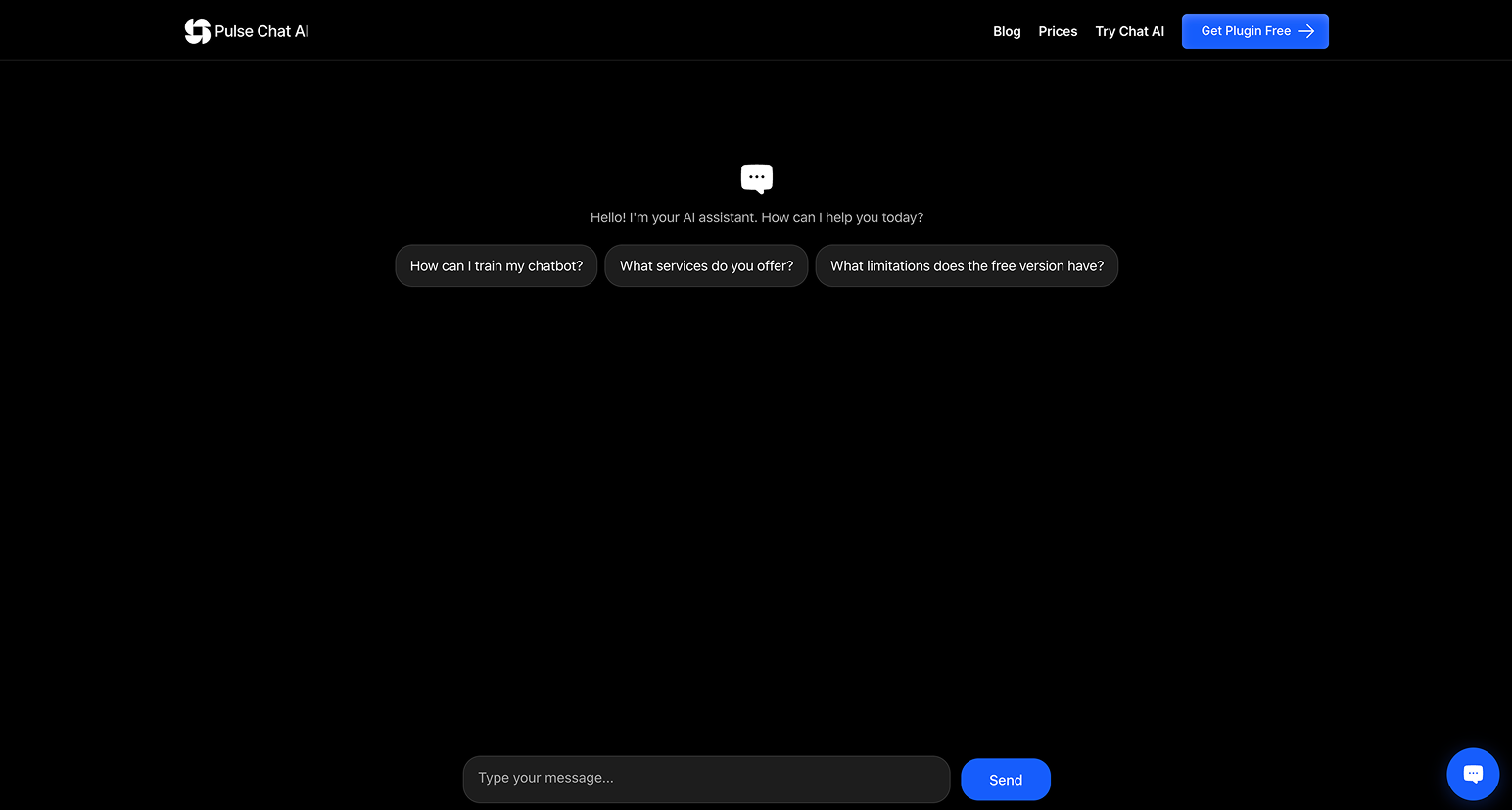
Chat interface embedded in a WordPress page showing conversation with AI assistant
Admin settings page with configuration options for models, system prompt, and usage limits
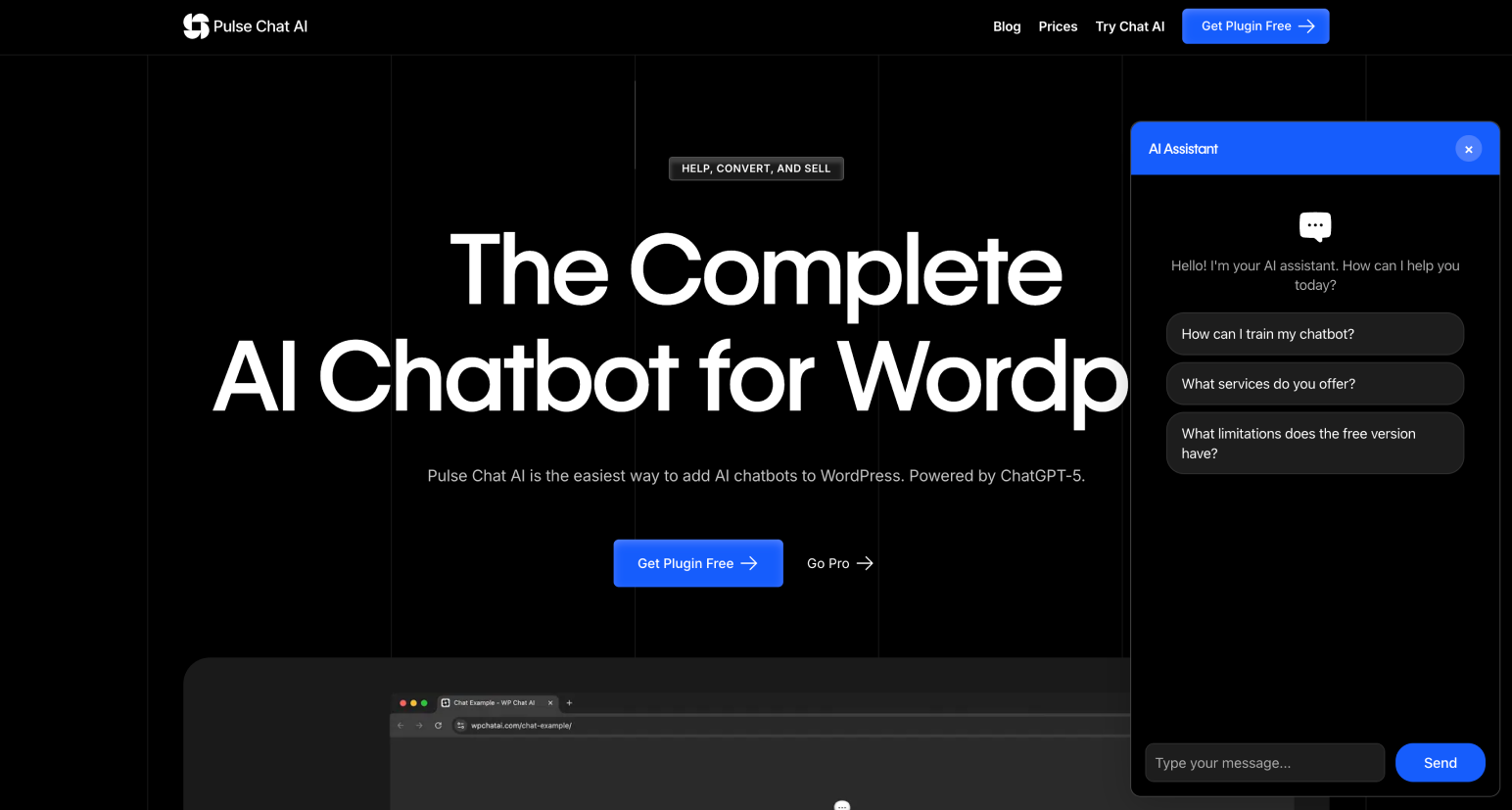
Floating chat bubble in action on a website
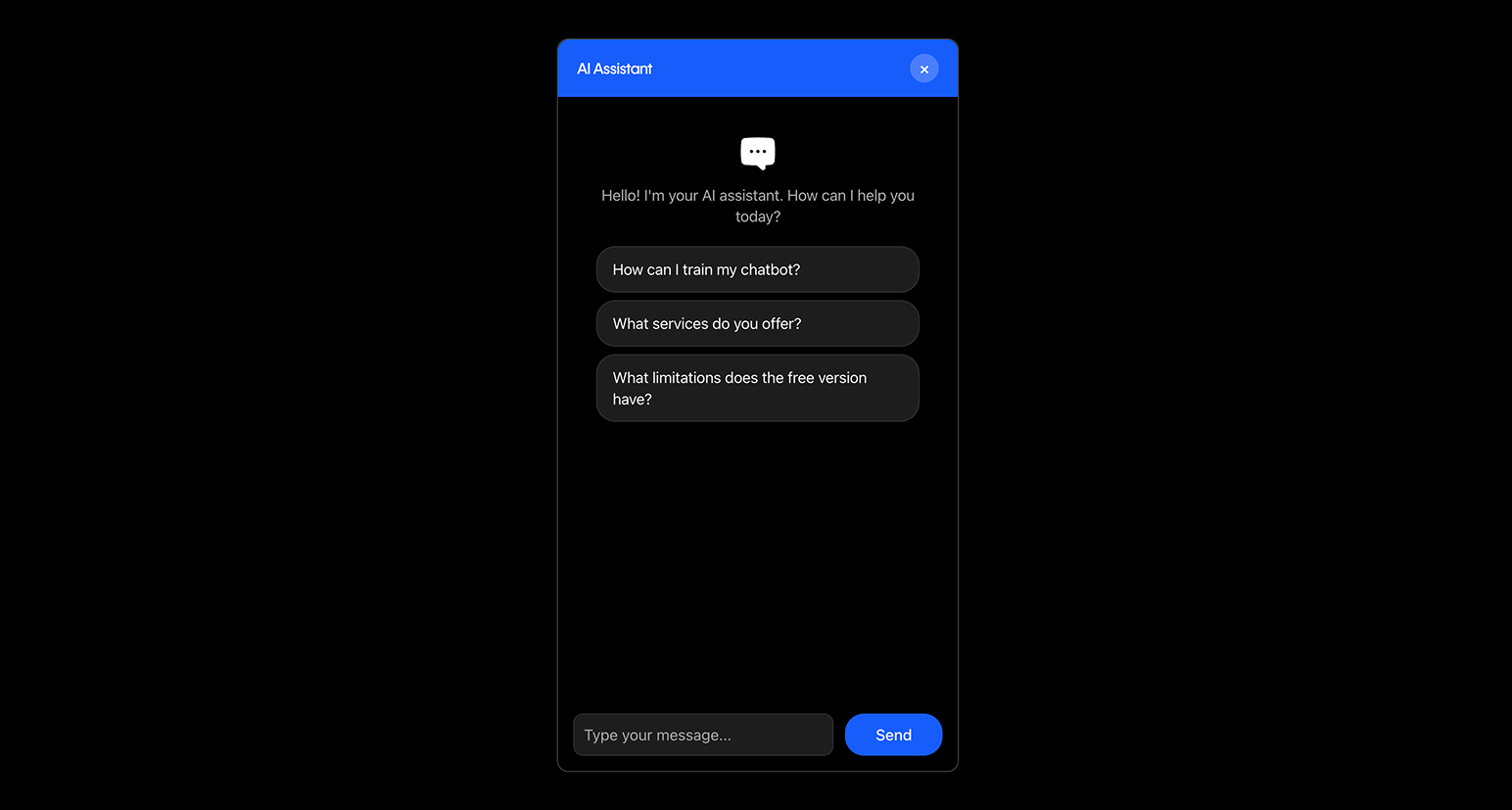
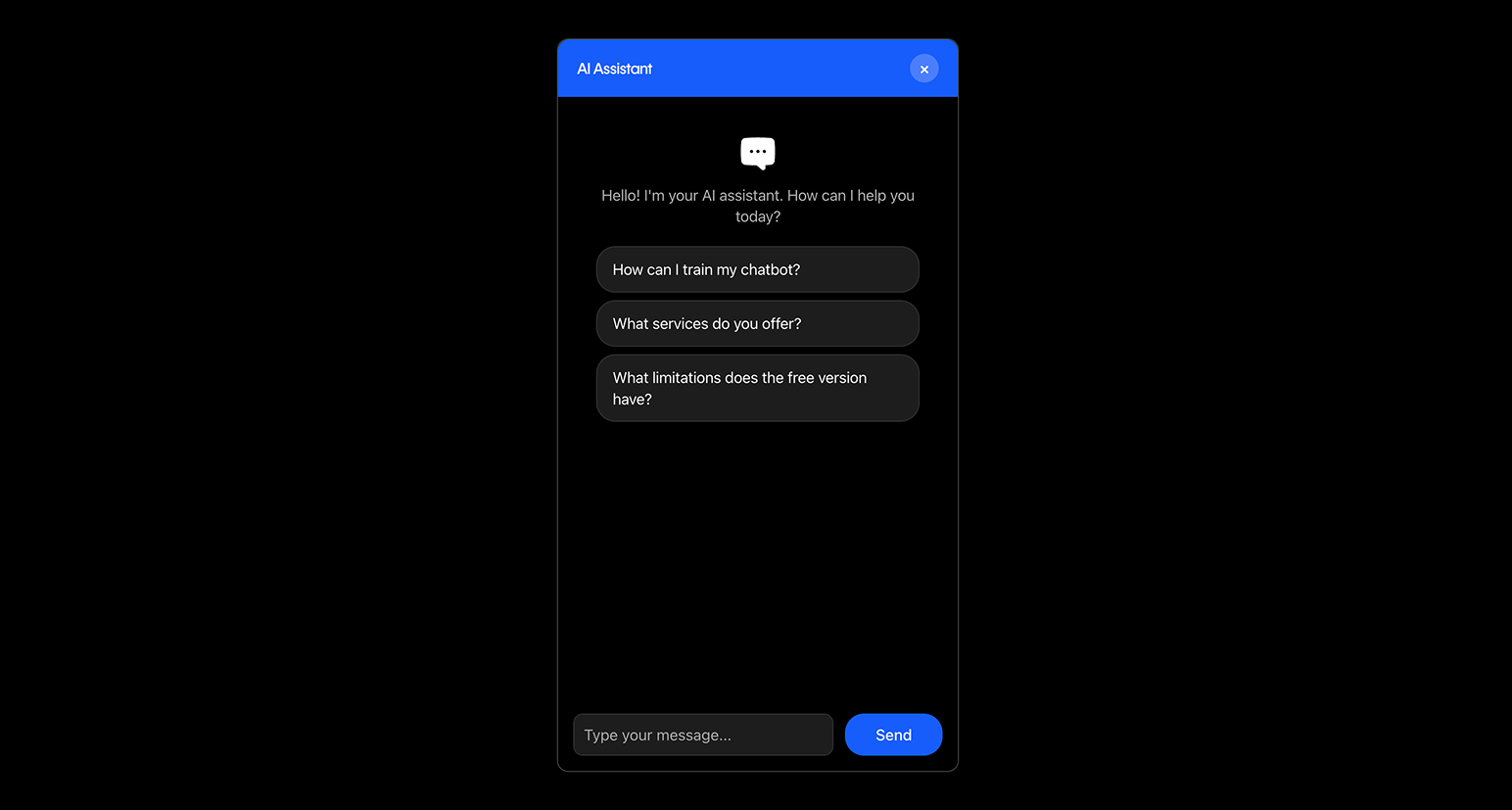
Mobile responsive chat interface
Changelog
2.2.5 – November 2025
- NEW: Action buttons for AI responses (Regenerate, Copy, Like, Dislike)
- NEW: Interactive icons with filled states on click
- IMPROVED: Better user feedback with tooltips and visual states
- IMPROVED: Copy button shows checkmark confirmation
- IMPROVED: Like/Dislike buttons toggle with filled icons
2.2.4 – November 2025
- NEW: Monthly plan-based message limits (Free: 100/month, Basic: 1,000/month, Pro: 10,000/month)
- NEW: Custom bubble icon for floating chat button (Pro feature)
- CHANGED: Removed daily limit enforcement – daily counters now informational only
- IMPROVED: Unified UI styling – all components use consistent bg-muted card styling
- IMPROVED: All form labels replaced with h3 headings for better consistency
- IMPROVED: Usage statistics display now shows plan-specific limits dynamically
- IMPROVED: License page UI – removed Validate button, improved status display styling
- FIXED: Chat input now properly fixed at bottom of floating chat
- FIXED: Page scroll issue when AI responds in chat
2.2.3 – November 2025
- FIXED: License validation now includes Supabase Authorization header (anon key)
- FIXED: “Missing authorization header” error resolved – license validation works correctly
- FIXED: Domain normalization now always removes ports (no localhost exception)
- FIXED: License validation domain mismatch issues resolved
- IMPROVED: Domain normalization aligned with Supabase license system
- IMPROVED: Added important comments about product_slug matching requirements
- IMPROVED: Enhanced error handling and logging for license validation
- IMPROVED: Better error messages for license validation failures
2.2.0 – January 2026
- NEW: Complete license validation system integrated with Supabase Edge Function
- NEW: License key input field replaces manual Pro toggle
- NEW: Automatic license validation on save
- NEW: License status display (plan, expiration date, registered domain)
- NEW: REST API endpoints for license validation (/license/validate, /license/status)
- NEW: License Manager PHP class with caching and periodic validation
- NEW: Automatic Pro features activation based on license validation
- NEW: License error messages with specific reasons (expired, domain mismatch, etc.)
- IMPROVED: License page UI with real-time validation feedback
- IMPROVED: License validation caching (24 hours) for better performance
- IMPROVED: Automatic periodic license validation in background
- CHANGED: Pro Features toggle replaced by license key system
- CHANGED: License key stored separately from plugin options
- FIXED: License validation integrated with existing Pro features system
2.1.0 – November 2025
- NEW: Conversation saving feature (Pro feature) – automatically save all chat conversations
- NEW: Conversations admin page with full conversation history
- NEW: Toggle to enable/disable conversation saving in Conversations page
- NEW: Full-page conversation detail view (replaces modal for better WordPress compatibility)
- NEW: URL-based navigation for conversations (shareable conversation links)
- NEW: License activation page (submenu under Pulse Chat AI)
- NEW: Pro Features toggle moved to License page
- NEW: Export conversations as JSON or CSV
- NEW: Filter conversations by date, page, and model
- IMPROVED: Admin menu reorganization – main menu “Pulse Chat AI” with submenus: Settings, Conversations, License
- IMPROVED: Better conversation management interface
- IMPROVED: Conversation detail view optimized for long conversations
- IMPROVED: Browser navigation support (back/forward buttons work correctly)
- CHANGED: Pro Features toggle now only available in License page
- CHANGED: Conversation saving requires both Pro enabled and conversations toggle enabled
- FIXED: Various UI improvements and bug fixes
2.0.0 – November 8, 2025
- MAJOR: Complete rewrite with modern React/TypeScript/Vite architecture
- NEW: Unified branding system with light/dark themes
- NEW: Custom accent color customization
- NEW: Custom AI assistant avatar support (Pro feature)
- NEW: Improved chat UI with message avatars (user and assistant)
- NEW: Redesigned admin panel with tabbed interface (Main Settings, Usage Statistics, Pulse Chat Pro)
- NEW: Enhanced floating chat widget design
- NEW: Better mobile responsiveness
- IMPROVED: Chat interface design with cleaner, more modern look
- IMPROVED: Header design with robot icon
- IMPROVED: Message styling with better contrast and readability
- IMPROVED: Admin settings organization and UX
- IMPROVED: Internationalization support (English/Spanish)
- CHANGED: Admin menu moved to top-level (was under Settings)
- CHANGED: Branding settings unified for both floating and shortcode chats
- FIXED: Various UI/UX improvements and bug fixes
1.0.0
- IMPORTANT: Changed usage limits from per-IP to per-site
- Enhanced: Increased daily limit to 40 messages per site (from 15 per IP)
- Enhanced: All site visitors now share the same message pool
- Improved: More predictable cost control for site owners
- Improved: Better suited for sites with real traffic
- Note: Monthly limit remains at 100 messages per site
- NEW: First stable release for WordPress.org
- NEW: AI-powered chat assistant powered by an advanced GPT-based AI model
- NEW: Zero configuration required – works immediately after activation
- NEW: No API keys or credentials needed
- NEW: Embeddable chat via shortcode [pulse_chat_ai]
- NEW: Floating chat bubble for global access
- NEW: Usage limits system for free tier
- NEW: Rate limiting and security features
- NEW: Responsive design with dark mode support
- NEW: Admin configuration panel (optional customization)
- NEW: Quick question buttons for better UX
- NEW: Token optimization for cost efficiency
- NEW: Complete WordPress.org compliance
For development history, see changelog.txt