
Plugin info
Maintenance & Compatibility
Maintenance score
Possibly abandoned • Last updated 1165 days ago • 1 reviews
Is QR Block abandoned?
Possibly abandoned (last update 1165 days ago).
Compatibility
Similar & Alternatives
Explore plugins with similar tags, and compare key metrics like downloads, ratings, updates, support, and WP/PHP compatibility.
Description
The QR Block plugin provides a few blocks:
- QR: A block that generates the QR code based on its content. Generic purposes.
- Wi-Fi Network Connection: Connect to a Wi-Fi Network via a QR Code.
- QR Post: Share your post with a QR Code.
Also, it renders the QR code of the current post in the Post sidebar. A simple but functional way o load the post on mobile, for instance.
Source & Support
You can follow development, file an issue, suggest features, and view the source at the Github WPHackers/qr-block repo.
Credits
This block is powered by the brilliant qrcode.react library.
Installation
- Upload the plugin files to the
/wp-content/plugins/qr-blockdirectory, or install the plugin through the WordPress plugins screen directly. - Activate the plugin through the ‘Plugins’ screen in WordPress
Frequently Asked Questions
Review feed
Cool block
Screenshots
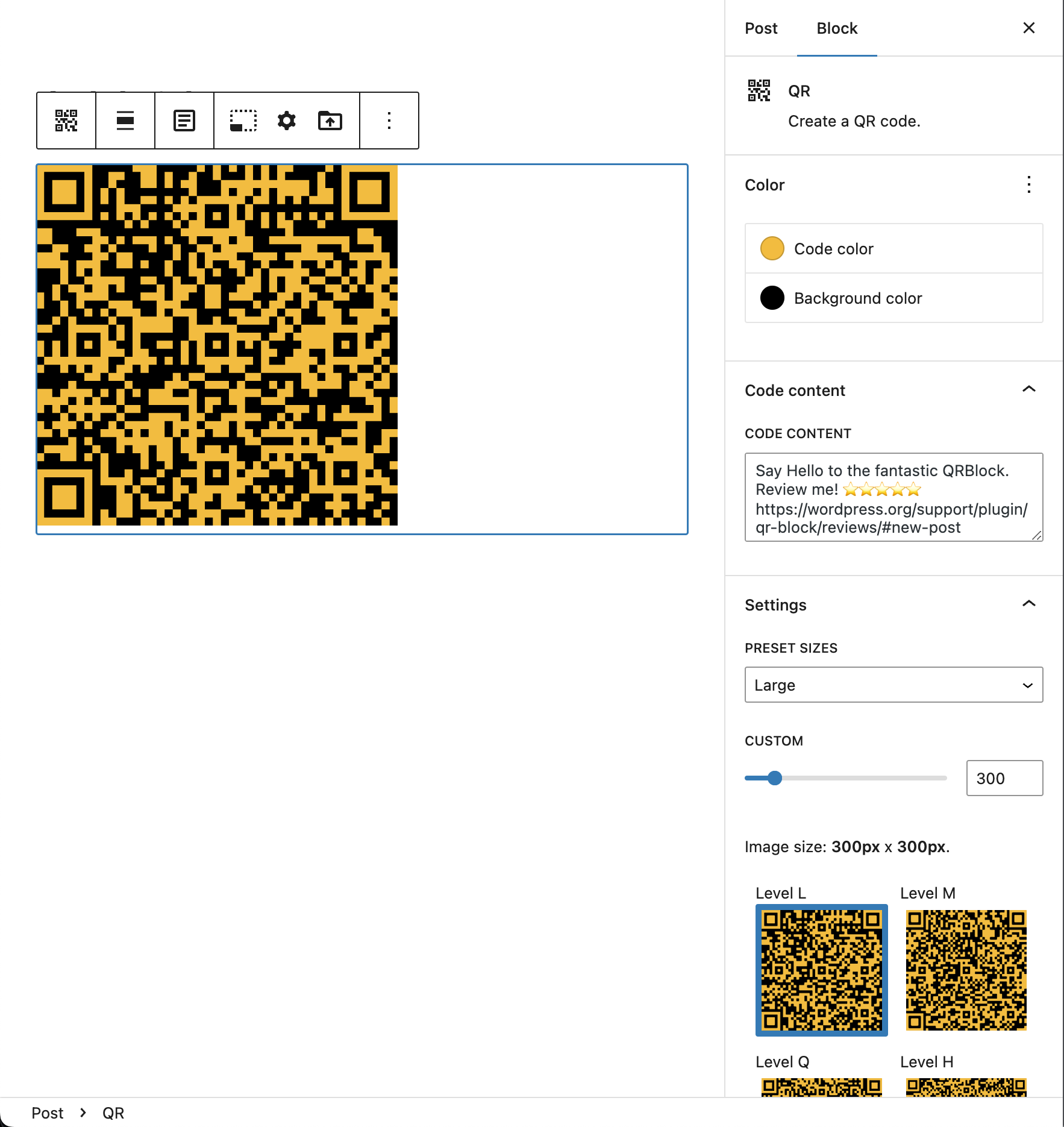
QR Block - General view
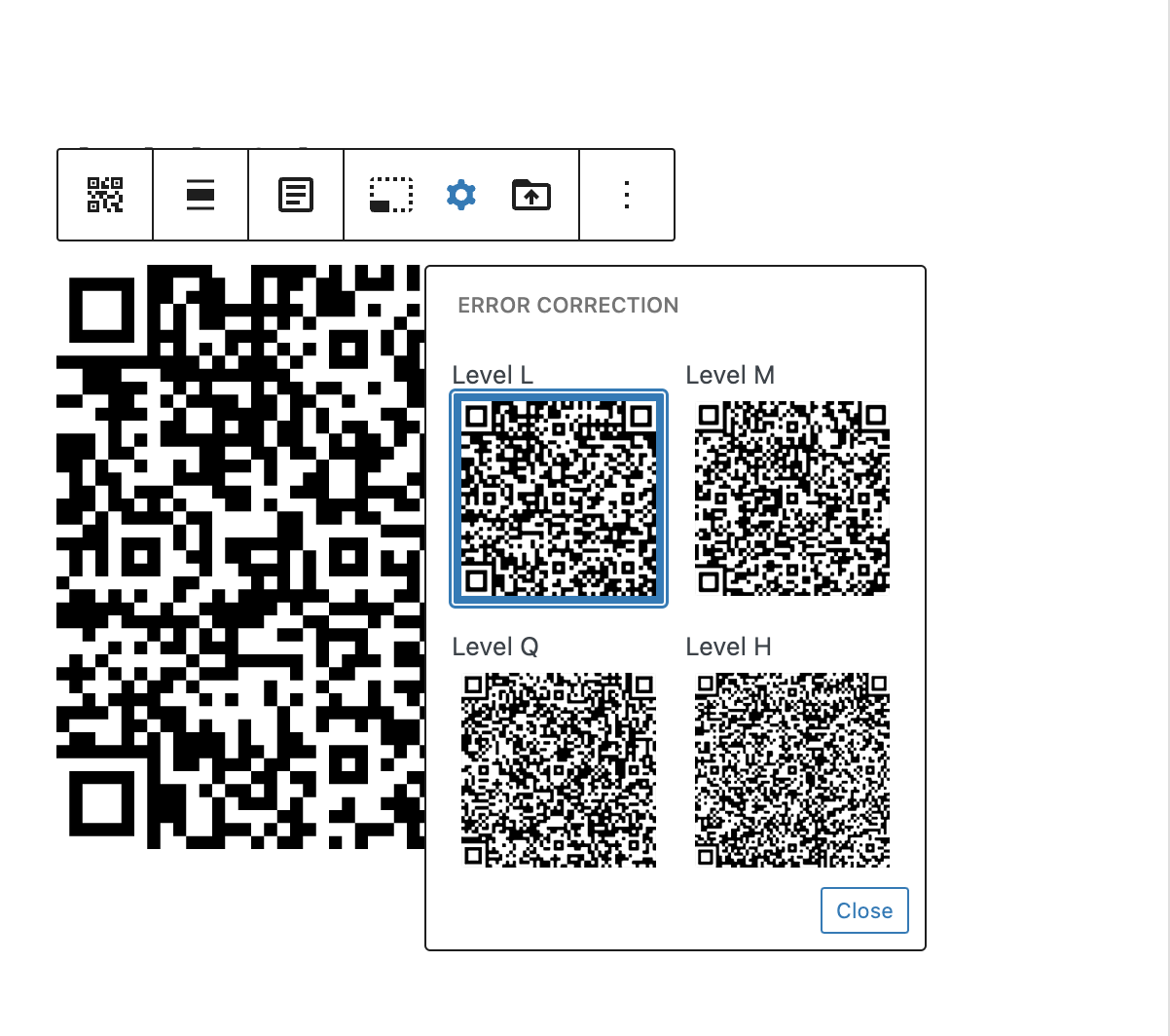
QR Block - Error correction
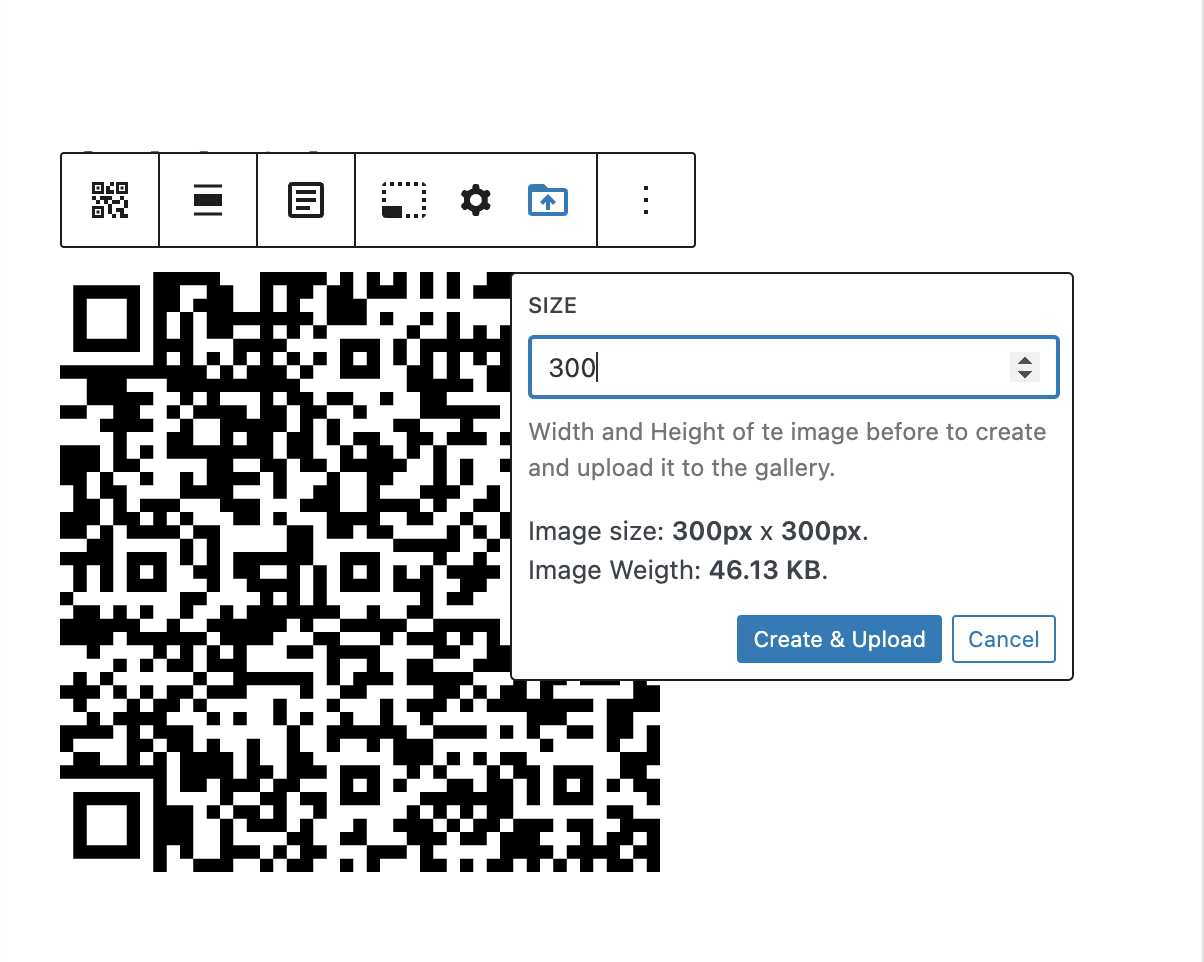
QR Block - Create & Upload
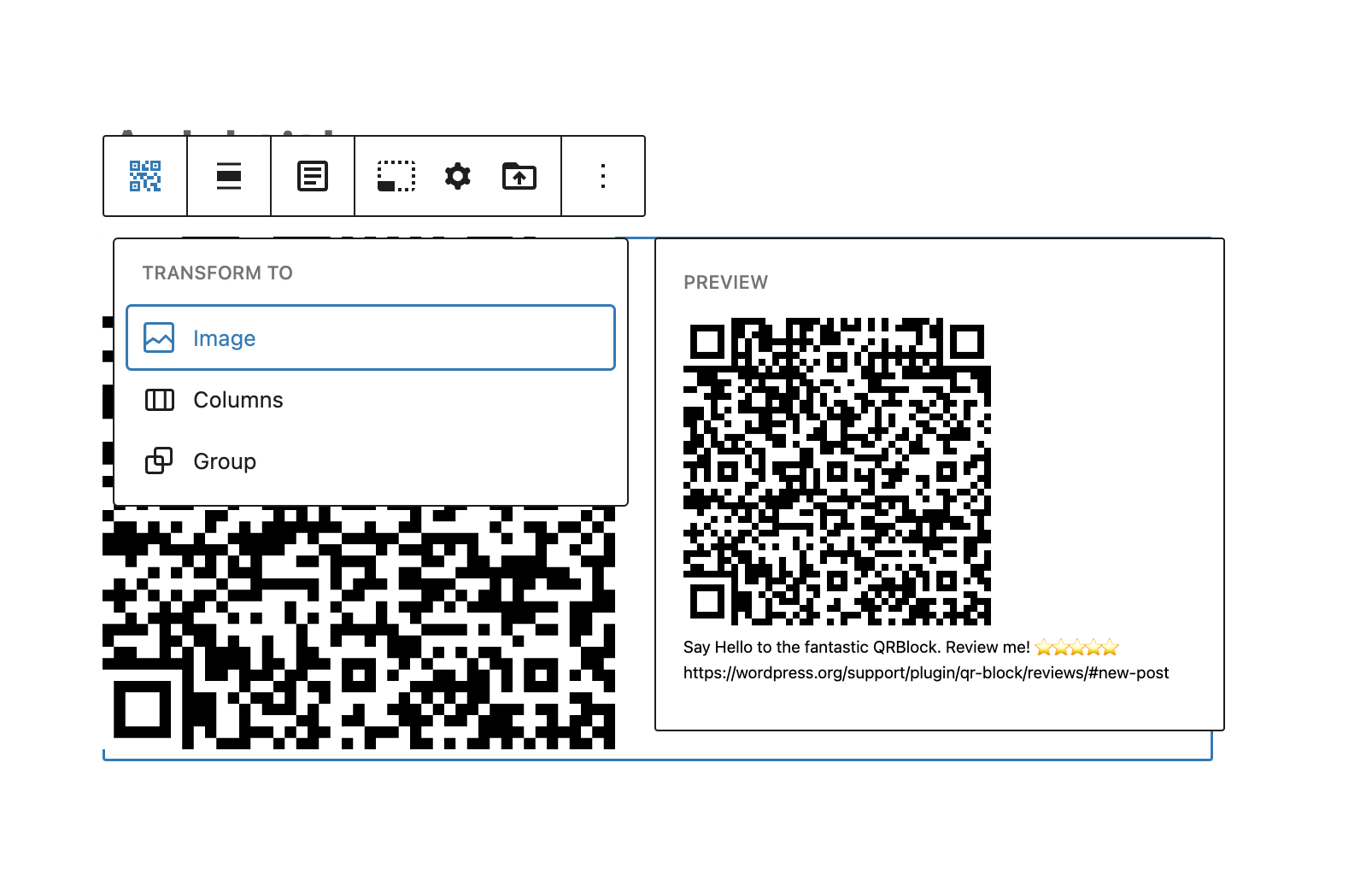
QR Block - Transform to Image
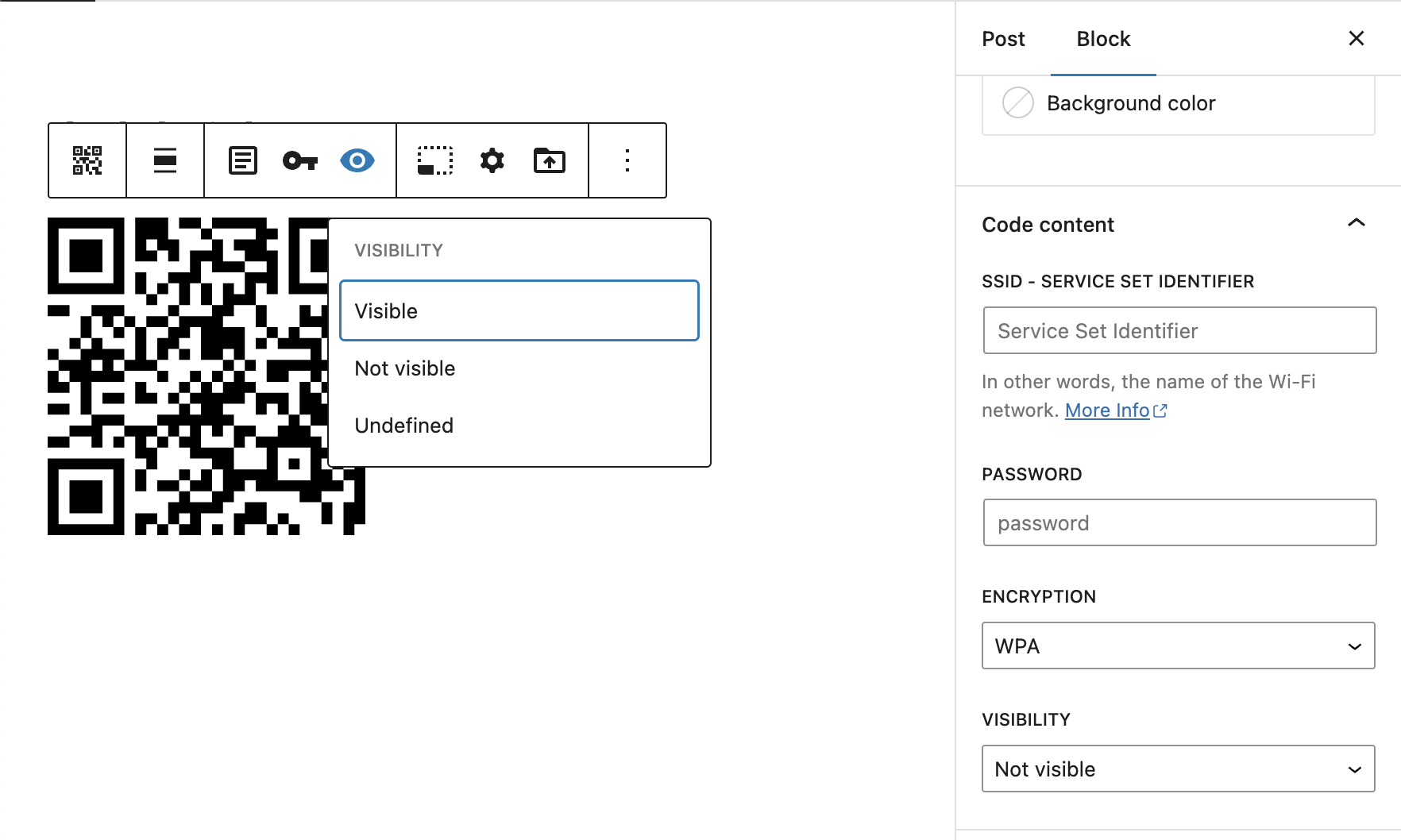
QR Block - WiFi Network variation
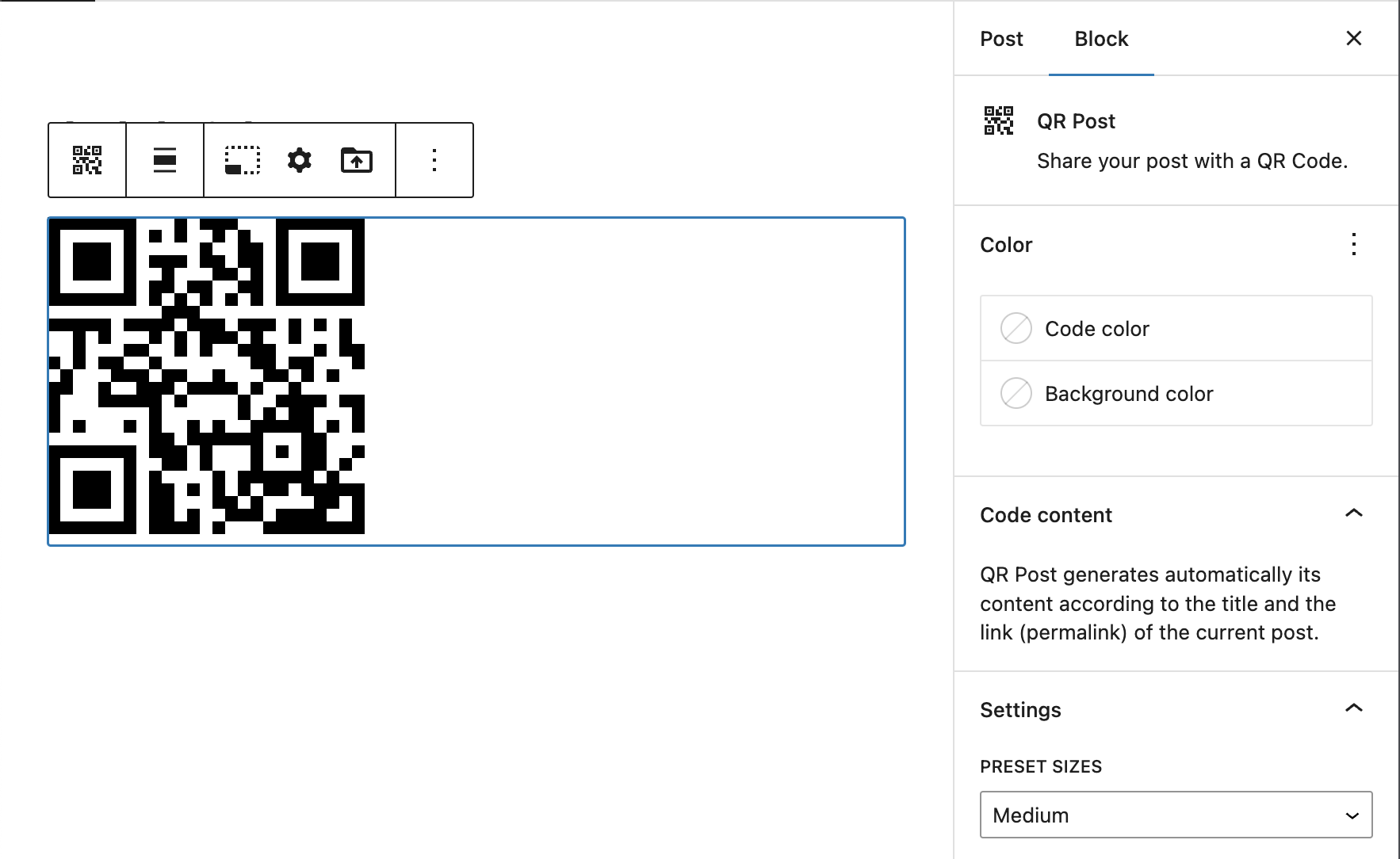
QR Block - QR Post variation

QR Post plugin (Post sidebar)
Changelog
0.0.1
- Initial Release.
0.0.2
- Refactoring code.
- remove server-side qr library.
0.0.3
- Fix issues – Enhancementes.
0.0.4
- Fix issues / Enhancementes / Tidy code.
0.0.5
- Fix issue when installing plugin from block editor, on the fly. Need to set default attributes at block edit function level.
0.0.6
- Fix corrupted compiled files.
- Add “Upload to Media Library” block option.
0.0.7
- Tranform to core/image block.
- Tweak setting code popover.
- Add some external link help for Error Correction Level.
- Add image size support when uploading.
- Add WiFI Network block variation.
- Refactoring setting size and error Correction
- Improve setting error correction
0.0.8
- Fix setting block title bug
0.0.9
- Fix setting block title bug
- Fix initial size value when installing block on the fly
0.0.10
- Introduce QR Post panel
0.0.11
- Tweak default content of the blocks
- Test on 6.1.1
- Update descripcion and screenshots
= 0.0.13
* Fix runtime breaking bug