

Quick 301 Redirects
The fastest & easiest way to do 301 redirects. You can set each redirect or bulk upload unlimited number of 301 redirects using a CSV file
Plugin info
Maintenance & Compatibility
Maintenance score
Stale • Last updated 193 days ago • 12 reviews
Is Quick 301 Redirects abandoned?
Likely maintained (last update 193 days ago).
Compatibility
Similar & Alternatives
Explore plugins with similar tags, and compare key metrics like downloads, ratings, updates, support, and WP/PHP compatibility.
Description
The fastest and easiest way to do 301 redirects. You can set each redirect individually or bulk upload unlimited number of 301 redirects using a CSV file.
You can use Quick 301 Redirects for small website with just a few pages and also for sites with thousands of pages. Use Quick 301 Redirects to set up your 301 redirects in seconds, you can redirect internally to your domain or to any other domain.
Set 301 Redirects Manually Or In Bulk
Manage all your website’s 301 redirects without any professional knowledge. All you need is to install our plugin, and the leave the rest to our super simple UI (RTL supported).
Our super simple UI will enable you to set your redirects manually one-by-one or using a CSV file for bulk upload.
New! After saving your 301 301 redirects you’ll see a link button near each redirect that’ll allow you to test each and every 301 redirect.
New! You can now export your 301 redirects into a CSV file.
Installation
- Install and activate Quick 301 Redirects plugin on your WordPress website
- Set your 301 redirects manually or upload a CSV file for bulk configuration and click on the “SAVE CHANGES” button
- You’re good to go! All your 301 redirects are now live 🙂
Frequently Asked Questions
You can set 301 redirects manually or upload a CSV file for bulk configuration
Yep, Quick 301 Redirects is completely free
No, you can configure as many 301 redirects as you want
You’re probably using a cache plugin, please purge your cache or disable your plugin for a few minutes.
Click on “Setting” in your WP admin menu, and there in a sub-menu you’ll find “Quick 301 Redirects”
Yes, create a CSV file and use the import CSV feature to create your 301 redirects in bulk
Yes, you can easily export your 301 redirects by clicking on the export button
Review feed
Screenshots
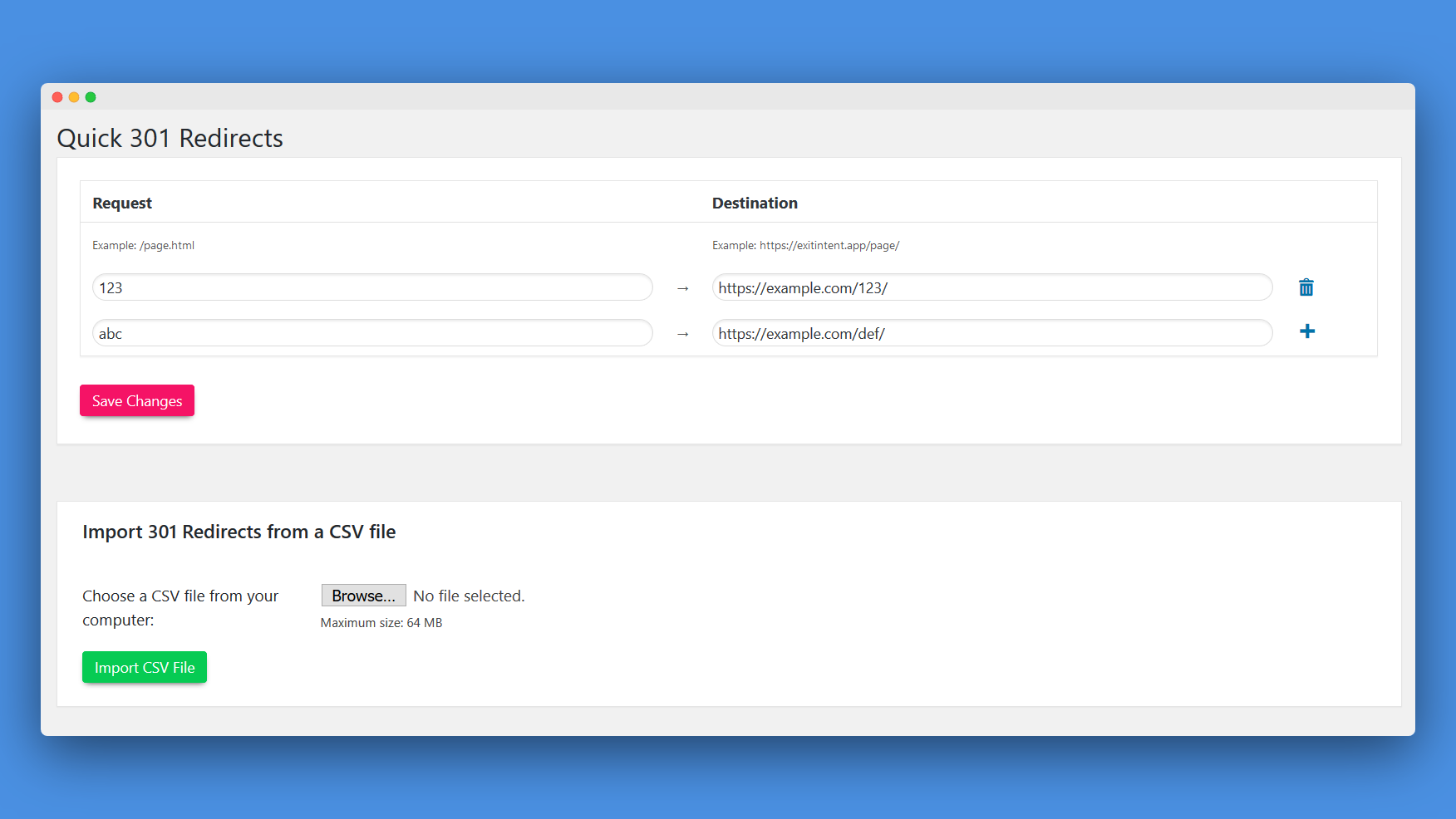
Quick 301 Redirects, the easiest way to configure 301 redirects
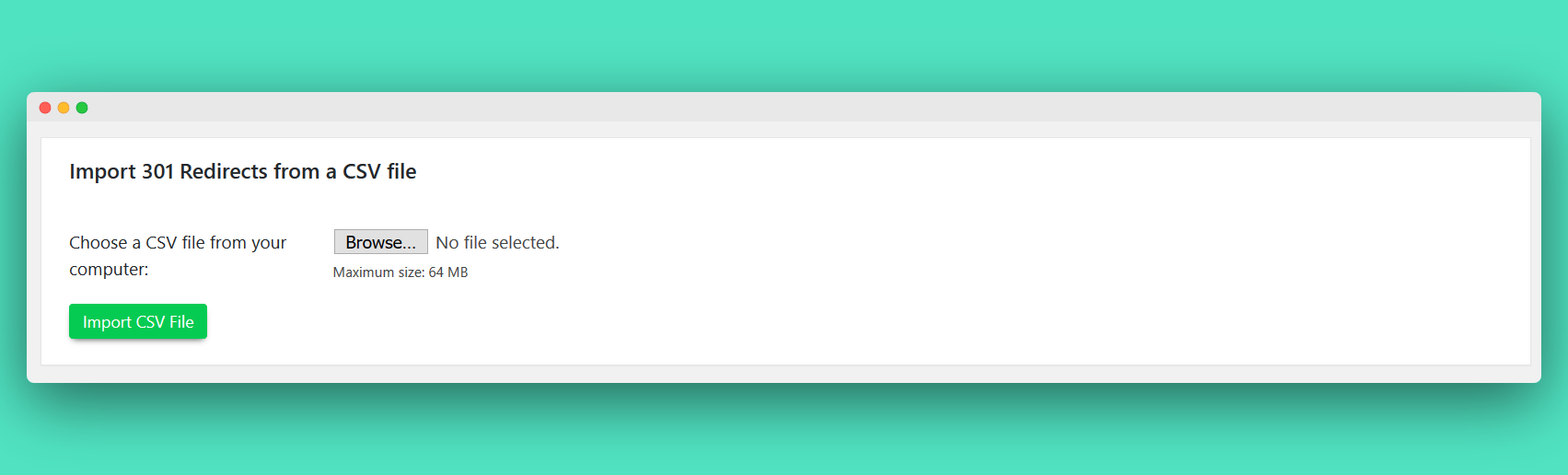
You can set your 301 redirects in bulk
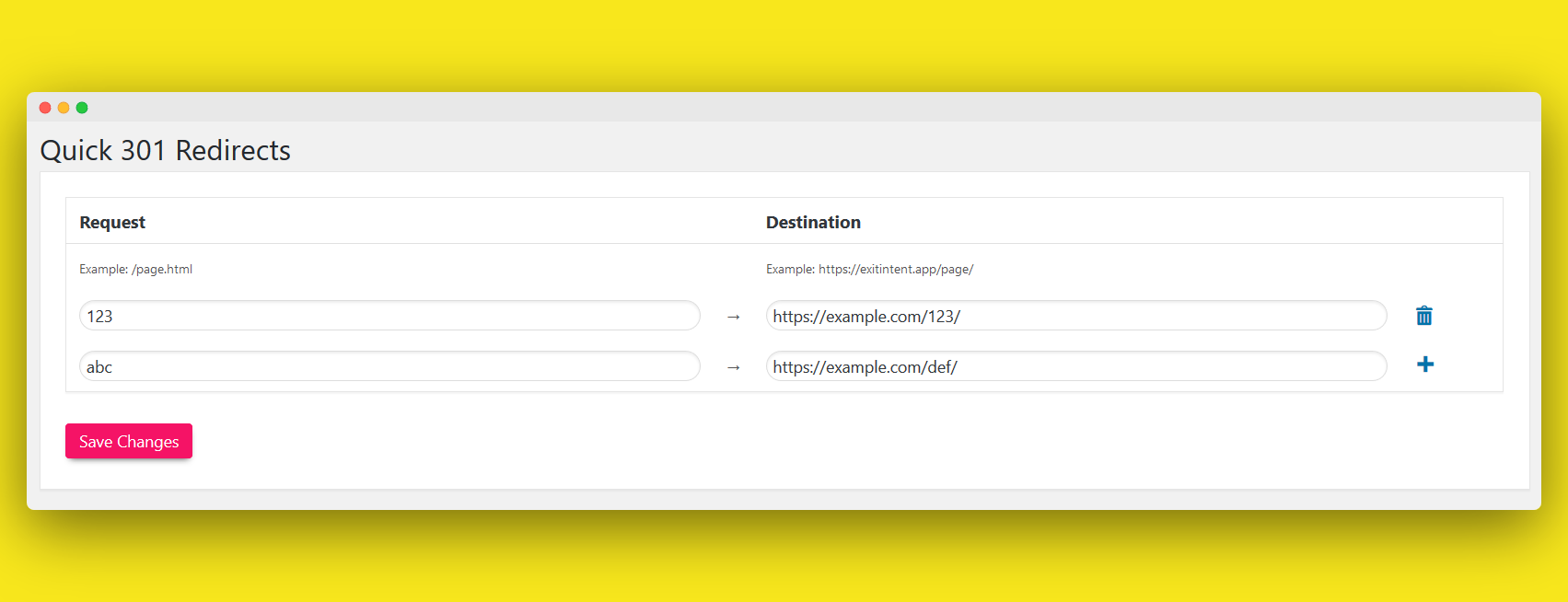
Or you can set your 301 redirects manually
Changelog
1.1.8
Added plugin recommendations
1.1.7
WordPress 6.5 compatibility
1.1.6
Removed jQuery.live function dependency
1.1.5
You can now also export your 301 redirects to CSV and check each redirect by clicking on the link button near each redirect
1.1.4
- Redirect issue fixed
1.1.3
- another fix for the specific URLs issue
1.1.2
- specific URLs bug fix
1.1.1
- added RTL menu support
1.1
- Launch