

Plugin info
Maintenance & Compatibility
Maintenance score
Maintained • Last updated 119 days ago • 36 reviews
Is Quick and Easy FAQs abandoned?
Likely maintained (last update 119 days ago).
Compatibility
Languages
Similar & Alternatives
Explore plugins with similar tags, and compare key metrics like downloads, ratings, updates, support, and WP/PHP compatibility.
Description
This plugin provides a quick and easy way add FAQs using custom post type and later on displaying those FAQs using Gutenberg Blocks or shortcodes. For details, Please consult the documentation below.
Features
- Easily add FAQs using FAQ custom post type.
- Display FAQs in simple list style, accordion style or toggle style.
- Display FAQs in groups.
- Display FAQs in filterable groups.
- Display FAQs in sorted order by title or date.
- Settings page to customize colors and other stuff.
- Custom CSS box in settings page to override default styles.
- Translation Ready ( Comes with POT file and PO & MO translation files for few main languages )
- RTL ( Right to Left Language ) Support
- Support for Visual Composer Plugin
Documentation
-
[faqs]Display all FAQs in simple list style. -
[faqs limit="5"]Display limited number of FAQs. -
[faqs order="ASC" orderby="title"]Display all FAQs in simple list style and order by ascending title. -
[faqs order="DESC" orderby="title"]Display all FAQs in simple list style and order by descending title. -
[faqs style="grouped"]Display all FAQs in simple list style that are separated by groups. -
[faqs filter="true"]Display FAQs in simple list style that are filterable by all available groups. -
[faqs filter="group-slug,another-group-slug"]Display FAQs in simple list style that are filterable by only given group slugs. -
[faqs style="toggle"]Display all FAQs in toggle style. -
[faqs style="toggle" filter="true"]Display all FAQs in toggle style and filterable by all available groups. -
[faqs style="toggle-grouped"]Display all FAQs in toggle style and grouped by all available groups. -
[faqs style="toggle" order="ASC" orderby="title"]Display all FAQs in toggle style and order by ascending title. -
[faqs style="toggle" order="DESC" orderby="title"]Display all FAQs in toggle style and order by descending title. -
[faqs style="accordion"]Display all FAQs in accordion style. -
[faqs style="accordion" filter="true"]Display all FAQs in accordion style and filterable by all available groups. -
[faqs style="accordion-grouped"]Display all FAQs in accordion style and grouped by all available groups. -
[faqs style="accordion" order="ASC" orderby="title"]Display all FAQs in accordion style and order by ascending title. -
[faqs style="accordion" order="DESC" orderby="title"]Display all FAQs in accordion style and order by descending title.
Links
Installation
Method 1: Manual Installation via FTP
- Extract the Contents: Locate the downloaded
quick-and-easy-faqs.zipfile and extract its contents using your preferred file decompression tool. - Upload to WordPress: Using an FTP client or your web hosting control panel’s file manager, upload the extracted
quick-and-easy-faqsfolder to the/wp-content/plugins/directory on your WordPress website’s server. - Activate the Plugin: Log in to your WordPress dashboard, navigate to the ‘Plugins’ menu, and find
Quick and Easy FAQsin the list of available plugins. Click ‘Activate’ to enable the plugin’s features on your site.
Method 2: Install Directly Through WordPress
- Access the WordPress Dashboard: Log in to your WordPress site’s backend.
- Navigate to Plugins: On the dashboard menu, click on ‘Plugins’, then select ‘Add New’.
- Search for the Plugin: In the ‘Search plugins…’ box, type in
Quick and Easy FAQs. - Install the Plugin: Locate
Quick and Easy FAQsin the search results, click ‘Install Now’ and wait for the installation to complete. - Activate the Plugin: After installation, click ‘Activate’ to start using the plugin on your website.
Frequently Asked Questions
Review feed
Screenshots
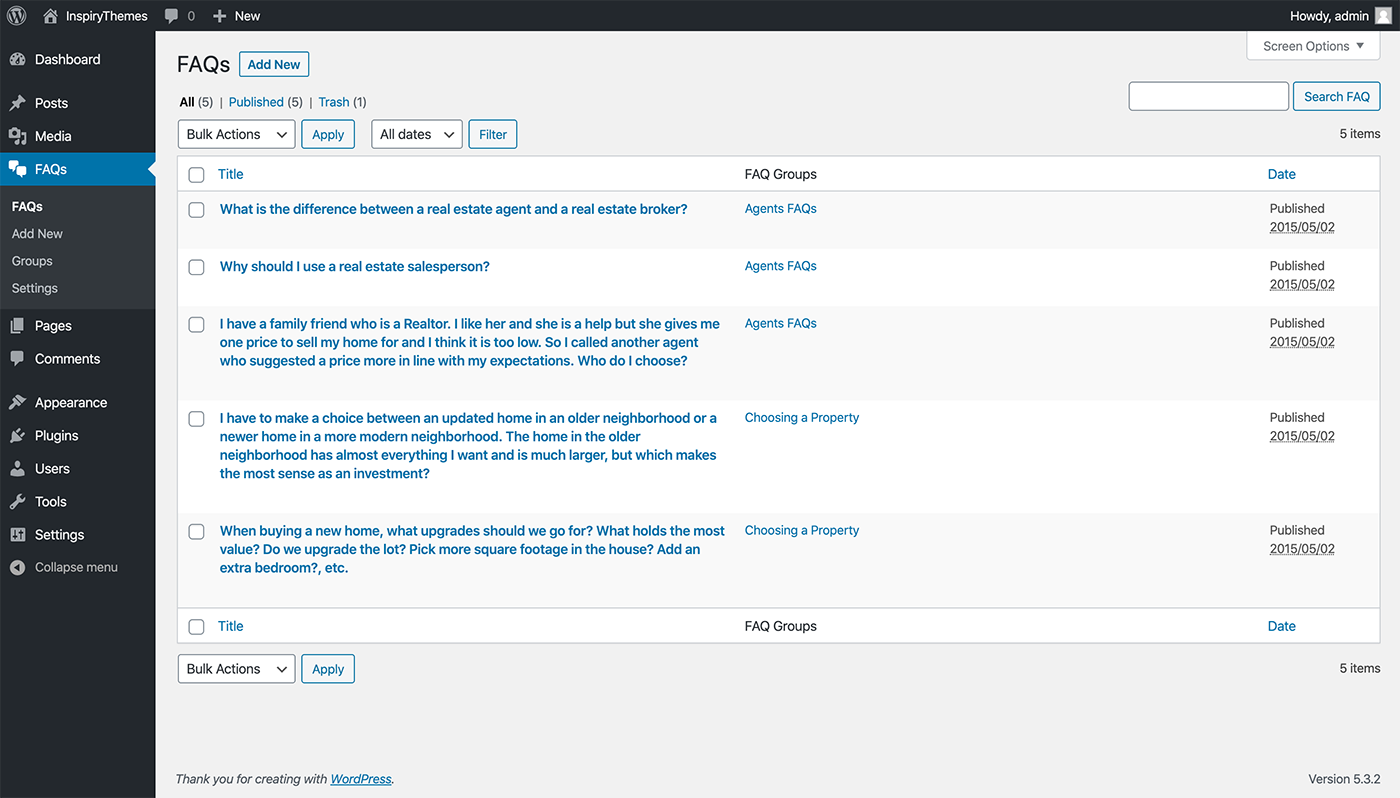
FAQs
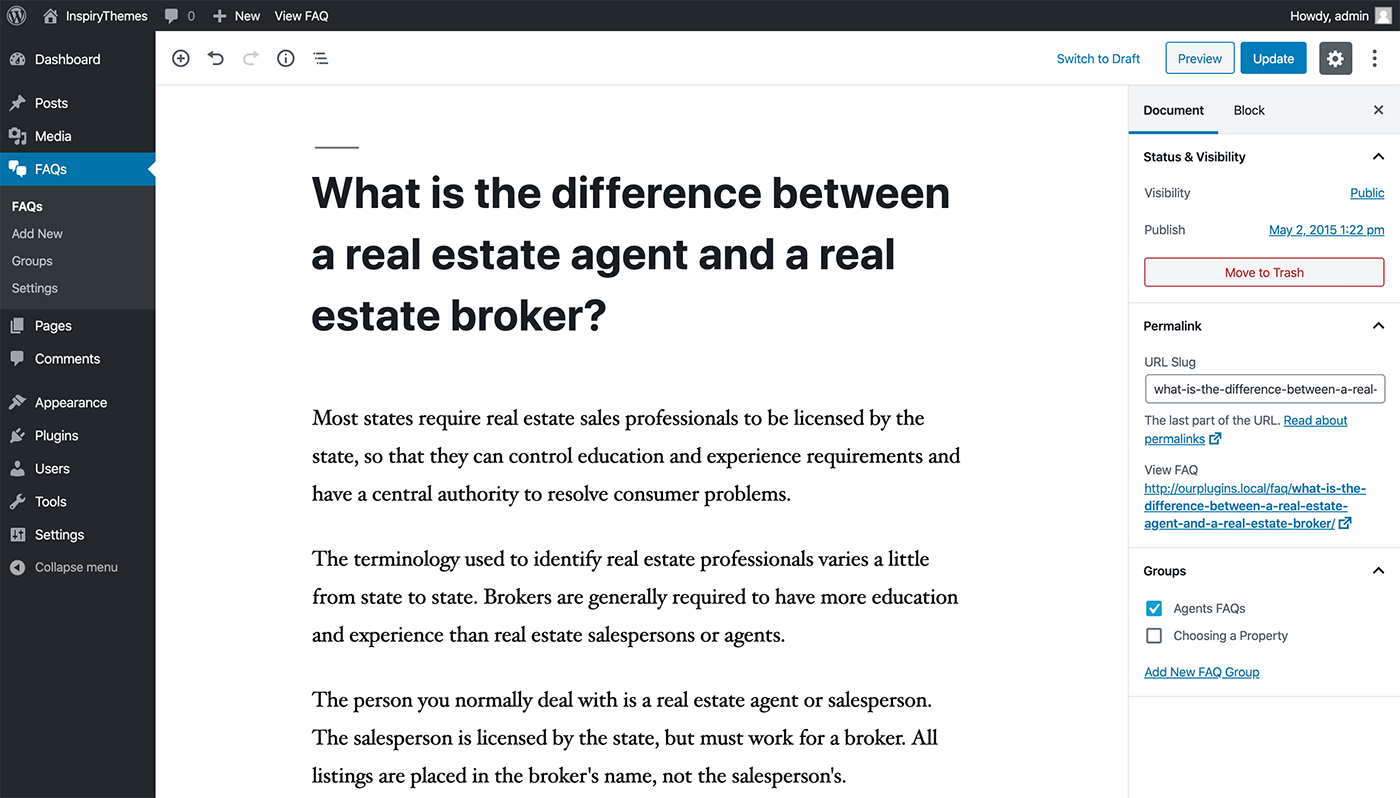
Add/Edit FAQ
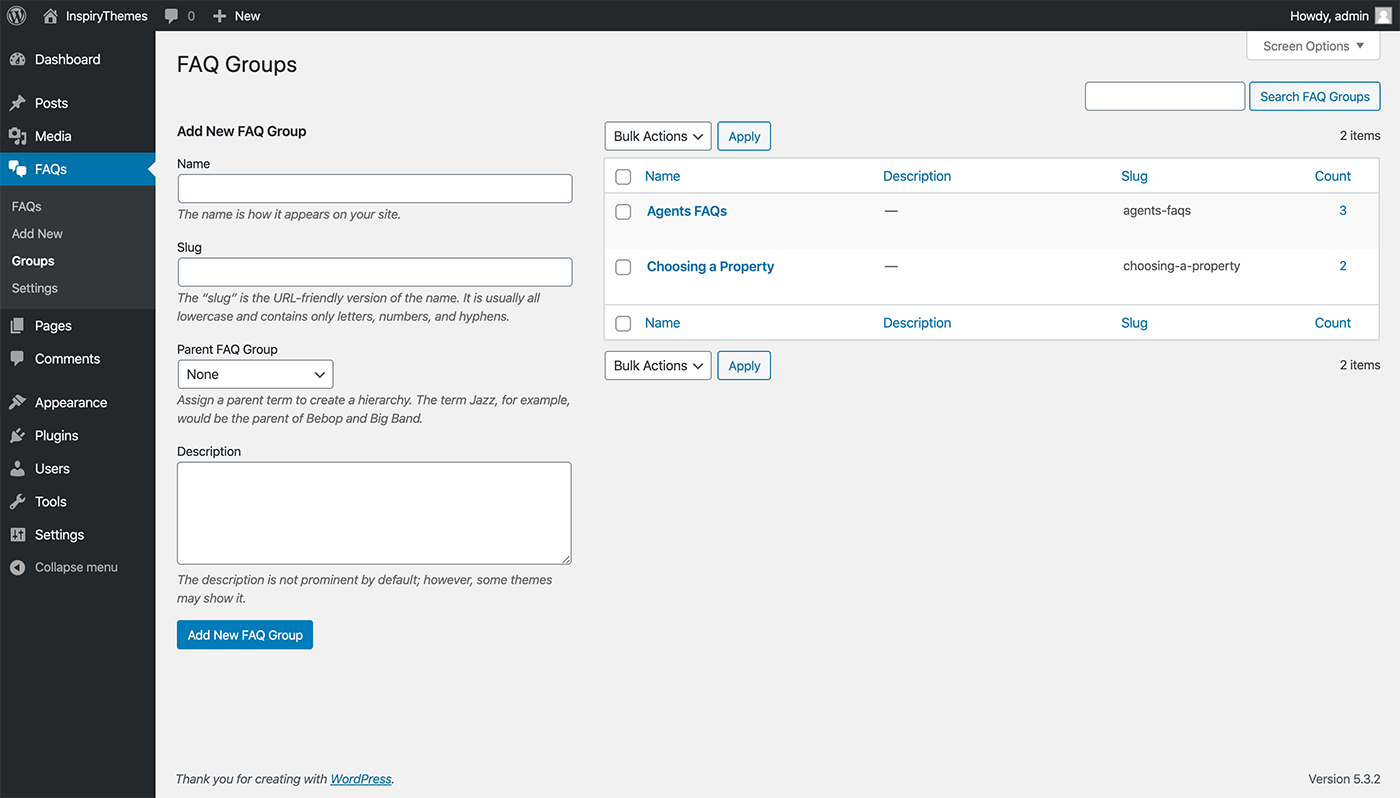
FAQ Groups
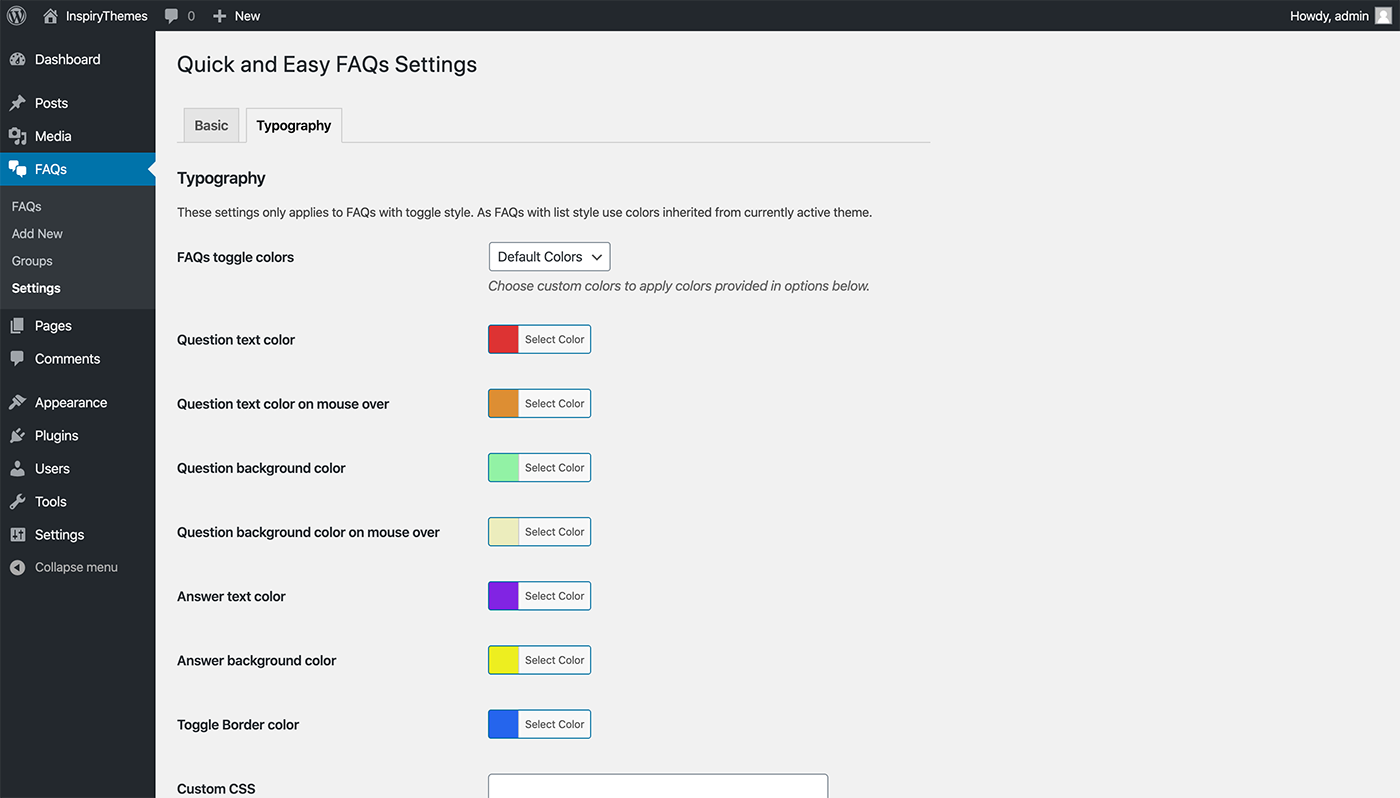
FAQs Settings
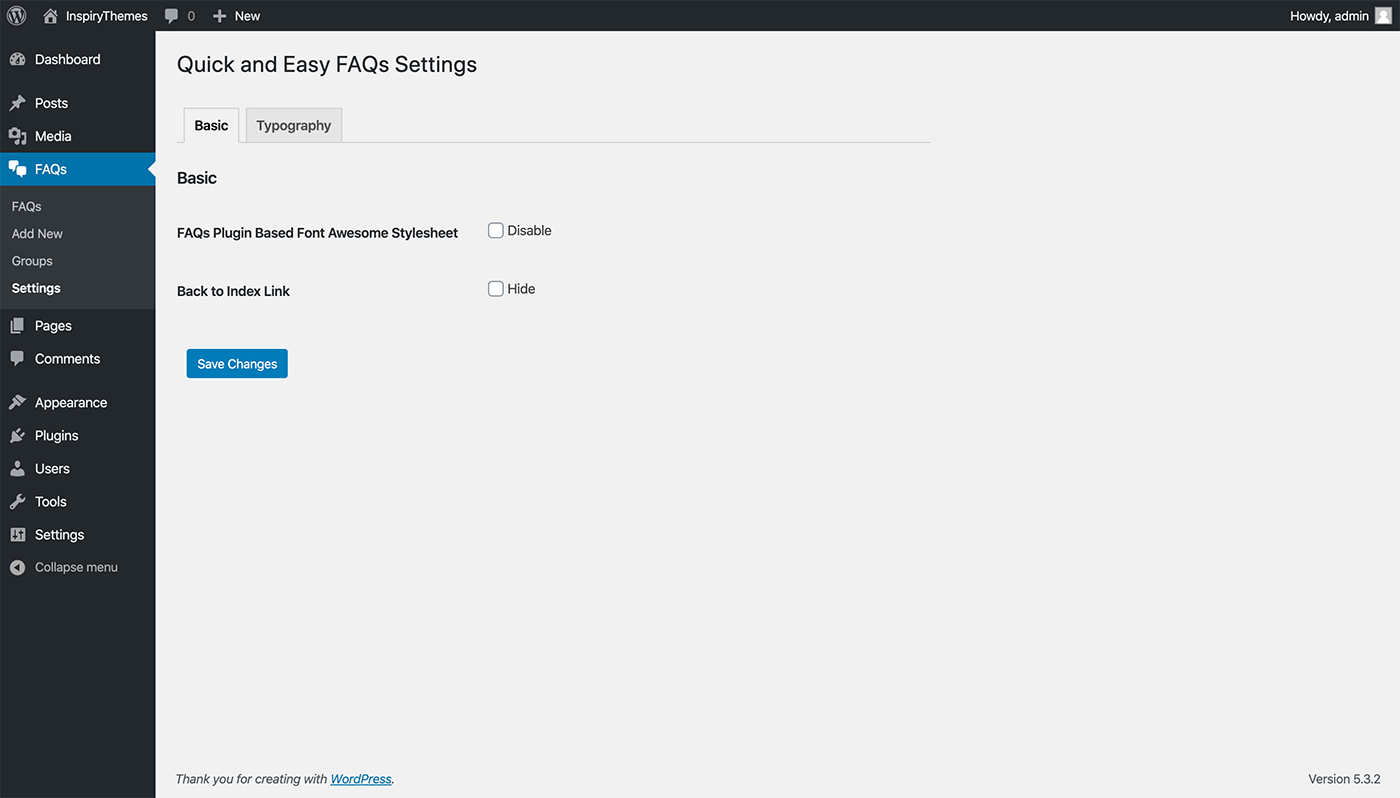
FAQs Settings
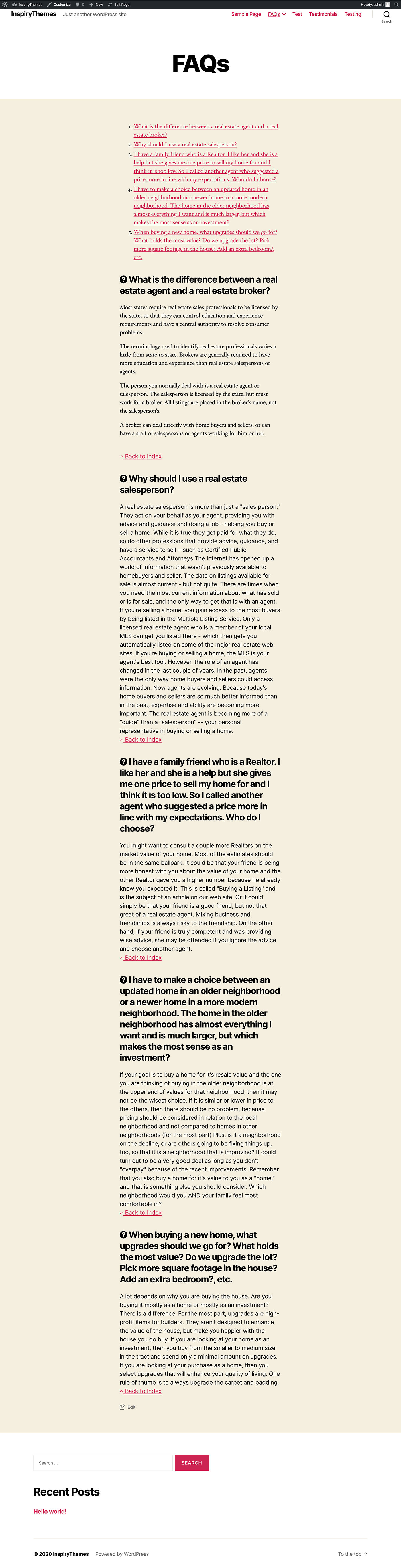
Simple FAQs
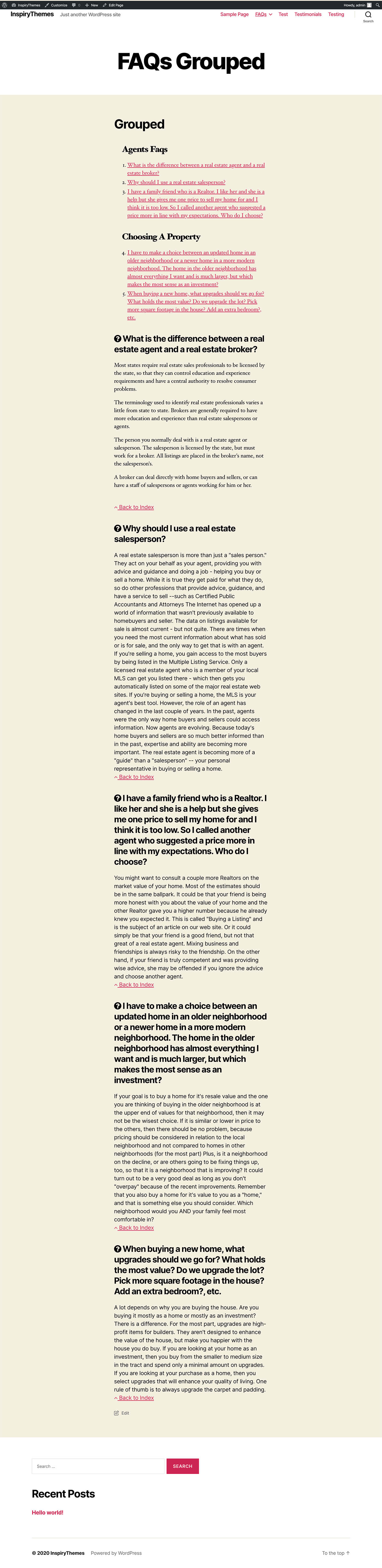
Grouped FAQs
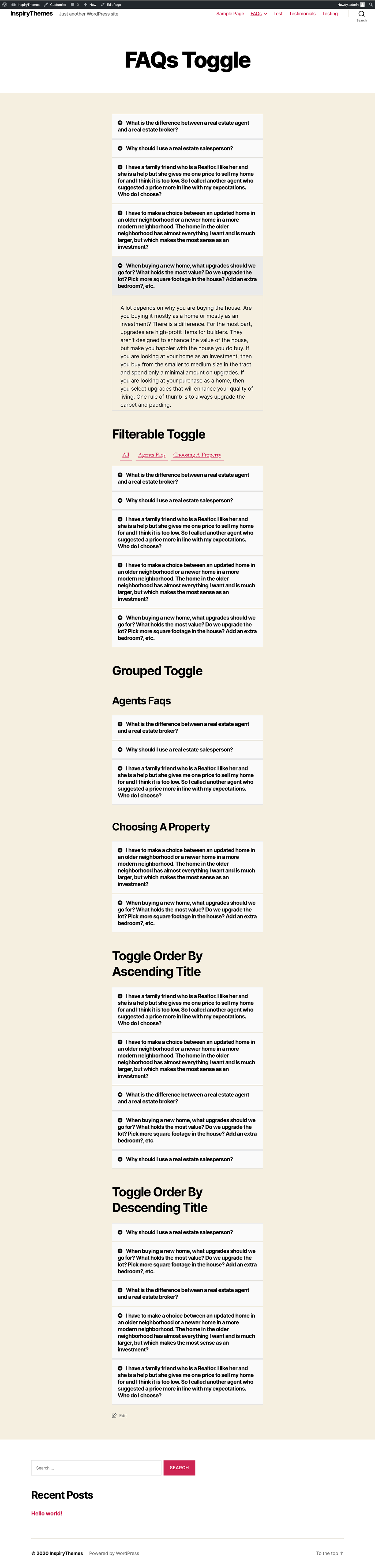
FAQs Toggle
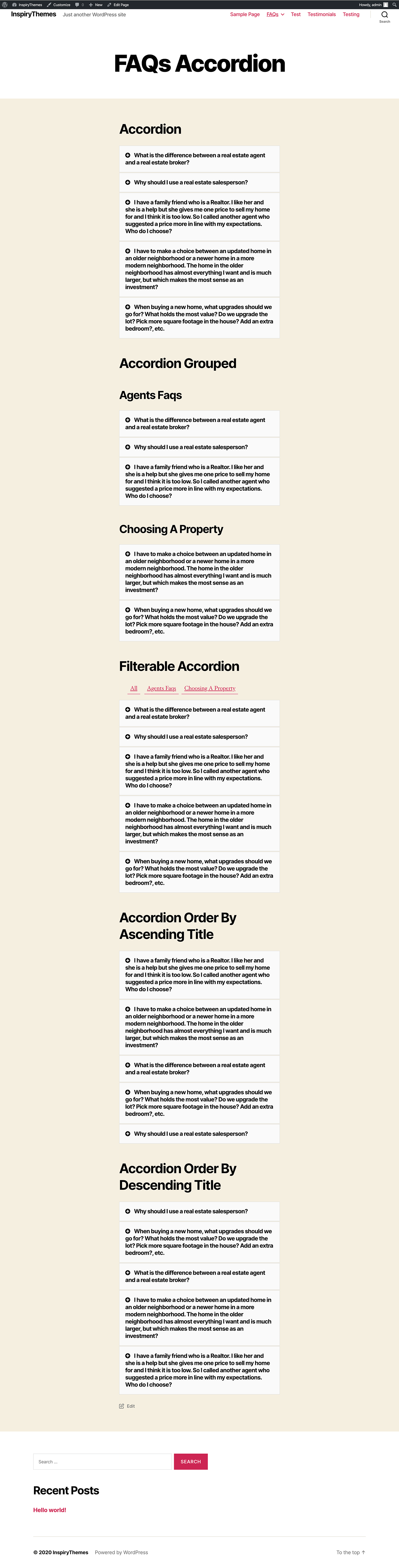
FAQs Accordion
Changelog
1.3.14
- WordPress 6.9 compatibility confirmed
- Updated minimum PHP requirement to 8.3 (recommended by WordPress.org)
- Updated translation files for multilingual support
- General code improvements
1.3.13
- Improved the text-domain functionality for better compatibility
- Improved gettext translation throughout the plugin
- Updated language POT file
- Tested plugin with WordPress 6.8.1
1.3.12
- Fixed text-domain notice
- Updated language file
- Tested plugin with WordPress 6.7.1
1.3.11
- Improved some code validation
- Improved readme.txt and readme.md files
- Updated language file
- Tested plugin with WordPress 6.6.0
1.3.10
- Added plugin action links
- Improved readme.txt and readme.md files
- Updated language file
- Tested plugin with WordPress 6.5.2
1.3.9
- Added FAQs posts limit option
- Updated RTL CSS file path
- Fixed a plugin version check issue
- Updated language file
1.3.8
- Removed freemius modal of the plugin
- Improved plugin version utilization system
- Updated language files
- Tested plugin with WordPress 6.2.2
1.3.7
- Tested for WordPress 6.1.1
- Fixed RTL public styles path
1.3.6
- Tested for WordPress 6.0.1
- Removed a deprecated filter
- Added author support for FAQs
1.3.5
- Tested for WordPress 5.9.2
1.3.4
- Multiple FAQs filters on same page issue fixed
- FAQs group title issue fixed
1.3.3
- Tested for WordPress 5.4
1.3.2
- Improved Simple Grouped FAQs list structure
1.3.1
- HTML and shortcodes support added in FAQ’s contents section
- Styles and Scripts inclusion improved
- Minor fixes/improvements in styles
1.3.0
- Refactored the code for better performance and easier maintenance
- FAQs Accordion support added
- FAQs Order By support added
- WordPress do_shortcode support added
- Improved Gutenberg support
- Font Awesome enable/disable option added
- Back to index show/hide option added
1.2.4
- Tested for WordPress 5.2.2
1.2.3
- Added Gutenberg detection check to fix bug in WordPress versions below 5.0
1.2.2
- Fixed a bug
1.2.0
- Re-Organised code files for simpler editing
- Added FAQs option in Classic Editor
- Added FAQs basic blocks in Gutenberg Editor
- Added WPML translation support
- Tested on WordPress 5.1
1.1.3
- Added partially translated language files for Spanish, French, German, Italian, Turkish and Portuguese.
- Added filter support for filterable toggle styles.
- Improved code for scenario where JavaScript is disabled.
1.1.2
- Fixed CSS precedence bug appeared in last update.
1.1.1
- Optimised CSS and JS files loading to only when shortcode is being used.
- Re-Tested for WordPress 4.9
1.1.0
- Re-Organised admin menu
- Added default color support for color settings
- Tested for WordPress 4.9
1.0.4
- Tested for WordPress 4.8
1.0.3
- Tested for WordPress 4.4
1.0.2
- Tested for WordPress 4.3
- Fixed a syntax error
1.0.1
- Fixed a spacing issue in filterable FAQs
- Added Visual Composer Support
- Added bottom margin to ‘Back to Index’ link in simple listing
1.0.0
- Initial Release