Quick Display Products Details Hover For WooCommerce
Quick Display Products Details Hover is a WordPress plugin designed to enhance the user experience on WooCommerce websites by allowing users to view p …
Plugin info
Maintenance & Compatibility
Maintenance score
Stale • Last updated 224 days ago
Is Quick Display Products Details Hover For WooCommerce abandoned?
Likely maintained (last update 224 days ago).
Compatibility
Similar & Alternatives
Explore plugins with similar tags, and compare key metrics like downloads, ratings, updates, support, and WP/PHP compatibility.
Description
Quick Display Products Details Hover is a WordPress plugin designed to enhance the user experience on WooCommerce websites by allowing users to view product details via hover. It provides a convenient way for users to get quick insights into products without needing to navigate away from the current page.
This plugin adds a hover effect to product names, triggering a pop-up window that displays detailed information about the product, including its description, price, and other relevant details. Users can easily access this information by simply hovering over the product name.
In addition to the hover feature, Quick Display Products Details Hover also includes a PDF generator option. This allows users to generate PDFs containing product details for offline reference or sharing. The PDFs can be customized to include specific information and branding elements.
With Quick Display Products Details Hover, website owners can enhance the usability of their WooCommerce stores and provide users with a seamless browsing experience. Whether it’s quickly accessing product details or generating PDFs for offline use, this plugin offers a versatile solution for showcasing product information.
Configuration
- After activating the plugin, navigate to WooCommerce -> Quick Display Products Details Hover in your WordPress dashboard.
- Click on Add New to create a new hover configuration.
- Enter a name for your configuration and save it.
- After saving, you will see a shortcode like
[qdpdh_cptqpdh_shortcode post_id="97"]. Copy this shortcode.
Using the Shortcode
- Navigate to the WooCommerce product where you want to display the quick product details.
- Edit the product and scroll down to the Quick Display Products Details Hover metabox.
- Select the configuration name you created from the dropdown list in the metabox.
- Save the product.
- Paste the copied shortcode
[qdpdh_cptqpdh_shortcode post_id="97"]into the product description or any other place where you want the quick product details to appear.
Customization Tips
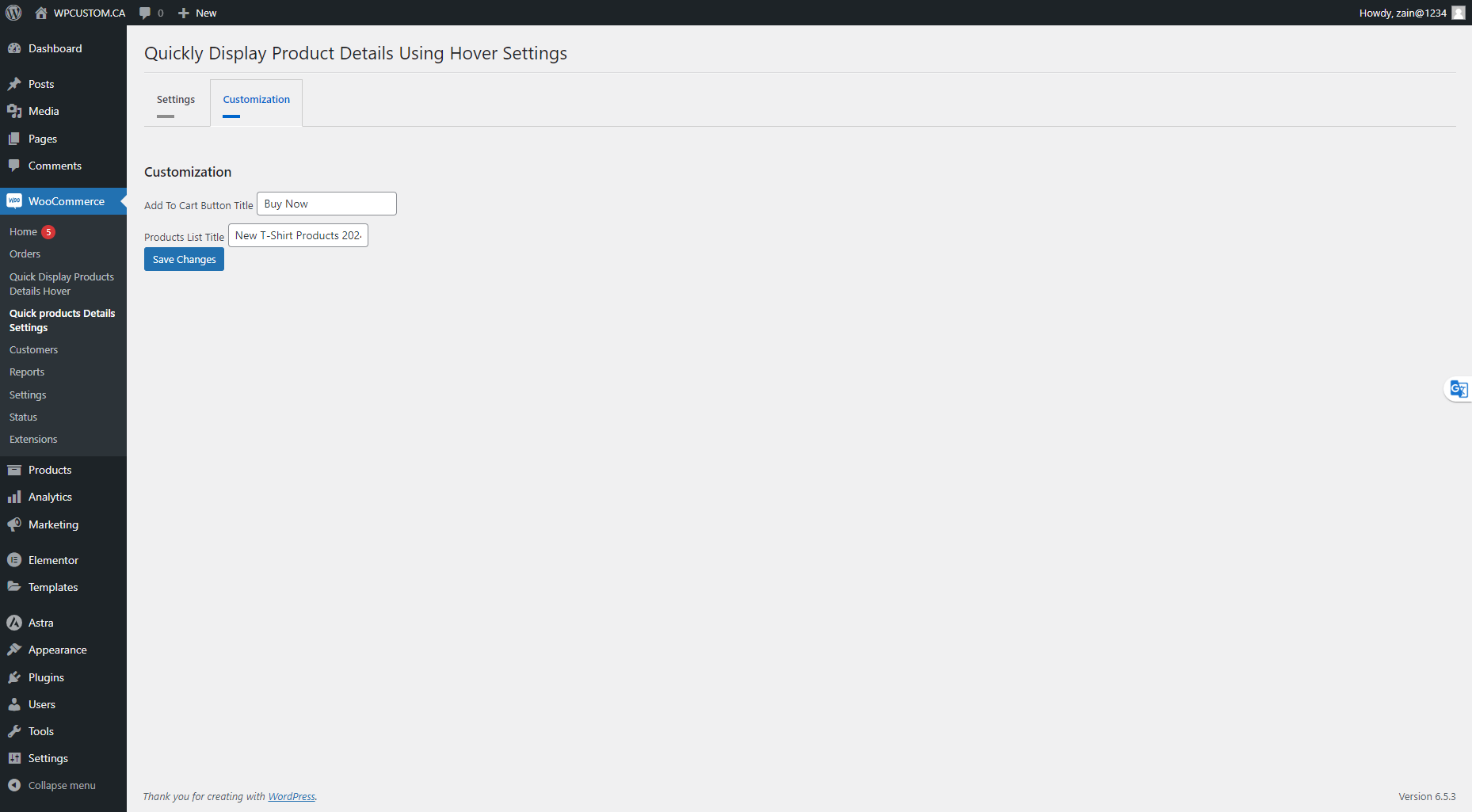
- Quickly Display Product Details Using Hover Settings:
- Navigate to the settings page.
- Choose which labels you do not want to show to your users by simply toggling the on/off switches.
- Save your changes.
- Video Tutorial: For a visual guide, watch the video below:
By following these steps, you can easily configure and customize the Quick Display Products Details Hover plugin to fit your WooCommerce store’s needs.
Contributors
wpcustomca
Installation
Prerequisites
- Ensure that WooCommerce is installed and activated on your WordPress site.
Using the WordPress Dashboard
- Navigate to ‘Plugins’ -> ‘Add New’.
- Search for ‘WooCommerce’ and install it if it’s not already installed.
- After installing WooCommerce, search for ‘Quick Display Products Details Hover For WooCommerce’.
- Click ‘Install Now’.
- Activate the plugin on the Plugin dashboard.