

Quttera ThreatSign – Web Malware Scanner for WordPress
Scan your WordPress site for malware, 0-day threats, injected code, and blacklist issues using Quttera’s Heuristic ThreatSign security engine.
Plugin info
Maintenance & Compatibility
Maintenance score
Maintained • Last updated 121 days ago • 47 reviews
Is Quttera ThreatSign – Web Malware Scanner for WordPress abandoned?
Likely maintained (last update 121 days ago).
Compatibility
Similar & Alternatives
Explore plugins with similar tags, and compare key metrics like downloads, ratings, updates, support, and WP/PHP compatibility.
Description
Quttera ThreatSign – Web Malware Scanner protects your WordPress website from malware, injected code, 0-day threats, and blacklist warnings.
Powered by Quttera’s AI-driven heuristic engine, the scanner detects malicious PHP, obfuscated JavaScript, hidden iframes, redirects, spam, SEO malware, and credit-card skimmers targeting checkout pages.
The plugin performs on-demand scans directly from your WordPress admin and checks your domain against more than 40 global security authorities, including Google, McAfee, Norton, and Yandex.
Detection capabilities are continuously enhanced using insights from Quttera’s worldwide threat intelligence network.
For complete protection—including automated malware removal, scheduled scanning, WAF, and 24/7 monitoring—you can upgrade to a ThreatSign Website Security plan.
Features:
- One-click on-demand scans from WP admin
- 0-day (unknown threat) detection via heuristic & behavioral analysis
- Detection of malicious PHP (backdoors, shells, injections)
- Detection of obfuscated or polymorphic JavaScript
- Identification of malicious iframes, redirects & hidden links
- Detection of spam & SEO malware
- Checkout skimmer detection
- Inspection of WordPress core file integrity
- Detection of alien or unauthorized files in core directories
- External links and outbound reference analysis
- Blacklist checks across 40+ security authorities
- Cloud-based scanning to reduce server resource load
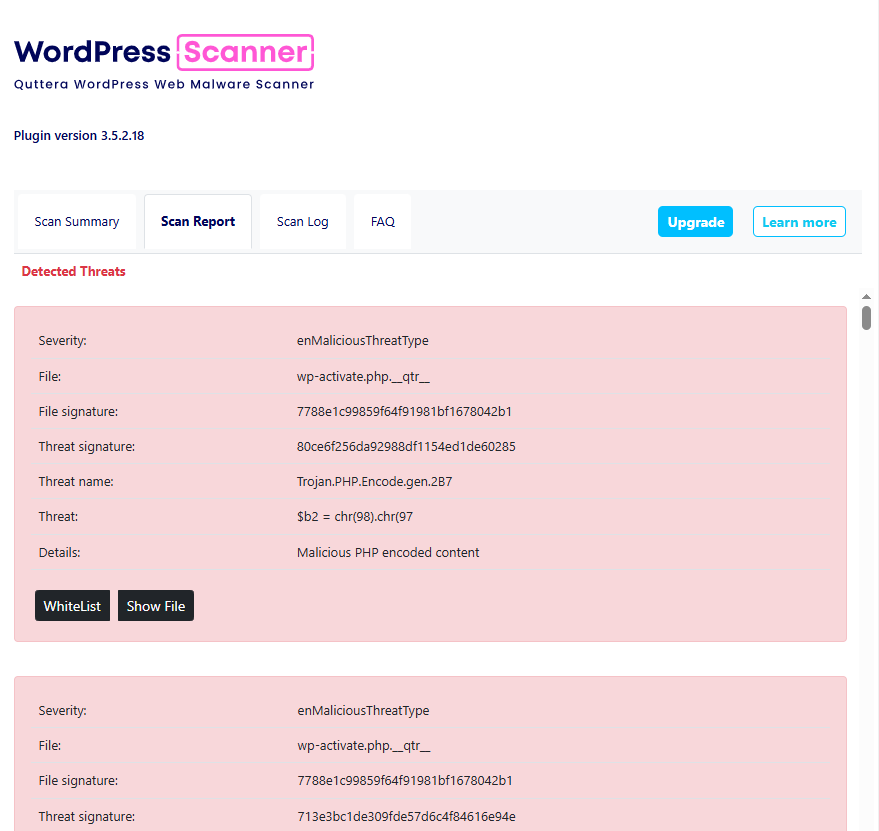
- Detailed investigation reports with severity levels
If you need malware removal assistance, contact us at [email protected] or sign up for any
of our ThreatSign annual plans, which include cleanup & blacklist removal:
https://quttera.com/anti-malware-website-monitoring-signup
Credits
Plugin’s other home
Installation
- Download the plugin.
- Go to the WordPress Plugins menu and activate it.
- That’s it!
Frequently Asked Questions
This plugin uses Quttera’s unique, patented malware scanning and detection technology. Its multi-layered heuristic engine gathers intelligence from the analyzed system and digests it into weighted rules to detect malicious code. A self-learning mechanism updates the ruleset using Quttera’s worldwide threat intelligence network.
The scanner identifies a wide range of threats, including:
- Obfuscated JavaScript
- Injected or malicious PHP code
- Hidden iframes, redirects, and links
- Spam and SEO malware
- Card skimmers targeting WooCommerce checkout pages
- Suspicious external links
- Backdoors and PHP shells
- Infected or modified WordPress core files
Heuristic and AI-powered analysis enables detection of new or unknown malware, not just known signatures.
The free version includes:
- On-demand scans from the WordPress admin
- Blacklist checks across 40+ services
- Malware detection (JS, PHP, backdoors, spam, iframes, skimmers, etc.)
- Investigation report with severity levels:
- Clean
- Potentially Suspicious
- Suspicious
- Malicious
To enhance protection, upgrade to ThreatSign Website Security.
Traditional scanning uses signature matching. Heuristic scanning uses rules, weight-based systems, emulators, flow analyzers, and statistical methods to detect potentially malicious functionality, even in previously unknown threats.
Quttera’s severity levels indicate potential risk. If you’re unsure whether a detection is harmful, our team can help. Contact us via ticket at https://helpdesk.quttera.com, email [email protected], or the plugin’s WordPress Support Forum.
Yes. Our ThreatSign Website Security plans provide:
- Expert malware cleanup
- Automatic malware removal
- Continuous & scheduled scans
- Web Application Firewall (WAF)
- DDoS protection & mitigation
- Blacklist removal (40+ authorities)
- 24/7 monitoring & protection
Learn more: https://quttera.com
This usually happens if your hosting assigns only one PHP worker. The scan process occupies the only worker, temporarily blocking the site until the scan completes.
Ensure JavaScript is enabled and your firewall isn’t blocking plugin requests. The plugin communicates with the backend via JavaScript-generated HTTP requests.
Use the “Download Report” button, save the file, and send it to us via https://helpdesk.quttera.com/open.php.
Your hosting may not allow WordPress Cron to function properly.
You can enable an alternative cron method by adding this line to wp-config.php:
define(‘ALTERNATE_WP_CRON’, true);
Submit them via: https://helpdesk.quttera.com/open.php
For questions about investigation process please refer to http://quttera.com or post in the Support section here.
Review feed
Screenshots
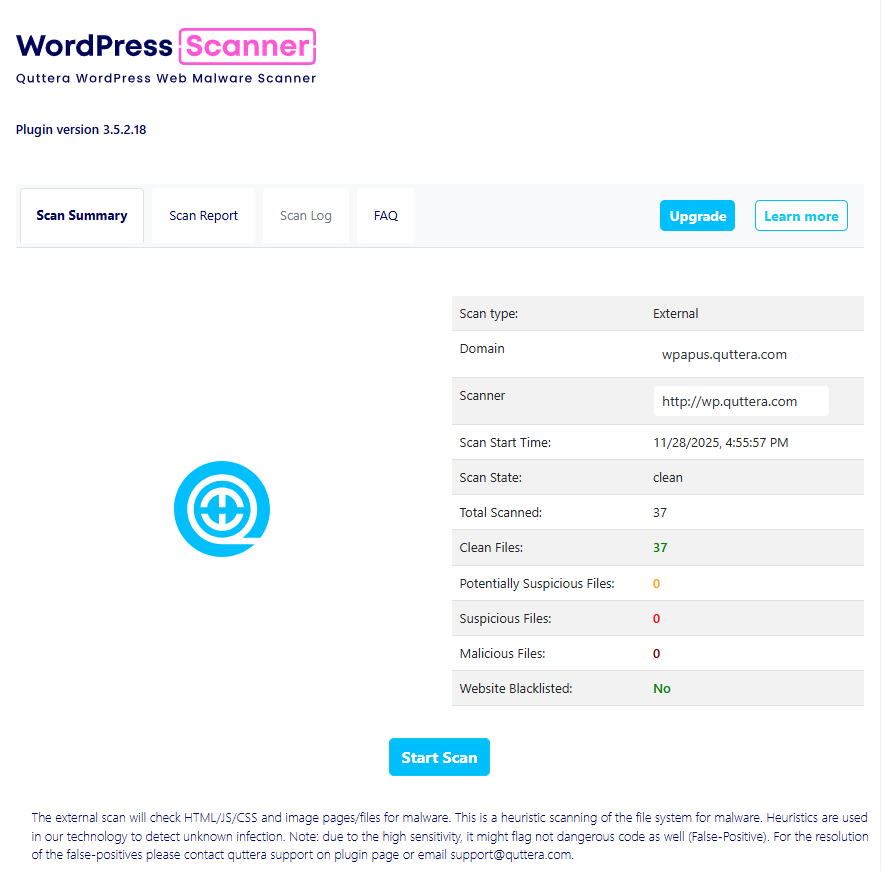
Quttera Web Malware Scanner for Word Press
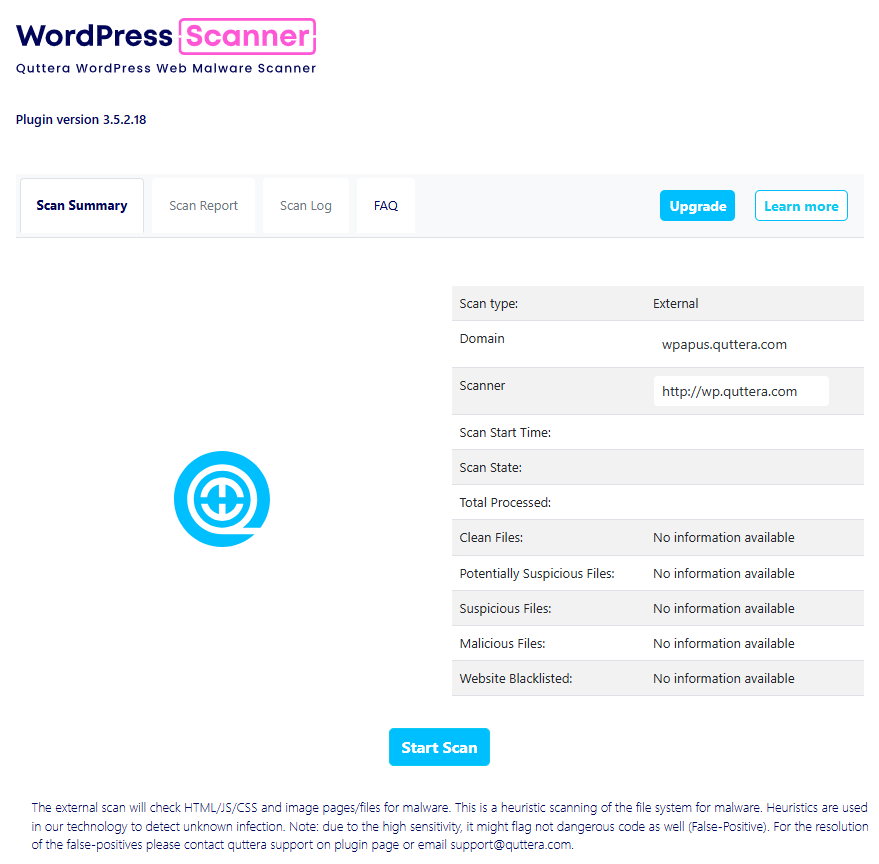
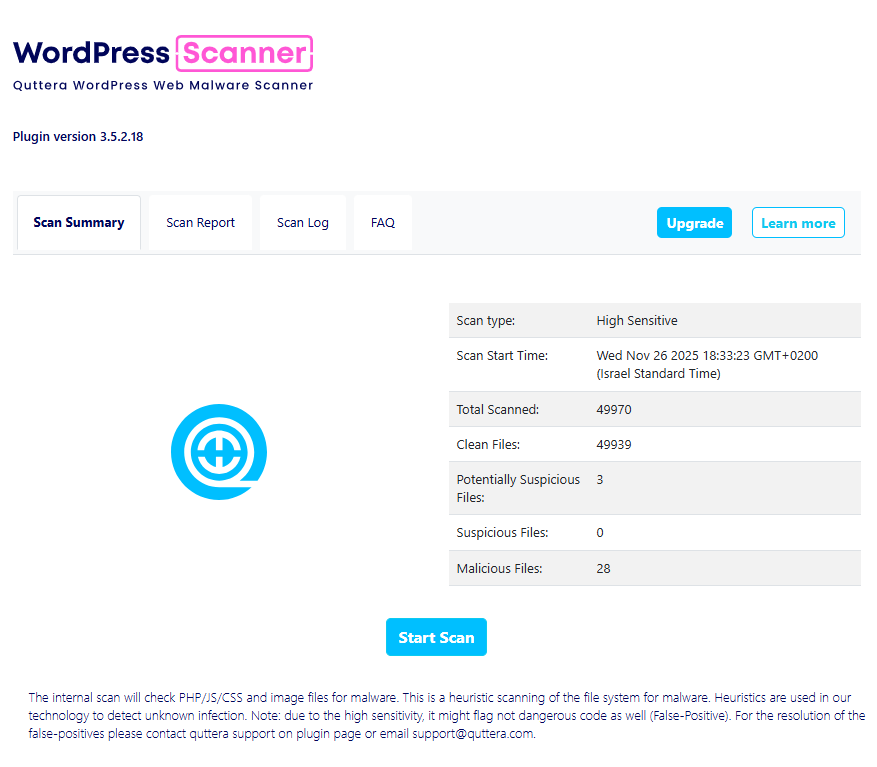
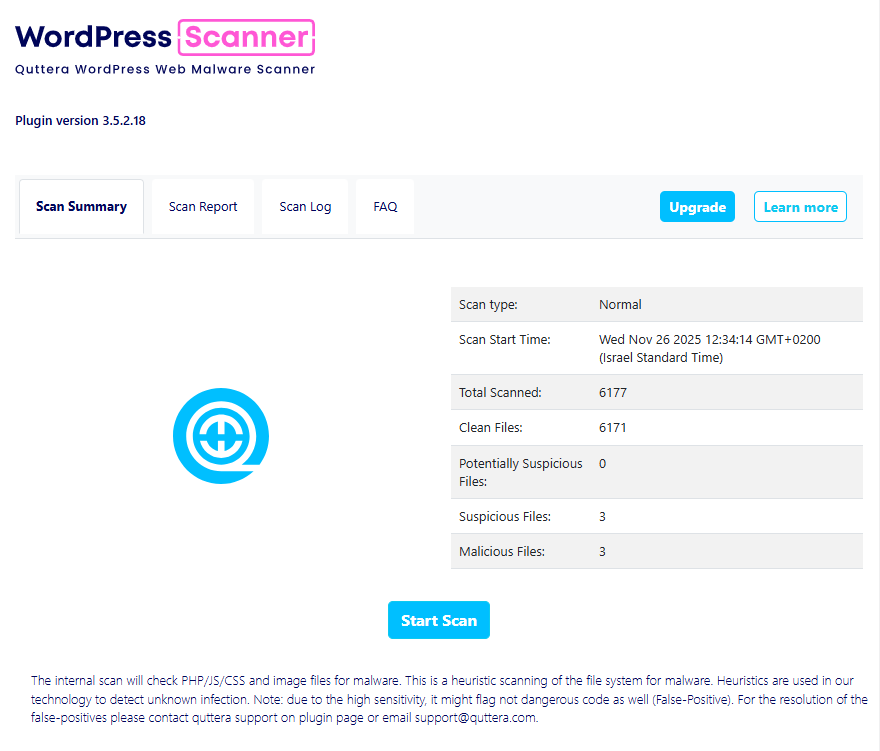
Changelog
3.5.2.20
- Added new detection rules
3.5.2.1
- Fixed vulnerability type: Stored XSS Administrator+ role Affected Plugin. Thanks to Artyom Krugov for reporting and helping to improve our plugin.
- Fixed vulnerability type: Server-Side Request Forgery. Thanks to Jonas Benjamin Friedli for reporting and helping to improve our plugin. CVE-2025-8013.
3.5.1.41
- Added new detection rules
3.5.0.1
- Added new detection rules
- Added new GUI
3.4.2.1
- Added new detection rules
- Fixed vulnerability types: Directory Listing and Path Traversal. Thanks to Dmitrii Ignatyev for reporting and helping to improve our plugin.
3.4.0.1
- Added capability to ignore specific files or directories
3.3.0.22
- Added capability for high sensitive and normal scans
3.2.1.97
- Added new detection rules
3.1.1.0
- Fixed presentation of investigation report
3.0.21.17
- Added new SEO/malware/ransomware detections
3.0.9.1
- Added admin user verification on internal scan
3.0.8.65
- Added new SEO/malware/ransomware detections
3.0.8.1
- Fixes for 4.8.2 and new backdoor samples
3.0.7.45
- Added new malware/shell samples
3.0.7.22
- Added new spam samples
3.0.7.21
- Added new spam samples
3.0.7.20
- Added new malware shell
3.0.7.0
- Added new malicious ads detection
1.0.0
- Initial public release