

ReactPress – Create React App for WordPress
Easily create, build and deploy React apps into your existing WordPress sites.
Plugin info
Maintenance & Compatibility
Maintenance score
Stale • Last updated 360 days ago • 18 reviews
Is ReactPress – Create React App for WordPress abandoned?
Likely maintained (last update 360 days ago).
Compatibility
Similar & Alternatives
Explore plugins with similar tags, and compare key metrics like downloads, ratings, updates, support, and WP/PHP compatibility.
Description
ReactPress enables you to easily create, build and deploy React apps into your existing WordPress sites. Use your React knowledge to create single page applications for your WordPress customers.
Get started in seconds and develop your React app with instant feedback and your WordPress theme in mind.
Combine the flexibility of WordPress with the UI capabilities of React and seamlessly integrate create-react-app into your WordPress project for your next SaaS.
ReactPress does 3 things:
- It integrates your local dev server into your WordPress theme, that you have instant feedback, how your React app looks in the context of your WordPress website.
- It builds your React app in a way that it is usable from your WordPress site.
- It makes it easy to upload your app to a live server after building.
Features
- Fast refresh during app development
- WordPress integration during development
- Easy deploy to your live site
- client-side routing
- zero-config
- TypeScript support
Links
System Requirements
To develop React apps your WordPress instance needs access to:
- Access to the PHP function
file_get_contents. Some hosting providers deactivatefopenon whichfile_get_contentsdepends. Access tofile_get_contentsis neccessary on your dev and your live system! - POSIX compatible system, Windows support is experimental. (Alternatively Windows users can use WSL2)
Installation
-
Like any other plugin install via Plugins/Add New. You can download the plugin via admin or upload it to the plugins directory.
-
Activate the plugin through the ‘Plugins’ menu in WordPress
Frequently Asked Questions
To make client-side routing work, follow this guide: Client-Side Routing with ReactPress
Please visit our support forum and search for your problem. If you can’t find any help there, feel free to create another topic.
ReactPress should work with every theme. Depending on the page template you choose you will have a clean slate without any styling or a normal page that inherits the styling of your theme.
You can than style your React app with every styling solution for React that best fits your needs.
Review feed
Screenshots
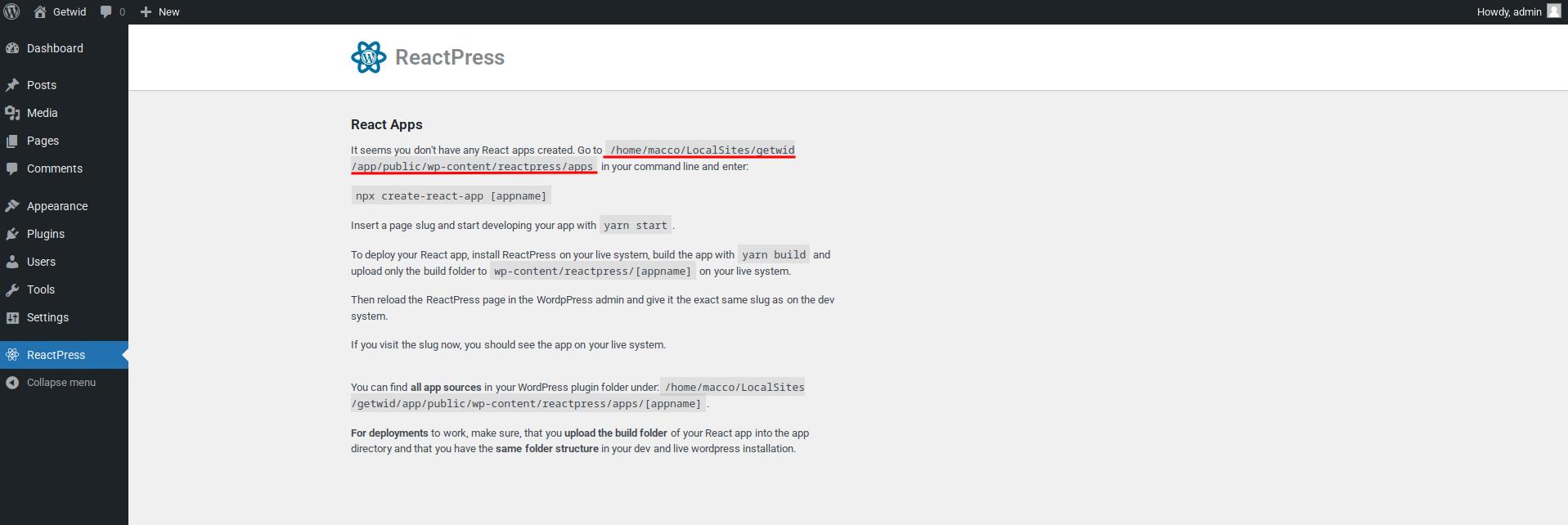
Empty admin view.
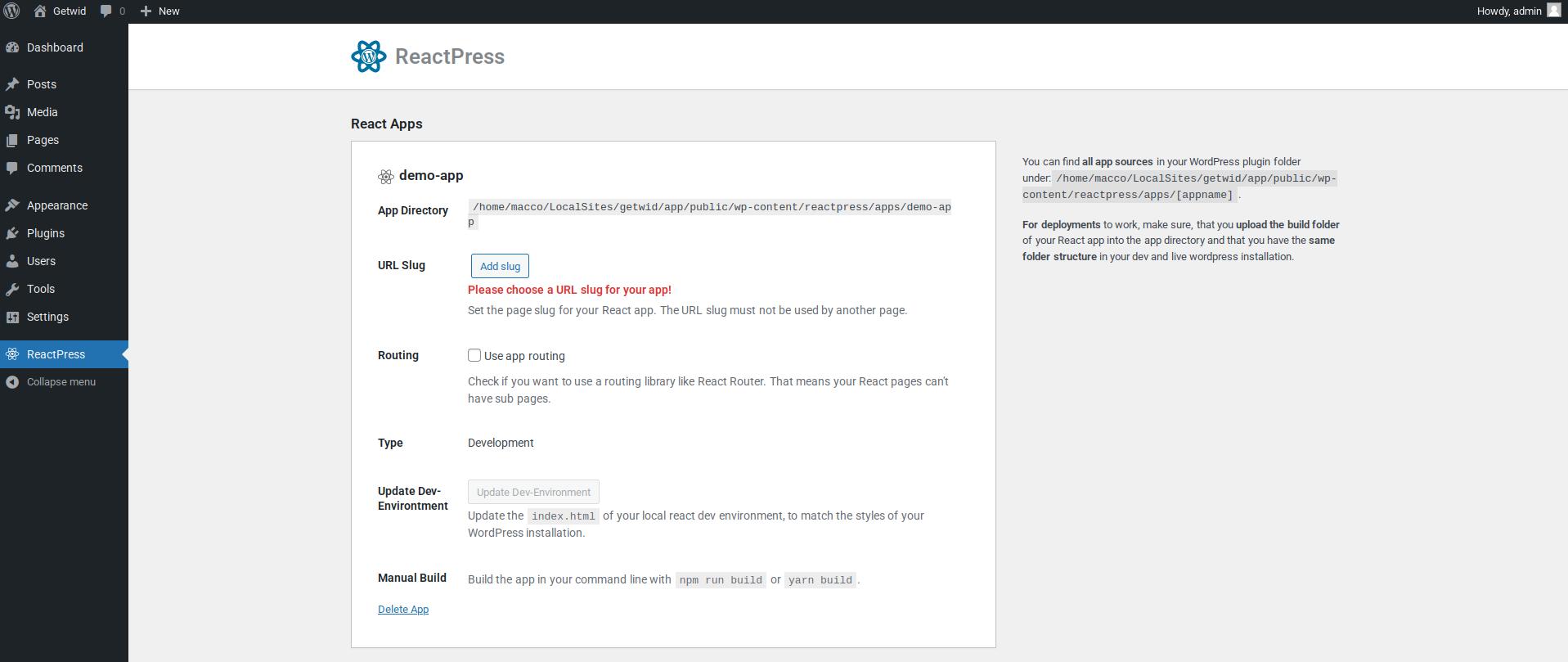
The new React app is created.
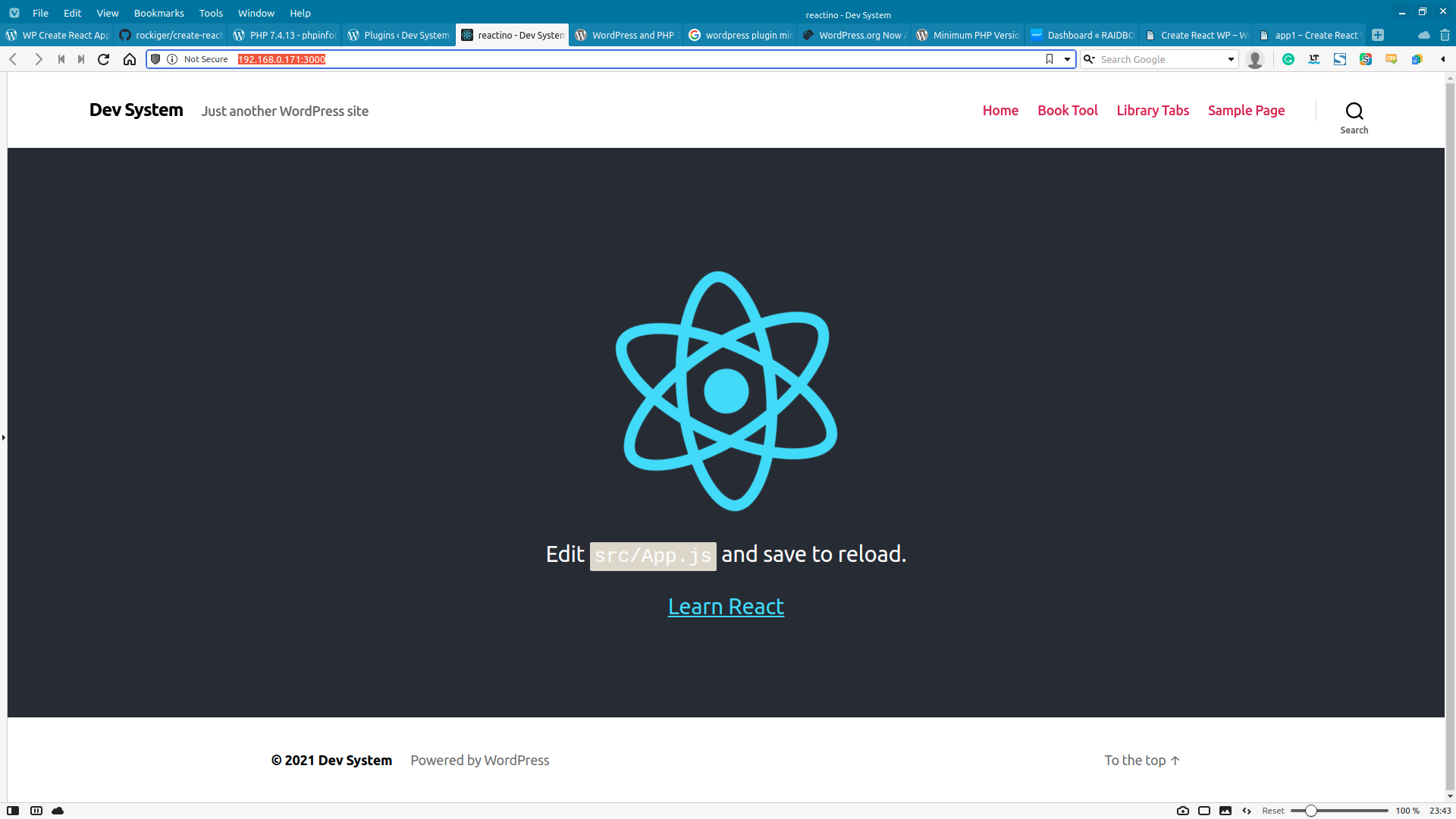
The local React dev server is running on port: 3000. Every change will hot reload immediately.
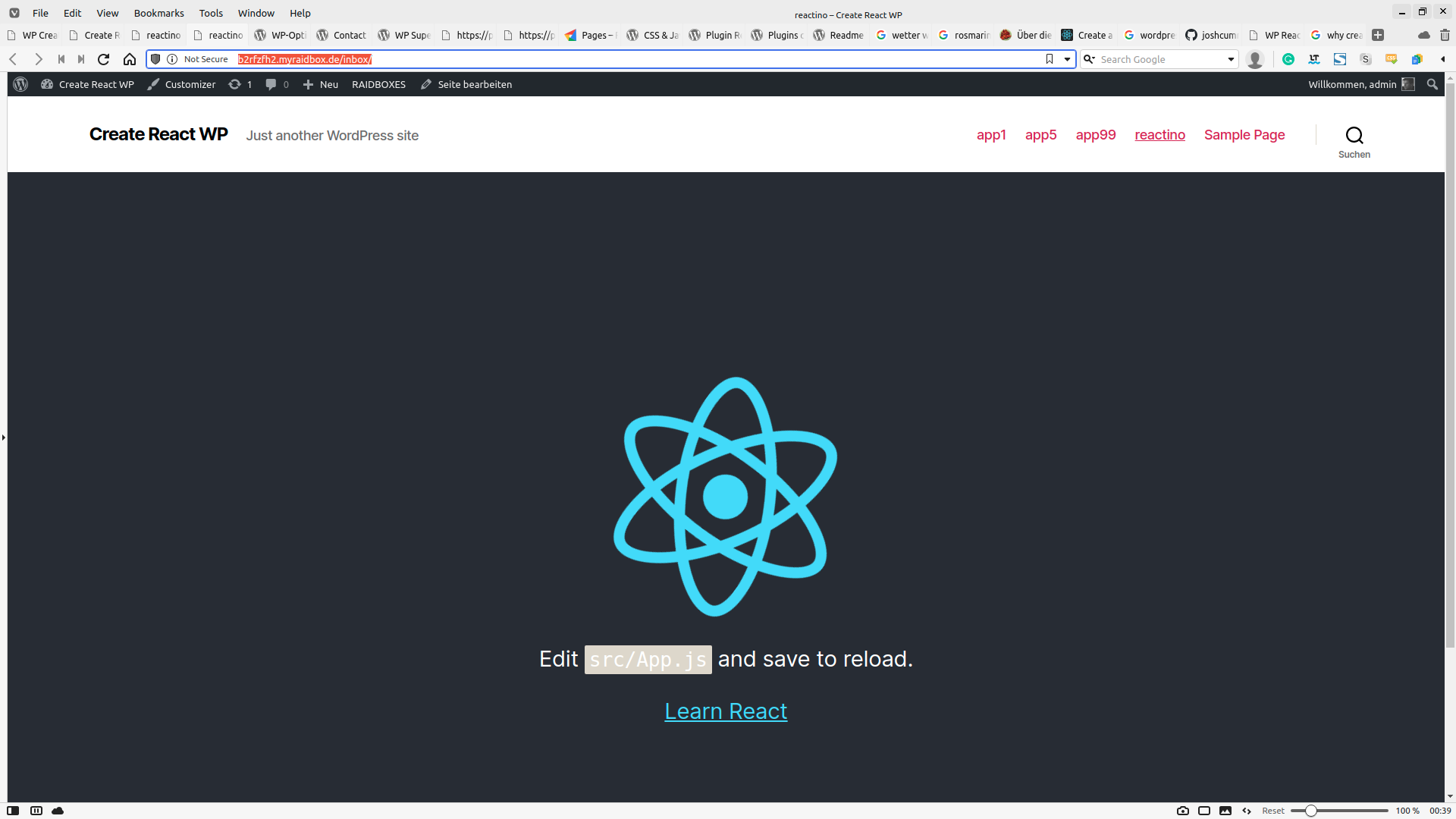
The React app is deployed on the public server.
Changelog
3.4.0
- Improved asset filtering (@dylanlawrence)
- Check for asset folder (@BlairCooper)
- Improve deep links (@bendiy)
- Update packages (@BlairCooper)
3.3.0
- Recommend the user to use create-vite instead of create-react-app
- Support chunking files for Vite applications (thanks to Blair Cooper)
- Fix: Namespacing for repr_log() – function
- Fix: Only write build path and index.html if in dev mode
3.2.2
- Update the React dev environment even if the ReactPress app is on a private page. Thanks to @BlairCooper
- Improve compatibility with non-standard WordPress configurations like Bedrock. Thanks to @dylanlawrence
- Improve security
3.2.1
- Removing extra script tag when using vite – thanks to @dylanlawrence
- Using ABSPATH for the document root
3.2.0
- Support React apps with Vite (other kinds of frontend frameworks coming soon)
- (Very) basic support for more than one app on one page.
3.1.0
- Make sure that pages of all states (private, draft) are shown.
- Improve user feedback when something goes wrong during index.html update.
- Don’t write empty content to index.html if page download did not work.
- Add css as late as possible to ReactPress page, to reduce
!importantin app’s css. - Add information about the post into
reactPressvariable - Automatically update the app list without the need to reload the page
3.0.1
- Allow child pages to be ReactPress pages, where a React app is embedded.
- Add support for hosts that have turned the
php.inisettingallow_url_fopentooff. - Don’t delete options when uninstalling plugin.
2.1.3
- Use relative file names for templates, to allow different folder configurations. Thanks to https://github.com/BlairCooper.
- Improve system requirements
2.1.2
- Don’t show encrypted user password on frontend.
- Improve Windows compatibility
2.1.0
- Add totally empty canvas template. This template doesn’t get any styles and scripts from WordPress. Good if you want to embed a totally independent React app.
- Add nonce and base rest_url to global ReactPress variable.
- Fix loading of global ReactPress variable.
- Improve Windows compatibility
- Securtiy fix: don’t show encrypted user password
2.0.1
- Improve Windows compatibility
2.0.0
- Add an app to an existing page
- Make client-side routing optional, thus allowing child pages of a React app
- Improve documentation
- Use a React app in more than one page
- Revamp the admin page to be cleaner and a React app itself
- Add PHP namespaces
- Use create-react-app in the admin area for dogfooding
- Add post state label to signal the user a page was created by ReactPress
- Test with WordPress 6.0.2
1.3.2
-
Swap file_get_contents for wp_remote_get.
-
Create custom routing for react-router based on slug of the reactpress page.
-
If the folder of an app is deleted, it is shown as type: Orphan
1.3.0
-
Move apps directory to wp-content/reactpress/apps to don’t mess with the created app when updating the plugin.
-
Remove possibility to create new react apps from the admin. From now on there is only the command line workflow.
1.2.1
-
FIX: Template incompatibility with Elementor and some other plugins. Thank to the great answer of Sally CJ https://stackoverflow.com/questions/67696139/error-in-wordpress-with-plugin-reactpress/68455647#answer-67751220
-
FIX: Problems if document root and plugin app directory are on the same machine/server/locationn
1.2.0
-
Revamp the process of adding using ReactPress. Don’t start the react app anymore, only update the
index.htmlfrom WordPress admin. Make it possible to add apps manually with npm or yarn. -
Add fallback if we can’t find the plugin directory programmatically.
1.1.0
-
Test with WordPress 5.7
-
Insert the current user object to the global window object in Javascript, to have it accessible without a call to the API.
-
add .env with CHOKIDAR_USEPOLLING=true to ensure watcher works with VM
-
Use npm instead of yarn.
1.0.0
-
Check for if it allows
shell_execandexec -
npm -v >= 6.0.0is reachable from WordPress -
Find out if we are in a Windows environment
-
Deploy app to production
-
Add TypeScript/template support
-
Delete app
-
Build app
-
Extend index.html in React app to look like WordPress site
-
Create new React app
-
Add React app in specified page