

Real Thumbnail Generator: Efficient regeneration of thumbnails in all sizes
Real Thumbnail Generator is a WordPress plugin for regenerating thumbnails. It is beginner-friendly, SEO-optimised and GDPR-compliant.
Plugin info
Maintenance & Compatibility
Maintenance score
Maintained • Last updated 121 days ago • 14 reviews
Is Real Thumbnail Generator: Efficient regeneration of thumbnails in all sizes abandoned?
Likely maintained (last update 121 days ago).
Compatibility
Languages
Similar & Alternatives
Explore plugins with similar tags, and compare key metrics like downloads, ratings, updates, support, and WP/PHP compatibility.
Description
(Re)generate single or multiple image sizes for your WordPress website and create a SEO-optimised custom structure for uploading thumbnails.
Regenerate UNLIMITED thumbnails with the free version!
In the course of optimising a WordPress website, it can often be necessary to change the theme – especially if the website is still being created. Unfortunately, a theme change can alter the image sizes and lead to despair. This is where Real Thumbnail Generator comes into play: The WordPress plugin is responsible for regenerating the image sizes. With a few clicks, the problem is solved! This way, themes can be changed as often as desired without negatively affecting the media management.
Free Sandbox
You want to try WordPress Real Thumbnail Generator before
installing? Take a free sandbox and play around!
Features
Some of the features listed below are only available in the PRO version of Real Thumbnail Generator. They are marked with an asterisk.
- Mass regeneration of thumbnails in the media library
- Regenerating individual images in the media library
- Works great with PDF files (note requirements)
- Skip already existing thumbnails *
-
Detection and deletion of unused image sizes *
-
Reliable and fast regeneration of thumbnails (without aborts as known from other plugins)
- Compatible with all major themes and many plugins
- Custom upload structure for thumbnail paths and file names *
-
Supports WordPress Multisite
-
One-time payment with lifetime updates
- Fast support from Germany
- DSGVO/GPDR: The plugin does not collect any personal data without your consent!
Compatibility
Real Thumbnail Generator is compatible with all common themes and plugins.
Installation
- Go to your WordPress backend
- Navigate to “Plugins” > “Add New”
- Search for “WordPress Real Thumbnail Generator”
- Install and activate the plugin
- Go to “Media” in the left sidebar and enjoy the advanced media management with folders
Frequently Asked Questions
The custom upload structure can be easily set in the media settings of the Pro version. Here is a little example how the WP standard upload looks like:
wp-content/uploads/2016/11/myimage-150×150.jpg
… and after you set a custom upload structure it can look like:
wp-content/uploads/2016/11/thumbnails/medium/myimage.jpg
Most plugin files (PHP, templates, assets) are in the ZIP in human-friendly, unprocessed form (soure files).
The plugin’s JavaScript/TypeScript is bundled (e.g. by Webpack) from plugin-specific packages and third-party open source to produce build files. Each build ends with //# sourceMappingURL=… to source maps with the original, human-readable code; these maps are public and the included source code can be inspected by anyone directly in your browser, if you have installed the plugin.
To conveniently view the complete codebase of the consumed script in e.g. Chromium/Google Chrome, open ⋮ > More tools > Developer tools > ⋮ (in DevTools) > Settings > Preferences > Sources and enable “JavaScript source maps”, “CSS source maps”, and “Allow DevTools to load resources, such as source maps, from remote file paths”. Reload, then open DevTools > Sources > “devowl-local-files” to inspect all readable sources.
Source maps are hosted outside the ZIP to keep size manageable; otherwise the plugin could exceed limits of web hosts and become non-installable.
The repository with all source files can be do be inspected by anyone at assets.devowl.io/wordpress-plugins-source-code.zip. Please check out the README.md in the repository to learn how to get started!
For details on the data procession of our servers, please read devowl.io/privacy-policy.
Review feed
Great and up to date
Screenshots
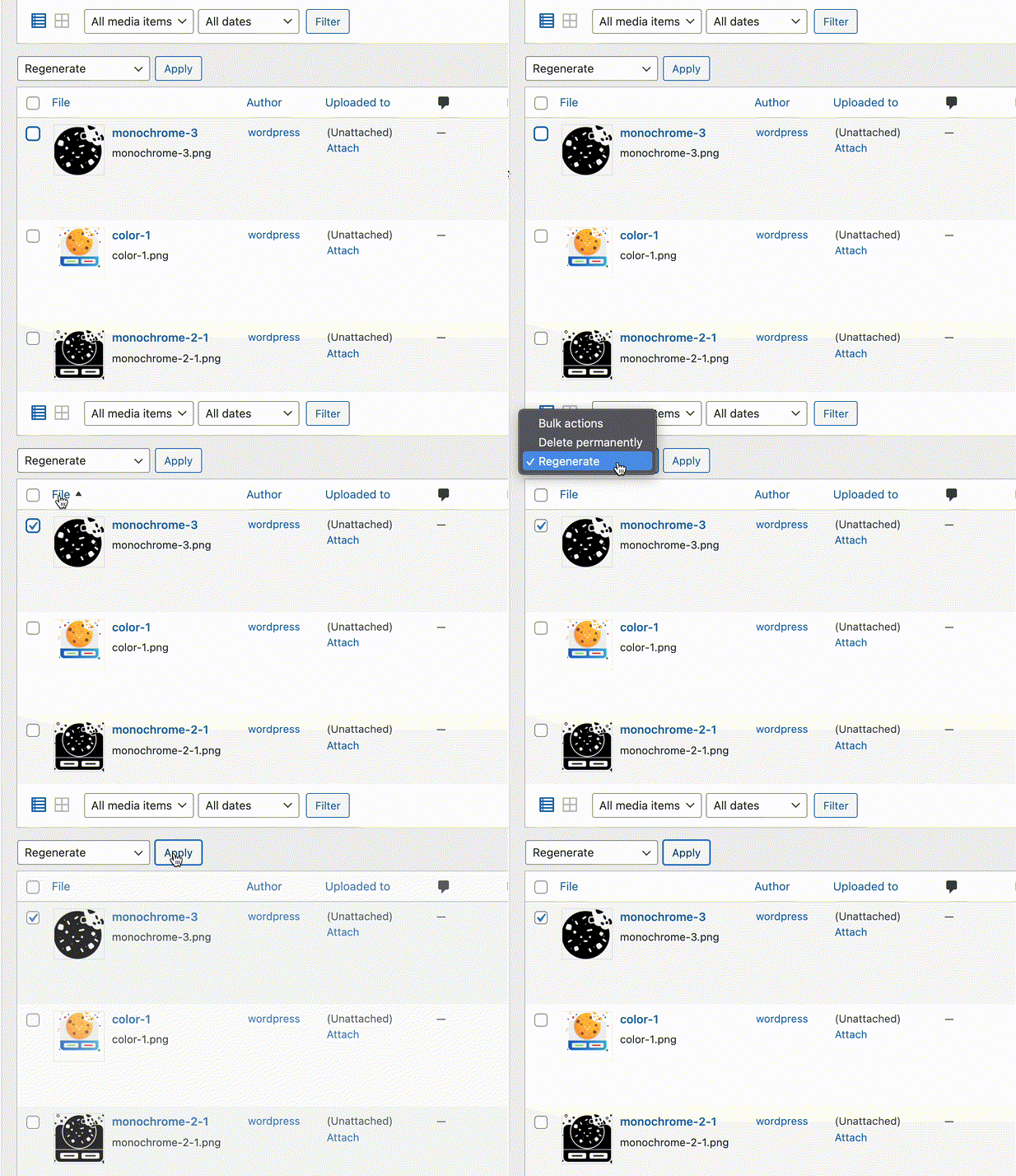
Regenerate single images
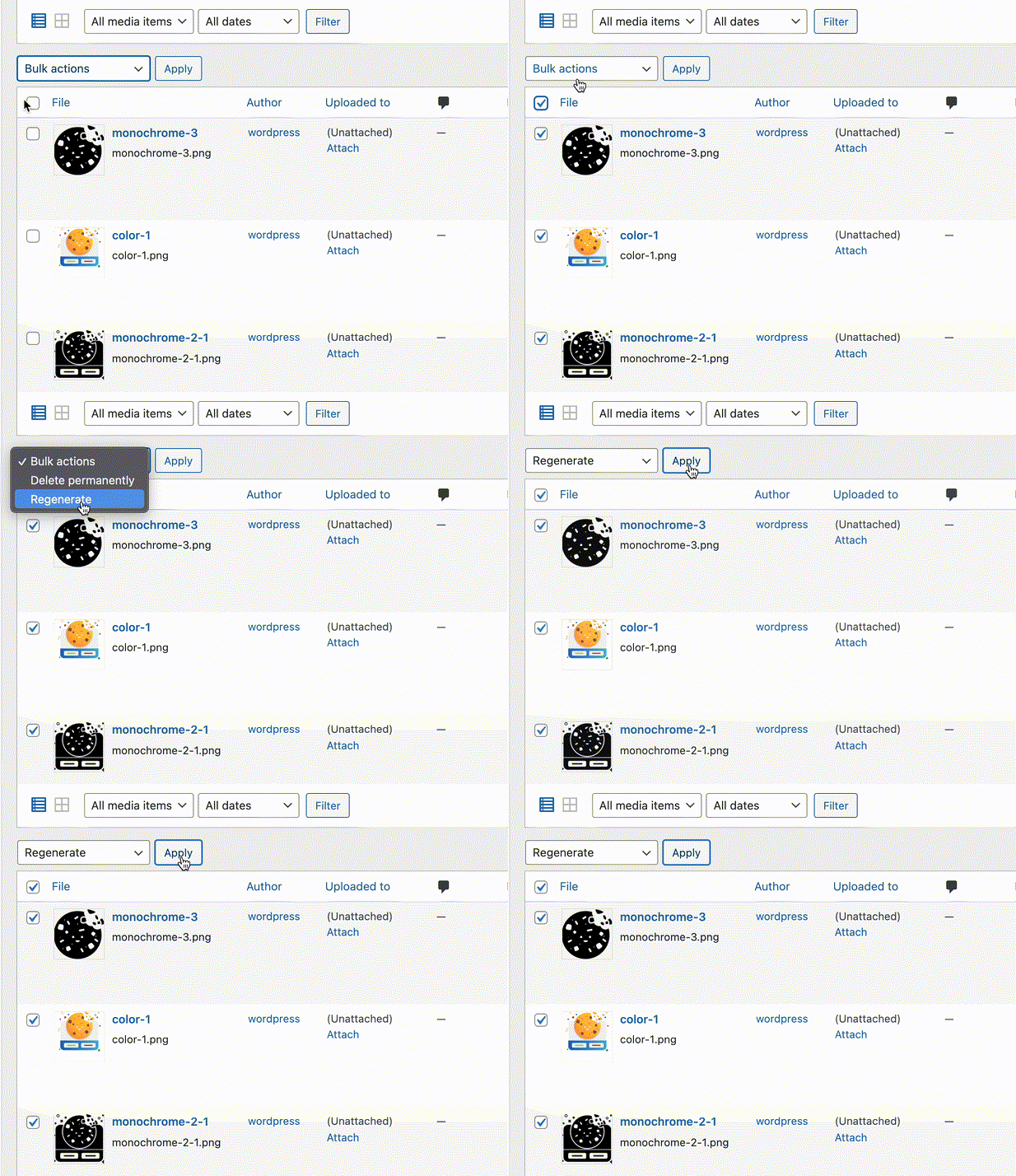
Regenerate multiple images

Analyse the condition
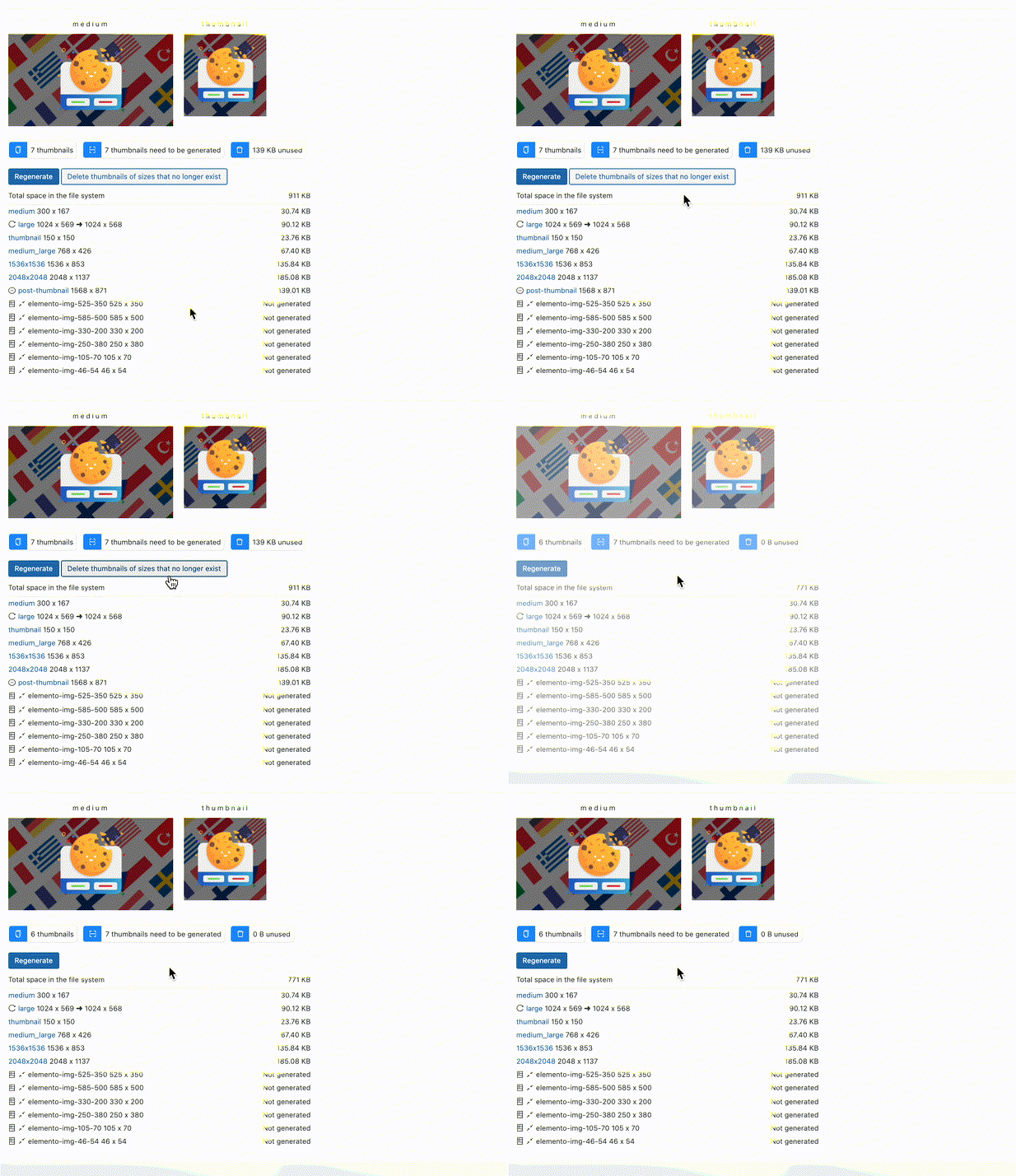
Details and deletion of unused images
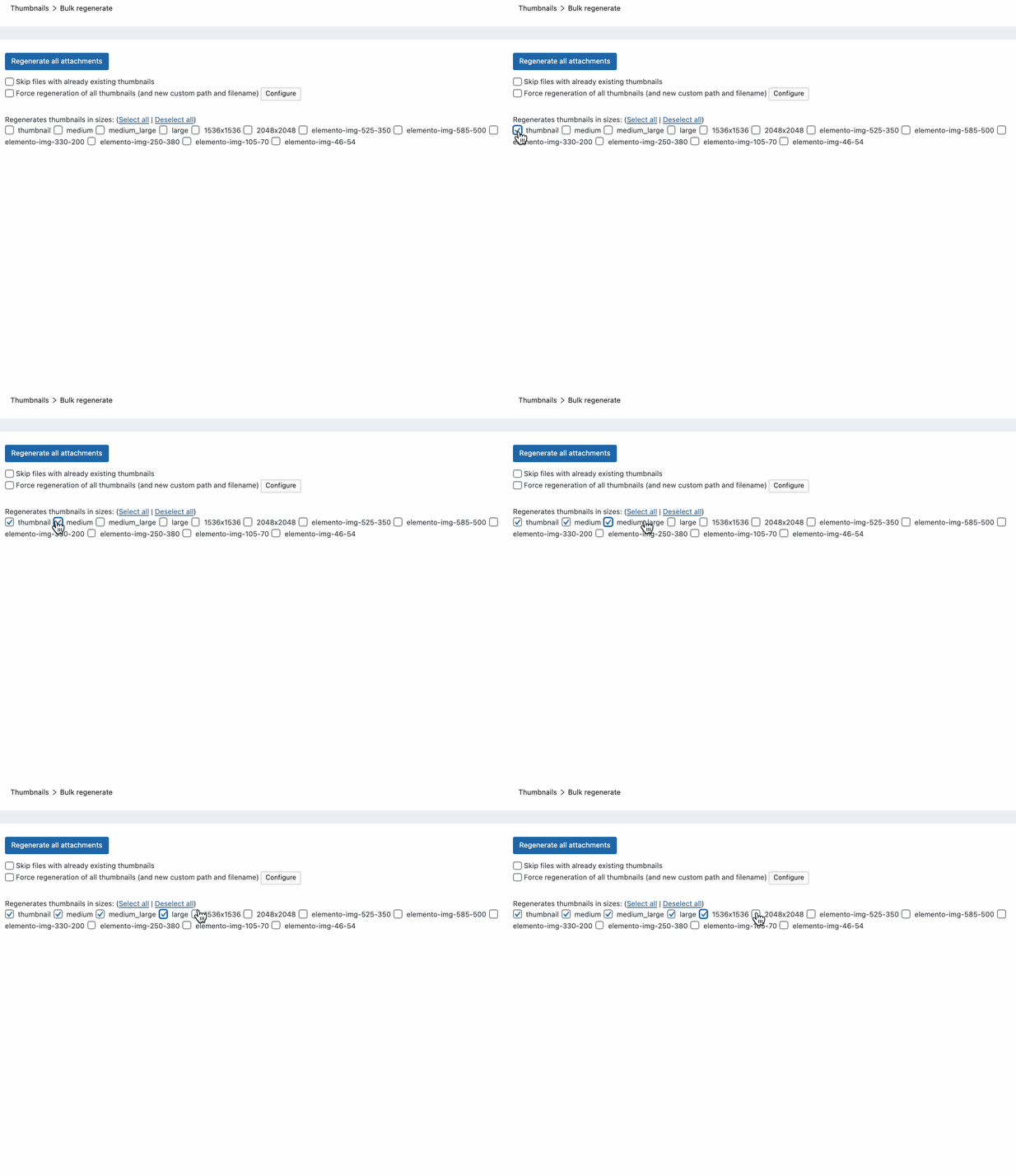
Select image sizes to be generated
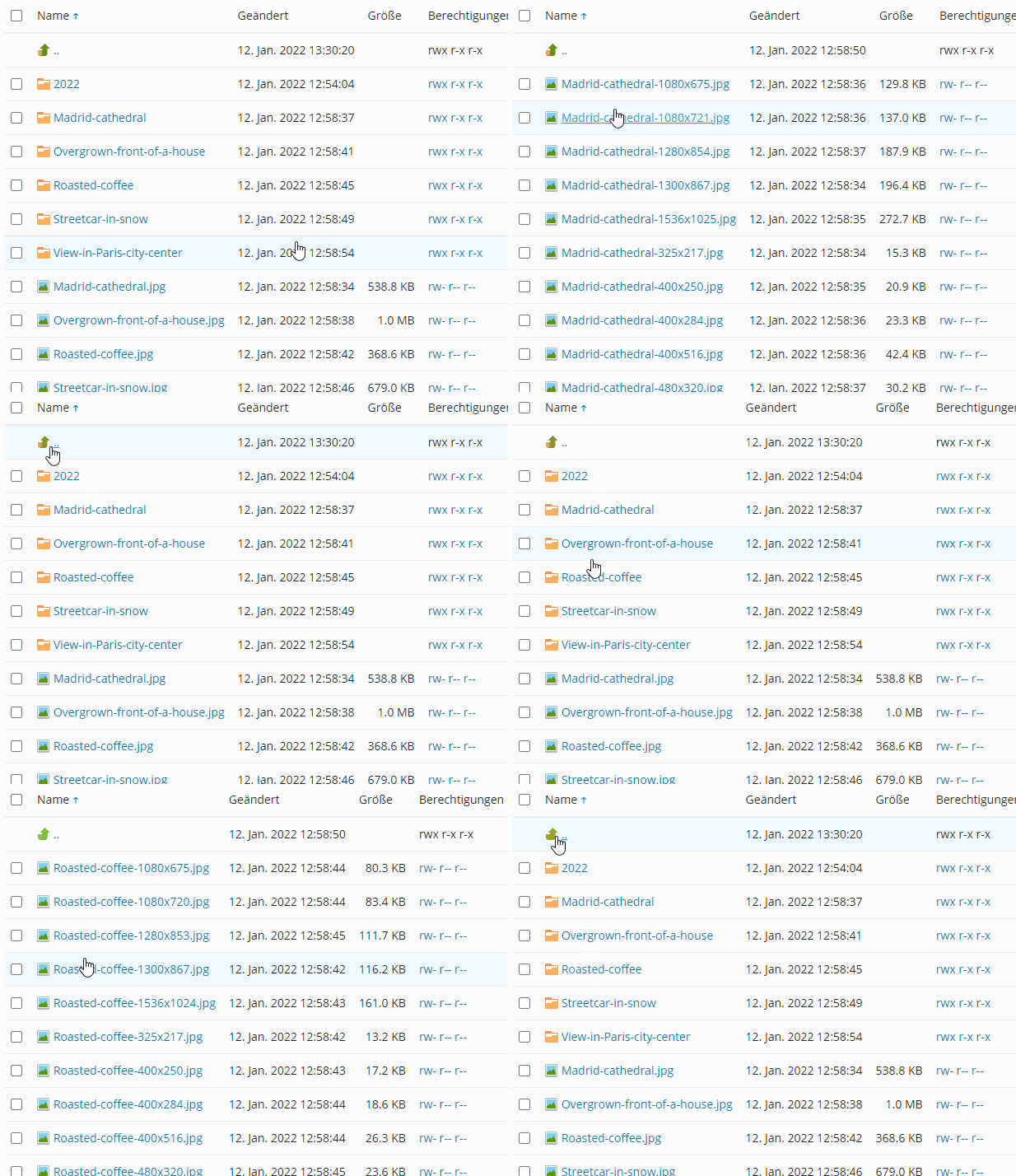
SEO-optimised folder structure
Changelog
You can view the changelog and release notes here.