

Rebrand Amelia
Amelia is an automated booking specialist that allows customers to book appointments or make payments with a simple plugin.
Plugin info
Maintenance & Compatibility
Maintenance score
Possibly abandoned • Last updated 1100 days ago • 1 reviews
Is Rebrand Amelia abandoned?
Possibly abandoned (last update 1100 days ago).
Compatibility
Similar & Alternatives
Explore plugins with similar tags, and compare key metrics like downloads, ratings, updates, support, and WP/PHP compatibility.
Description
Amelia is an automated booking specialist that allows customers to book appointments or make payments with a simple plugin. Thanks to Rebrand Amelia, you can remove any Amelia branded colors or messaging and replace it with your own. Change the plugin’s name and description and make the calendar look like it’s native to your website, among other features.
Installation
Minimum Requirements
- WordPress 5.0 or greater
- PHP version 5.6 or greater
Installation
- Install using the WordPress built-in Plugin installer, or Extract the zip file and drop the contents in the
wp-content/plugins/directory of your WordPress installation. - Activate the plugin through the ‘Plugins’ menu in WordPress(This will add new Sub Menu in admin panel’s side menu name Rebrand` under Amelia menu).
- Go to Amelia > Rebrand
Frequently Asked Questions
-
Is the Rebrand Amelia plugin free?
-Yes, we have a lite version of Rebrand Amelia plugin with limited features. If you want to take advantage of all the premium features you’ll need to purchase a Pro license. -
Can you use the Rebrand Amelia plugin on the free version of Amelia?
-Yes, it will work with both free version and pro version. -
Does it work with any WordPress theme?
-Yes, it will work with any standard WordPress theme. -
Does it work with any WordPress page builder?
-Yes, it will work with any WordPress page builder. -
How many websites can I connect Rebrand Amelia to?
-You can connect the lite version to as many websites you would like. If you want to use the Pro features, you’ll have to select the plan that fits your needs best. -
Where can I get support?
-You can post your question on the support forum here: https://help.rebrandpress.com.
Review feed
Screenshots
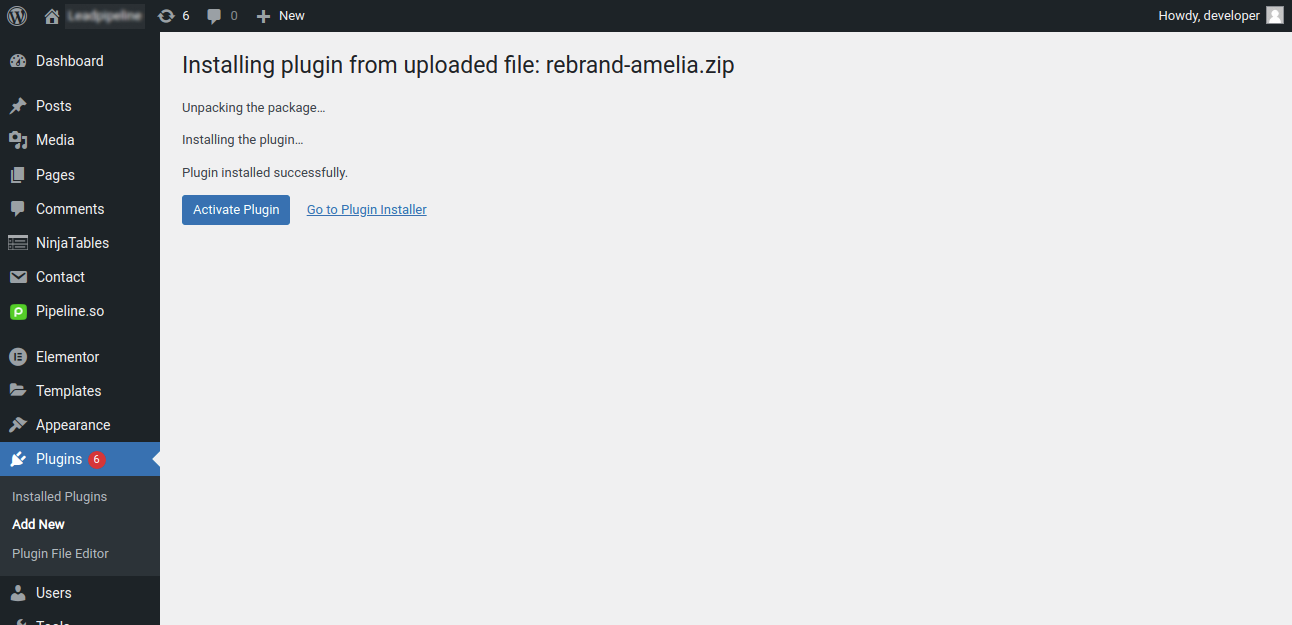
Download and install the plugin

Activate the plugin.

This is how the branding tab looks.

This is how the branding tab looks.

This is how the Settings tab looks.

This is how the Settings tab looks.
Changelog
1.0 – 2022-03-28
- Initial Release