

Rebrandly Redirect
Connect your WordPress application with Rebrandly and create branded links re-using the same domain name
Plugin info
Maintenance & Compatibility
Maintenance score
Possibly abandoned • Last updated 1274 days ago
Is Rebrandly Redirect abandoned?
Possibly abandoned (last update 1274 days ago).
Compatibility
Similar & Alternatives
Explore plugins with similar tags, and compare key metrics like downloads, ratings, updates, support, and WP/PHP compatibility.
Description
By installing this plugin and configuring it to connect with your Rebrandly account,
you will be able to create branded links using the same domain as of your WordPress website/app.
Unlock the opportunity for your team to freely create branded links via Rebrandly,
while still safely serving your own content from your WordPress application.
Here are a few steps necessary to use this:
- Install the plugin in your WordPress
- Connect the domain to Rebrandly as Alias Domain, and take note of the autogenerated value for the alias
- Set the alias name in the Admin menu (Settings > Rebrandly) and Save your settings
Installation
Frequently Asked Questions
Yes, you will need to register a Rebrandly account and connect a domain via plugin/aliasing.
No, the plugin will only manage your 404 traffic and with not interfere at all with the content on your website.
Review feed
Screenshots
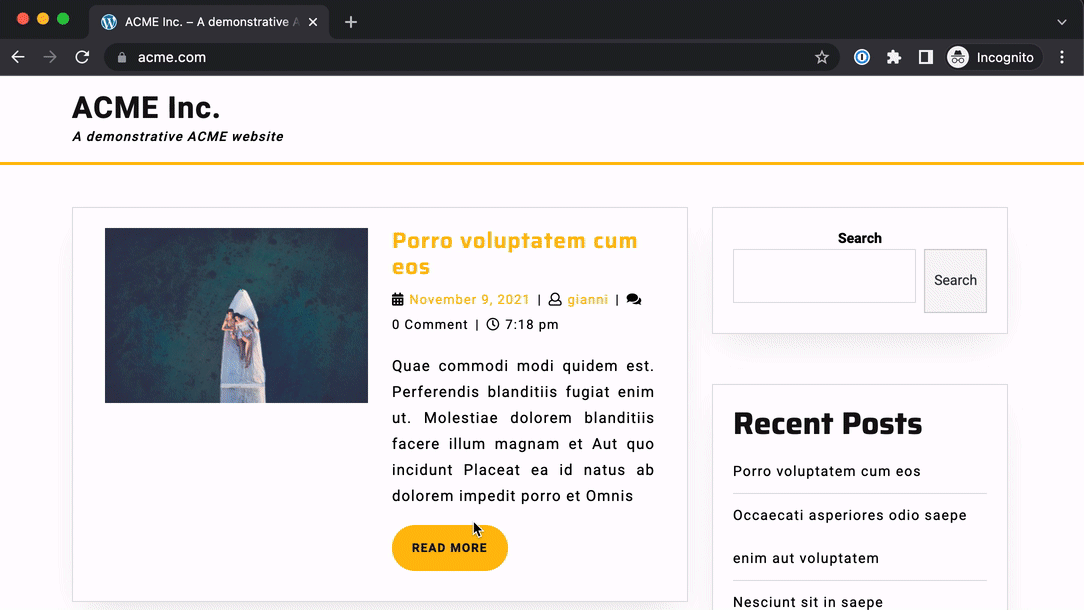
Navigating the website: routes not found are redirected away by Rebrandly
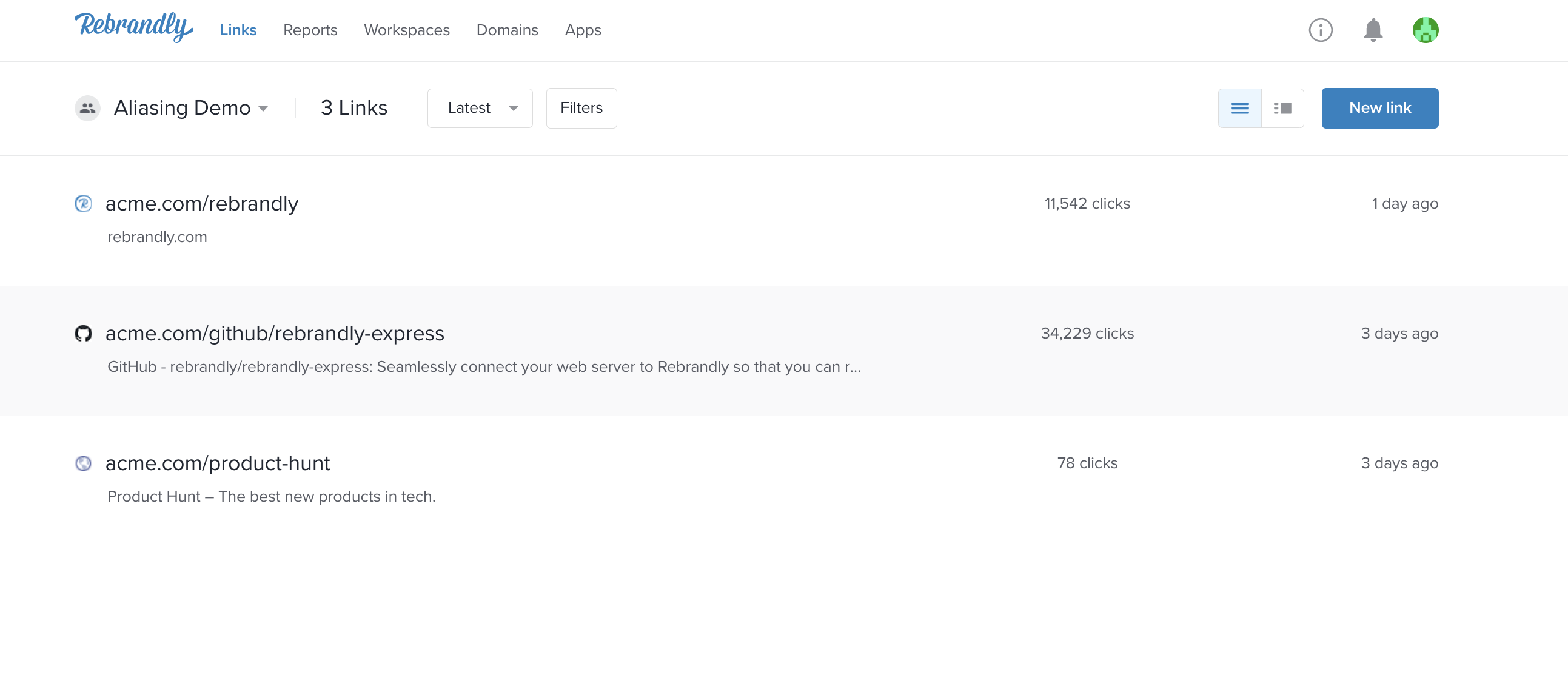
Routes defined in the Rebrandly account

Where to locate the Alias domain value

Where to find the Rebrandly settings

Configuring the alias domain value in WordPress admin panel
Changelog
1.0.2
- Use of undefined constant REQUEST_URI fixed
1.0.1
- README updated
1.0
- minimum viable plugin to support aliasing feature
0.1
- An empty plugin to verify plugin framework is up to date with latest php versions