

Recaptcha for Login and registration
Recaptcha for Login and registration is a plugin that enables users to add captcha on their login and registration page. The whole idea with this plug …
Plugin info
Maintenance & Compatibility
Maintenance score
Possibly abandoned • Last updated 487 days ago • 1 reviews
Is Recaptcha for Login and registration abandoned?
Possibly abandoned (last update 487 days ago).
Compatibility
Similar & Alternatives
Explore plugins with similar tags, and compare key metrics like downloads, ratings, updates, support, and WP/PHP compatibility.
Description
Recaptcha for Login and registration is a plugin that enables users to add captcha on their login and registration page. The whole idea with this plugin is to allow users to safely permit their subscribers or customers to create an account on their websites. I do believe that it will widely contribute to stopping spammers from creating and accounting on users’ WordPress websites remotely. The plugin is currently available in English, but the code is translation ready. At a glance, the plugin will do the following:
- An administrator can get Recaptcha v3 API Key and secret from Google
- The administrator can add the API information by visiting the plugin setting at settings -> prositecaptcha
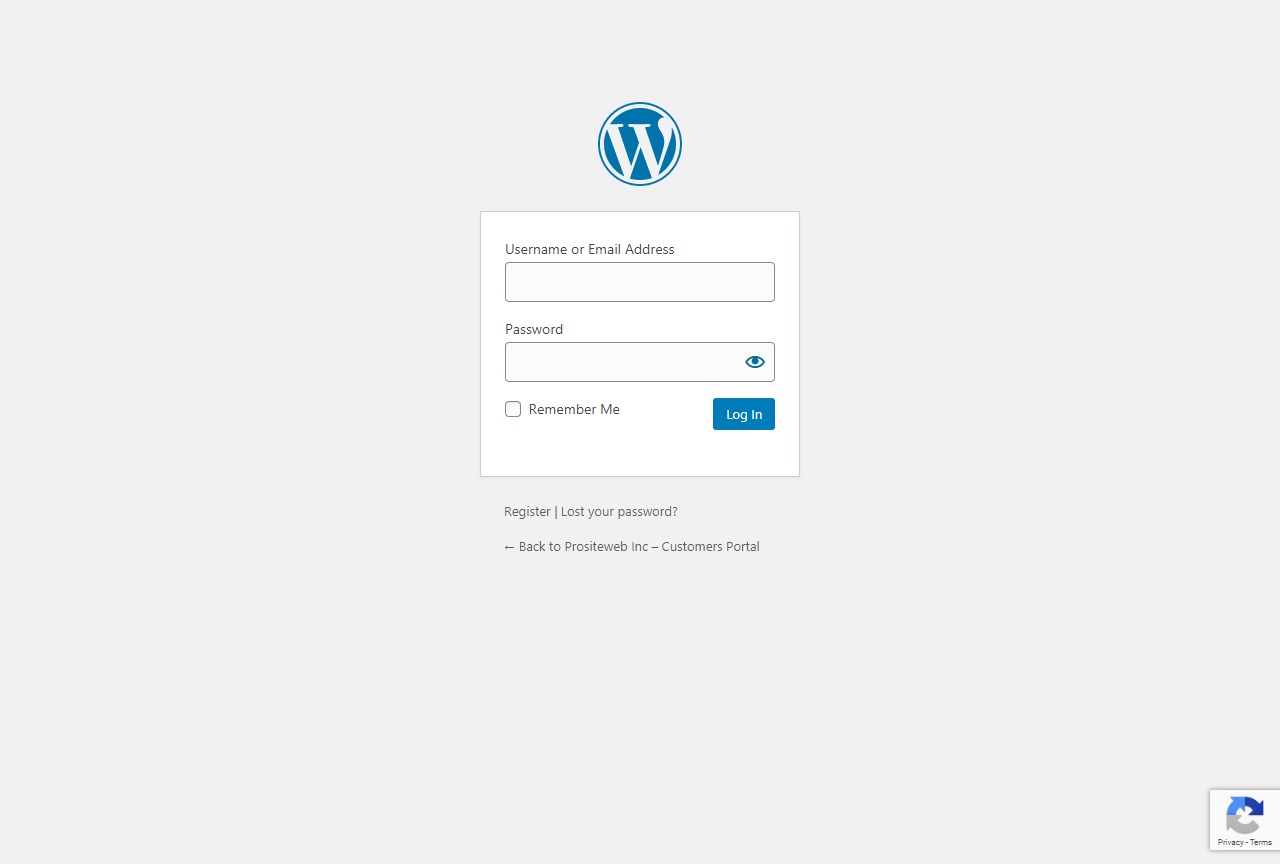
- It the API is added, then the plugin will automatically protect the login and registration page against spams.
- Users will see the Recaptcha v3 badge at the bottom of the page.
In the upcoming release, we intend to add more Recaptcha versions and more options.
A few notes about how to get recaptcha v3:
To get Recaptcha v3, you need to do the following steps:
- Visit the website https://www.google.com/recaptcha
- If you have a Gmail account, log in to gain access to the Recaptcha dashboard
- In case you don’t have one, you may need to create one.
- Once you are on the dashboard, click on the plus sign to your right just after the setting icon.
- At this point, you will have to fill the form with some necessary pieces of information. Information requested are, for example, your email, websites, the title of your captcha and the version of the captcha you want to use.
- Remember to select version 3 in this case.
Recaptcha for Login and registration
Adds Google reCAPTCHA to login and registration pages to improve security and prevent spam.
What is a captcha?
A captcha is a program intended to distinguish human from machine input. Most of the time, spam will study your website using the programming language. Once they find forms, they will use code to submit information without being physically present in front of computers. As a result, you could receive a lot of unsolicited emails or have users that are not real “customers.” In some extreme cases, spammers find a way to hack your website when it is not protected.
Is Google Recaptcha the only option for website protection?
No, Google Recaptcha is not the only option. There are many types of captcha among which Math problems, WordPress problems. In my opinion, Google Recaptcha is the most popular.
3- Why Google Recaptcha V3?
Google Recaptcha v3 is the latest version. One of the particularities of that version is that it does not necessarily appear to all users. Unlike version 2 that all the users had to select the checkbox before accessing the website. The V3 would popup the box, unlike if the system suspects that there is spam.
Installation
Installing the plugin is simple and straightforward. You have two options for the installation process. You can use FTP, or you can do it directly from the plugin tabs on your WordPress dashboard.
FTP option
- Download the plugin folder
- Use your FTP to import it under the folder wp-content/plugins
-
You will see the plugin on your list of plugins under the tab plugins or WordPress
-
Click on activate.
Plugins tab Option
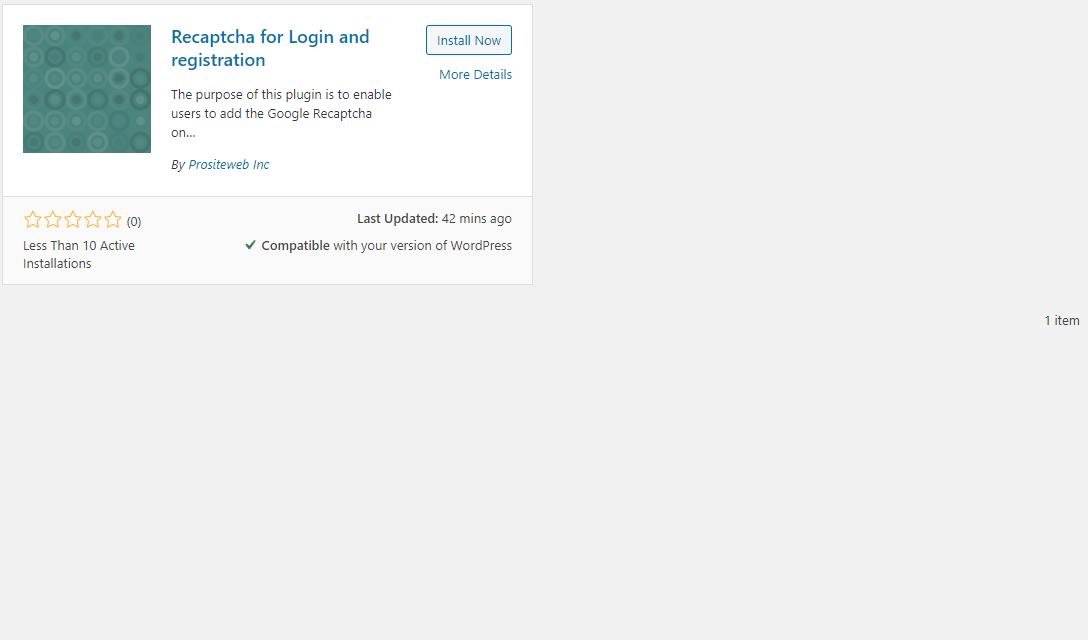
- You can the plugin by searching on the plugins available online
- Click on install and then activate
Once you have activated the plugin, you can go on the tab settings, and you will see a new sub-tab called prositecaptcha. When you click on the link, you will see two input fields and one select field. The only thing you will need to do from there is to get your Google Recaptcha V3 information and add it to those fields.
Frequently Asked Questions
Review feed
Screenshots
screenshot-1.jpg

screenshot-2.jpg
screenshot-3.jpg

screenshot-4.jpg
Changelog
No change for now