

Easy Header Footer – Speedup, Security and Minify
It is a very lightweight plugin for customizing WordPress header, add custom code and enable, disable or remove the unwanted meta tags and links from …
Plugin info
Maintenance & Compatibility
Maintenance score
Possibly abandoned • Last updated 2435 days ago • 5 reviews
Is Easy Header Footer – Speedup, Security and Minify abandoned?
Possibly abandoned (last update 2435 days ago).
Compatibility
Similar & Alternatives
Explore plugins with similar tags, and compare key metrics like downloads, ratings, updates, support, and WP/PHP compatibility.
Description
It is a very lightweight plugin for customizing WordPress header, add custom code and enable, disable or remove the unwanted meta tags and links from the source code on a WordPress site. It is a simple plugin that lets you insert code like Google Analytics, custom CSS, Facebook Pixel, and more to your WordPress site header and footer. No need to edit your theme files!
The simple interface of the Easy Header Footer plugin gives you one place where you can insert scripts, rather than dealing with dozens of different plugins.
Features – What does this plugin do?
- Quick to set up
- Simple to insert scripts and styles.
- Supports Official AMP Plugin.
- Allows PHP Execution.
- Insert header code and/or footer code
- Add Google Analytics code to any theme
- Add custom CSS across themes
- Insert Facebook pixel code
- Insert any code or script, including HTML and Javascript
- Remove different WordPress meta tags from wp head.
- Disable JSON, Rest API, Feed and XML-RPC functionality.
- Add some security headers and disable user enumeration to prevent brute force attacks.
- Minification of HTML, CSS and JS code.
- Remove version number from scripts and css files.
Compatibility
- This plugin is fully compatible with WordPress Version 4.6 and beyond and also compatible with any WordPress theme.
Support
- Community support via the support forums at WordPress.org.
Contribute
- Active development of this plugin is handled on GitHub.
- Feel free to fork the project on GitHub and submit your contributions via pull request.
Like Easy Header Footer plugin? Consider leaving a 5 star review.
Installation
- Visit ‘Plugins > Add New’.
- Search for ‘Easy Header Footer’ and install it.
- Or you can upload the
remove-wp-meta-tagsfolder to the/wp-content/plugins/directory manually. - Activate Easy Header Footer from your Plugins page.
- After activation go to ‘Settings > Easy Header Footer’.
- Enable options as per your need and save changes.
To go back to default state, just disable the plugin options located into ‘Plugins > Easy Header Footer’ menu and save changes.
Frequently Asked Questions
How to use this plugin?
Go to ‘Settings > Easy Header Footer’ and check the options and hit ‘Save Changes’.
Is there an admin interface for this plugin?
Yes. You can access this from ‘Settings > Easy Header Footer’
How to check this is working?
Open any page’s source code of your website and you will see the change.
Use the plugin to test it.
Review feed
Screenshots
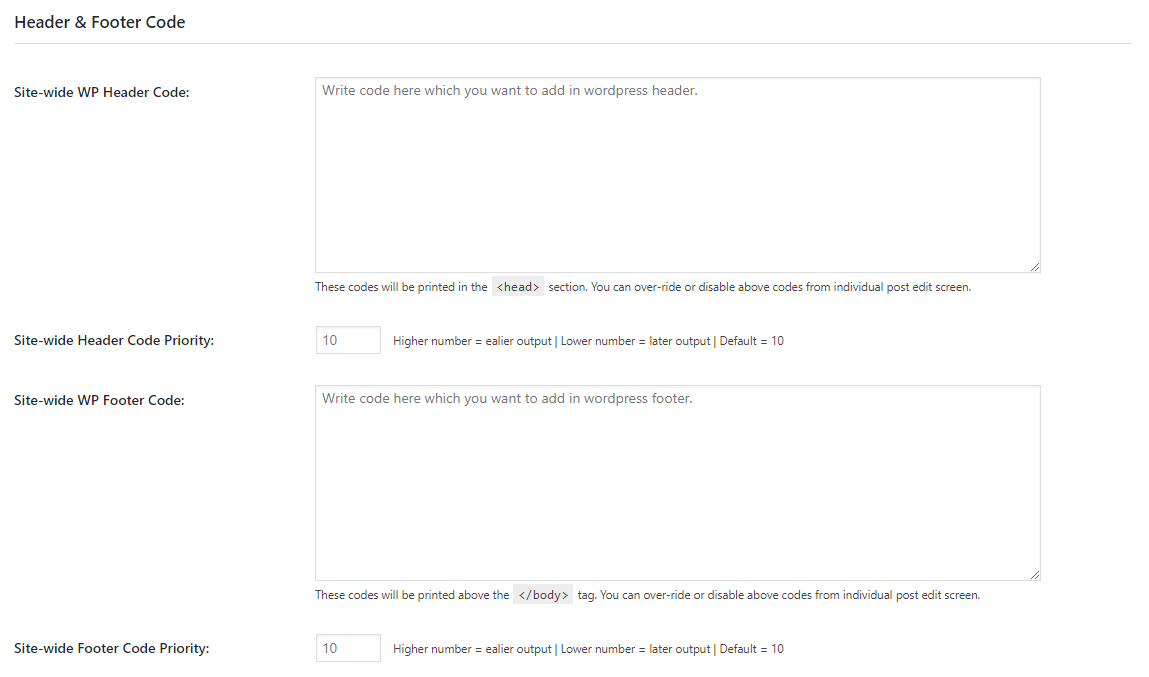
Custom Header Footer Code

WP Head Cleanup
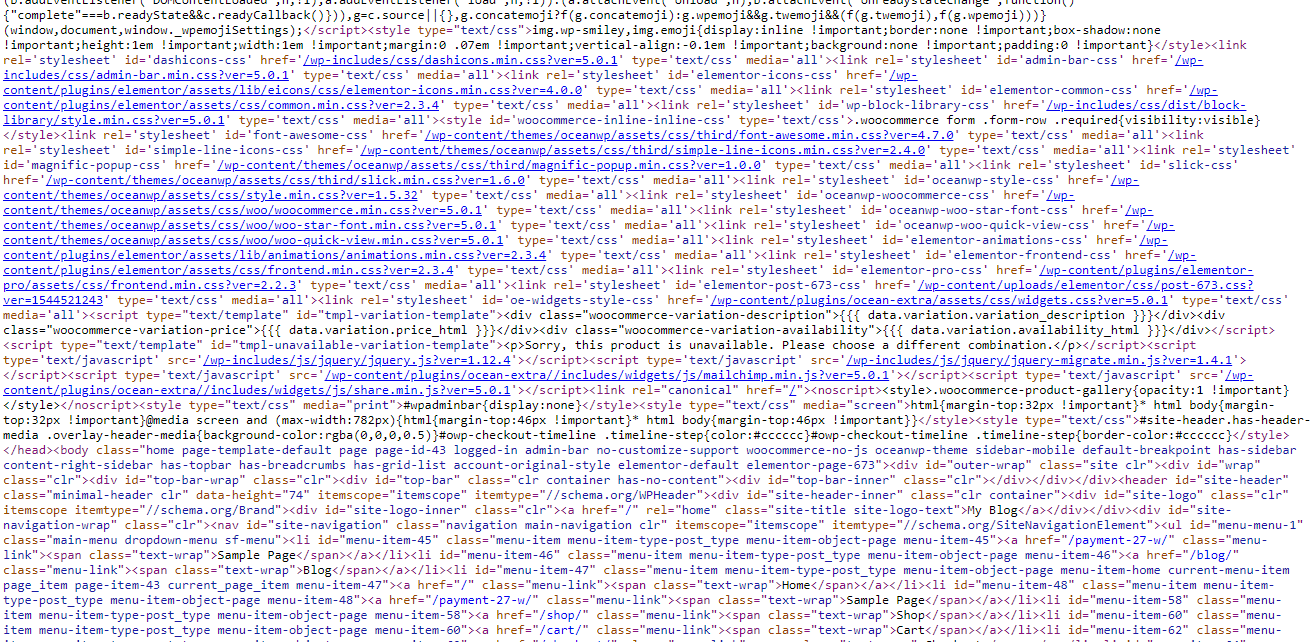
Minify HTML
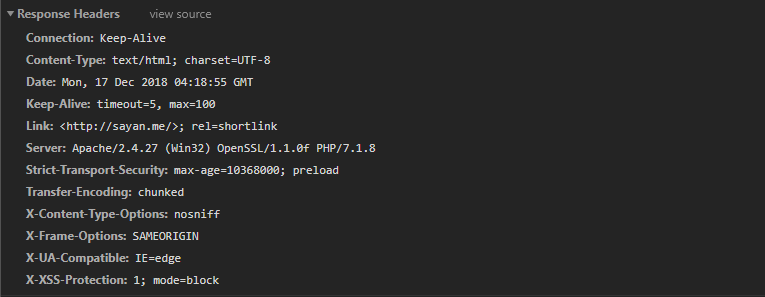
Security headers

Remove version numbers
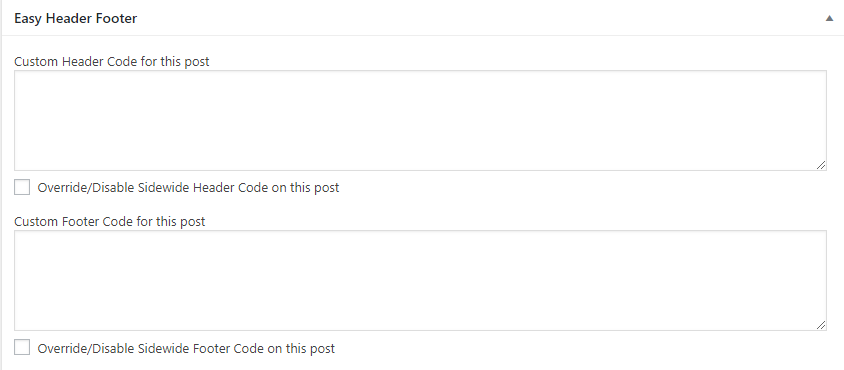
Meta Box
Changelog
If you like Easy Header Footer, please take a moment to give a 5-star rating. It helps to keep development and support going strong. Thank you!
3.2.2
Release Date: June 20, 2019
- Added: An option to remove css id and media property from style tags.
- Added: An option to add code after tag using
wp_body_open()which is introduced in WordPress Version 5.2.0. It will works if your theme supportswp_body_open(). - Added: Ability to execute conditional PHP codes in header footer codes.
- Added: Options to add Custom header, footer and css code to the AMP pages generated by Official AMP Plugin.
- Improved: the hook that minified the entire code of the webisite and it will now only works on fronted.
- From now this plugin will keep plugin settings after uninstalltion. But you can remove it from Tools > Reset Settings.
- Added new icons.
3.2.1
Release Date: April 28, 2019
- Added: An option in WP Meta tabs to remove HTML comments.
- Fixed: The Rest API disable mechanism for WP Version 4.7+.
- Fixed: Twitter share link.
- Improved: From now, plugin will automatically regenrate permalinks, if you enable or disable feed from Disable Tab.
- Removed: Some unused codes.
- Compatibility upto WordPress 5.2.
3.2.0
Release Date: April 24, 2019
- Added: An option in WP Meta tabs to remove HTML comments.
- Added: An option to Load Javascript files Asyncrhronously.
- Improved: The header footer code output mechanism. From now it will show the codes directly from the individual post meta, even if no codes exist on plugin settings.
- Improved: The Disable User Enumeration process.
- Improved: The feed disable mechanism.
- Improved: HSTS option wiil be visible in plugin settings, if SSL is active on your site.
- Improved: Admin UI.
- Fixed: Duplicate HTML Tag error in Browser Console.
- Fixed: Some Error Notice.
- Fixed: Some untranslated strings.
- Compatibility upto WordPress 5.1.
Other Versions
- View the Changelog file.