

Responsive Owl Carousel for Elementor
A highly customizable, powerful & responsive carousel plugin for Elementor page builder that is based on the Owl Carousel jQuery plugin.
Plugin info
Maintenance & Compatibility
Maintenance score
Possibly abandoned • Last updated 487 days ago • 4 reviews
Is Responsive Owl Carousel for Elementor abandoned?
Possibly abandoned (last update 487 days ago).
Compatibility
Similar & Alternatives
Explore plugins with similar tags, and compare key metrics like downloads, ratings, updates, support, and WP/PHP compatibility.
Description
This is a Carousel addon plugin, thanks to Owl Carousel, for Elementor page builder. This plugin offers to create unlimited carousels/sliders using a highly customizable carousel widget inside the edit page of the Elementor page builder.
Plugin Features
- Tons of Custom Settings
- Image Carousel
- Testimonial Carousel with Several Versions
- Team Carousel with Several Versions
- Image Slider with the Caption
- Draggable Carousel Item Sorting
- Fully Responsive
- Individual styling for each Item Elements
- Social Links with Icons for Team Members
- Builtin Elementor Animation
- Awesome Support
How to Use
- In the search field on the Elementor editor search the widget with “owl carousel”
- Click on the widget “Responsive Owl Carousel” and drag it to the page editor
- Start changing texts, upload images, and play with other settings
Installation
Installation is fairly straightforward. Install it from WordPress Plugin Repository or Manually by downloading the Plugin zip file. Just activate it and the carousel widget is there on the Elementor editor.
From within the dashboard (recommended)
- Navigate to Dashboard – Plugins – Add New;
- Search for Responsive Owl Carousel for Elementor;
- Click Install, then Activate.
Manual installation
- Download the plugin as a
.zipfile; - Unzip downloaded archive and upload
responsive-owl-carousel-elementorfolder under/wp-content/plugins/directory (resulted plugin path should be/wp-content/plugins/responsive-owl-carousel-elementor); - Navigate to Dashboard – Plugins and activate the plugin.
Updating
Automatic updates should work like a charm; as always though, ensure you backup your site just in case.
Frequently Asked Questions
Review feed
Screenshots
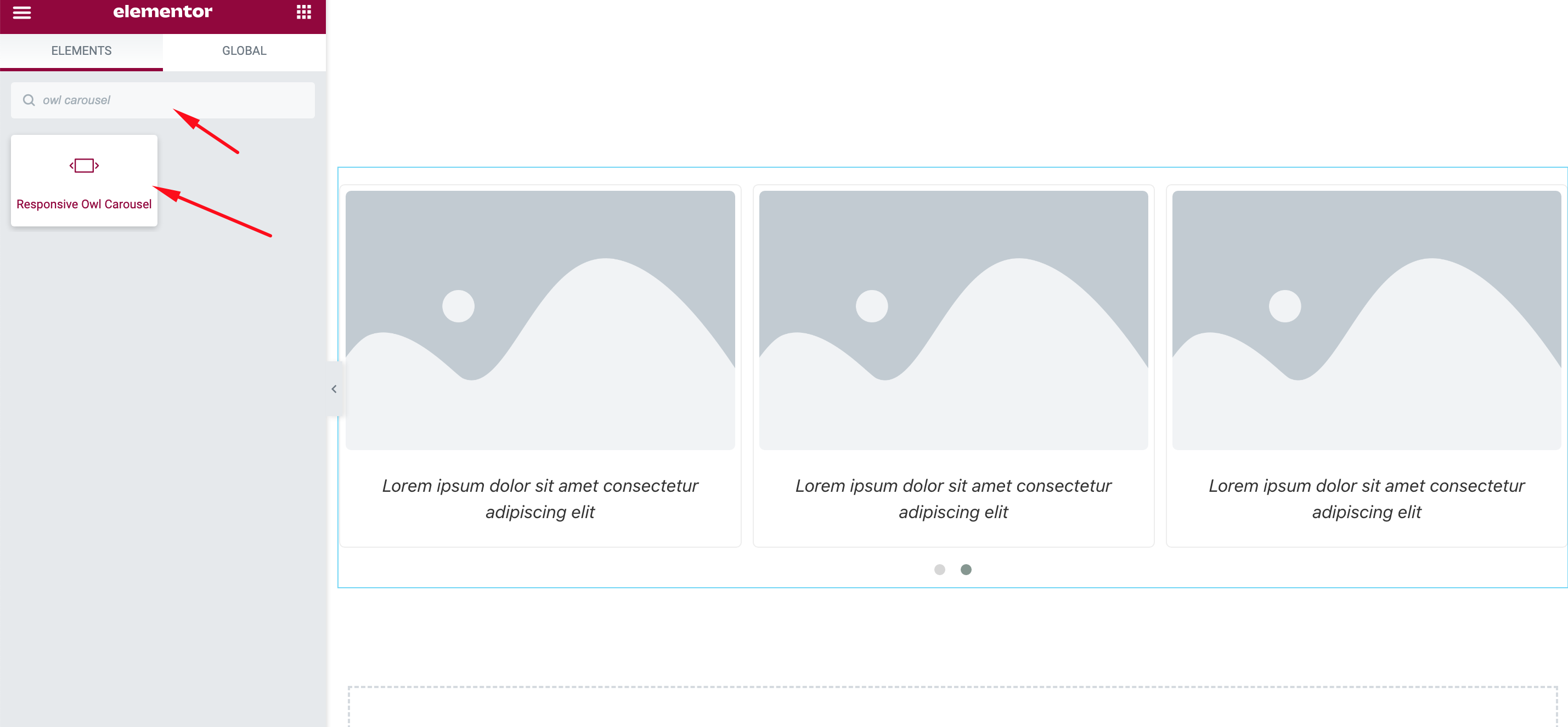
How to Use - Carousel Customization
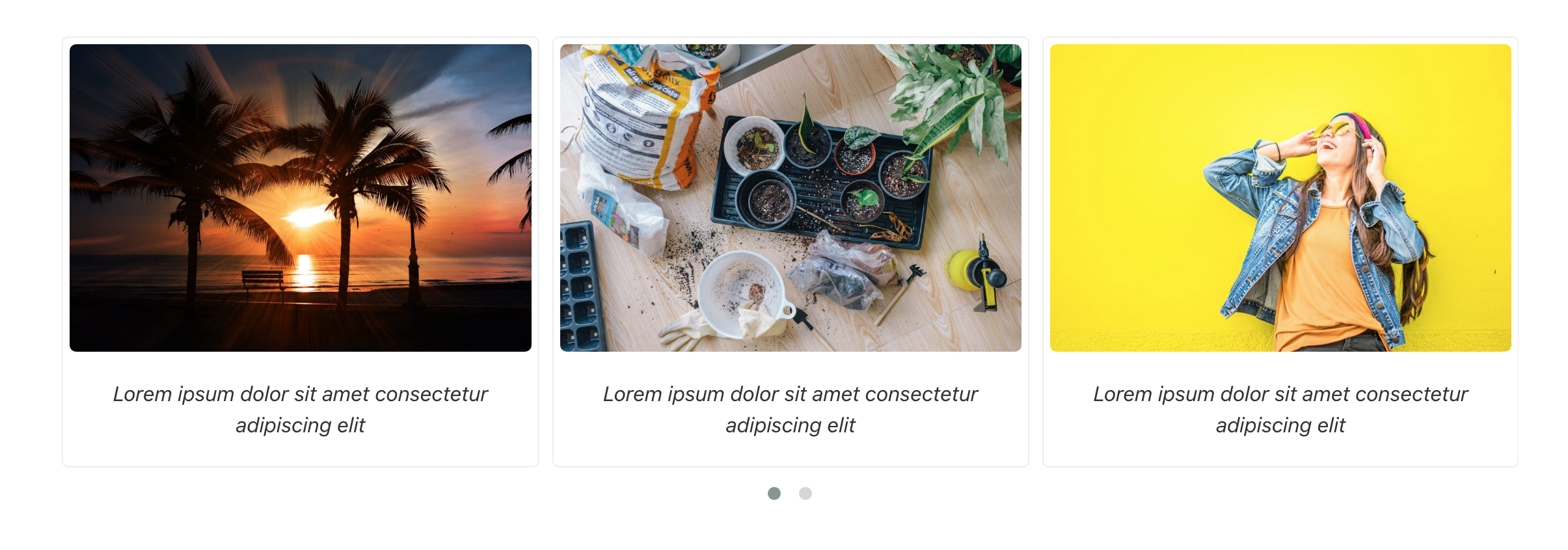
Demo - Basic

Demo - Image Only
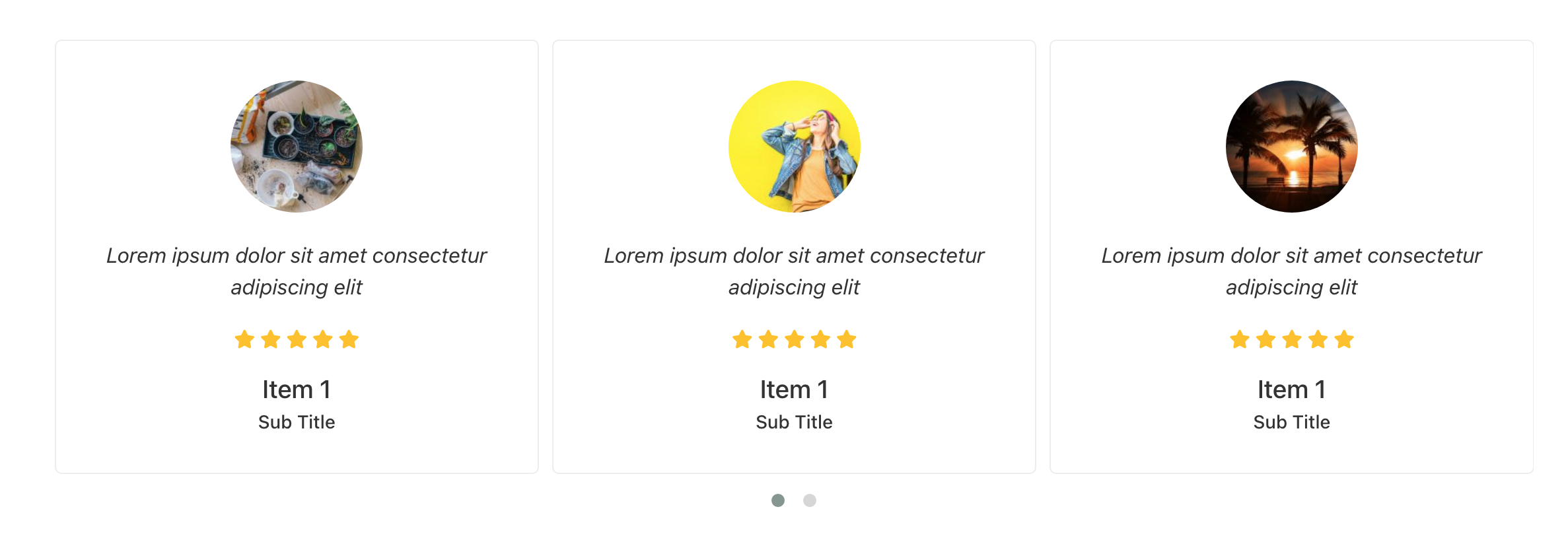
Demo - Testimonial One
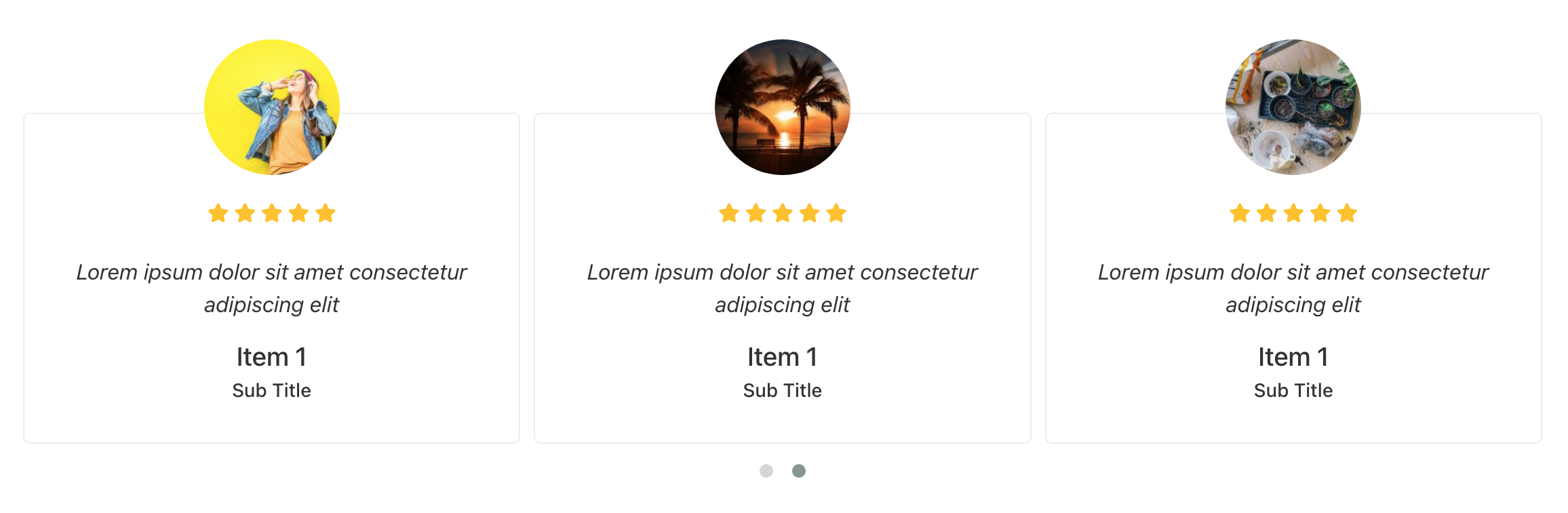
Demo - Testimonial Two
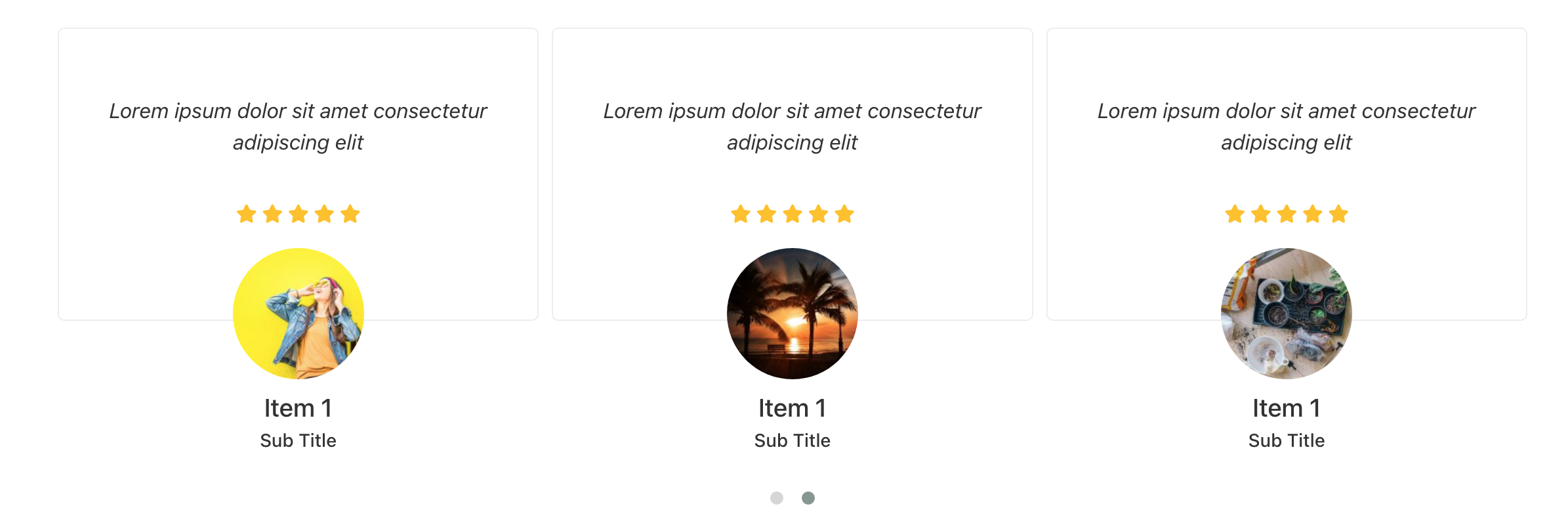
Demo - Testimonial Three
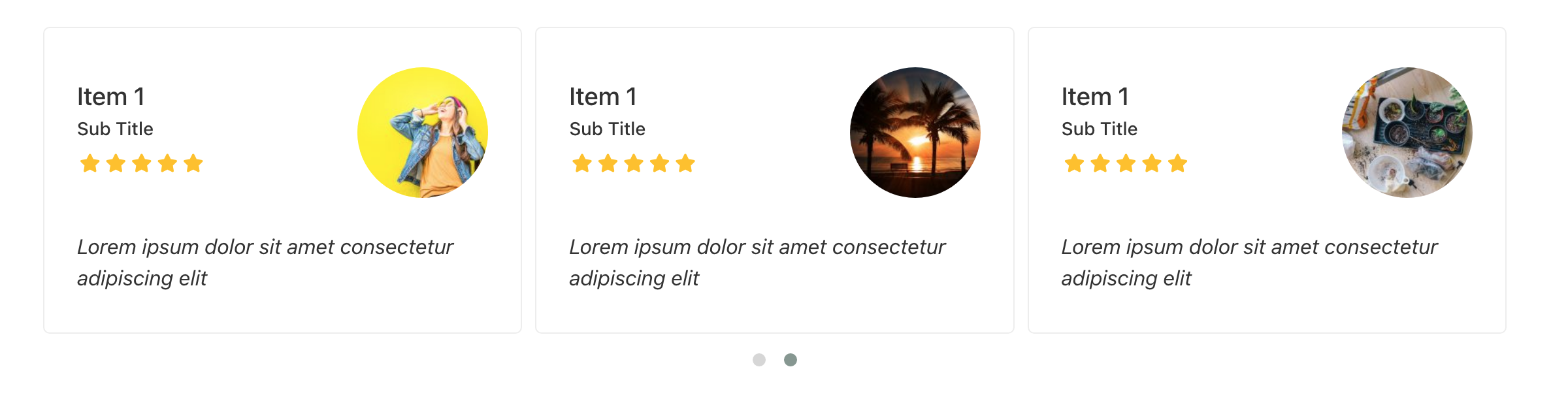
Demo - Testimonial Four

Demo - Team One

Demo - Team Two
Changelog
1.0.0
- Initial release
1.0.1
- Fix bugs
- Add support to WordPress 6.1.1 and Elementor 3.11.1
1.1.0
- Add support to WordPress 6.4.x and Elementor 3.17.x
- Added new rtl mode to the carousel
- Code enhancements
1.2.0
- Added option to add link to the whole item
- Fix bugs
1.2.1
- Security fix
1.2.2
- Navigation arrows not showing up fix
1.2.3
- PHP warning fix when title or subtitle not filled out