

RIACO Taxonomy Filter Block
Display taxonomy terms as inline filters, enabling users to filter posts dynamically by category, tag, or custom taxonomy.
Plugin info
Maintenance & Compatibility
Maintenance score
Actively maintained • Last updated 90 days ago
Is RIACO Taxonomy Filter Block abandoned?
Likely maintained (last update 90 days ago).
Compatibility
Similar & Alternatives
Explore plugins with similar tags, and compare key metrics like downloads, ratings, updates, support, and WP/PHP compatibility.
Description
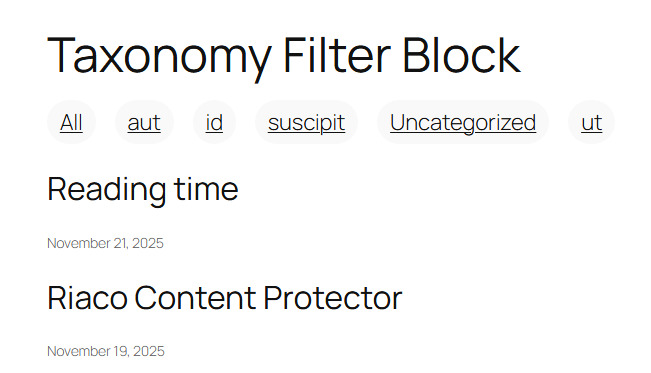
Inline Taxonomy Filters for Query Loop lets you display taxonomy terms (such as categories, tags, or custom taxonomies) as clickable inline filters for the WordPress Query Loop block.
Features
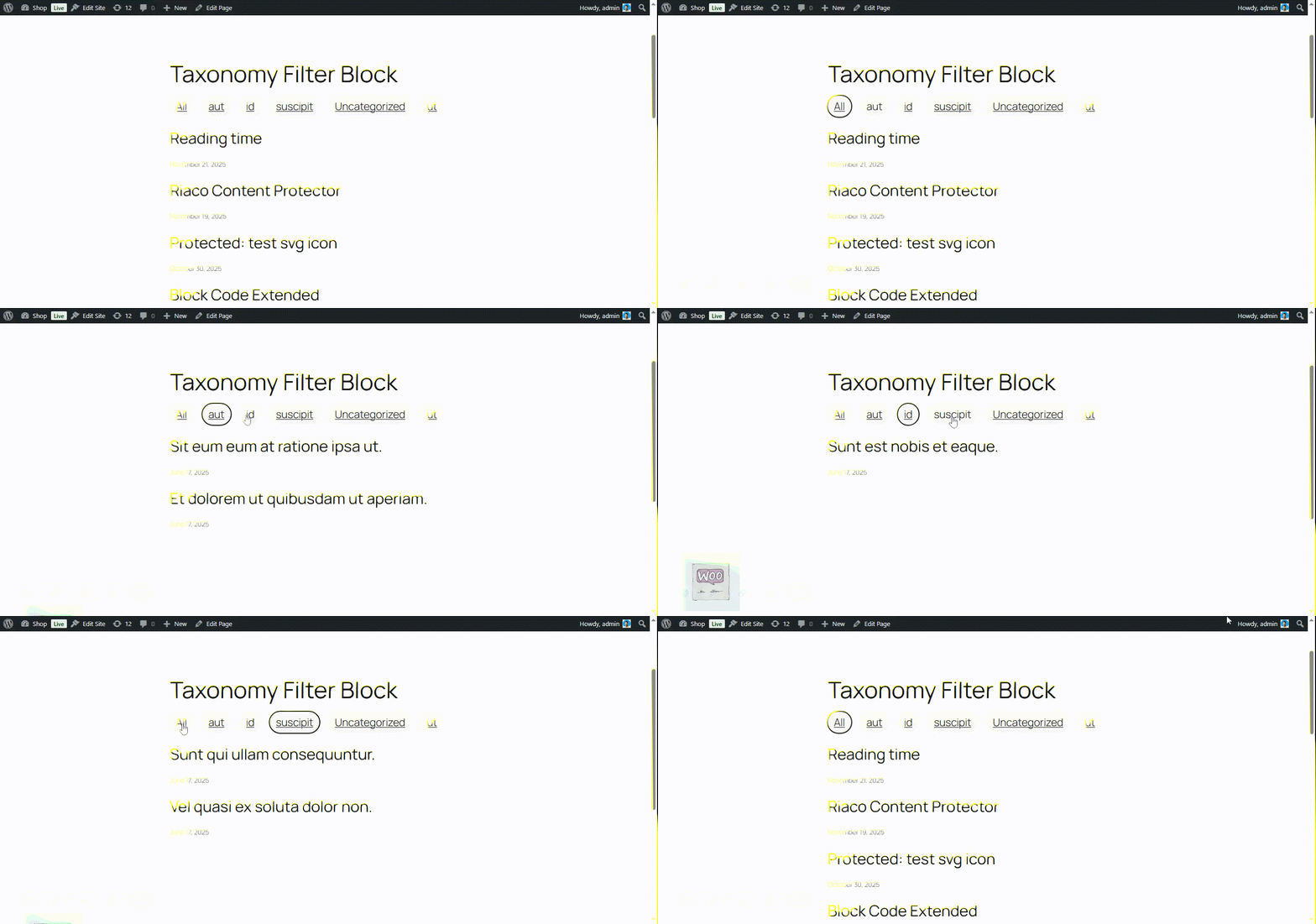
This allows visitors to dynamically filter posts on the front-end without reloading the entire page — creating a smooth, modern browsing experience.
Perfect for blogs, portfolios, directories, and any site that uses Query Loop blocks to list posts or custom post types.
- Display taxonomy terms (categories, tags, or custom taxonomies) as inline filters.
- Works seamlessly with the Query Loop block.
- Uses the new WordPress Interactivity API for smooth, dynamic filtering.
- Supports multiple taxonomies.
- Respects pagination and URL parameters.
Use Cases
- Filter blog posts by category.
- Filter products or portfolio items by taxonomy.
- Create dynamic, AJAX-like query filters without writing custom JS.
Installation
- Upload the plugin files to the
/wp-content/plugins/riaco-taxonomy-filter-blockdirectory, or install the plugin through the WordPress plugins screen directly. - Activate the plugin through the ‘Plugins’ screen in WordPress
- Add a Query Loop block to your post or page.
- Insert the Taxonomy Filter block inside your Query Loop.
- Select the taxonomy (e.g. category, tag) you want to use as a filter.
- Preview and enjoy dynamic inline filtering!
Does this work with custom taxonomies?
Yes! You can choose any registered taxonomy, including custom ones.
Does it reload the page when filtering?
No. It uses the WordPress Interactivity API and @wordpress/interactivity-router for smooth, dynamic updates.
Can I style the filters?
Yes. The filters output simple HTML markup you can style with CSS or theme classes.
Is JavaScript required?
Yes, but the script is lightweight and only loads where the block appears.
Frequently Asked Questions
Review feed
Screenshots

Changelog
1.0.0
- Release
- Added inline taxonomy filters for Query Loop block.
- Implemented Interactivity API integration for dynamic navigation.