

Rocket Maintenance Mode & Coming Soon Page
Create great looking Maintenance Mode Page or Coming Soon Page that sets up in minutes.
Plugin info
Maintenance & Compatibility
Maintenance score
Possibly abandoned • Last updated 745 days ago • 24 reviews
Is Rocket Maintenance Mode & Coming Soon Page abandoned?
Possibly abandoned (last update 745 days ago).
Compatibility
Similar & Alternatives
Explore plugins with similar tags, and compare key metrics like downloads, ratings, updates, support, and WP/PHP compatibility.
Description
Maintenance mode or a coming soon page with progress bar and responsive layout. Simply enable the maintenance mode from the plugin settings and in few seconds you can put your site in maintenance mode.
With a progress bar and countdown timer visitors will be informed about the time left till launch and you can collect their emails using built-in MailChimp integration.
Features
- Simple & easy to use interface – perfect for non tech users
- Create beautiful maintenance mode or coming soon page for your WP site
- Change heading & sub-heading
- Set custom title for maintenance mode or coming coon page
- SEO Optimized
- Enable / Disable maintenance or coming soon mode
- Progress Bar
- Countdown Timer
- Visual editor for changing content
- Social Icons
- Upload your own logo
- Change background color and various text colors
- Choose from hundreds of fonts
- Set SEO Title of maintenance mode page
- Set Favicon
Installation
Follow the usual routine;
- Open WordPress admin, go to Plugins, click Add New
- Enter “rocket maintenance mode” in search and hit Enter
- Plugin will show up as the first on the list, click “Install Now”
- Activate & open plugin’s settings page located in the main admin menu
Frequently Asked Questions
A maintenance mode page allows you to work on your website and in meantime you can show your visitors a page where they can get information about when your website is going to get live or completed. Maintenance mode plugin also supports subscribe form so you can notify your subscribers.
You can free visit your site as well make changes. Only regular visitors will get the maintenance mode page. Admins can access the site freely without getting any maintenance mode page.
Yes, You can upload logo and background images for your maintenance mode page.
After activating the maintenance mode plugin, you’ll see the “Maintenance Mode” menu in your WordPress admin menu, click on it. You’ll get maintenance mode settings page SET the Enable Maintenance Mode option to YES
Make sure you are logged-out of your site or visit your site in browser private mode. Maintenance Mode is disabled for admins.
Visit the maintenance mode admin settings page. Set the option Enable Progress Bar to YES. To set the percentage use the set progress bar % option.
Visit the maintenance mode admin settings page. Click on the themes tab.
Visit the maintenance mode admin settings page. Click on the Page tab. Set the logo option value. Only valid image urls are supported or you can use the upload button.
Same steps as for logo adding. Change the Headline value.
Same steps as for logo adding. Use visual editor to set content for your maintenance page.
Visit the maintenance mode admin settings page. Click on the Social Icons Tab.
The subscribe form can be used to collect email addresses of visitors and at the time of launch you can inform subscribers about site launch. But This feature is only available in the paid version of the maintenance mode plugin.
Review feed
Easy to use and almost fully customizable
Much better, more configurable plugins out there to do this
Screenshots
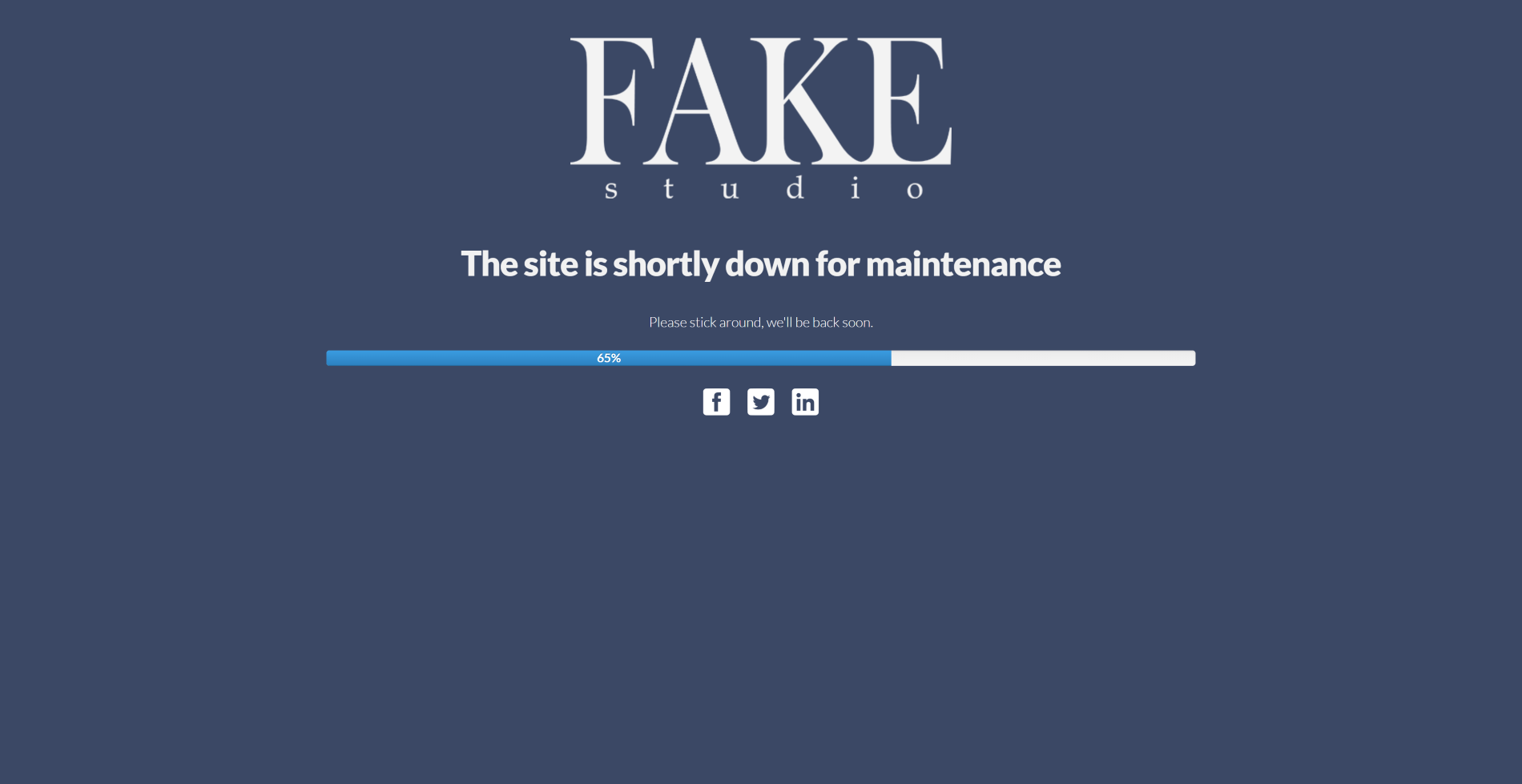
Default theme
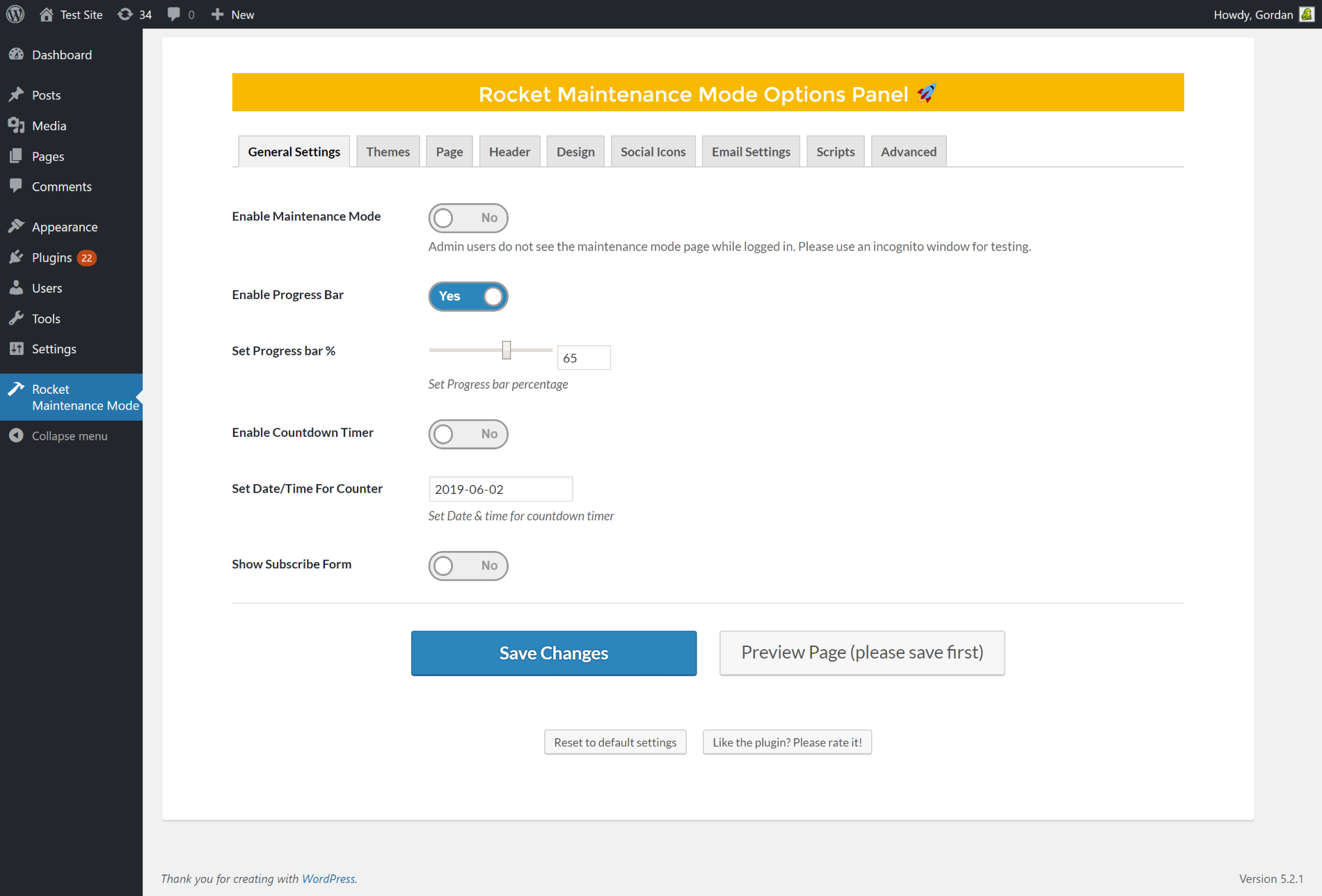
Build a coming soon page in minutes with an easy to use interface
Changelog
= v4.4 – 2024-03-11
* Fixed – Security Fixes
* Fixed – Email settings checkbox not selected
= v4.3 – 2022-03-03
* Updated Freemius SDK to version 2.4.3
v4.2 – 2020/11/11
- Updated Freemius SDK to version 2.4.1
v4.1 – 2020/09/29
- Update Mailchimp API to V3
- Fixed Freemius menu link
v4.0 – 2020/09/18
- Added Jquery Conditions
- Added Freemius SDK, which will help with improving the product in the future. It’s completely opt-in, you can keep it disabled.
- update Tested upto WordPress 5.5.1
- Update Tested Upto PHP 7.0
- Fixed Jquery Errors
- Fixed Font options
- Removed Theme, Script and Advance tab form the admin settings.
v3.92 – 2019/08/07
- NotificationX integration
v3.91 – 2019/07/15
- minor fixes
v3.9 – 2019/05/24
- WebFactory took over development
- 20k installs, 306,953 downloads
- minor fixes
v3.3
- Product Links changed
v3.2
- Removed the add_object_page deprecated function. Replaced it with add_menu_page. Maintenance Mode admin menu will now appear on the bottom of admin menu list.