

RSS Fetcher
Easily fetch and import any RSS feed into your WordPress posts with advanced image extraction and content parsing.
Plugin info
Maintenance & Compatibility
Maintenance score
Stale • Last updated 245 days ago • 1 reviews
Is RSS Fetcher abandoned?
Likely maintained (last update 245 days ago).
Compatibility
Similar & Alternatives
Explore plugins with similar tags, and compare key metrics like downloads, ratings, updates, support, and WP/PHP compatibility.
Description
RSS Fetcher is an easy and efficient way to import RSS feeds into your WordPress site. It automatically:
- Fetches full article content (not just excerpts)
- Extracts and uploads images from feeds
- Supports media enclosures and thumbnails
- Preserves original formatting
- Works with 99% of RSS feeds
Premium Features
Upgrade to RSS Fetcher Pro for:
– Unlimited imports
– Custom post categories
– Scheduled auto-imports
– Image optimization
– Multi-feed support
Arbitrary Section
For support, visit SendyMobile Support.
For developers: This plugin uses SimpleXML for feed parsing and wp_remote_get() for content fetching.
Installation
- Download the Plugin
- Activate the plugin through ‘Plugins’ menu
- Go to RSS Fetcher in your admin menu
- Add your feed URL and click “Import”
Frequently Asked Questions
Visit SendyMobile.com to upgrade for unlimited imports.
This version imports 3 posts by default. Upgrade to adjust this setting.
Yes, this feature is available in the Pro version.
Review feed
Good Choice
Screenshots
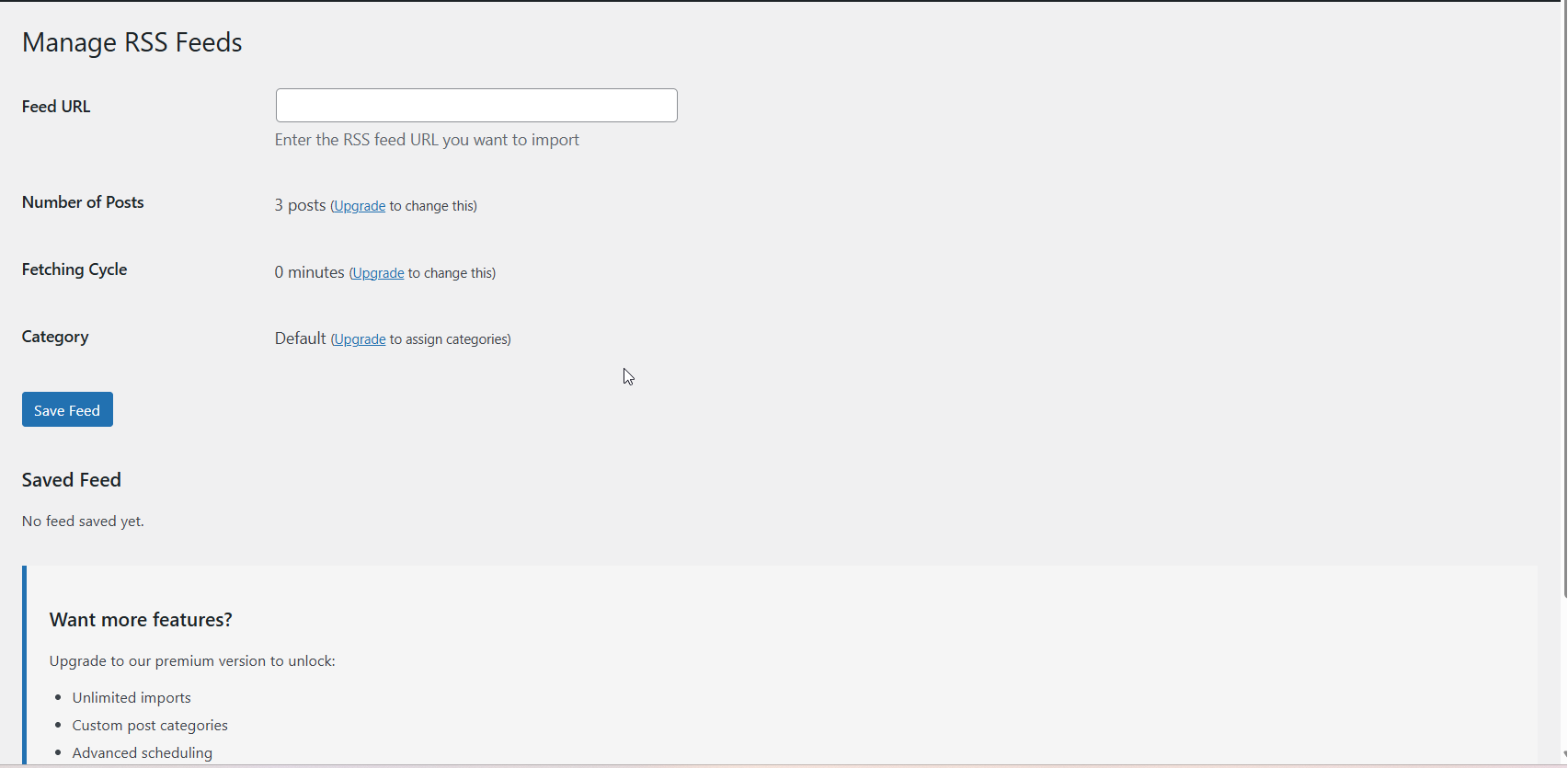
RSS Fetcher dashboard - Add and manage feeds
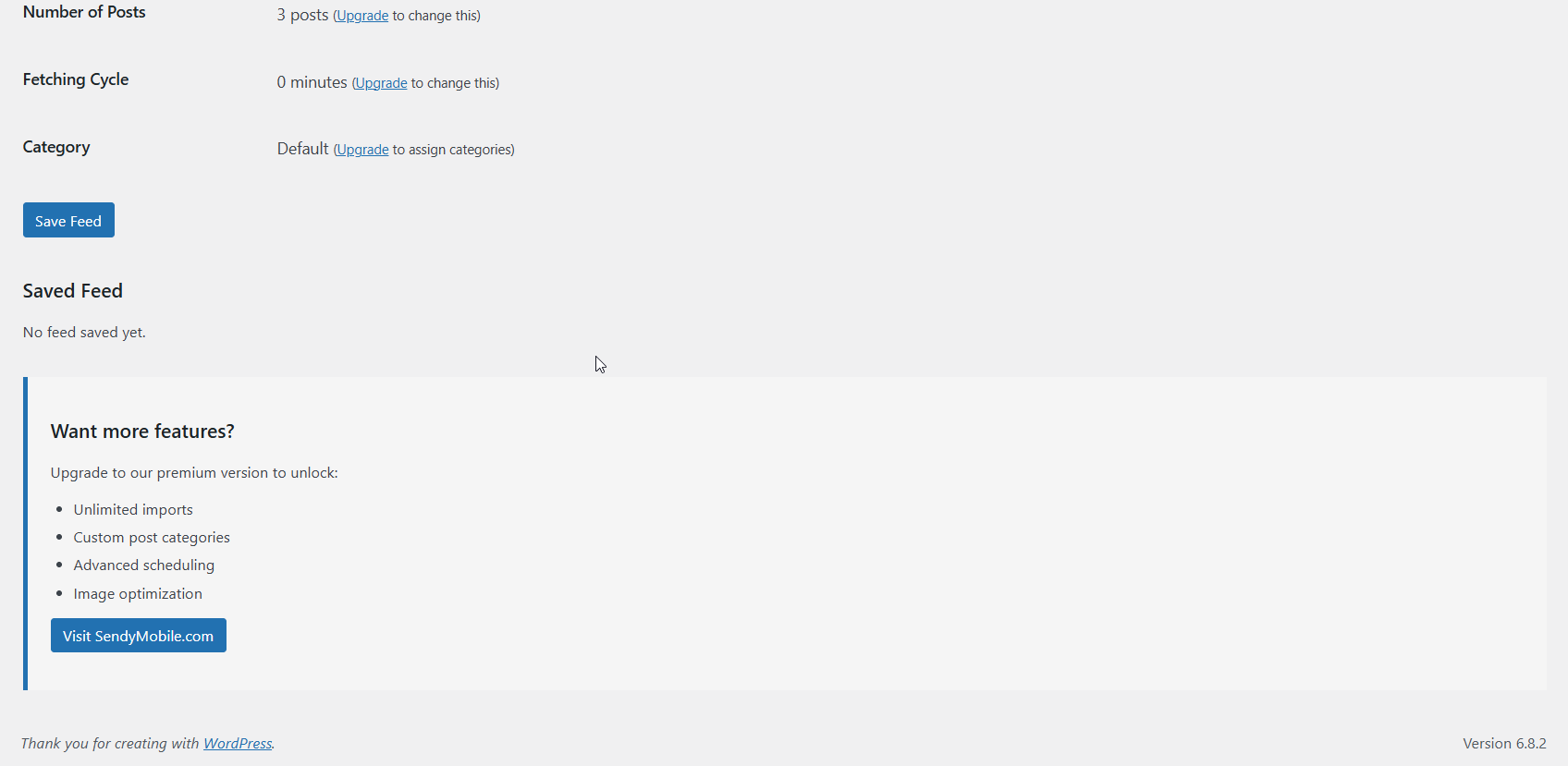
Imported posts - Shows processed content with images
Changelog
1.1.0
- Added media enclosure support
- Improved image extraction
- Fixed content parsing issues