

Sajjetti – AI Audit
AI-assisted theme and plugin scanner for security, performance, and best practices. Provides clear, actionable insights.
Plugin info
Maintenance & Compatibility
Maintenance score
Maintained • Last updated 175 days ago
Is Sajjetti – AI Audit abandoned?
Likely maintained (last update 175 days ago).
Compatibility
Similar & Alternatives
Explore plugins with similar tags, and compare key metrics like downloads, ratings, updates, support, and WP/PHP compatibility.
Description
Sajjetti – AI Audit is a security-first code scanner for WordPress plugins and themes.
It performs static analysis of PHP, HTML, CSS, and JS files to detect vulnerabilities,
performance issues, and coding standard problems before they become real risks.
Privacy by design
– Nothing runs automatically; all scans are triggered manually by the site owner.
– Files are analyzed statically — never executed.
– Remote analysis is disabled by default. No code leaves your site until you explicitly enable “Allow remote analysis” in Settings.
– When enabled, selected file contents are sent securely over HTTPS to the Sajjetti API. Analysis data is temporary and discarded after results are returned.
– Complies with WordPress.org privacy and consent guidelines.
What it helps you find
– Security: unescaped output, missing nonces and capability checks, unsafe file operations, risky SQL patterns, and other common vulnerabilities.
– Performance: expensive loops, heavy queries, oversized assets, and inefficient patterns that slow down page loads.
– Code quality and compatibility: deprecated APIs, version-specific pitfalls, and conflicts with WordPress coding standards.
Optional AI assistance
When remote analysis is enabled, the Sajjetti API provides AI-powered suggestions with context-specific recommendations.
Results are presented with file-by-file drill-down, risk levels, and actionable insights. Human review is always recommended before making changes.
Key Features
- Detects vulnerabilities, warnings, and performance issues
- Provides optional AI-assisted analysis with actionable suggestions
- Offers file-by-file drill-down and detailed reports
- Built with a security-first design, including VIP-compliant validation and sanitization
Security Considerations
- All scans are user-initiated; nothing runs automatically.
- File contents are analyzed statically (never executed).
- REST endpoints require capability checks and nonces.
- All external requests use HTTPS with nonce and referer validation.
- Uninstall removes plugin data (options and tables) cleanly.
- All user-facing strings are escaped and translatable.
Pricing and API Access
The plugin includes a small allowance of free scans.
Additional scans require an API key, available through a paid subscription.
Privacy
When you initiate a scan with remote analysis enabled, this plugin may transmit selected file contents (Base64-encoded PHP, HTML, CSS, and JS), limited file metadata (filename, relative path, size, cryptographic hash such as SHA-256), your site IP address and URL (for license validation), and your Sajjetti API username to the Sajjetti API for static analysis. No WordPress user account data, passwords, or database content is transmitted or stored. Temporary analysis data is deleted after results are returned. For details, see the included privacy.md file.
Remote analysis is disabled by default. Scans cannot start until the site owner explicitly enables Allow remote analysis in Settings.
External services
This plugin connects to the Sajjetti Hub API (https://sajjetti.ai) to validate license status,
manage usage limits, upload code snippets for analysis, and fetch audit results.
Data sent:
– License key and username when validating or checking usage.
– Website URL and IP address when validating usage.
– Selected PHP/JS/CSS source files when submitting for auditing.
Data returned:
– License type and remaining file quota.
– Audit results (security, performance, and code quality insights).
Legal & Privacy:
– Terms of Service: https://sajjetti.ai/terms-of-service/
– Privacy Policy: https://sajjetti.ai/privacy-policy/
Installation
- Upload the plugin folder to /wp-content/plugins/ or install via Plugins > Add New.
- Activate the plugin via the WordPress Plugins menu.
- Go to Audit > New Scan to trigger your first scan.
- (Optional) Enter your Sajjetti API key under Settings for additional scans.
- Enable Allow remote analysis in Settings > API Credentials to send code for analysis.
Frequently Asked Questions
When you start a scan with remote analysis enabled, the following data is transmitted:
– Selected file contents (Base64-encoded PHP, HTML, CSS, and JS)
– Your website IP address and URL (for API license validation)
– Your Sajjetti API username (account identifier, not your WordPress username)
– File metadata: filename, file type, file size, and internal scan identifiers
No WordPress user account data, passwords, or database content is transmitted.
Only when you start a scan and have enabled Allow remote analysis in Settings > API Credentials. If remote analysis is disabled, nothing is sent.
Remote analysis scans will not run and no files will be sent. You will see an error in the admin UI and can retry later. Your settings and scan history remain intact.
No. All scans are user-triggered. Nothing is sent unless you manually start a scan with remote analysis enabled.
No. Analysis is static only. Files are never executed, only analyzed for patterns and potential issues.
No. Transmitted data is used only for analysis and is deleted after results are returned.
They are used to validate that your API license is authorized for your website. This helps prevent unauthorized use of API credentials.
Review feed
Screenshots
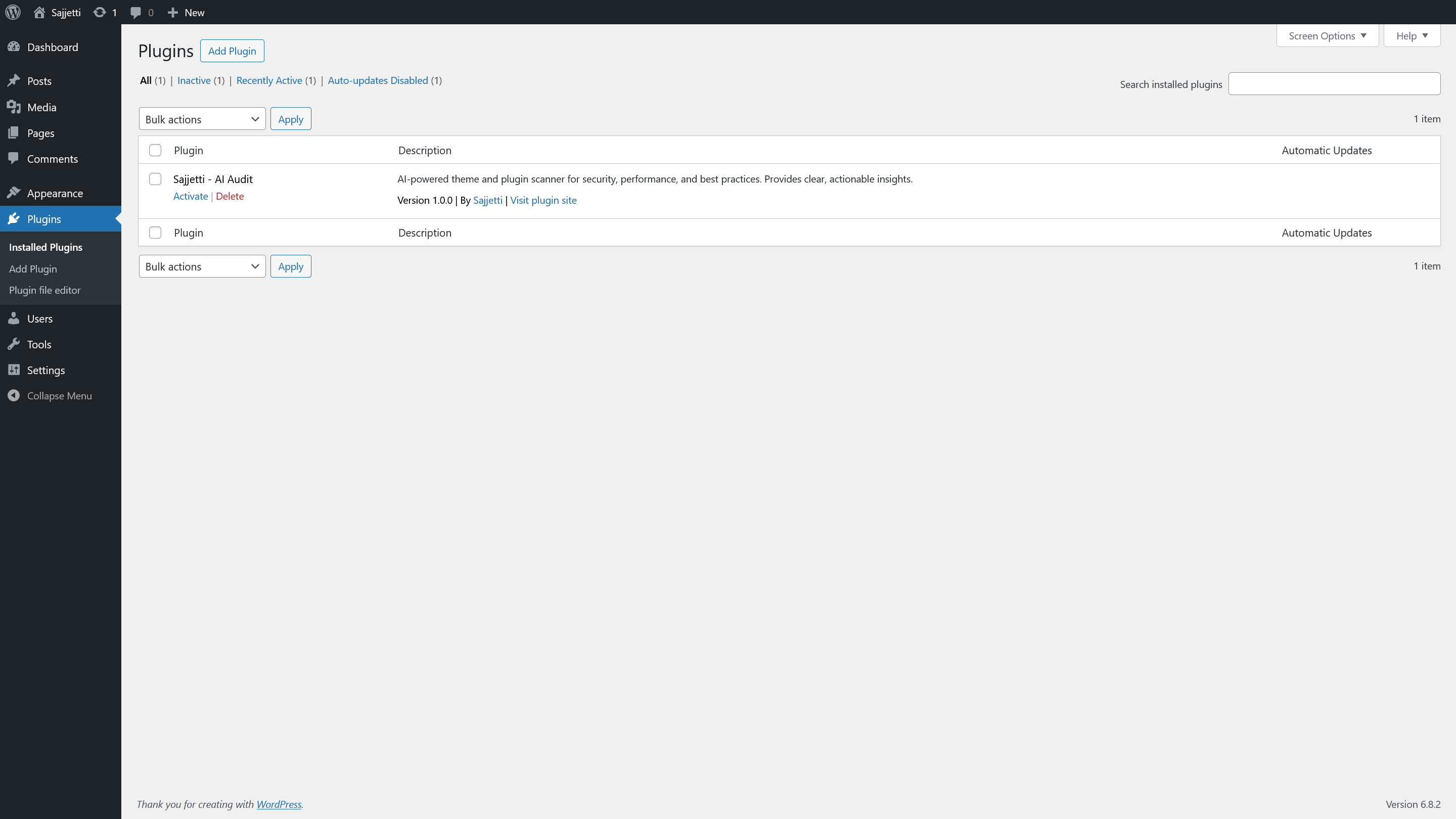
Plugins screen before activation (plugin listed, not yet active).
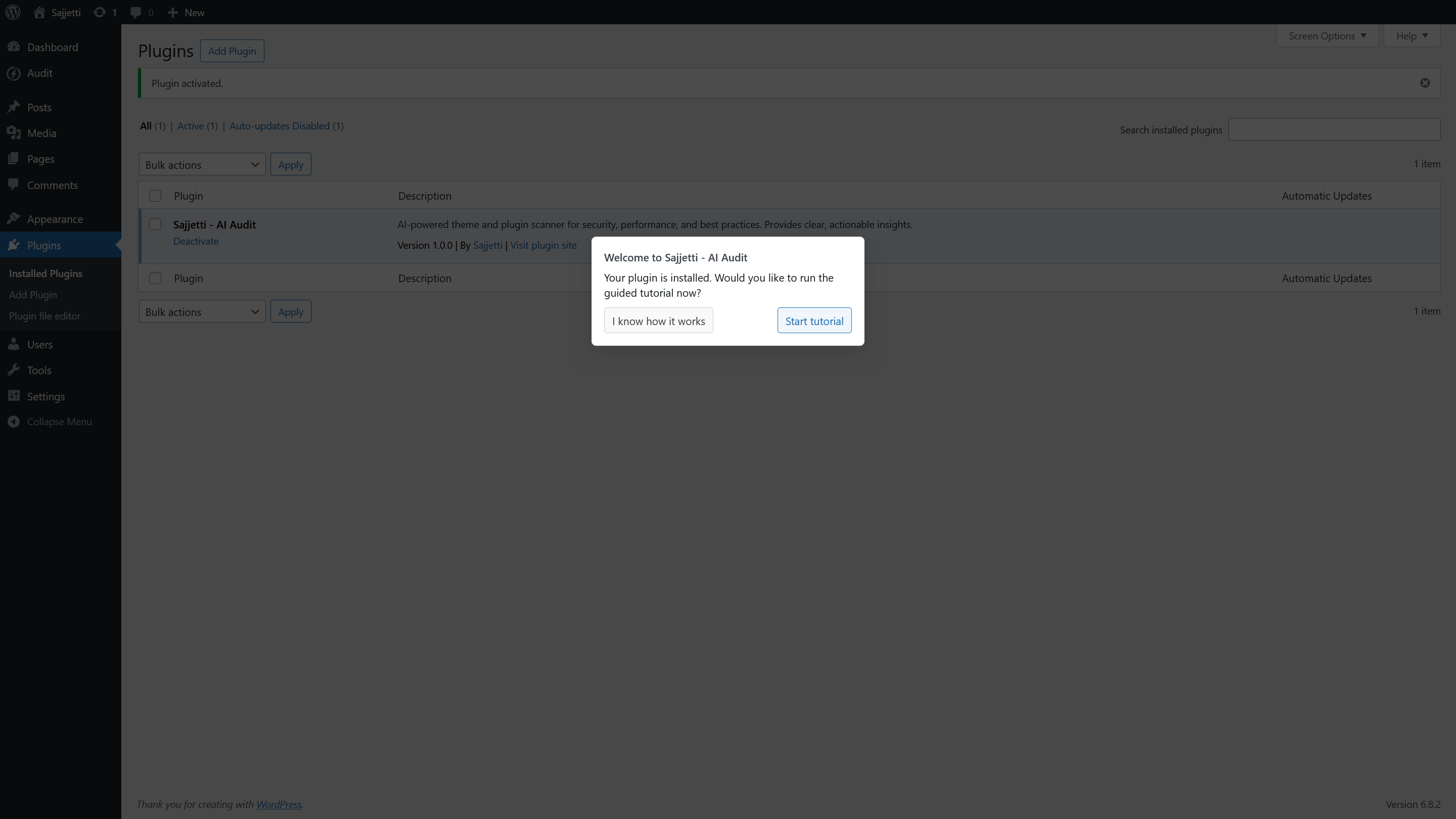
Welcome modal after activation offering the guided tutorial (overlay starts).
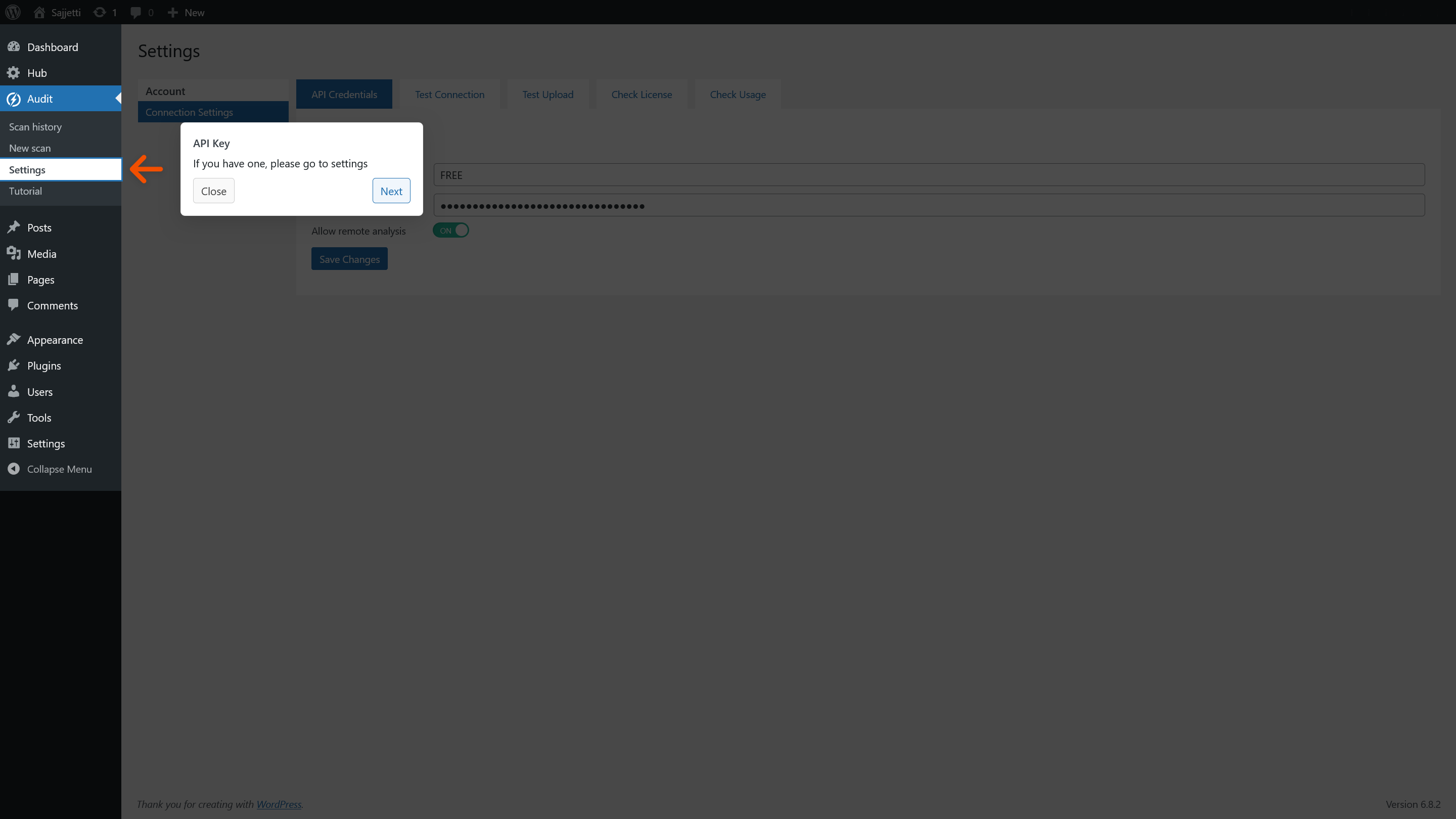
Tutorial step: open Settings from the Audit menu (overlay with arrow).
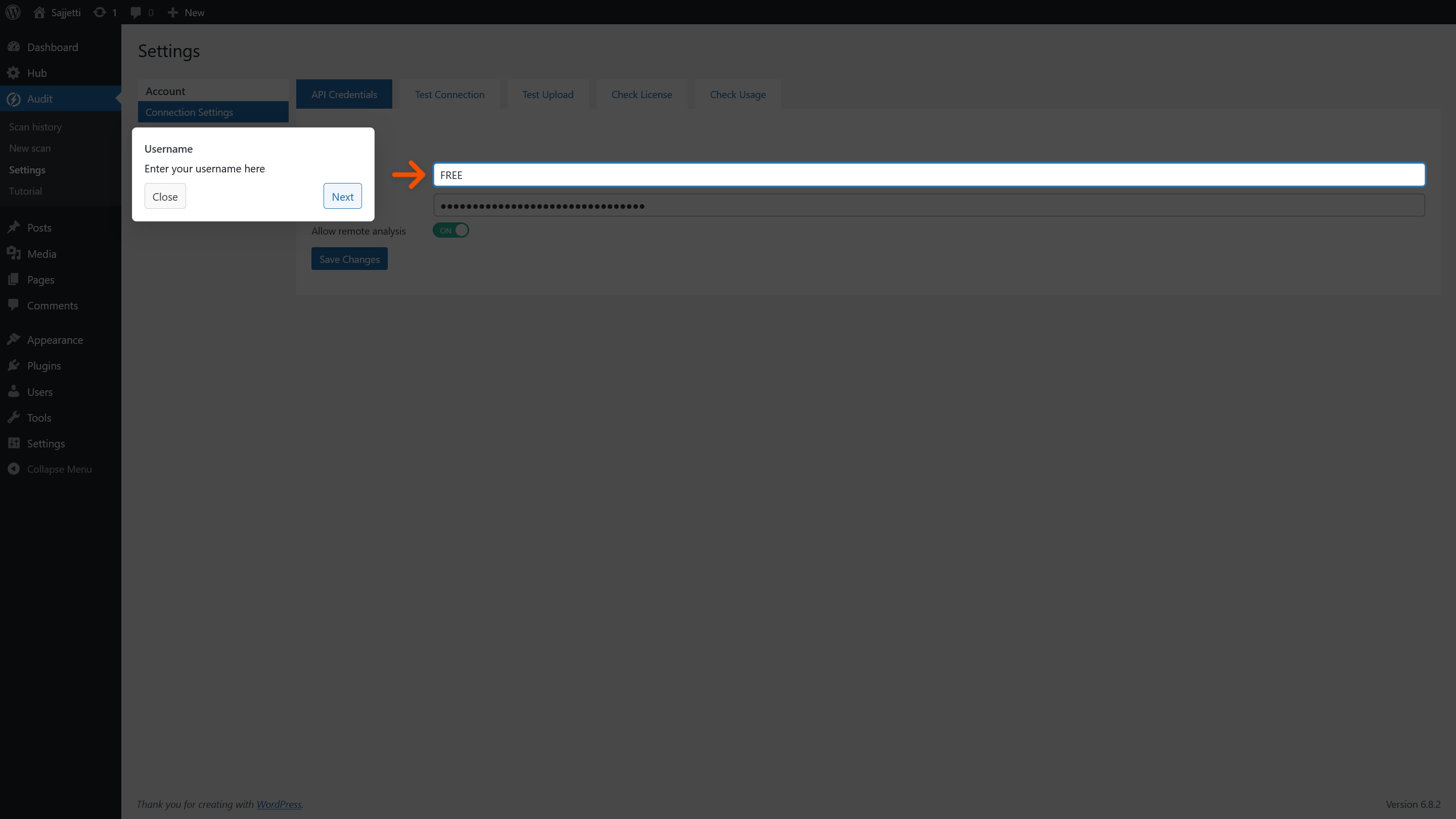
Tutorial step: Settings > API Credentials – Username field (overlay with arrow).
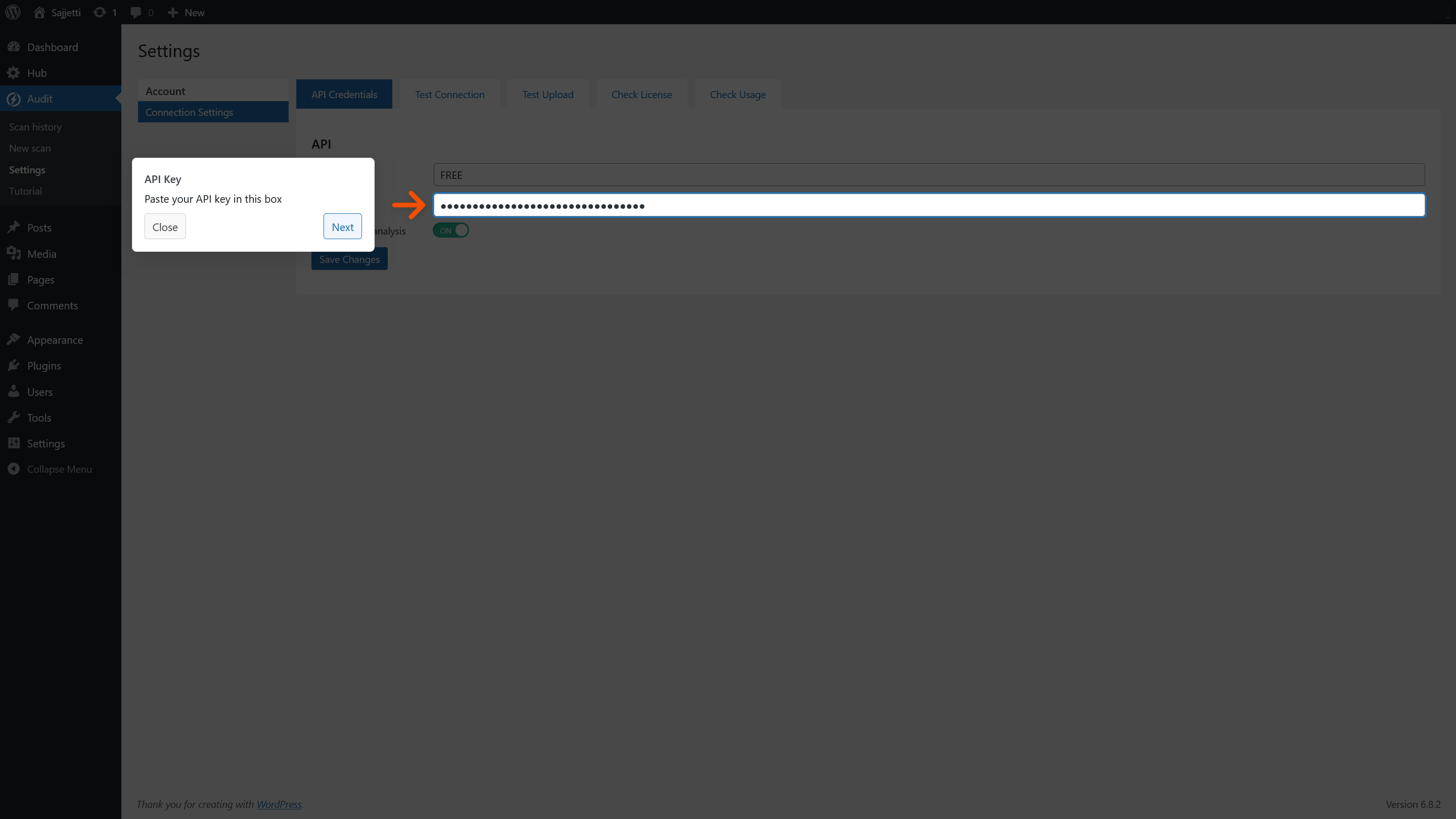
Tutorial step: Settings > API Credentials – API Key field (overlay with arrow).
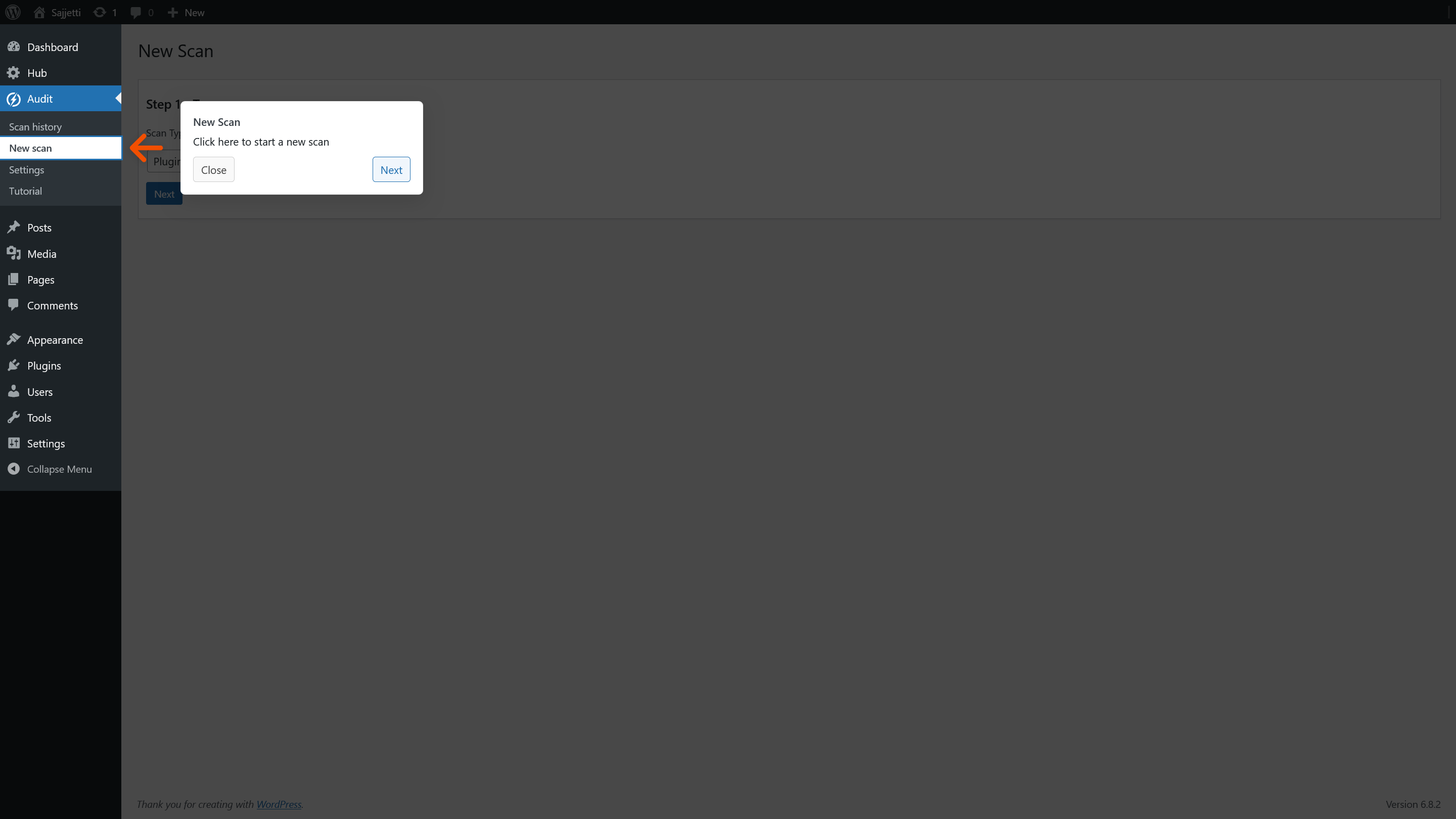
Tutorial step: New Scan – menu entry highlight (overlay with arrow).
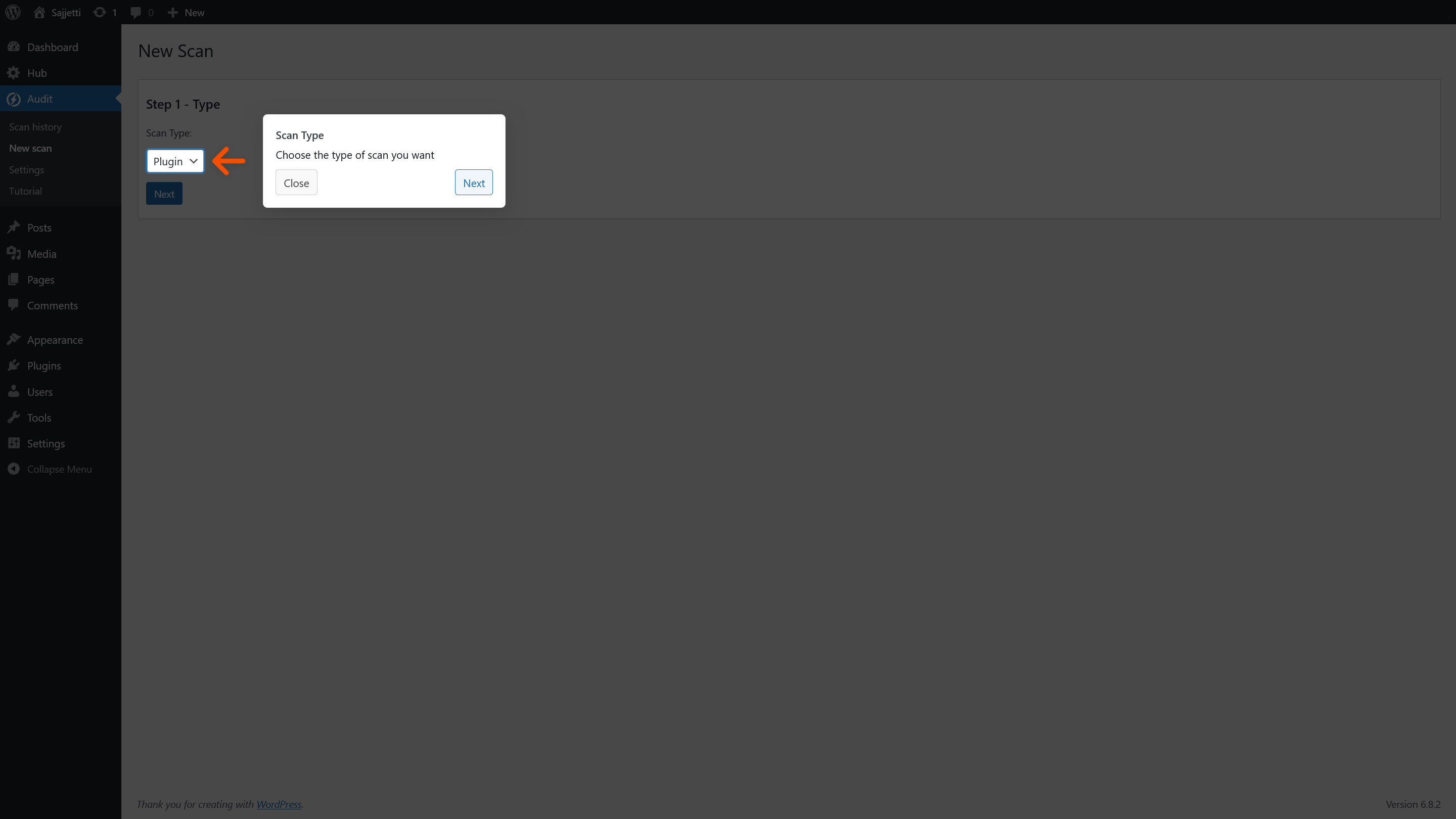
Tutorial step: Step 1 – choose scan type (Plugin/Theme) (overlay with arrow).
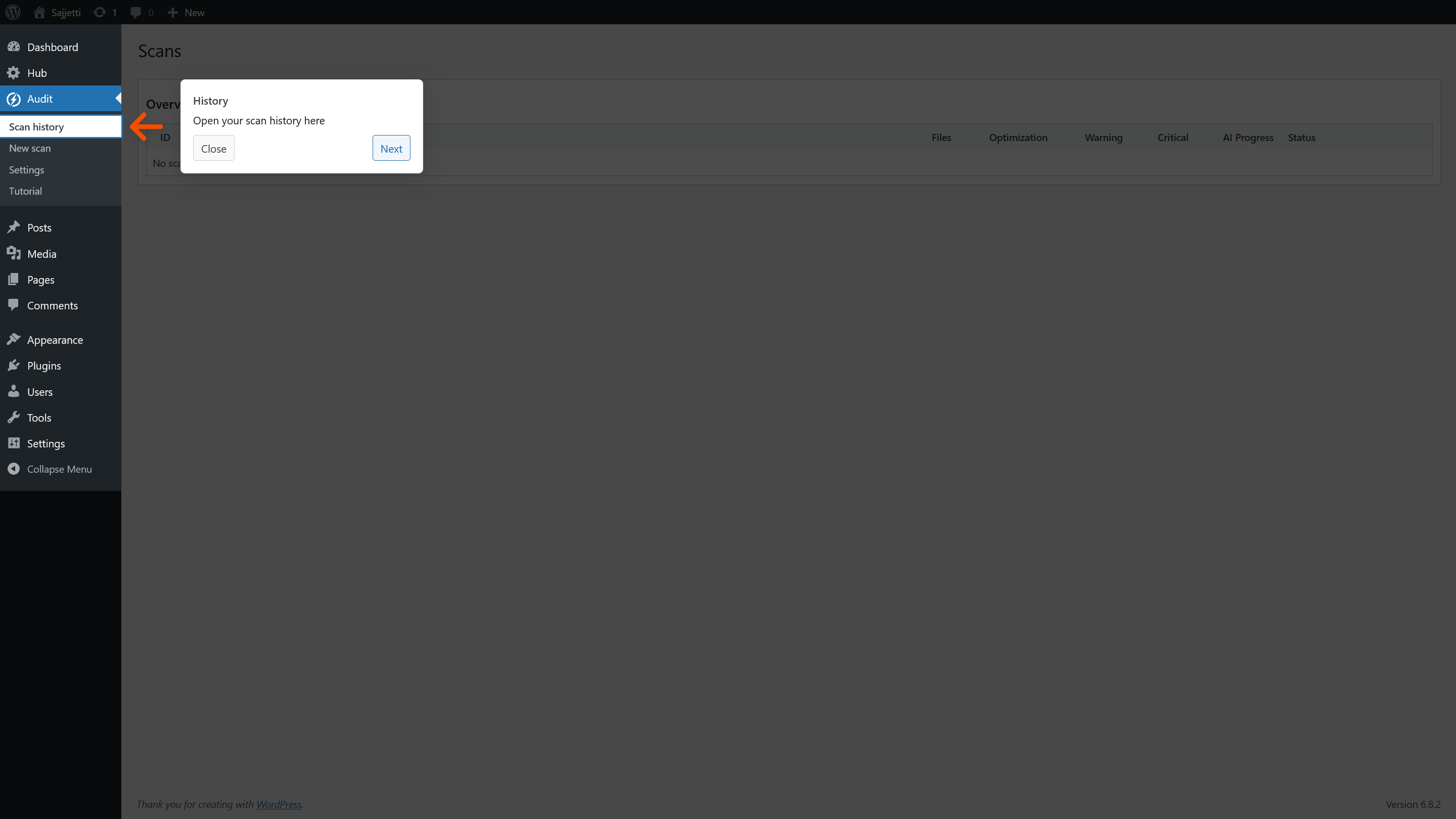
Tutorial step: Scan history – menu entry highlight (overlay with arrow).
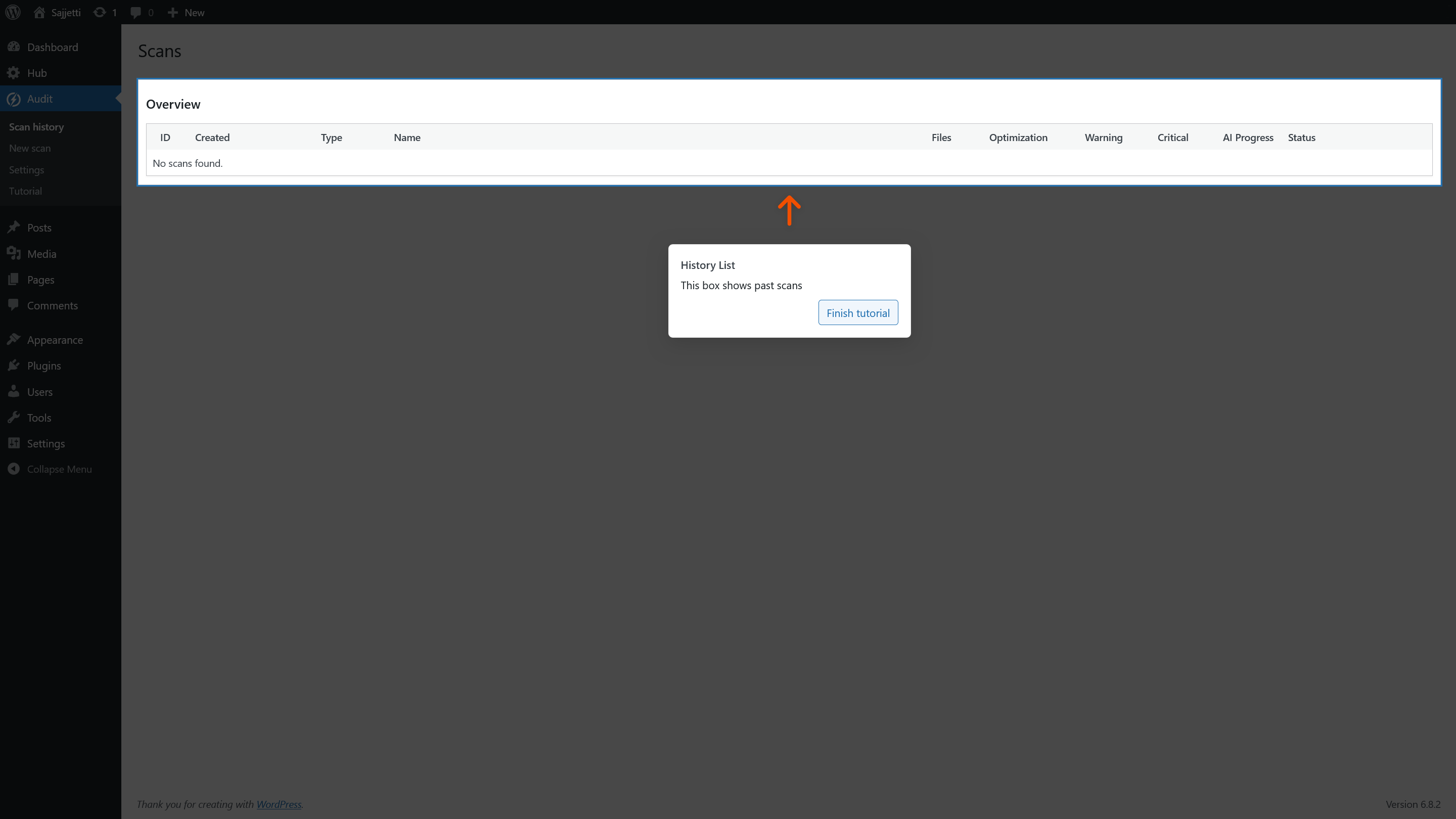
Tutorial step: Scan history – overview (no scans yet) (overlay with arrow).
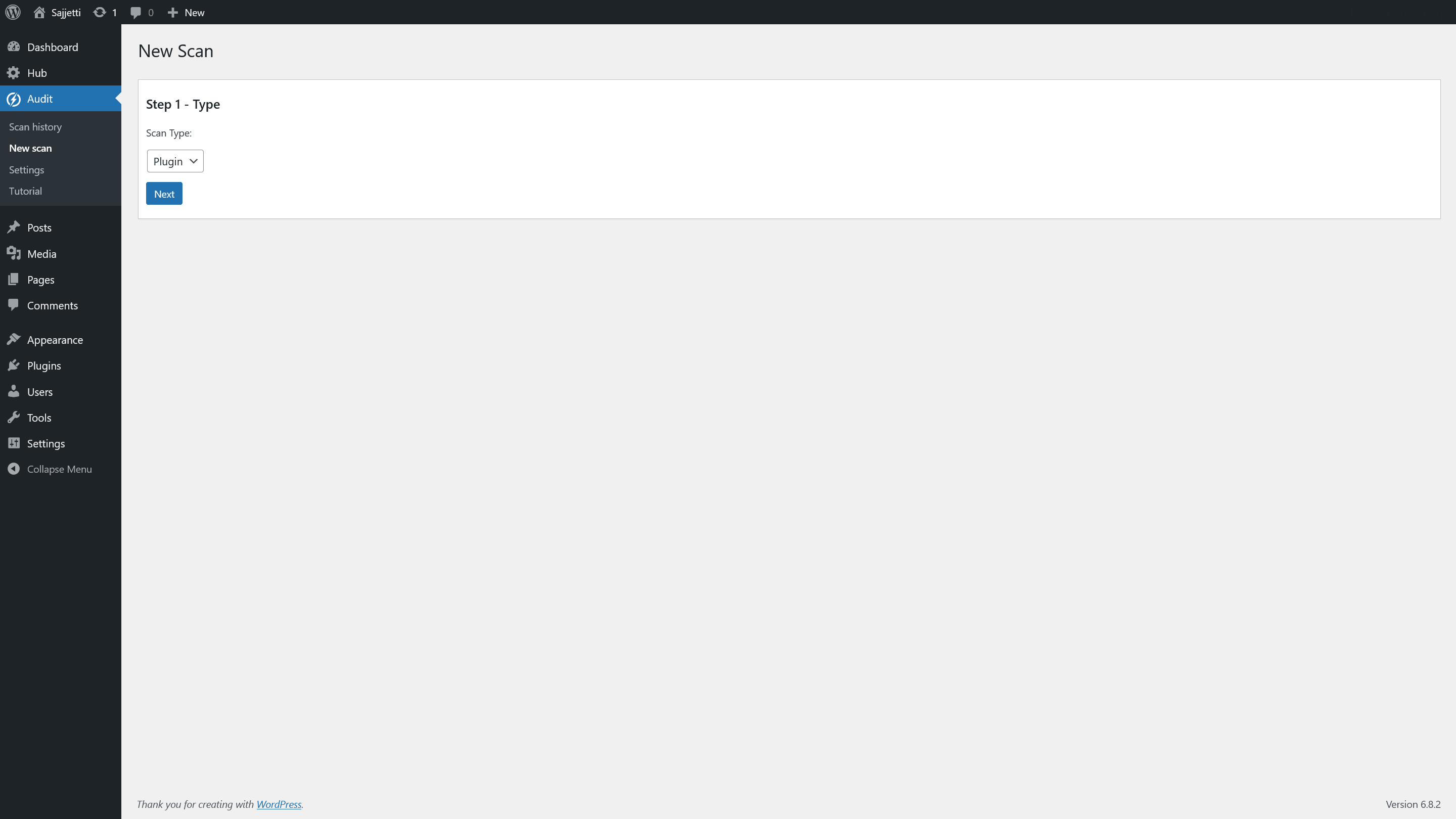
New Scan – Step 1: Type selector (form view).
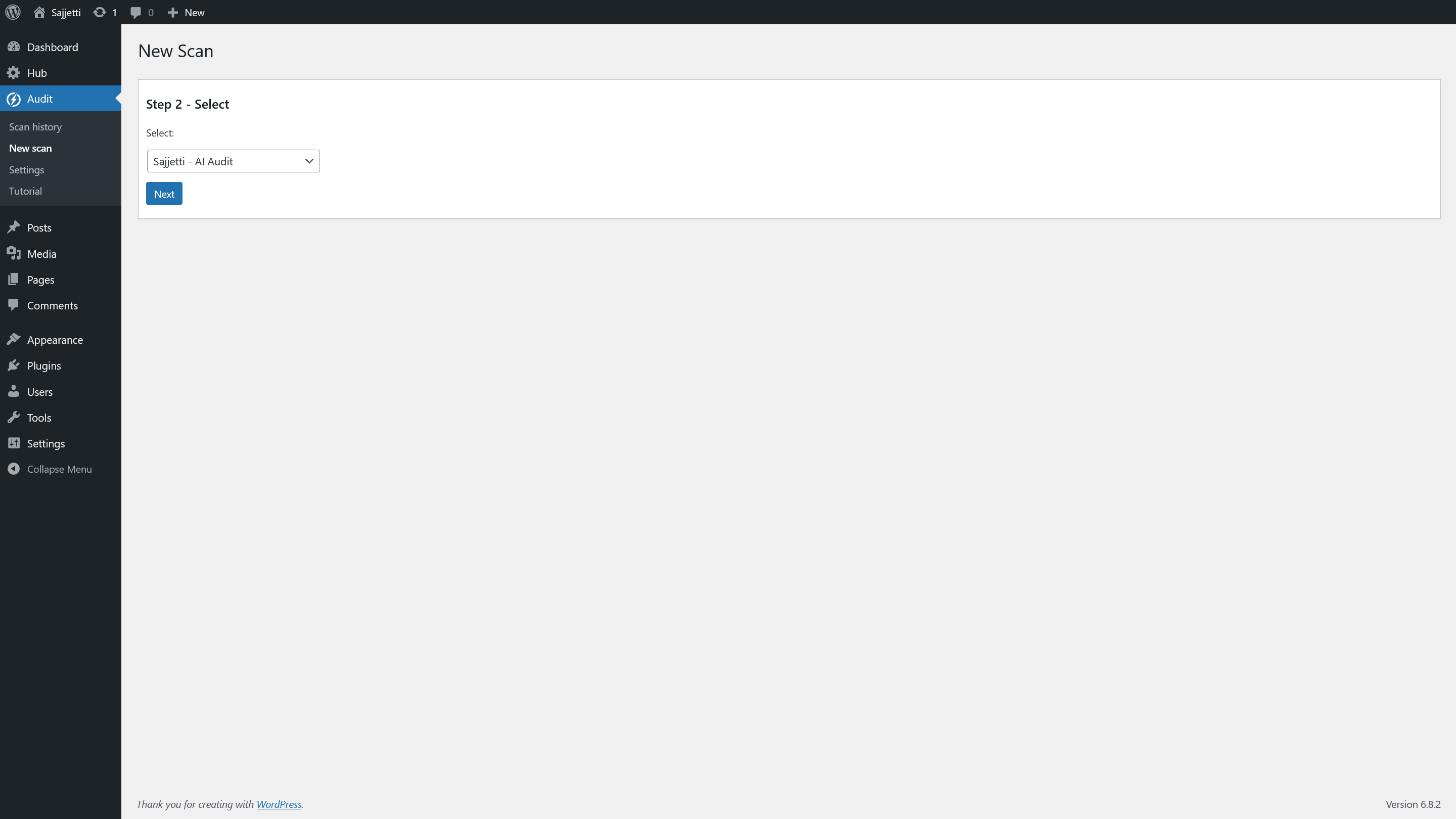
New Scan – Step 2: Select the item to scan (plugin chosen).
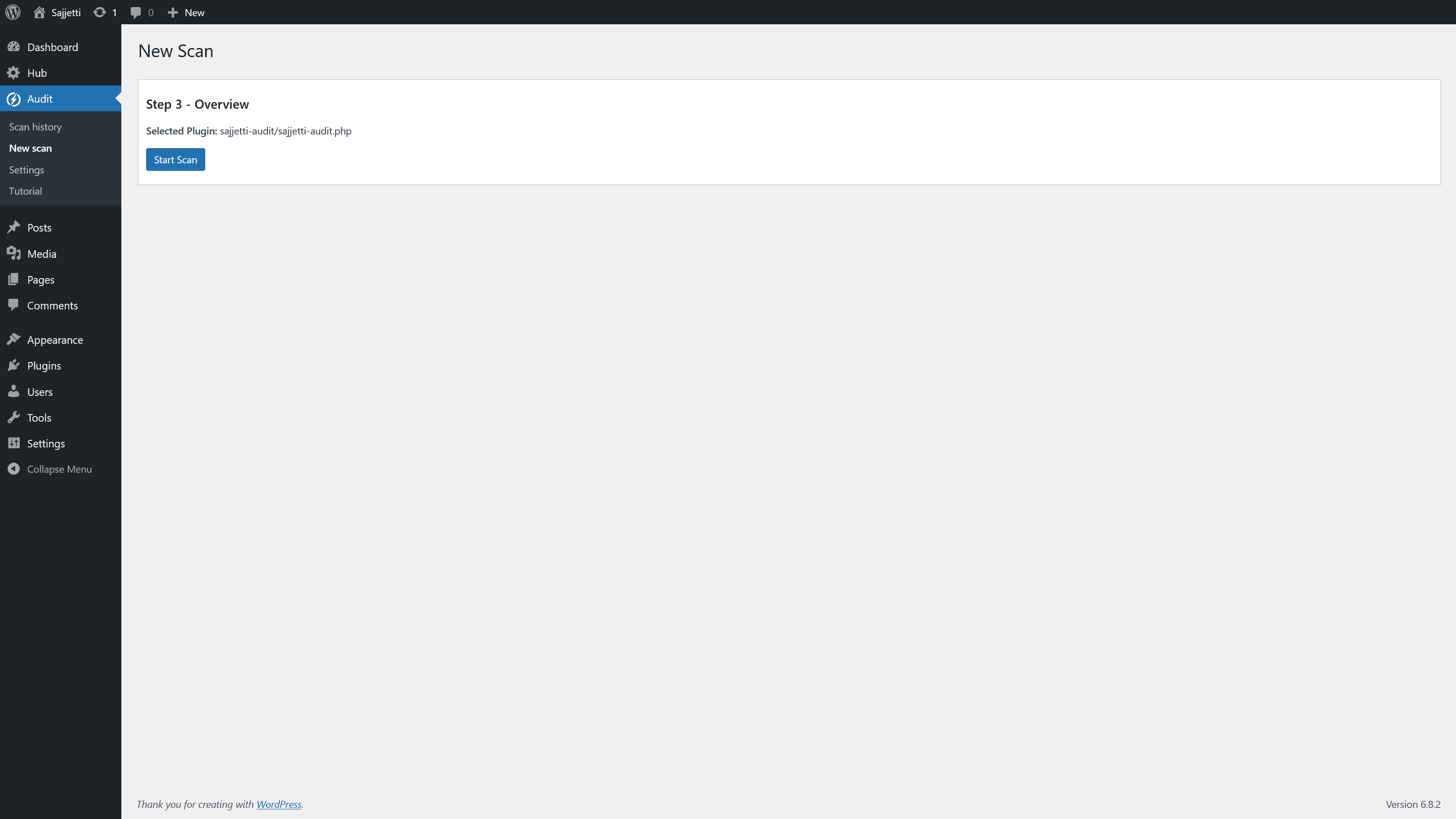
New Scan – Step 3: Overview with selected plugin and Start Scan.
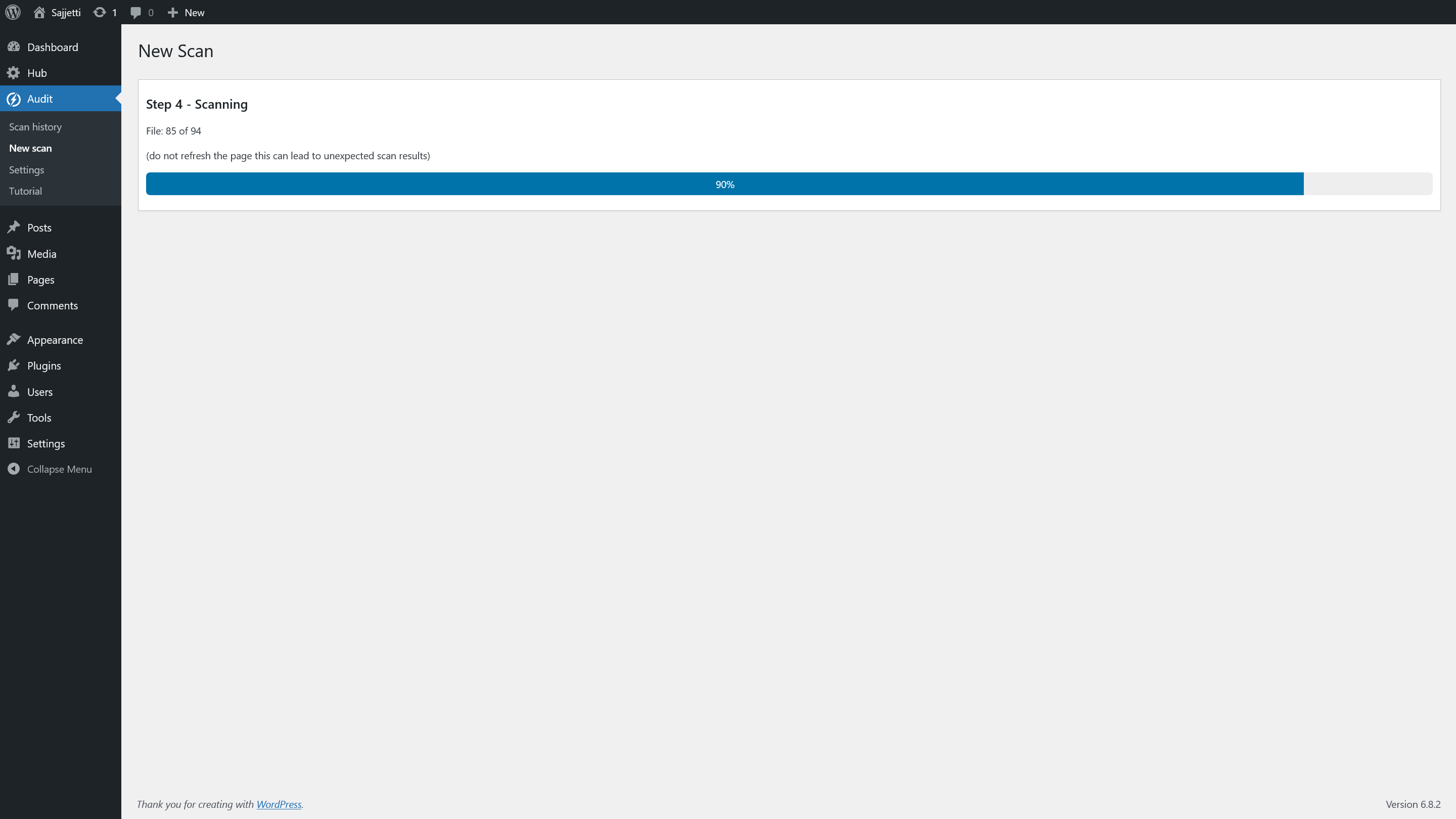
New Scan – Step 4: Scanning in progress with progress bar.

New Scan – Step 5: Scan complete with View Scan button.
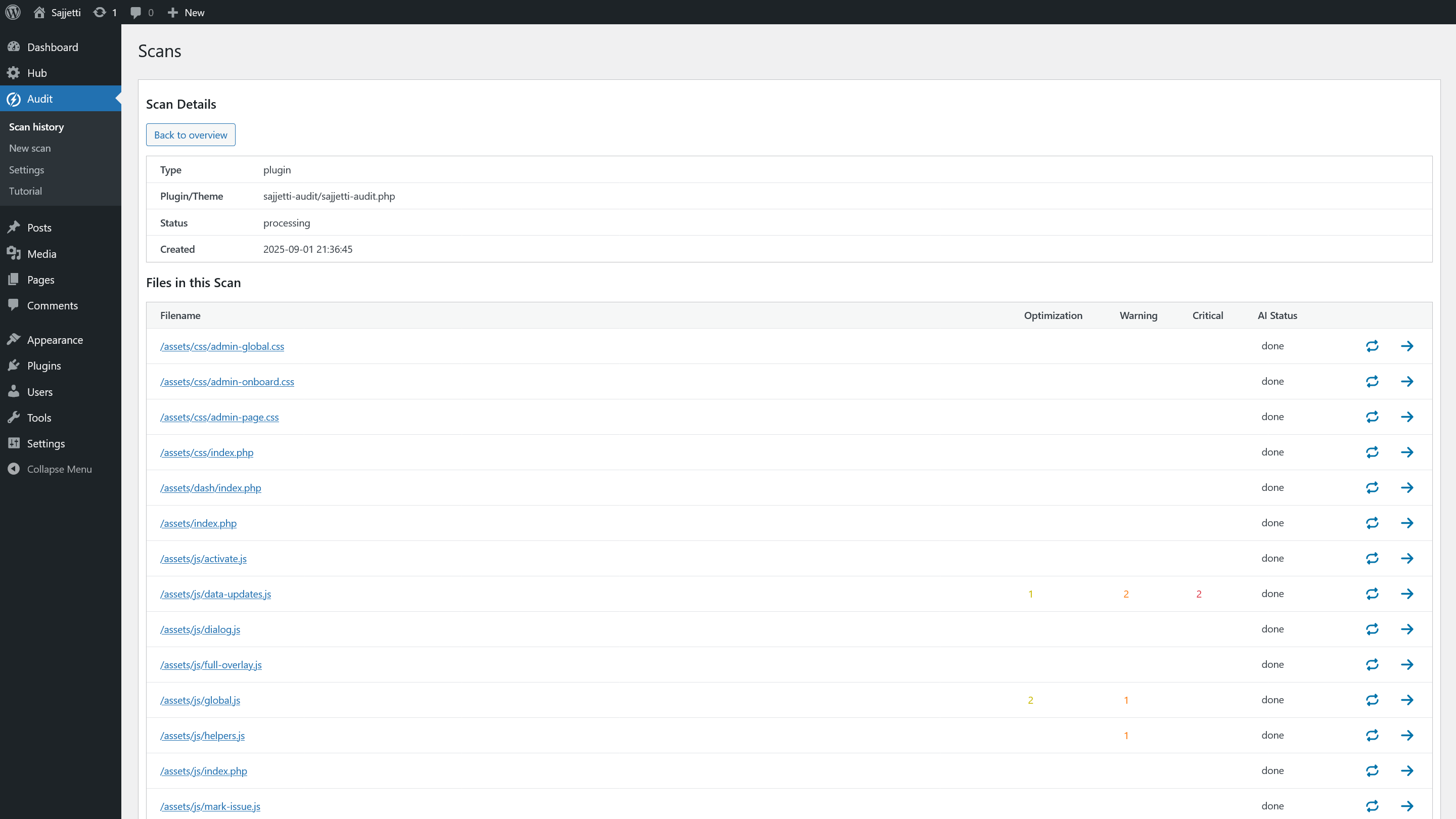
Scan details – File list with Optimization/Warning/Critical/AI Status columns.
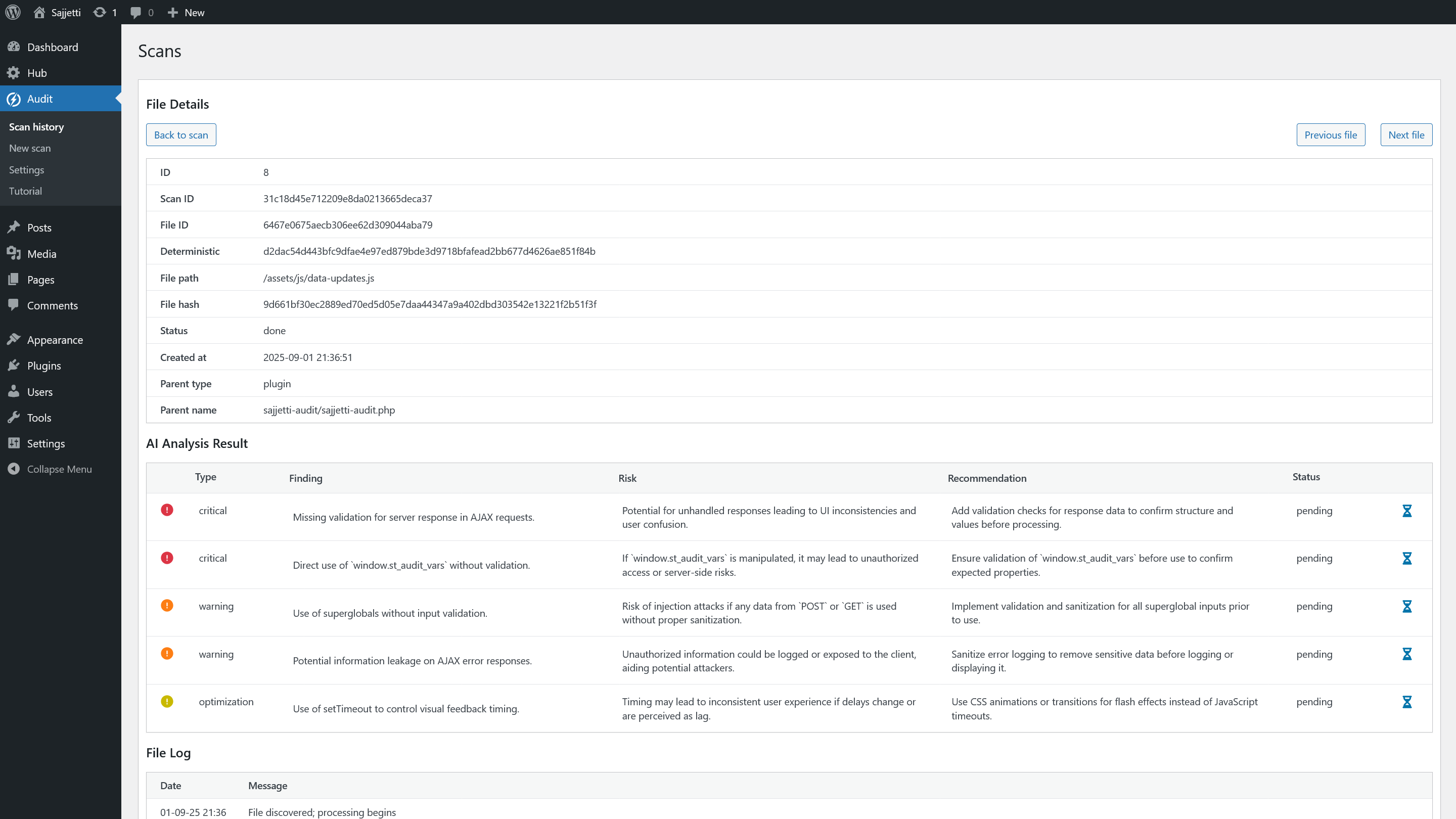
File details – AI analysis results with findings, risk, and recommendations.
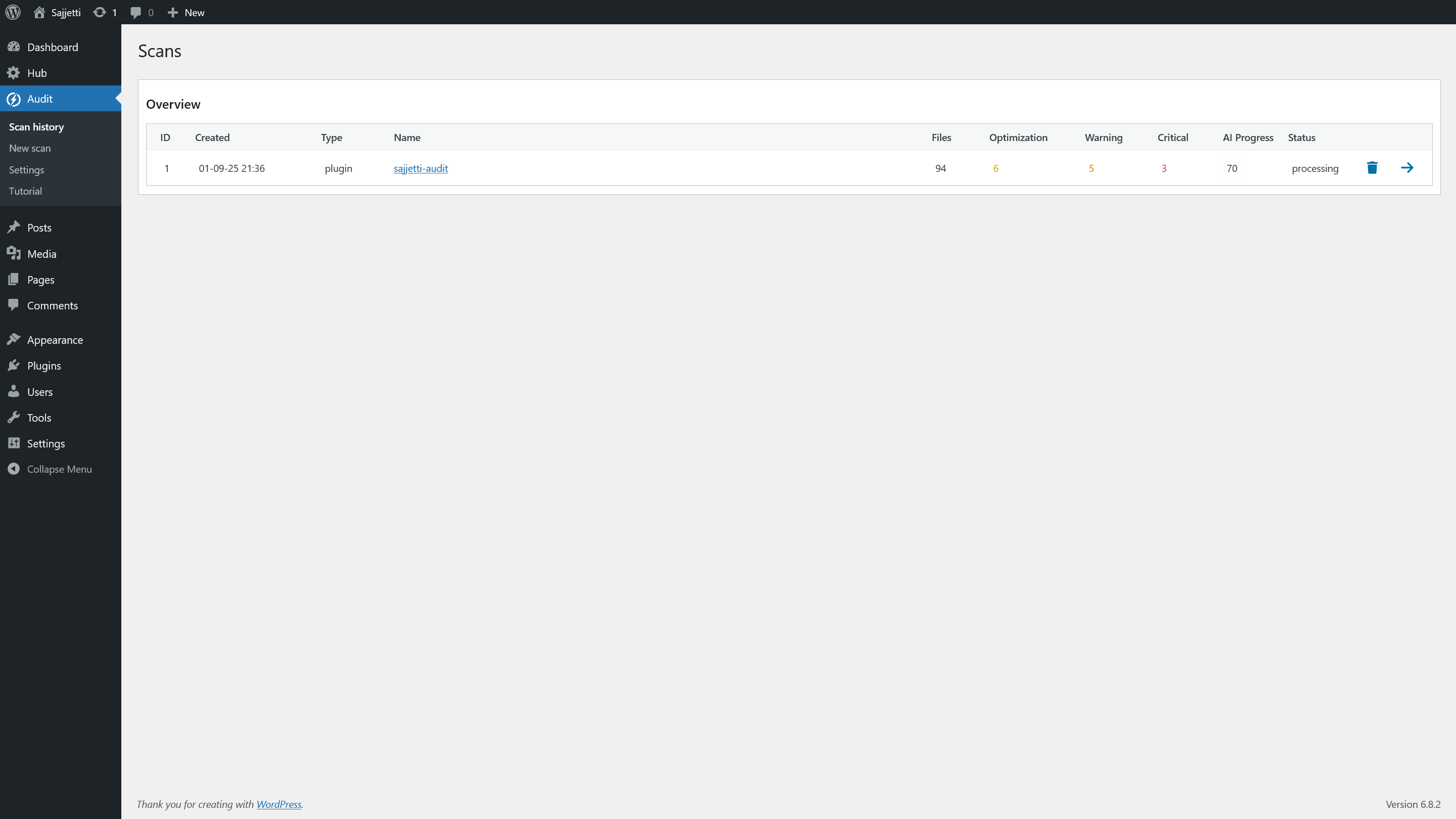
Scan history – Completed scan row with counts and status.
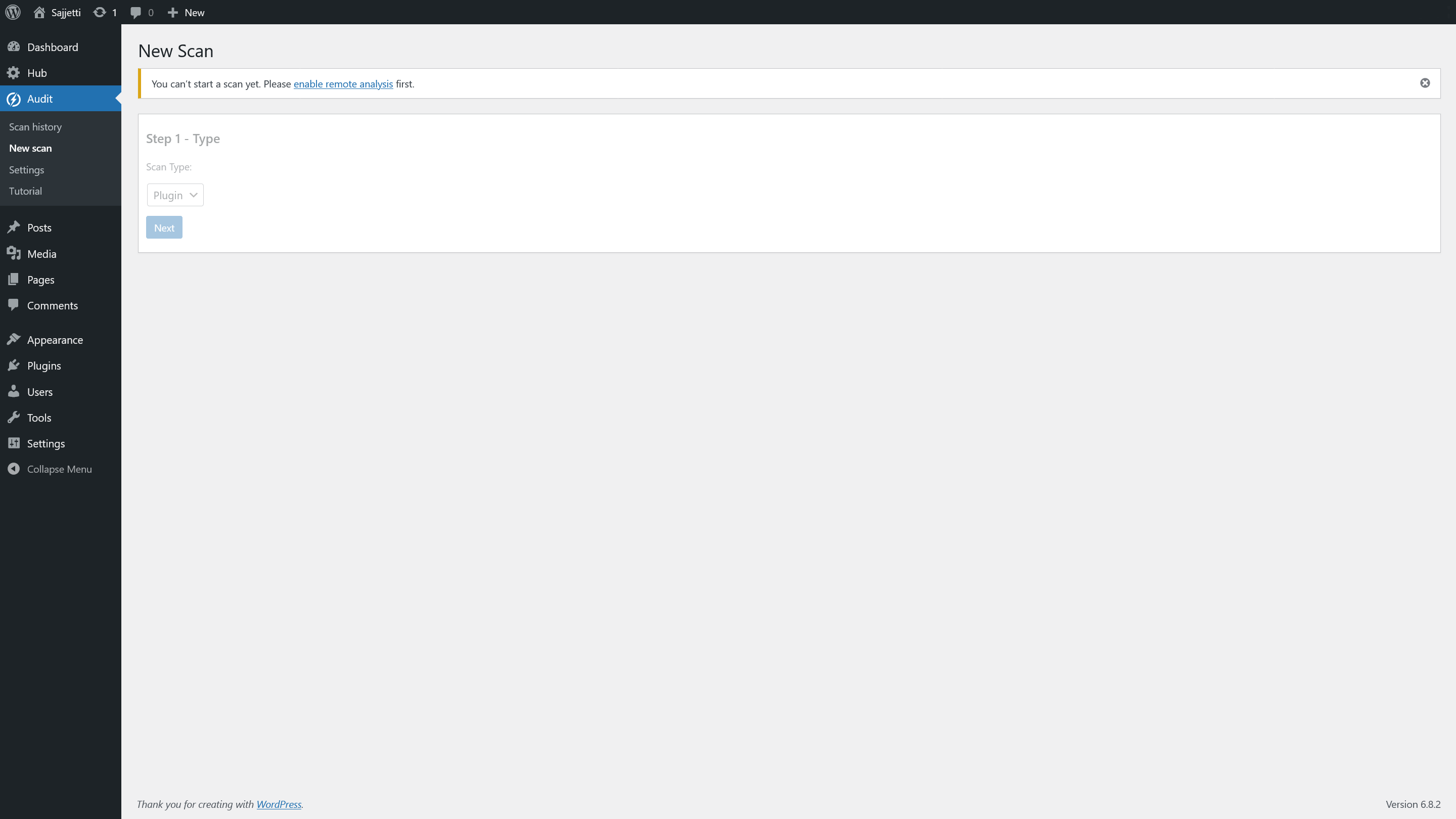
New Scan – Consent warning shown when remote analysis is disabled.
Changelog
1.0.0
- Initial release
- Static code analysis for PHP, HTML, CSS, and JS files
- Security, performance, and code quality detection (with optional AI assistance)
- Secure API integration with license validation
- File-by-file detailed reporting with actionable recommendations