

Salsify Sync – Salsify product data to WooCommerce with real-time updates and field mapping
Seamlessly sync Salsify products to WooCommerce. Save time, reduce errors, and keep your store updated automatically with Salsi Sync.
Plugin info
Maintenance & Compatibility
Maintenance score
Maintained • Last updated 153 days ago
Is Salsify Sync – Salsify product data to WooCommerce with real-time updates and field mapping abandoned?
Likely maintained (last update 153 days ago).
Compatibility
Similar & Alternatives
Explore plugins with similar tags, and compare key metrics like downloads, ratings, updates, support, and WP/PHP compatibility.
Description
Salsi Sync is a powerful and user-friendly WordPress plugin designed to help WooCommerce store owners easily synchronize their product data from the Salsify API to their WooCommerce site. This plugin simplifies the process of managing product information by automatically importing and updating products, ensuring your store always has accurate and up-to-date content.
With Salsi Sync, you can effortlessly transfer product details, including titles, descriptions, images, prices, and more, directly from your Salsify account to your WooCommerce store. The plugin is designed for seamless integration, eliminating the need for manual updates and reducing the risk of human error.
Key Features:
- Automatic Product Sync: Fetch product data directly from the Salsify API and insert it into WooCommerce as WooCommerce-compatible products.
- Easy Integration: Quickly connect your Salsify account to WooCommerce and start syncing products without any complicated setup.
- Customizable Sync Options: Choose which product details to sync, such as titles, descriptions, images, prices, and inventory levels.
- Effortless Product Management: Save time and improve efficiency by automating the product update process and minimizing manual intervention.
Whether you’re managing a few products or an extensive catalog, Salsi Sync helps streamline your workflow, enhance product accuracy, and ensure a smooth shopping experience for your customers. Get started today and simplify your WooCommerce product management with seamless Salsify synchronization.
Why Choose the salsi sync Plugin?
- Effortless Synchronization: With the Salsi Sync plugin, you can seamlessly synchronize your product data from the Salsify API directly to your WooCommerce store, eliminating manual entry and ensuring accuracy across all product details.
- Time-Saving Automation: Say goodbye to repetitive manual updates. Salsi Sync automates the process, saving you time and reducing the risk of errors, so you can focus on growing your business rather than managing data.
- Customizable Sync Options: Tailor the synchronization to meet your specific needs. Choose which product details—such as images, titles, prices, and taxonomies—get synced, giving you complete control over your data flow.
- Enhanced Product Management: Streamline your WooCommerce store management by ensuring that product data is consistent across platforms, reducing errors and making it easier to maintain a large product catalog.
- Simple Setup: The Salsi Sync plugin integrates easily with both your WooCommerce store and Salsify account, so you can start syncing products quickly without any technical hurdles.
- Reliable and Scalable: Whether you have a small catalog or thousands of products, Salsi Sync scales with your business, ensuring reliable performance and a smooth syncing experience as your store grows.
How It Works
- Upload the Plugin: Upload the
salsisyncdirectory to the/wp-content/plugins/directory. - Activate the Plugin: Activate the plugin through the ‘Plugins’ screen in WordPress.
- Configure API Settings: Go to the Salsi Sync settings panel to configure API credentials and other plugin settings.
- Sync Products: Use the Bulk Insert option to add all products from Salsify to WooCommerce or sync updates as needed.
External services
This plugin connects to the Salsify API to sync product data. It sends product information and API keys when syncing data.
Service: Salsify API
Terms of Service: https://www.salsify.com/legal/terms-of-service
Privacy Policy: https://www.salsify.com/privacy-policy
EXPLORE OUR OTHER PLUGINS
Installation
- Upload the
salsisyncdirectory to the/wp-content/plugins/directory. - Activate the plugin through the ‘Plugins’ screen in WordPress.
- Go to the Salsi Sync settings panel to configure API credentials and other plugin settings.
- Use the Bulk Insert option to add all products from Salsify to WooCommerce or sync updates as needed.
Frequently Asked Questions
In the plugin settings, you can enter your Salsify API credentials, including API token and organization key, to connect with Salsify.
Custom data mapping allows you to map specific fields from the Salsify API data to custom WooCommerce fields, so additional information from Salsify is displayed on your WooCommerce products.
Absolutely! The Salsi Sync plugin includes a Bulk Insert feature that lets you import all products from Salsify to WooCommerce in one go, streamlining the setup process for large inventories.
Yes, the plugin syncs media files like product images from Salsify to WooCommerce, ensuring your product listings are visually complete and engaging.
Yes, the plugin ensures no duplicate products are created. It updates only the existing product details or inserts new products if they haven’t been synced before.
Disable other plugins one by one to identify conflicts. If the issue persists, contact our support team for assistance.
You can post your queries on the WordPress.org support forum for the plugin.
Review feed
Screenshots

Plugin Options Panel - Configure your Salsify API settings, mappings, and sync preferences.

Sync Product Settings - Choose how you want to sync products, images, and custom data.
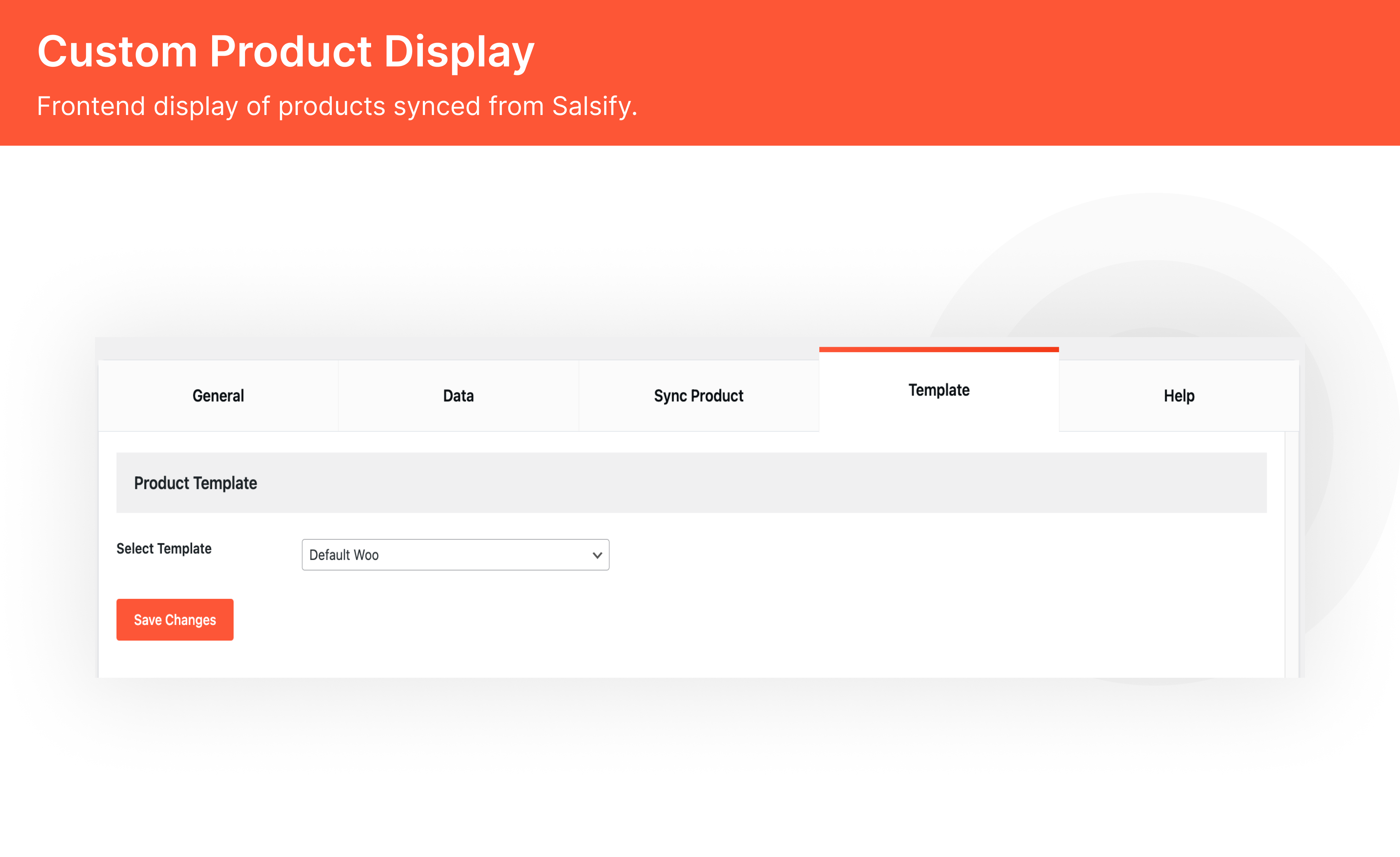
Custom Product Display - Frontend display of products synced from Salsify.
Changelog
1.2 – 01.09.2025
- UI improvement: The Sync Products option has been moved from the Sync Product tab to the General tab for easier access.
- Enhanced API key handling: API keys now update dynamically based on the number of imported products (shown in the Data tab).
- Improved UI/UX in the Data tab for better usability and clarity.
1.1 – 27.05.2025
- Maintance release of Salsi Sync.
1.0.0
- Initial release of Salsi Sync.
- Added product sync, image sync, custom data mapping, update checking, and custom templates.