

Internal Links Manager
Boost your SEO and get better rankings with our automated link building plugin. With this plugin you can link any keyword to any URL - internal or ext …
Plugin info
Maintenance & Compatibility
Maintenance score
Maintained • Last updated 155 days ago • Support resolved 100% • 34 reviews
Is Internal Links Manager abandoned?
Likely maintained (last update 155 days ago).
Compatibility
Similar & Alternatives
Explore plugins with similar tags, and compare key metrics like downloads, ratings, updates, support, and WP/PHP compatibility.
Description
What does Internal Links Manager do?
You simply provide a keyword and an URL. Whenever the keyword appears on your site, it builds links automatically to the given URL.
Here is an example: You have written a blogpost on “How to learn guitar”. Now you want the URL “yourdomain.com/how-to-learn-guitar” to be automatically linked whenever the keyword “learn guitar” appears on your website. You simply navigate to “Add link” within the menu and provide the requested parameters (mainly keyword + URL).
Why (internal) link building is so important
Improve your UX: Give your users the opportunity to discover relevant content with one click. Link important keywords with an related link. Your users stay longer on your website and get relevant information. As a side effect it improves your bounce rate, which is one of Googles ranking factors.
Boost your SEO: Internal links also important for search engines. Through internal links you can spread link equity and establish your site architecture.
How to use
- Select menu item “Add link”
- Assign title (mainly for internal use)
- Optionally assign a link title (title attribute in HTML)
- Assign keywords, comma separated (keyword1, keyword2, etc.)
- Enter URL (Where should the keyword link to?)
- Optionally increase the number (How often should the link appear on a page?)
- Optionally set link nofollow (Should searchengine follow this link?)
- Choose link target (Open link in same tab or in new tab)
- Click save
The specified keywords on your website are now provided with the corresponding link and settings.
Installation
- Install Internal Links Manager by webraketen.io either via the WordPress.org plugin repository or by uploading the files to your server.
- Navigate to “Internal Links Manager” in your WordPress admin menu and add your first link.
Frequently Asked Questions
Internal link building is important for your rankings within search engines like Google. With our plugin you can save a lot of time because you don’t have to set links manually anymore. Realizing your internal linking strategy becomes a lot easier!
Internal linking boosts your SEO and User-Experience. By adding internal links to your website you increase the chances to get ranked higher on the SERP (search enginge result page). Through internal links you can also spread link equity and establish your site architecture.
No. If you have already created a link manually, the plugin will not overwrite it.
We are grateful for every help. Simply send us an Email to [email protected].
Review feed
Best auto link plugin
Works well
Screenshots
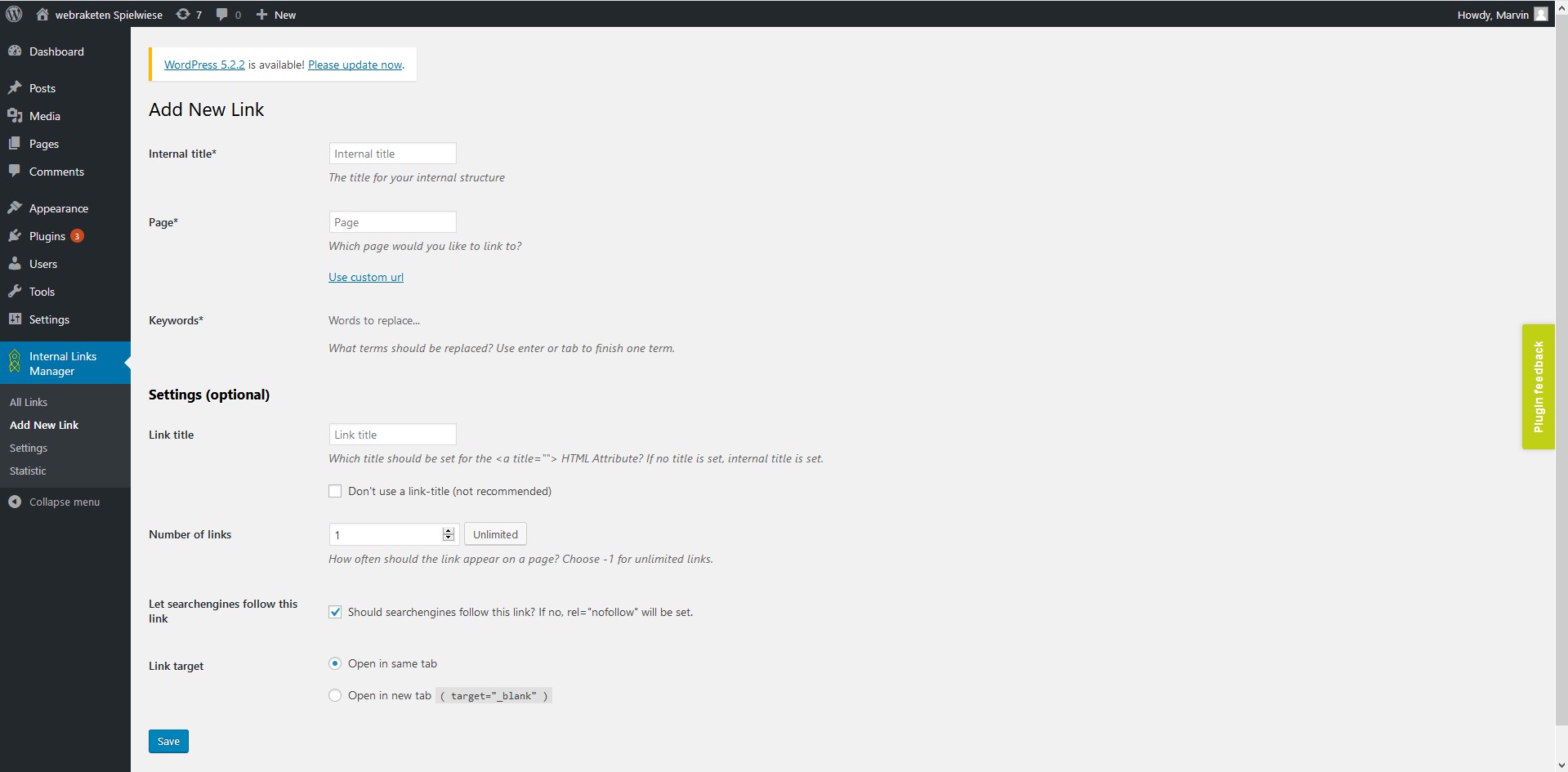
add new link
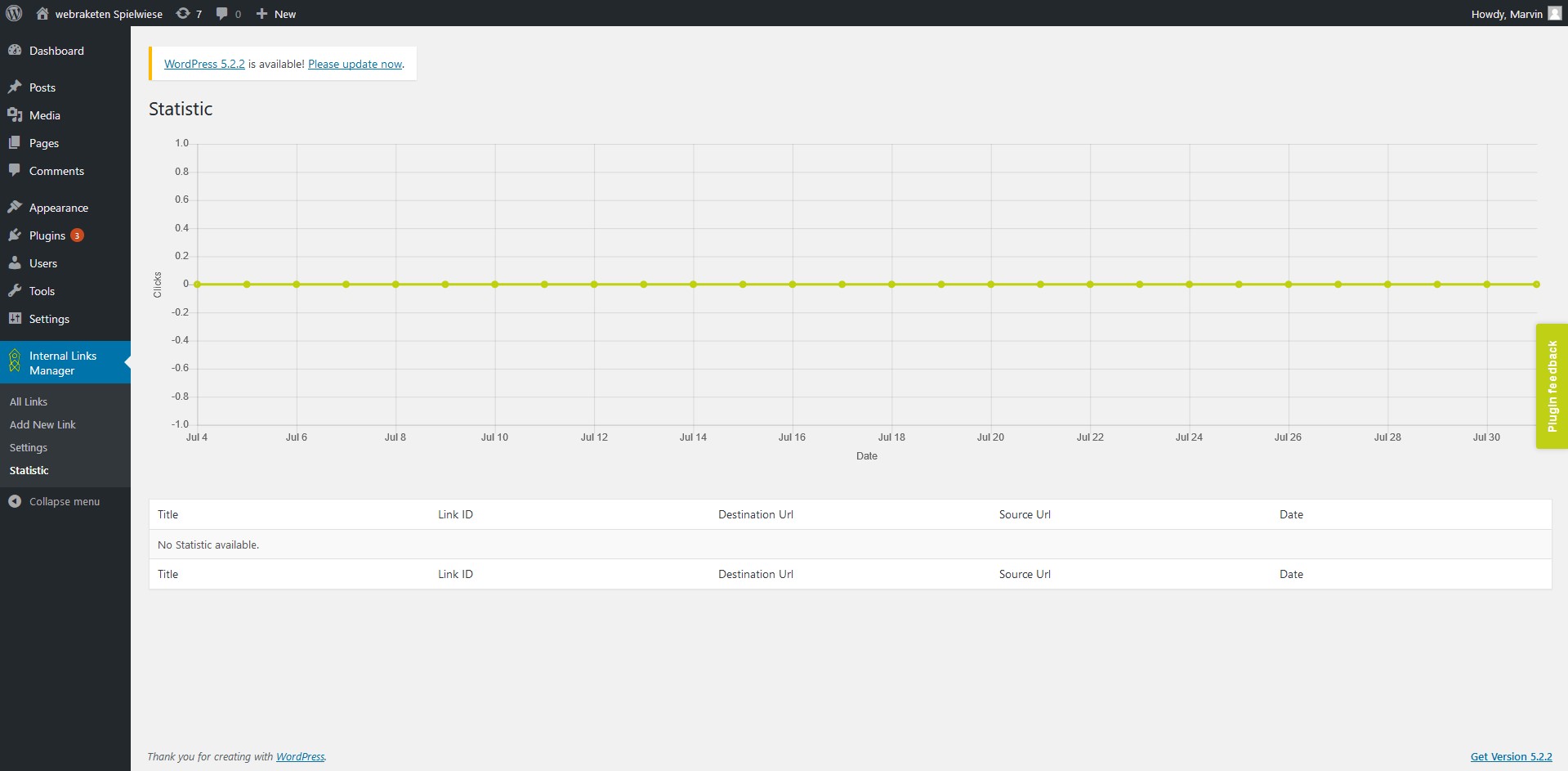
statistic
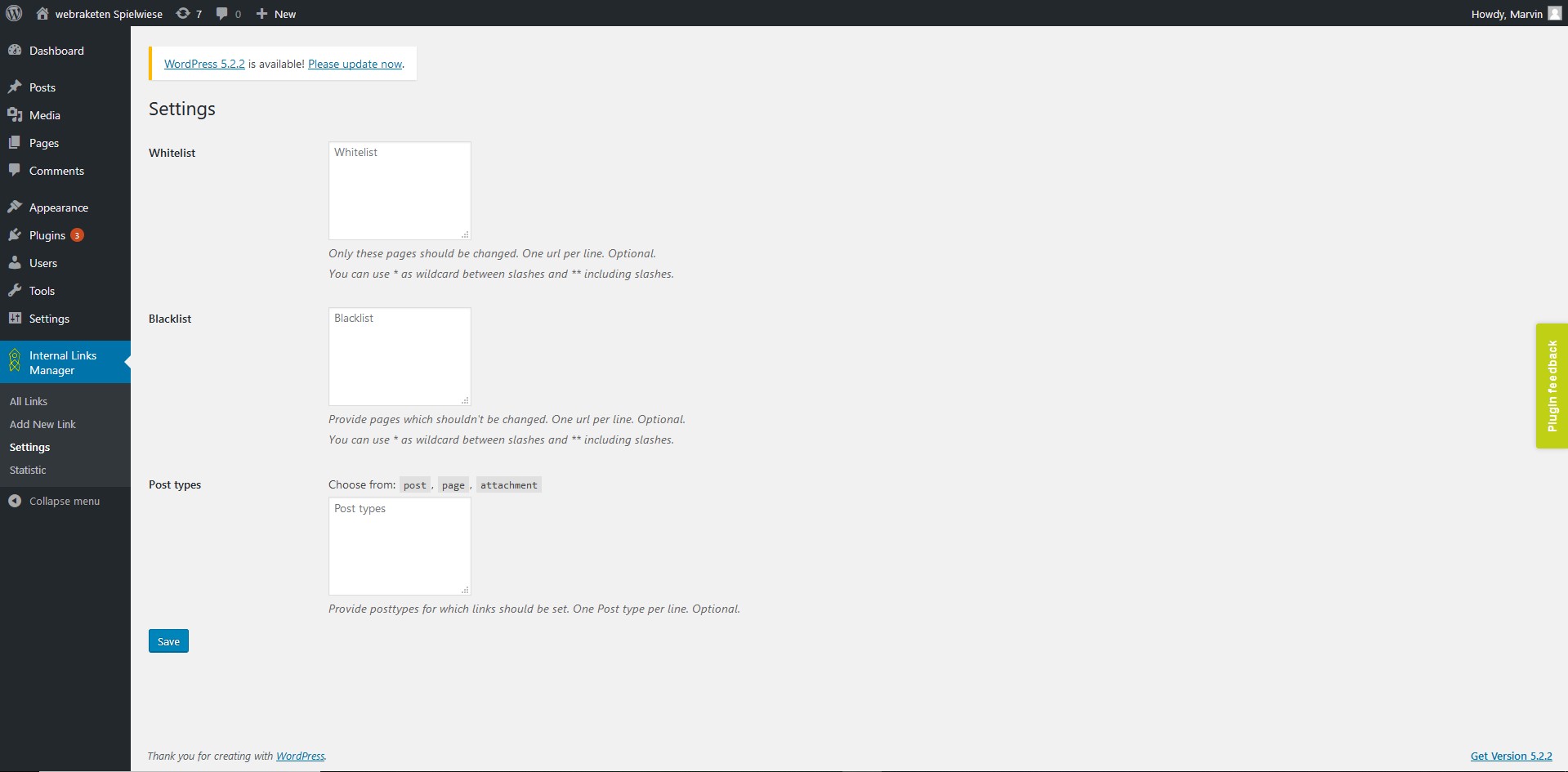
settings
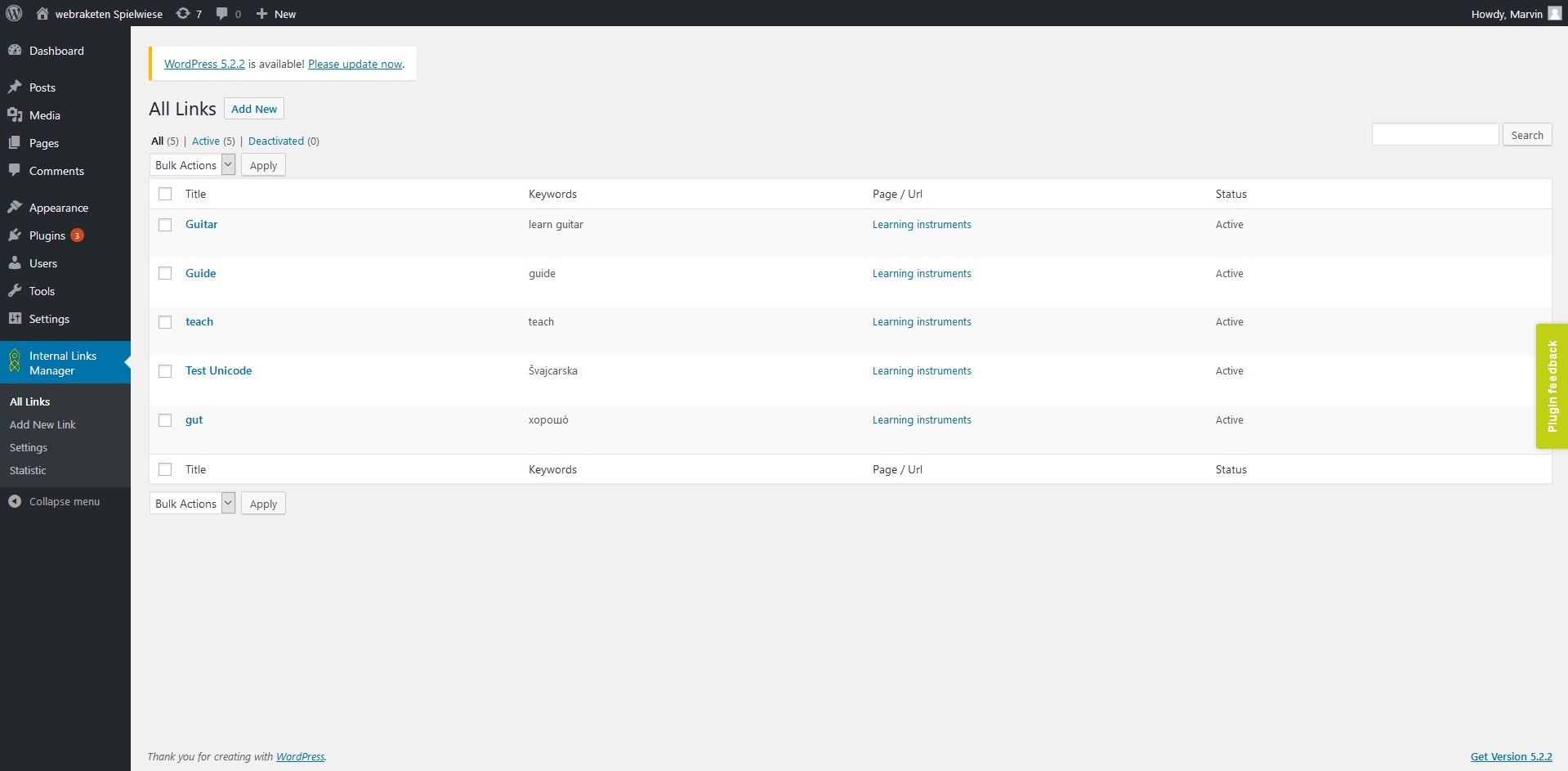
all links
Changelog
3.0.3
- Fixed bug in Database caching
- Update to Freemius SDK 2.12.2
- Performance optimizations
- Code cleanup
3.0.2
- Fixed possible CSRF vulnerability in link list (thx to Wordfence)
- Code cleanup
3.0.1
- Added plugin uri to header
3.0.0
- Compatibility to WordPress 6.8
- Introducing Pro Features:
- Support caching via Redis, Memcached, APCu, database or filesystem
- Display link processing time for administrators
- WooCommerce Support
- (A)CF Support
- Add links to post excerpts
- Add links to category descriptions
- Permission management
2.5.4
- Compatibility to WordPress 6.7
2.5.3
- Fixed security issue that allowed users with low role (subscriber) to use the export links function (thanks for noticing to https://patchstack.com/)
2.5.2
- Compatibility to WordPress 6.6
2.5.1
- Fixed compatibility issues with PHP 8.3
- Fixed minor bugs
2.5.0
- Compatibility to WordPress 6.5
- Selectable separator (comma or semicolon) for import / export
- Display errors when importing csv files
2.4.0
- Make plugin usable for editors
- Possibility to disable statistics