

SEOmoz Widgets
Provides dashboard elements and themes widgets to display SEO related info, like inbound links, retrieved using the SEOmoz Linkscape API.
Plugin info
Maintenance & Compatibility
Maintenance score
Possibly abandoned • Last updated 5567 days ago
Is SEOmoz Widgets abandoned?
Possibly abandoned (last update 5567 days ago).
Compatibility
Similar & Alternatives
Explore plugins with similar tags, and compare key metrics like downloads, ratings, updates, support, and WP/PHP compatibility.
Description
Provides dashboard elements and themes widgets to display SEO related info, like inbound links, retrieved using the SEOmoz Linkscape API.
You must have a free SEOmoz.org account and API credentials.
The SEOmoz Inbound Links dashboard widget is similar to the default dashboard widget that queries Google Blog Search, but is more accurate
and complete, as it pulls link information from across the entire web, not just from Google Blog Search.
Installation
Standard upload procedure:
- Upload
seomoz-widgetsfolder to the/wp-content/plugins/directory - Activate the plugin through the ‘Plugins’ menu in WordPress
- Add your SEOmoz Linkscape credentials to the ‘SEOmoz Wigets’ settings page
- Video your inbound links in the dashboard.
- (optional) Install the
wp-file-cacheplugin to improve performance.
Frequently Asked Questions
What is the Linkscape API
The Linkscape API is an interface that allows you to query inbound/outbound links and more.
Where do I find my API credentials?
If you have an SEOmoz.org account, log in and find your credentials on the http://www.seomoz.org/api page. If you don’t
have a free SEOmoz.org account, sign up, and visit the API page to retrieve your API credentials.
How can I get help
Check out http://apiwiki.seomoz.org/w/page/Getting-Help
Review feed
Screenshots
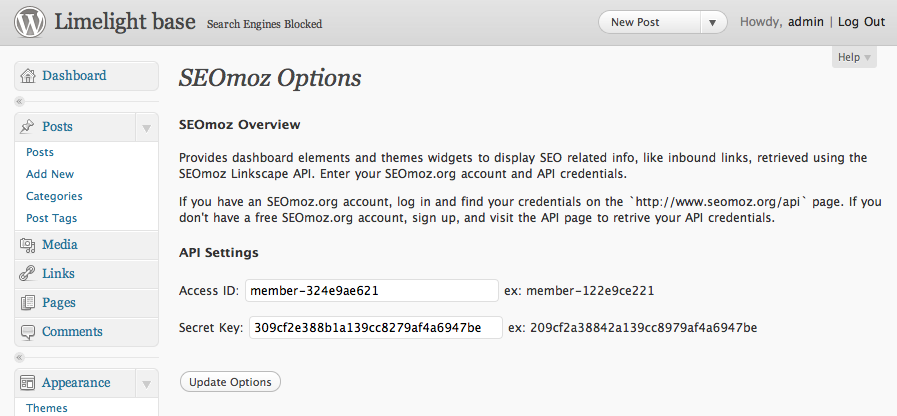
The Settings page to enter your SEOmoz Linkscape API Credentials.
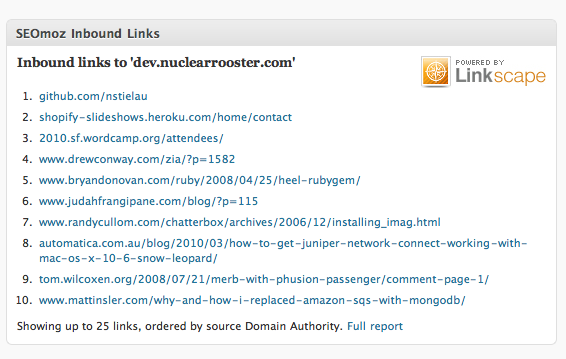
The Dashboard panel showing your inbound links.
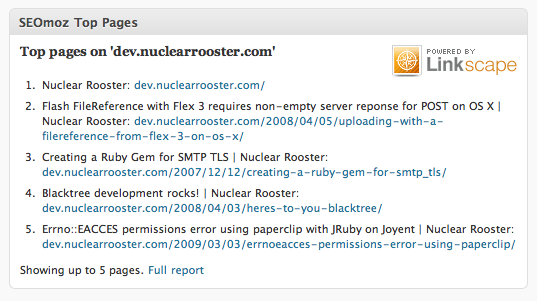
The top-pages widget.
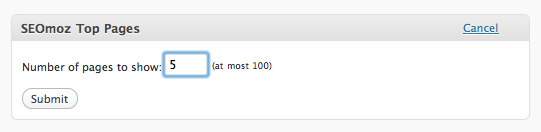
Configuring the top-pages widget.
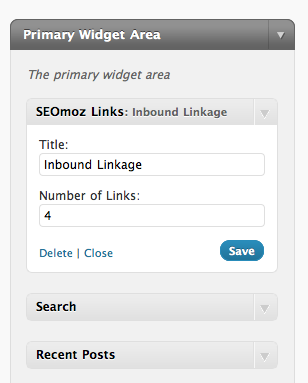
Configuring the inbound link widget.
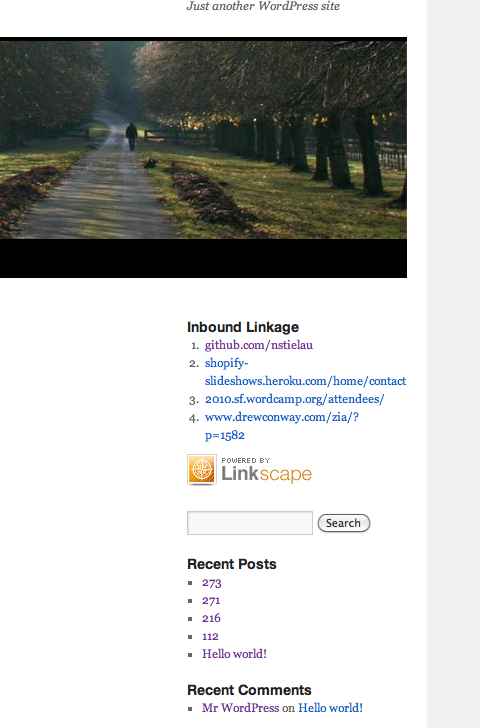
The inbound-link widget.
Changelog
1.0.0
- Initial release.
1.0.1
- Whitespace.
1.0.2
- PHP 4 Support, text for settings page, screenshots, links widget.
1.0.3
- Fixing screenshots.
1.0.4
- Adding more screenshots.
1.0.5
- Adding Top Pages dashboard widget.
- Making dashboard widgets configurable.
1.0.6
- Adding message to settings page about reccomending WP-File-Cache.
- Adding function for testing API authentication.
- Testing API credentials upon submission.
- Trimming whitespace from entered API credentials.
- Displaying error message in dashboard panel if API credentials are wrong.
- Correctly eporting non-200 API calls as errors.
1.0.7
- Fixing an issue with removing ‘www’ for the subdomain used with top-pages
1.0.8
- Fixing issue with Inbound Links using the wrong Scope parameter.
1.0.9
- Changing the Top Pages dashboard to indicate that a Site Intelligence API is required.