

Serverless Radio
A serverless MP3 linear streaming plugin that lets you create AutoDJ-like playlists from public MP3 folders — no VPS required.
Plugin info
Maintenance & Compatibility
Maintenance score
Stale • Last updated 306 days ago • 3 reviews
Is Serverless Radio abandoned?
Likely maintained (last update 306 days ago).
Compatibility
Similar & Alternatives
Explore plugins with similar tags, and compare key metrics like downloads, ratings, updates, support, and WP/PHP compatibility.
Description
Serverless Radio is a lightweight plugin that allows you to stream MP3 files in linear fashion — just like AutoDJ — without needing a VPS or dedicated streaming server. You can run a complete radio station from a standard shared hosting environment!
This plugin provides a JavaScript-powered linear stream from a public MP3 folder. Schedule your playlist, embed a player on your site, and start gaining listeners across the globe — even without going live.
Perfect for:
– Internet radio stations
– Podcasts
– Continuous audio playback
– Time-based playlists from hosted MP3s
🔥 Key Highlights
- No VPS or dedicated server needed
- Auto-generates playlist from your public MP3 folder
- Works like AutoDJ in “virtual mode”
- Allows you to schedule linear playback
- Embed player anywhere with iframe
- Show current, last, and next song info
- Built-in playlist drag-and-drop customization
- Includes YouTube demo and live example
🎥 Watch Demo on YouTube
🔊 Try Live Demo
Features
- Linear MP3 streaming via public folder
- Supports public MP3 folder URLs
- Automatically scans MP3 files and their durations
- Add/remove items from playlist manually
- Embed radio player using iframe
- Shareable and customizable player
- Display song metadata: Current / Last / Next
- Drag-and-drop playlist sorting
- Social sharing integration
How to Create a Serverless Radio
- Upload your MP3 files to a public directory.
- Use that directory URL in plugin settings.
- The plugin will auto-scan and build a playlist from the MP3 files.
- You can reorder and manage the playlist using drag-and-drop.
Note: The MP3 folder must be publicly accessible with direct file links.
Support
Need help or have a question? Contact us:
💬 https://www.serverlessradio.com/contact/
Installation
- Unzip
serverless-radio.zip. - Upload the
serverless-radiofolder to/wp-content/plugins/. - Activate the plugin via the Plugins menu in WordPress.
- Go to Settings Serverless Radio.
- Enter your MP3 Folder URL (e.g.,
https://your-domain.com/songs/). - Use the generated iframe code to embed the player in posts or pages.
Frequently Asked Questions
Visit the FAQ section:
📚 https://www.serverlessradio.com/faq/
Review feed
Best Radio On Shared Hosting
Screenshots
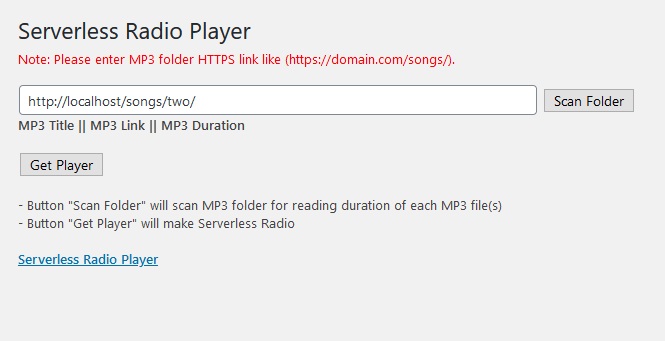
Serverless Radio Stream Player
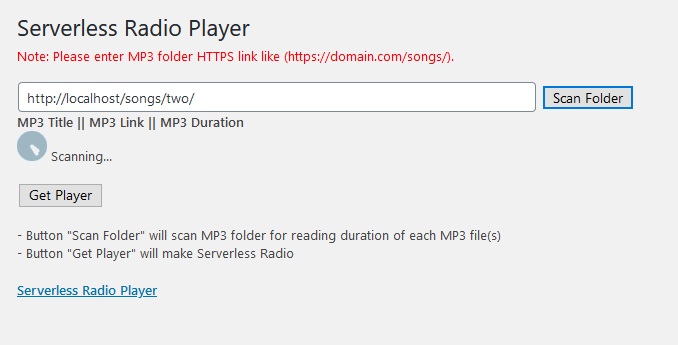
Playlist Scanner in Action
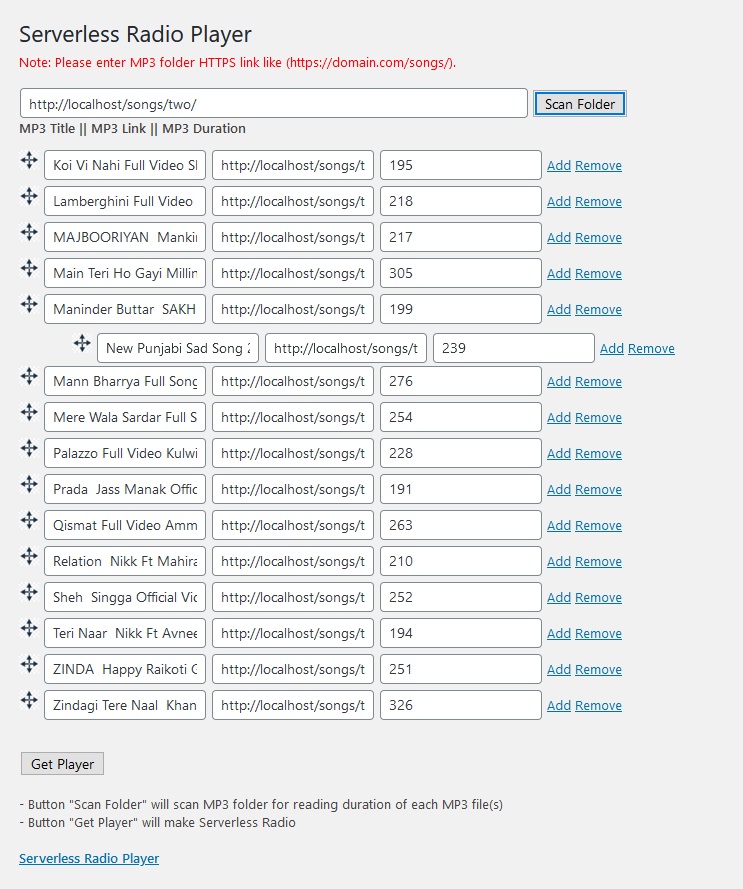
Drag-and-Drop Playlist Editor
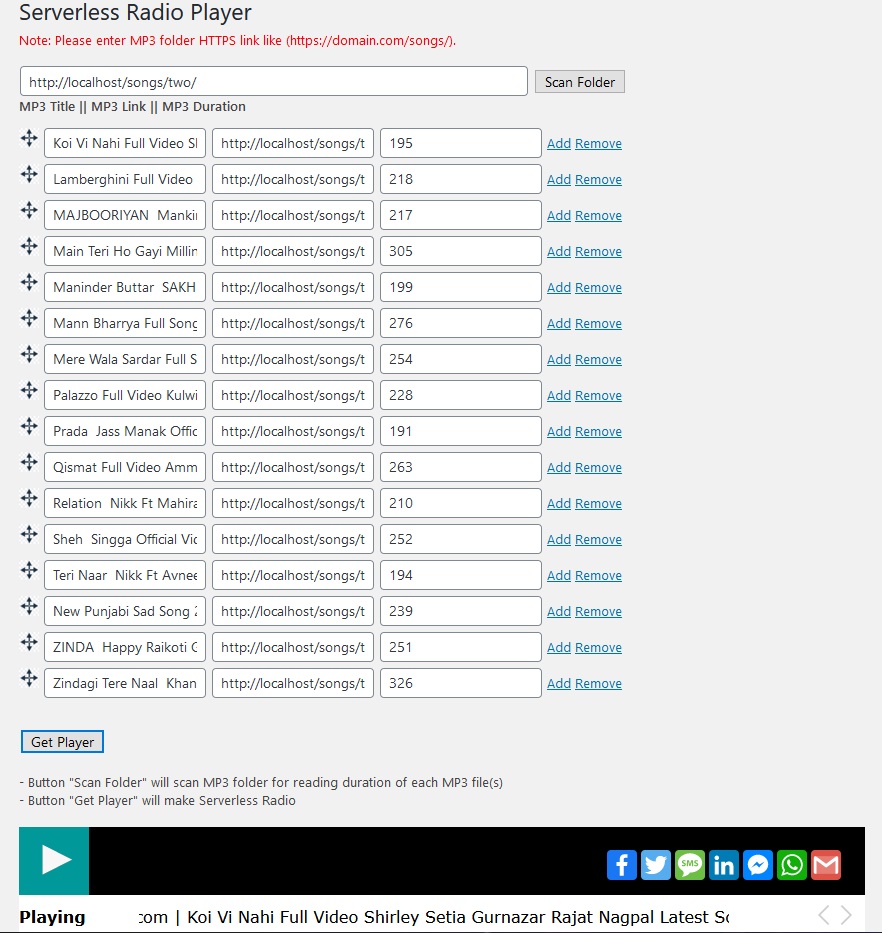
Embed Code Generator
Changelog
0.8.0
- Latest stable version
0.7.7 (10-May-2021)
- Manual playlist creation added
- Updated FAQ
0.7.6 (15-Apr-2021)
- Fixed
stripslashesin JSON responses
0.7.5 (26-Feb-2021)
- Drag-and-drop support in scanned playlist
0.7.4 (25-Feb-2021)
- Replaced
file_get_contentswithwp_remote_get - Improved HTML5 audio player compatibility
- Enhanced AJAX error handling
0.7.3
- Replaced EventSource with AJAX polling
- Better error messages for failed MP3 scans
- jQuery fallback added
0.7.2
- Fixed song duration parsing
0.7.1
- Fixed URL encoding for
%20in song links
0.7
- Initial release