

Service Box – Icon Box Showcase
Service Box plugin is display your service showcase on any WordPress post & page with unlimited color scheme using drag & drop Api
Plugin info
Maintenance & Compatibility
Maintenance score
Possibly abandoned • Last updated 462 days ago • 93 reviews
Is Service Box – Icon Box Showcase abandoned?
Possibly abandoned (last update 462 days ago).
Compatibility
Similar & Alternatives
Explore plugins with similar tags, and compare key metrics like downloads, ratings, updates, support, and WP/PHP compatibility.
Description
Check Demos
Service box is totally responsive. It’s beautifully manage your website service showcase. Based on Bootstrap and implemented with latest Font Awesome library.
Service Box Shortcode
[WPSM_SERVICEBOX id=xx]
here xx is Shortcode id for Service Box
Features Of Plugin
- Responsive Design
- Font Awesome Icon Support
- Font Awesome Icon Picker Integrated
- Limitless Service Box anywhere in the theme
- Drag and Drop builder Api integrated.
- Draggable FAQ items for easy sorting
- Use via short-codes
- Awesome input field for Service Box content
- Unlimited color option
- Bootstrap framework based
- Add Read More link
- 2 Tyoes Of Service Box design is available
- Less for quick customization
- Gulp for instant workflow
- Highly customized for User Experience
- Slick Frontend and backend UI
- Add and remove Service Box item from backend.
- Multiple Advanced Custom Field Available
- All browser compatible
Service Pro Features
- Responsive Design
- 55+ Design Templates
- 12+ Column Layout
- Custom Image Icon Option
- Individual Color Settings
- 4 types of background Overlay
- Hover Animation
- Preview Option
- Widget Option
- Limitless Services anywhere in the theme
- Set Height Option
- 500+ Dashicons Icon Support
- 1000+ Font Awesome Icon Support
- 500+ Glyphicon Icons Support
- Drag and Drop builder API integrated.
- Section Background Customization
- Parallax image Background Option
- Draggable items for easy sorting
- Use via short-codes
- Awesome input field for content
- Unlimited color option
- Bootstrap framework based
- Less for quick customization
- Border Color Customization
- Font Awesome Icon Picker Integrated
- Two different styles Integrated
- Gulp for instant workflow
- Highly customized for User Experience
- Slick Frontend and backend UI
- Add and remove item from backend easily.
- Multiple Advanced Custom Field Available
- All browser compatible
Check Demos
Translators
Please contribute to translate our plugin. Contact at wpshopmart(at)gmail(dot)com.
Installation
- Upload the entire
service-boxfolder to the/wp-content/plugins/directory. - Activate the plugin through the ‘Plugins’ menu in WordPress.
- Go to Service Box menu to customize your Services .
- Copy your publish Service Box shortcode and then paste into your page or post to display your Service Box
Frequently Asked Questions
Please use WordPress support forum to ask any query regarding any issue.
Review feed
Screenshots
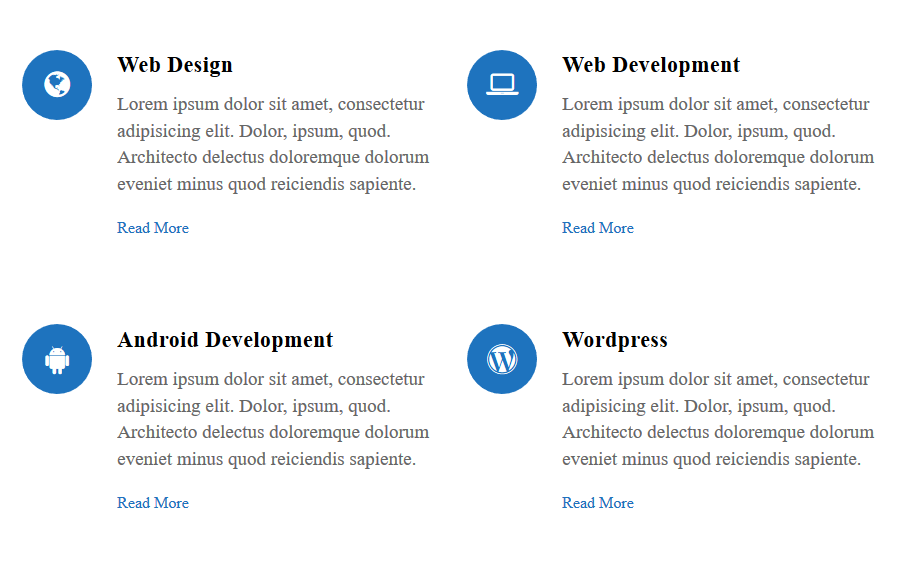
screenshot 1
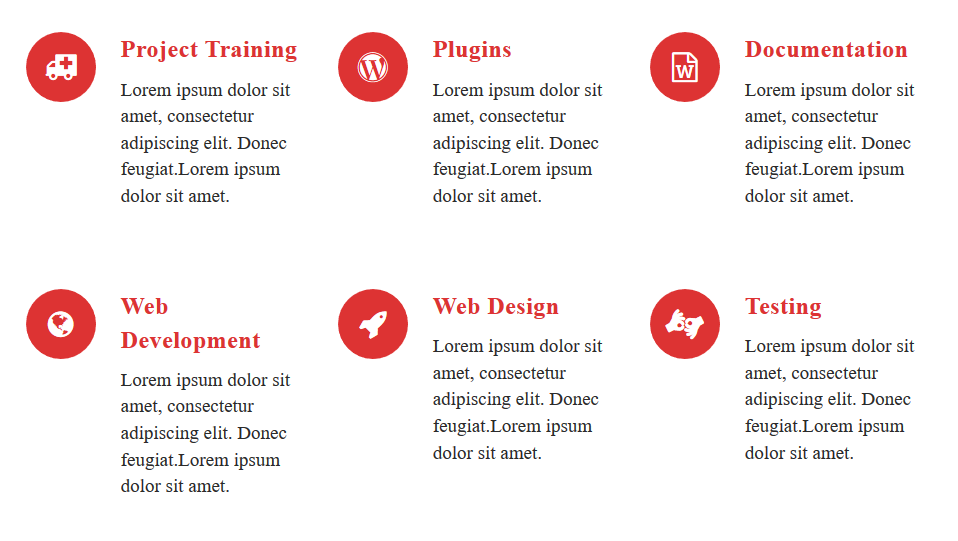
screenshot 2
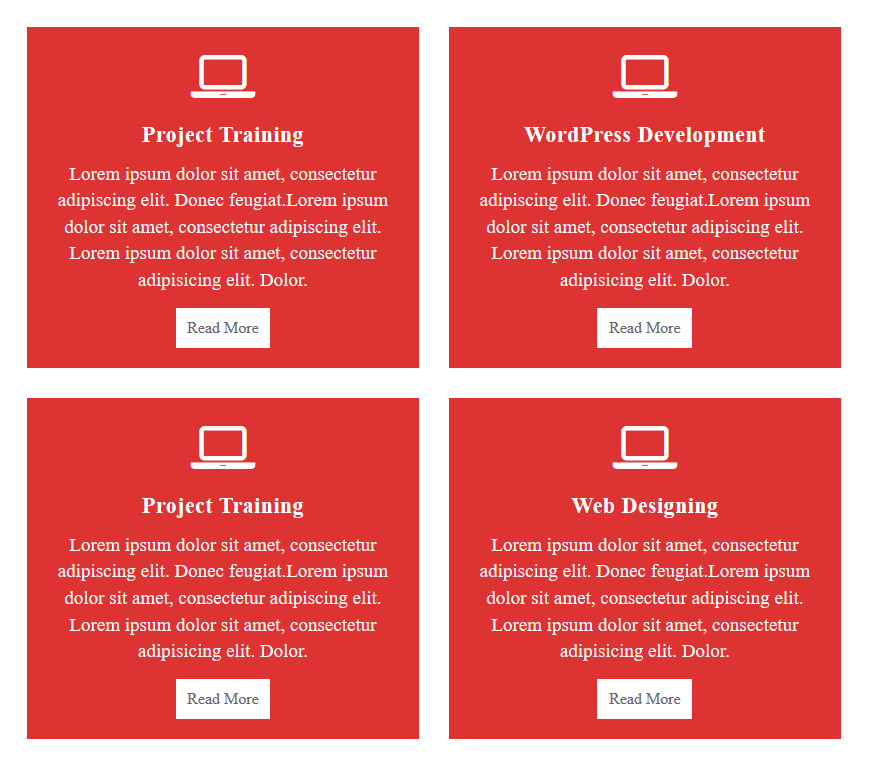
screenshot 3
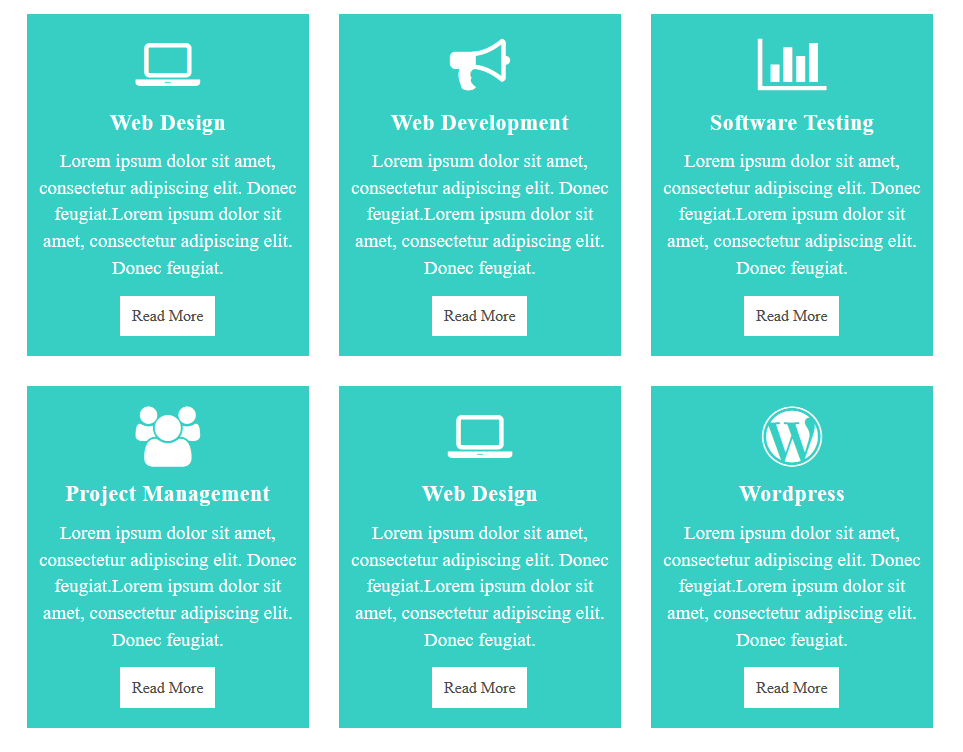
screenshot 4
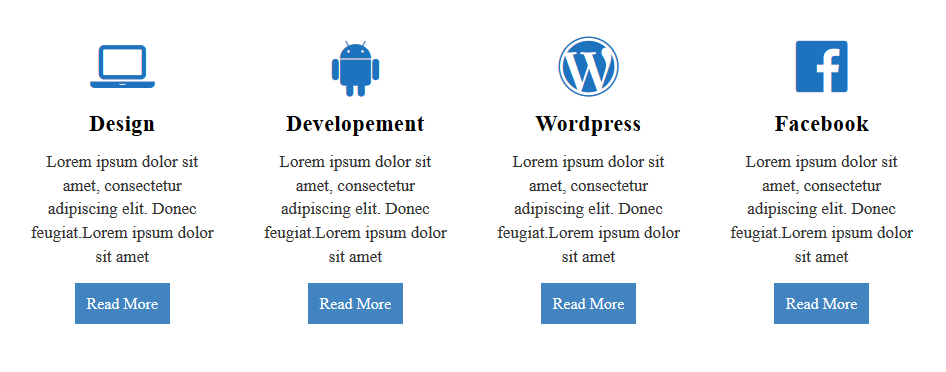
screenshot 5
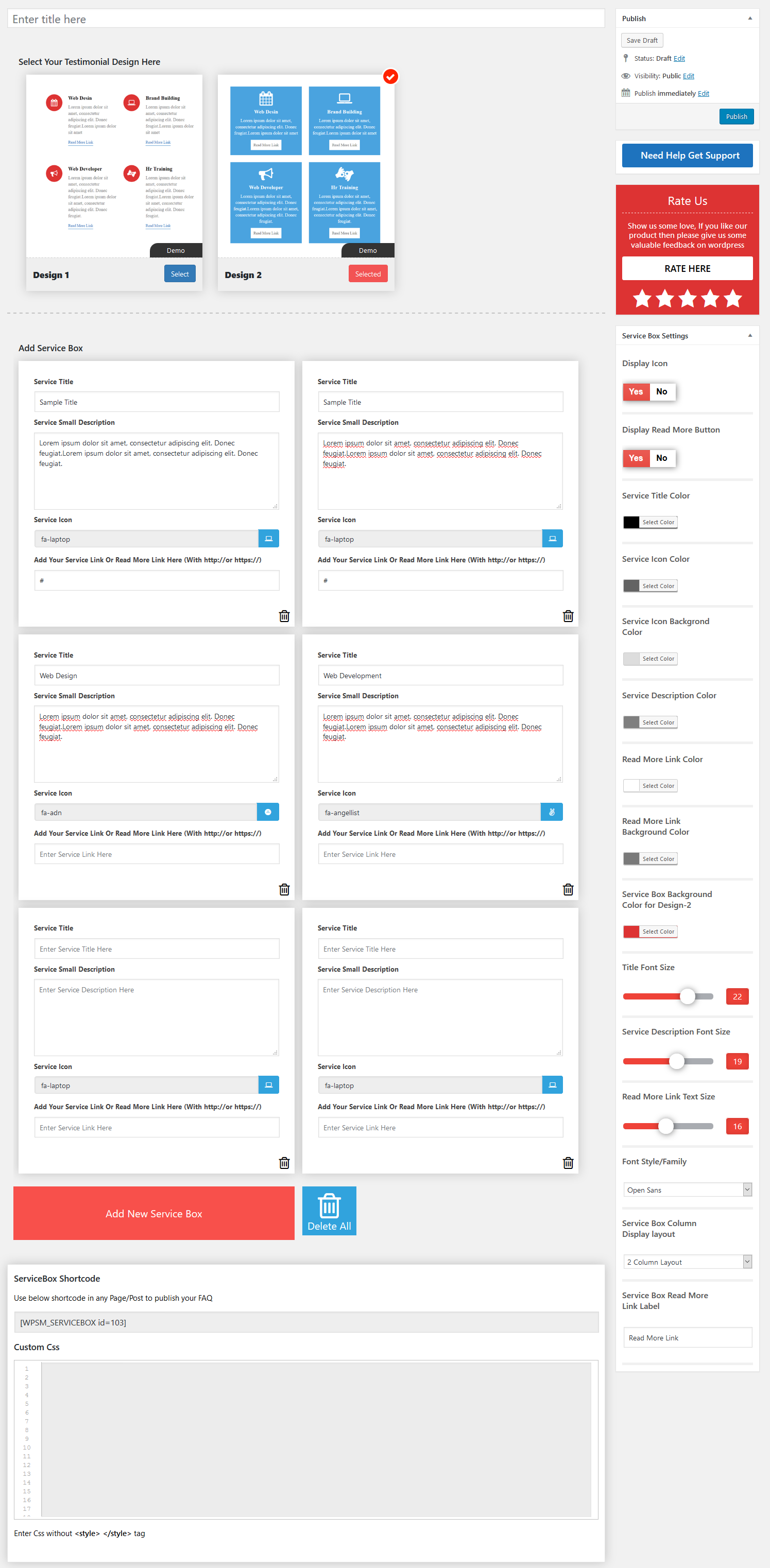
screenshot 6
Changelog
1.5.8
- Compatible with wordpress version 6.7.1
1.5.7
- Compatible with wordpress version 6.6
1.5.6
- Compatible with wordpress version 6.5
1.5.5
- Compatible with wordpress version 6.4
1.5.3
- styling issue resolved.
1.5.2
- minor issue resolved.
1.5.1
- Compatible with wordpress version 6.1
1.5.0
- Plugin issue resolved.
1.4.9
- Bootstrap Updated
- Sanitization issue resolved
- Compatible with wordpress version 6.0
1.4.8
- Compatible with wordpress version 5.9
1.4.7
- Sanitization, Escaping and Nonce issue resolved
1.4.5
- minor bug resolved
1.4.4
- minor issue resolved
1.4.3
- Add Elementor Addon And Add Carousel
- Compatible with wordpress version 5.7
1.4.2
- Compatible with wordpress version 5.6
1.4.0
- Compatible with wordpress version 5.5
1.3.9
- Compatible with wordpress version 5.4.2
- backslash error issue resolved
1.3.8
- Compatible with wordpress version 5.4
- minor issue resolved
1.3.7
- Compatible with wordpress version 5.3.2
- minor bug resolved
1.3.6
- Compatible with wordpress version 5.3.1
1.3.5
- Added some comments
1.3.4
- minor bug resolved
1.3.3
- Compatible with wordpress version 5.2.2
1.3.2
- Compatible with wordpress version 5.2
1.3.1
- Compatible with wordpress version 5.1.1
1.3.0
- Compatible with wordpress version 5.0.3
1.2.9
- Compatible with wordpress version 5.0
1.2.8
- resolved minor issue
1.2.7
- Compatible with wordpress version 4.9.8
1.2.6
- Compatible with wordpress version 4.9.6
- comments updated
1.2.5
- Compatible with wordpress version 4.9.5
- code proper intended
1.2.4
- Compatible with wordpress version 4.9.4
- minor bug resolved
1.2.3
- minor css bug resolved
1.2.2
- resolve wrong class issue.
1.2.1
- minor bug resolved
1.2.0
- Resolved broken link of demo
- Compatible with wordpress version 4.8.3
1.1.9
- Compatible with wordpress version 4.8.2
1.1.8
- update plugin menu
- resolve wrong link error
1.1.7
- update plugin uri main file
1.1.6
- Compatible with wordpress version 4.8
1.1.5
- Compatible with wordpress version 4.7.4
1.1.4
- Resolve color setting issue.
1.1.3
- Resolve bootstrap class conflict issue
1.1.2
- Compatible with wordpress 4.7.3
1.1.1
- Compatible with wordpress 4.7.2
1.1
- HTML data insert in description issue resolved
1.0
- Initial release.