

Shader Carousel
A responsive 3D Shader/3D carousel carousel for images and video. Built with Three.js & WebGL. Lightweight, fast, and customizable.
Plugin info
Maintenance & Compatibility
Maintenance score
Maintained • Last updated 143 days ago
Is Shader Carousel abandoned?
Likely maintained (last update 143 days ago).
Compatibility
Similar & Alternatives
Explore plugins with similar tags, and compare key metrics like downloads, ratings, updates, support, and WP/PHP compatibility.
Description
Shader Carousel lets you showcase images, videos, or custom items in a sleek Shader/3D carousel layout with full integration with Revolution Lightbox.
It’s fast, accessible, and fully customizable. Works with Gutenberg and classic shortcodes.
Highlights
Experience a true 3D Shader carousel built with WebGL and Three.js.
Enjoy smooth infinite scrolling and realistic item bending for a visually immersive effect with Revolution Lightbox support.Stable tag:
Main Features
- Responsive Layout – Fully responsive and adaptable to any device.
- Desktop & Mobile Optimized – iPhone, Android, and desktop browsers supported.
- Lazy Scrolling/Loading – Loads only when visible, improving performance.
- Customizable Size – Set any width, height, and aspect ratio.
- Multiple Display Types – Responsive or afterparent mode.
- Preloader – Optional animated preloader.
- Items Ratio – Portrait, landscape, or custom format.
- Infinite Loop – Optional infinite loop and non-infinite loop.
- Lightbox Video/Audio Support – Supports:
- .mp3
- .mp4
- Shoutcast, Icecast
- YouTube
- Vimeo & Vimeo Pro
- HLS/.m3u8
- DASH MPEG/.mpd live streaming
- Google Drive
- Dropbox, Iframe, PDF, and Google Maps
- Private Video & Audio – Password-protected content inside the lightbox.
- Chromecast Support – Cast MP4, MP3, or HLS/m3u8 files to TV and control playback.
- Video Thumbnails Live Preview – Auto-generated from VTT files.
- Subtitle Support – Display subtitles inside the lightbox.
- Automatic Content Detection – Revolution Lightbox detects media type from URL.
- Slideshow Autoplay – Autoplay slideshow for both carousel and lightbox.
- Drag & Swipe – Touch gestures and mouse drag support.
- Maximize & Minimize – Double-click/tap to zoom with custom zoom factor.
- Share Button – Share to nine social platforms; customizable order.
- Noise Distortion – Example.
- Caption Support – Optional CSS-styled captions.
- Mouse Ripple Effect – Example.
- Black & White Effect – Example.
- Opacity Strength – Custom opacity for non-centered items.
- Snap – Auto-snap the closest item to center.
- Scroll Speed & Scale Strength – Fine-tune scroll behavior.
- Default & Scroll Curvature – Adjust curvature at rest and during scroll.
- Liquid Distortion – Customizable liquid distortion.
- Post Processing Effects – Grid, Fluid, Glitch, After Image, and more.
Use Cases
- Product carousels
- 3D carousels
- Portfolio galleries
- Product sliders
- Testimonials or logos
- Hero sliders
- Interactive media presentations
Links
Shortcode
Basic example:
[fadsc preset_name=”Carousel preset 1″ gallery_name=”My gallery”]
Development
This plugin’s full source code is publicly available for transparency and verification.
Developed and maintained by FutureWebDesign.
- Source code & build tools — includes original uncompiled files and Vite build configuration as well as a detailed documentation
- Distributed plugin uses a compiled build generated by Vite for optimal performance.
Installation
- Upload the plugin folder to the
/wp-content/plugins/directory. - Activate the plugin through the ‘Plugins’ menu in WordPress.
- Use the provided shortcode in your posts or pages.
Frequently Asked Questions
Yes. You can use the shortcode in any block or the Classic block.
Yes. Shader Carousel is fully responsive and optimized for touch.
Yes, it supports many external media types (YouTube, Vimeo, Google Drive, etc.).
Review feed
Screenshots

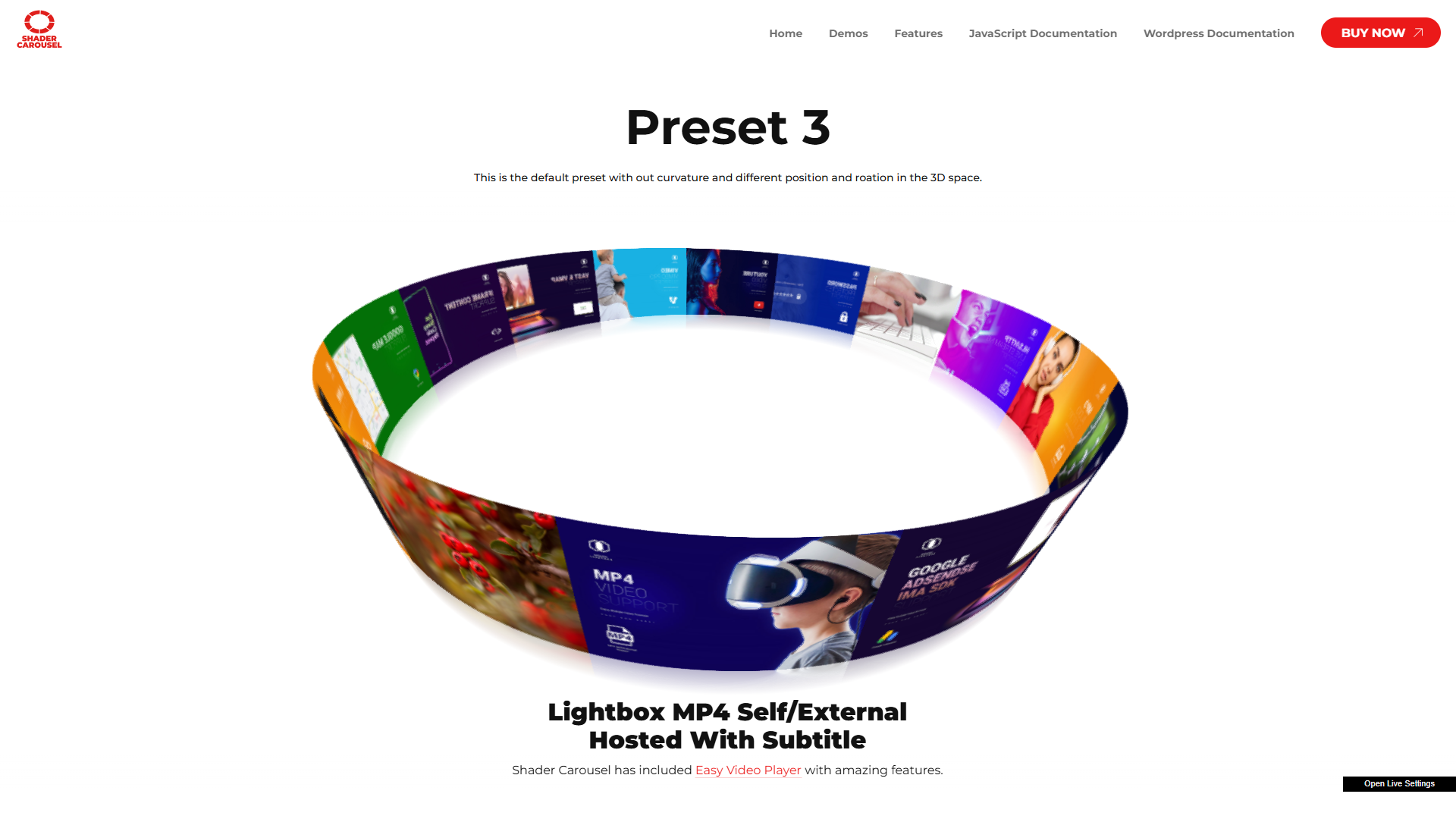
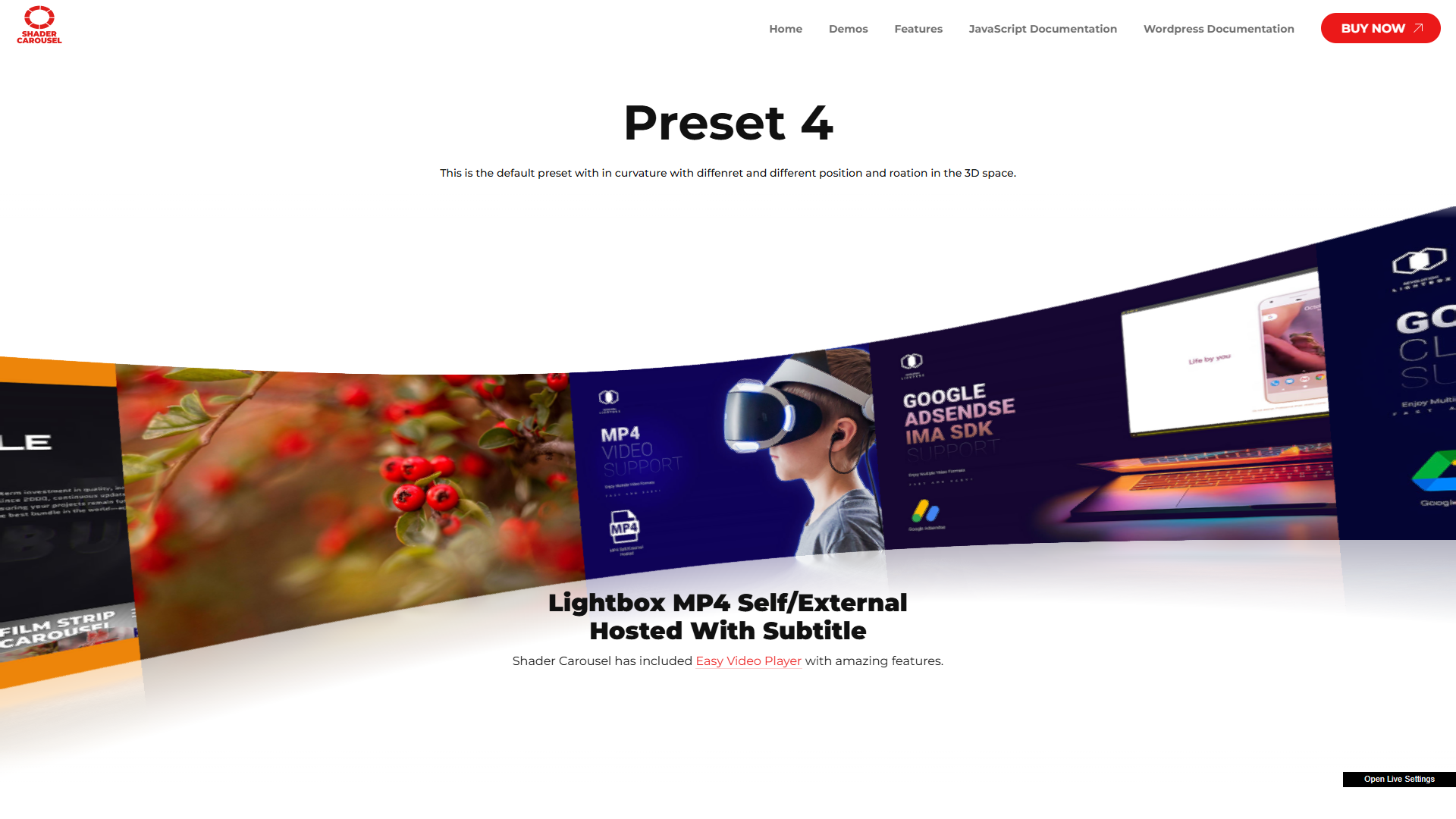
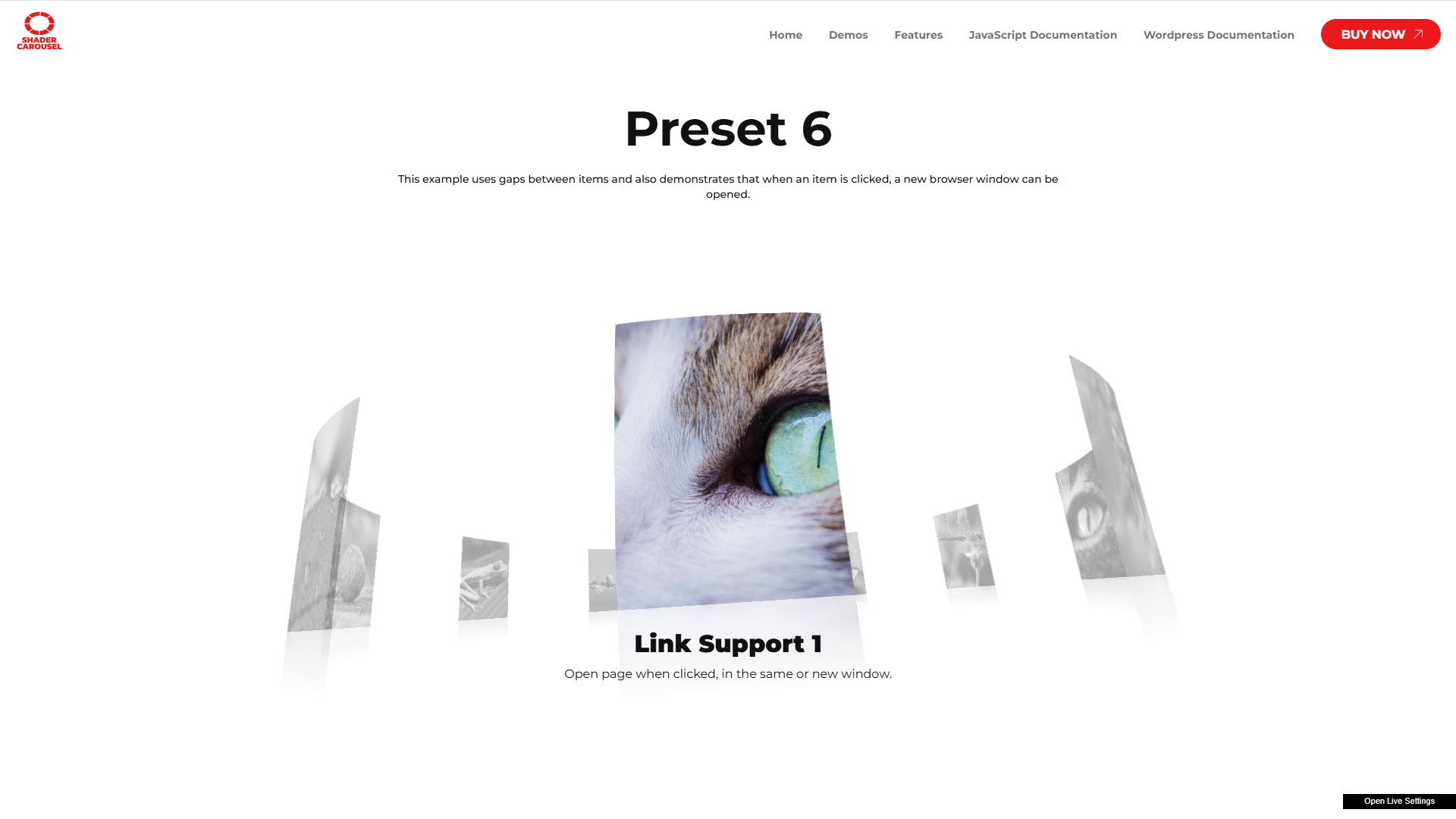
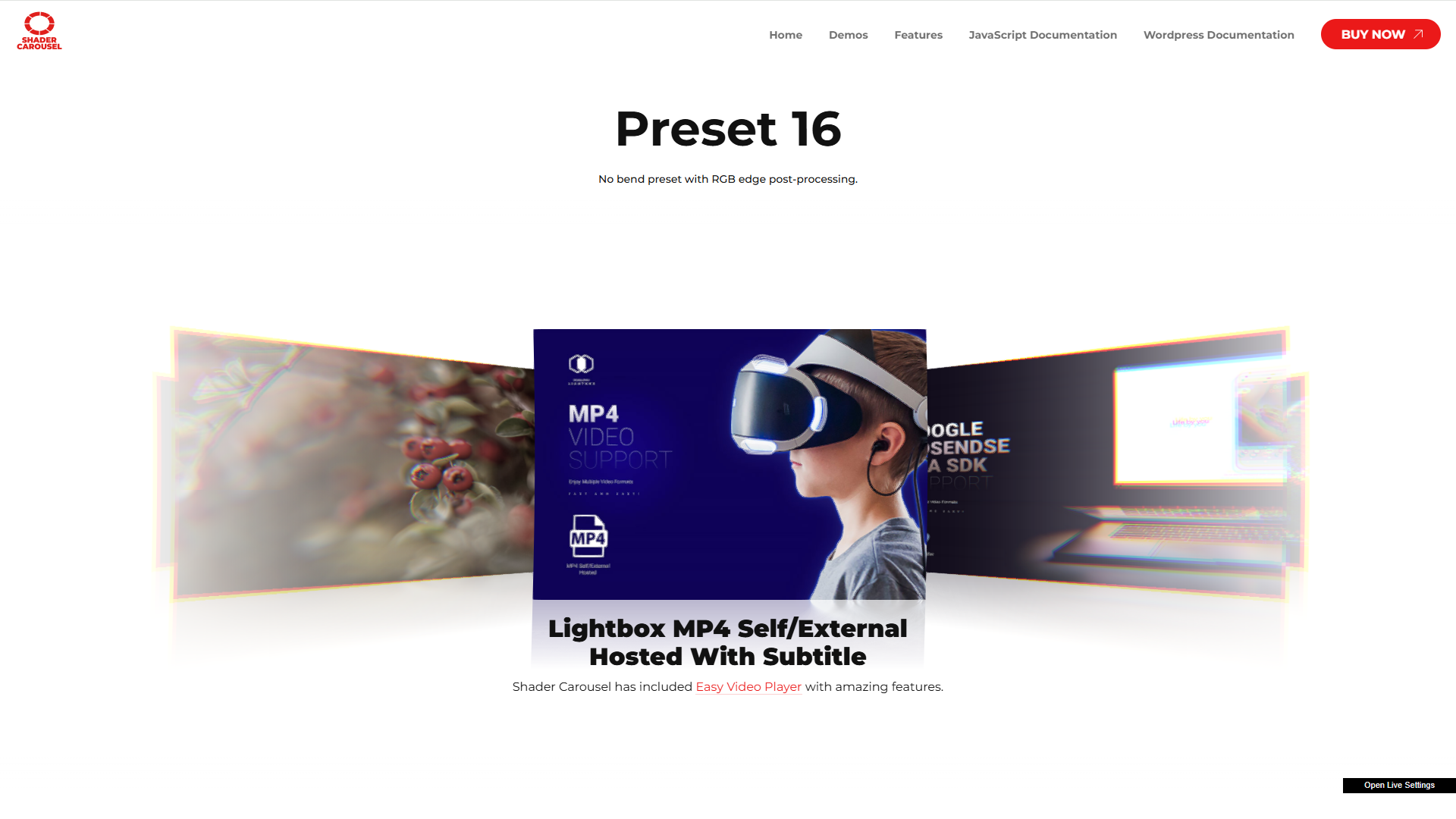
Shader Carousel example with image gallery
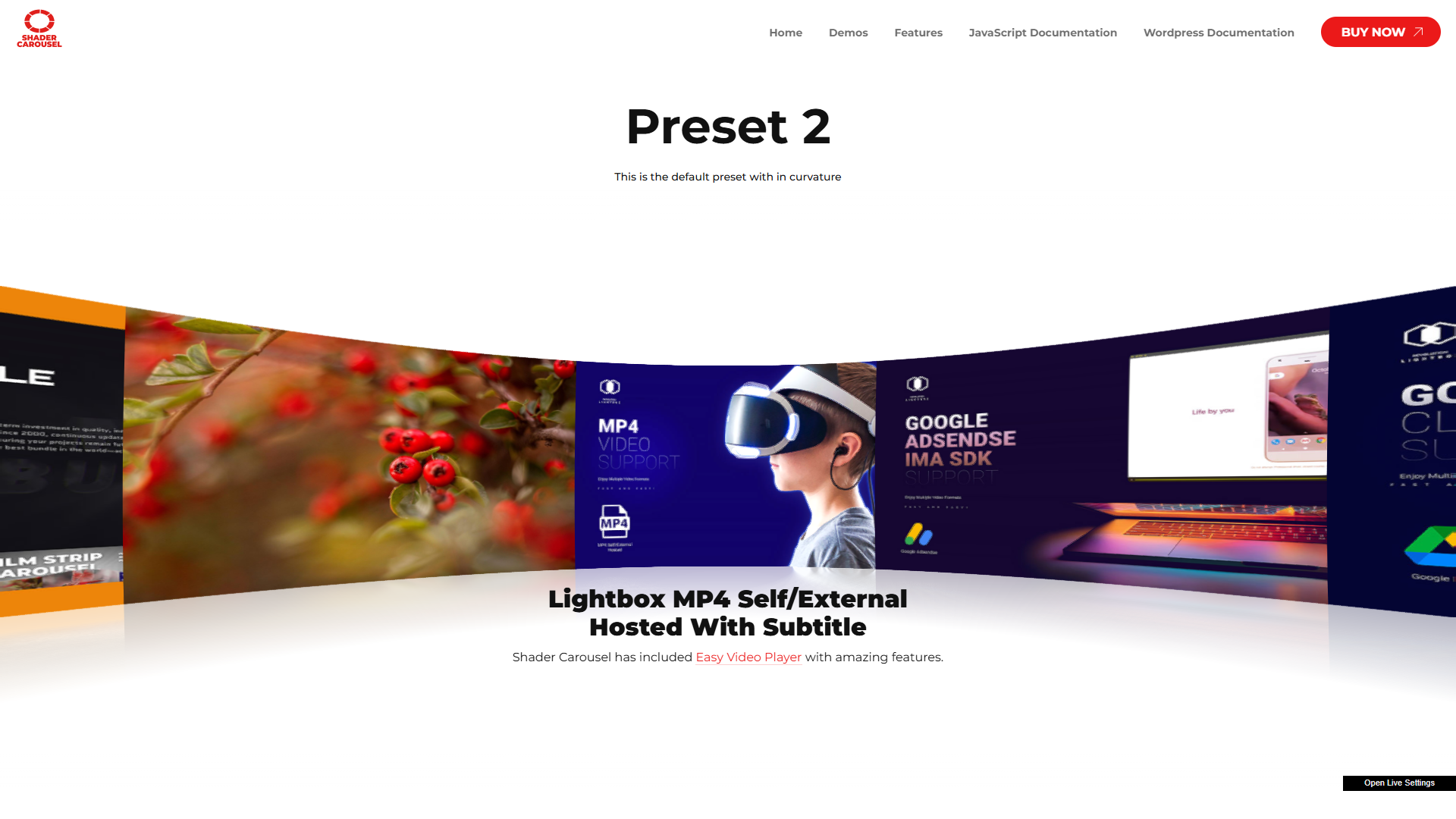
3D carousel layout with lightbox
Mobile responsive view

Changelog
1.0
- Initial release.