

Plugin info
Maintenance & Compatibility
Maintenance score
Possibly abandoned • Last updated 3475 days ago • 14 reviews
Is Shiny Updates abandoned?
Possibly abandoned (last update 3475 days ago).
Compatibility
Developers
Languages
Similar & Alternatives
Explore plugins with similar tags, and compare key metrics like downloads, ratings, updates, support, and WP/PHP compatibility.
Description
Shiny Updates is a WordPress Core Feature Plugin.
It replaces The Bleak Screen of Sadness™ (example) with a simpler and more straight forward experience when installing, updating, and deleting plugins and themes.
Progress updates for these actions don’t add a benefit, they are disruptive and confusing. Shiny Updates deals with these details behind the scenes, leaving users with clear actions and results.
Development for this plugin takes place at GitHub.
To report bugs or feature requests, please use Github issues.
Testing
We need help testing the user flows! Please install the Shiny Updates plugin, run the tests below, and share your feedback in the #feature-shinyupdates channel in Slack or create an issue on GitHub.
Update core
- If you have any themes or plugins that need updating, update them. If you don’t have any that need updating, you can edit the them and change the version number to something older. Once saved, they will show as needing an update.
- Update one specific item, a theme or a plugin.
- Try updating all items in the table.
- Share your feedback. Or if you found a bug, create an issue on GitHub.
Questions
- What were the noticeable differences in the new install/update/activate/delete process compared to the old one without Shiny Updates?
- How did installing and activating a plugin or theme go? Was it difficult or easy? Was it faster or slower than expected?
- Do you have any further comments or suggestions?
Installation
Frequently Asked Questions
Review feed
Needs to be in core
Screenshots
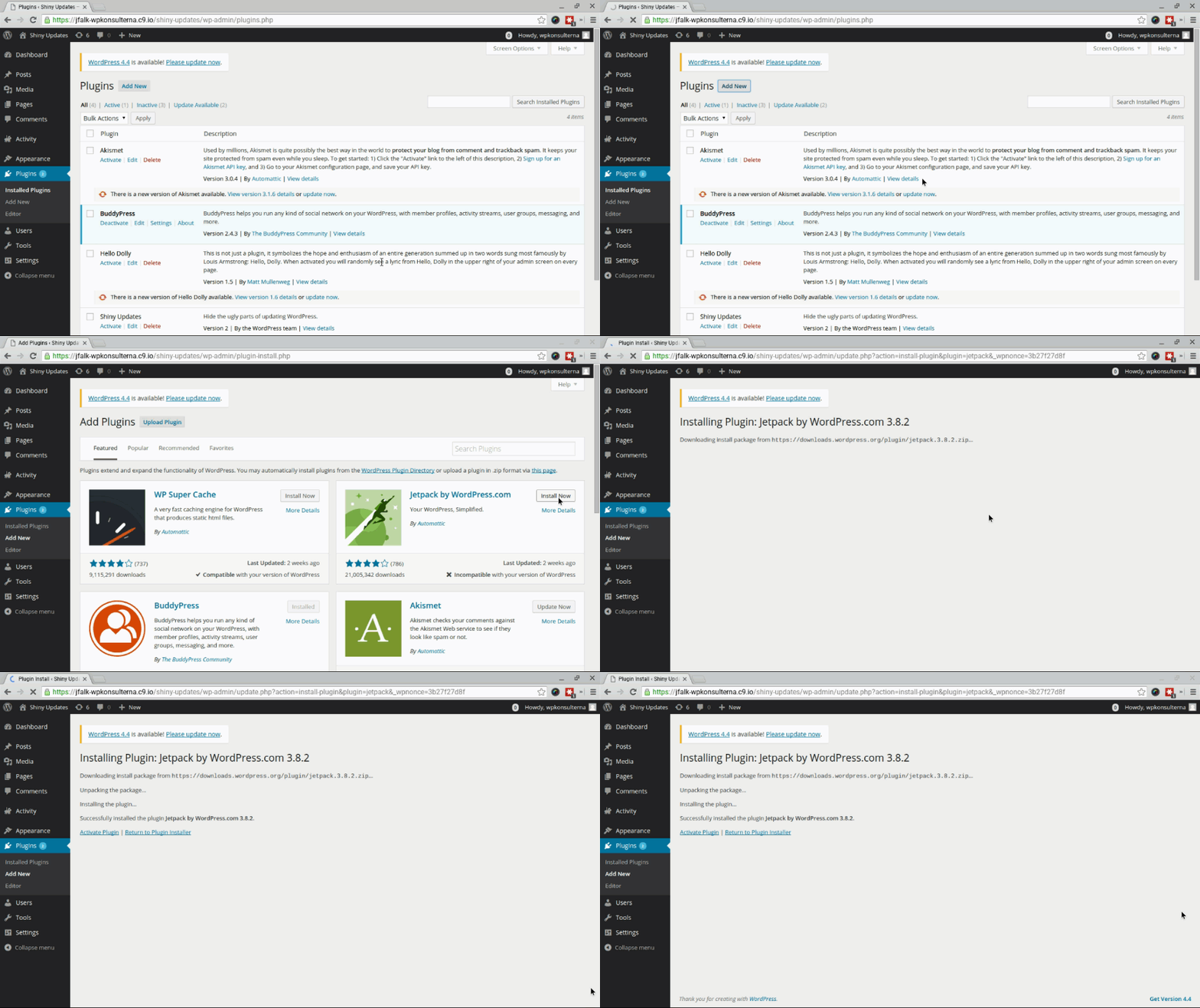
Existing plugin install process, showing The Bleak Screen of Sadness.

Plugin install process with Shiny Updates activated.