

Shop Explorer – Powerful Bulk Tools and Smooth WooCommerce Management System
Unified WooCommerce management system with dual-mode operation for bulk WooCommerce management.
Plugin info
Maintenance & Compatibility
Maintenance score
Maintained • Last updated 121 days ago
Is Shop Explorer – Powerful Bulk Tools and Smooth WooCommerce Management System abandoned?
Likely maintained (last update 121 days ago).
Compatibility
Similar & Alternatives
Explore plugins with similar tags, and compare key metrics like downloads, ratings, updates, support, and WP/PHP compatibility.
Description
Shop Explorer is a powerful all-in-one WooCommerce management system designed to eliminate the traditional laggy experience of the WooCommerce admin.
With its dual-mode setup, advanced bulk operations and complete WooCommerce management, Shop Explorer delivers a faster, smoother and more efficient workflow.
Built with a modern React-based interface, it provides a butter-smooth, responsive admin panel that makes managing orders, products and bulk tasks incredibly user-friendly and lightning fast.
Say goodbye to the slow, cluttered WooCommerce dashboard. Shop Explorer makes everything feel instant, clean and effortless.
Key Features:
Dual Management Modes
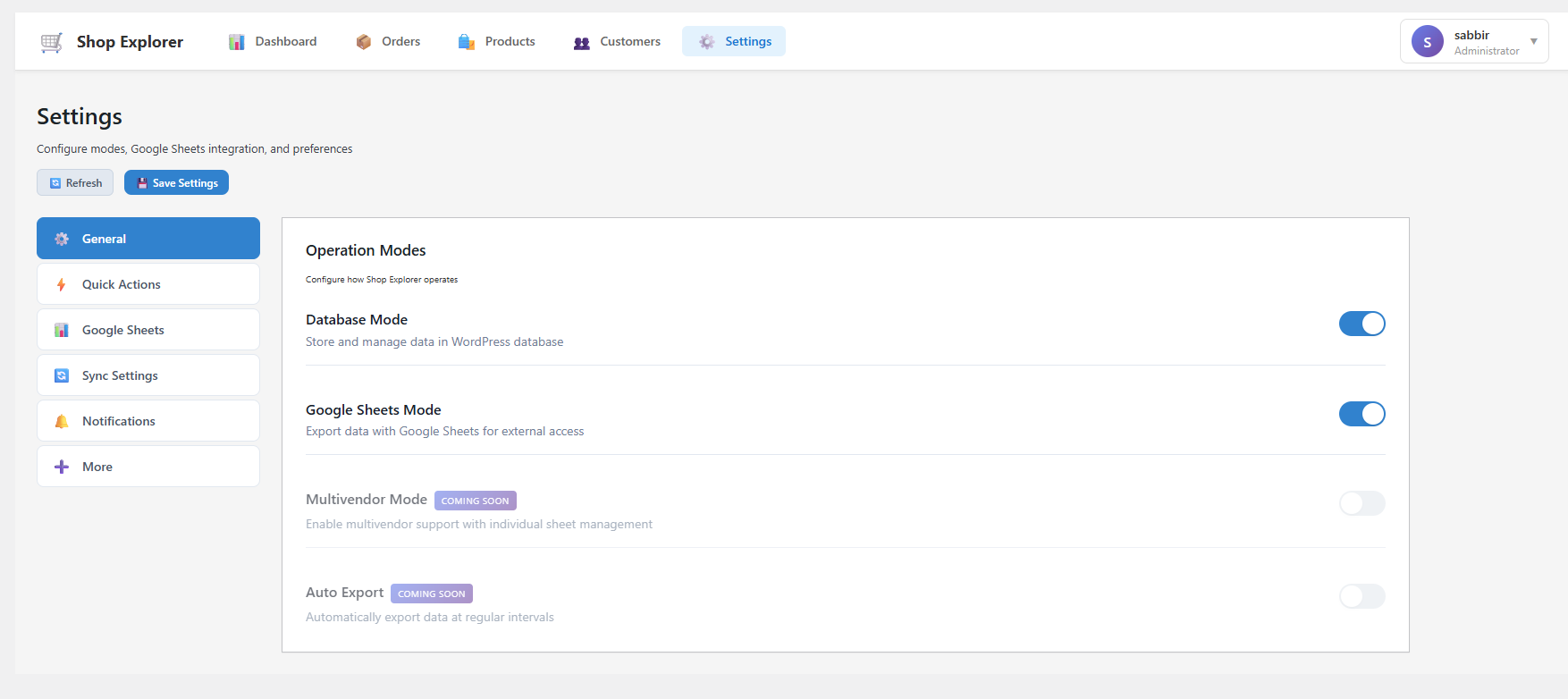
Operate in database-only, Export to Google Sheets, and perform super easy bulk order and product management simultaneously. Switch between modes based on your workflow needs.
Order Management
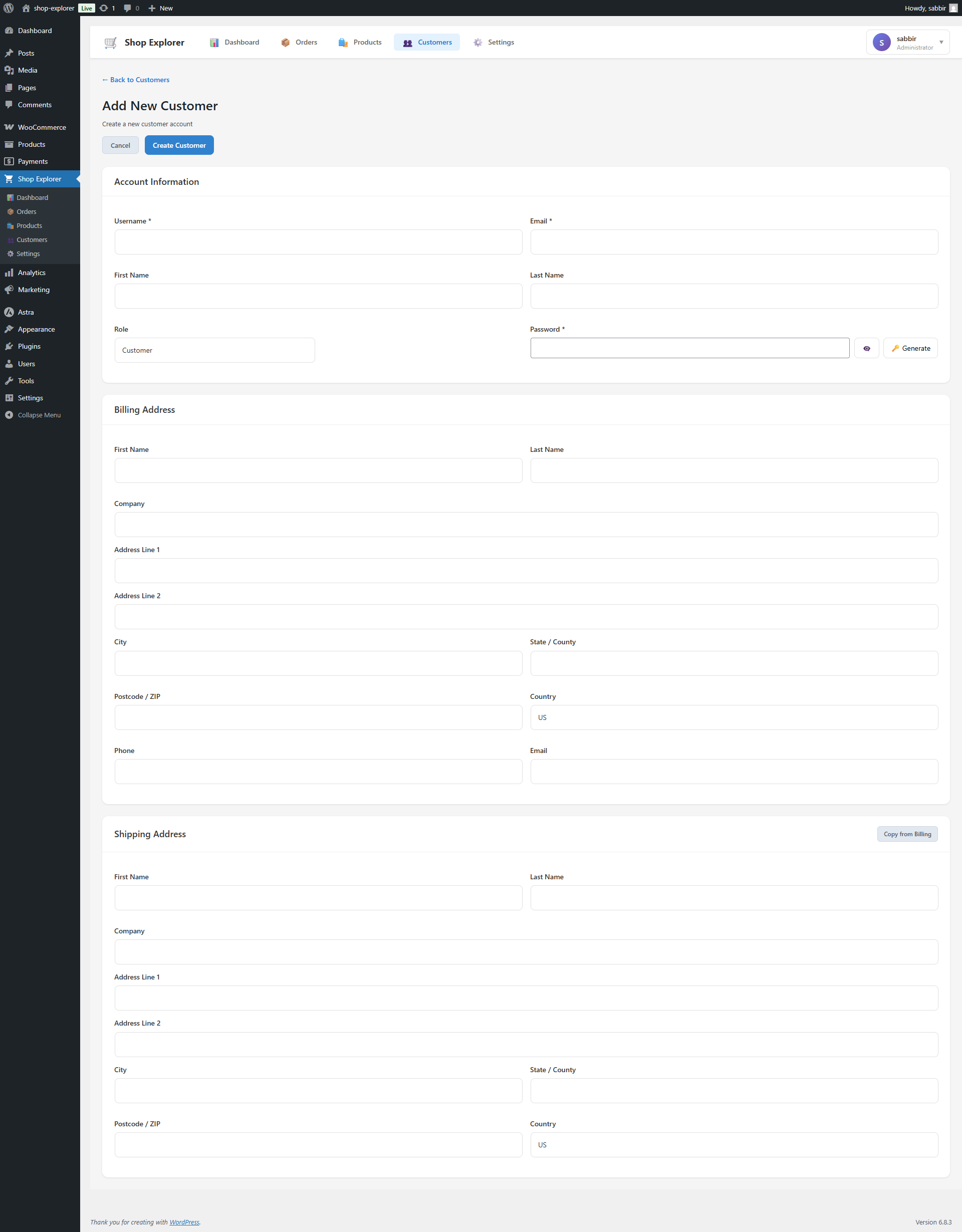
Complete order handling with real-time synchronization. View, create, edit, and delete orders with advanced filtering capabilities.
Product Management
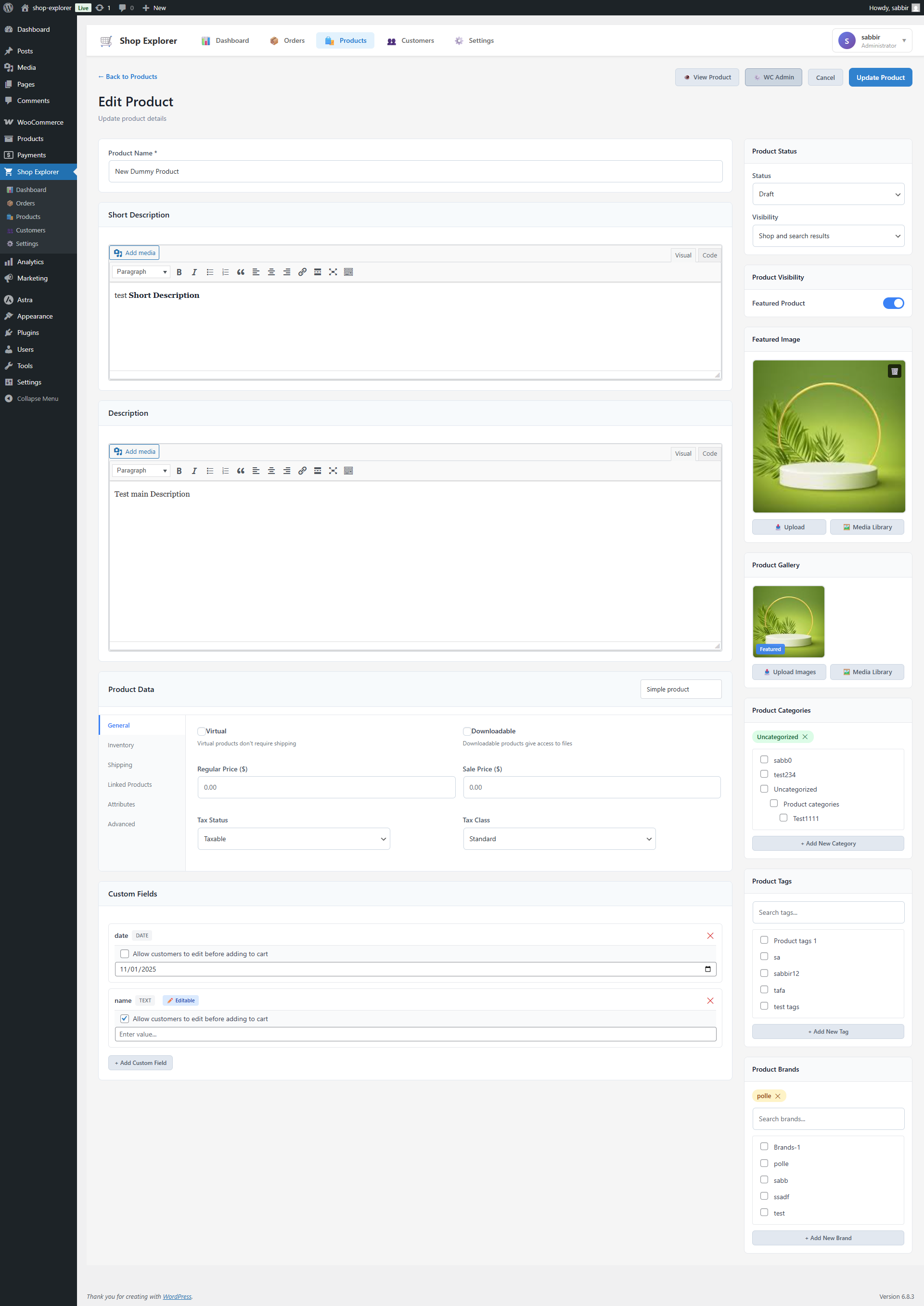
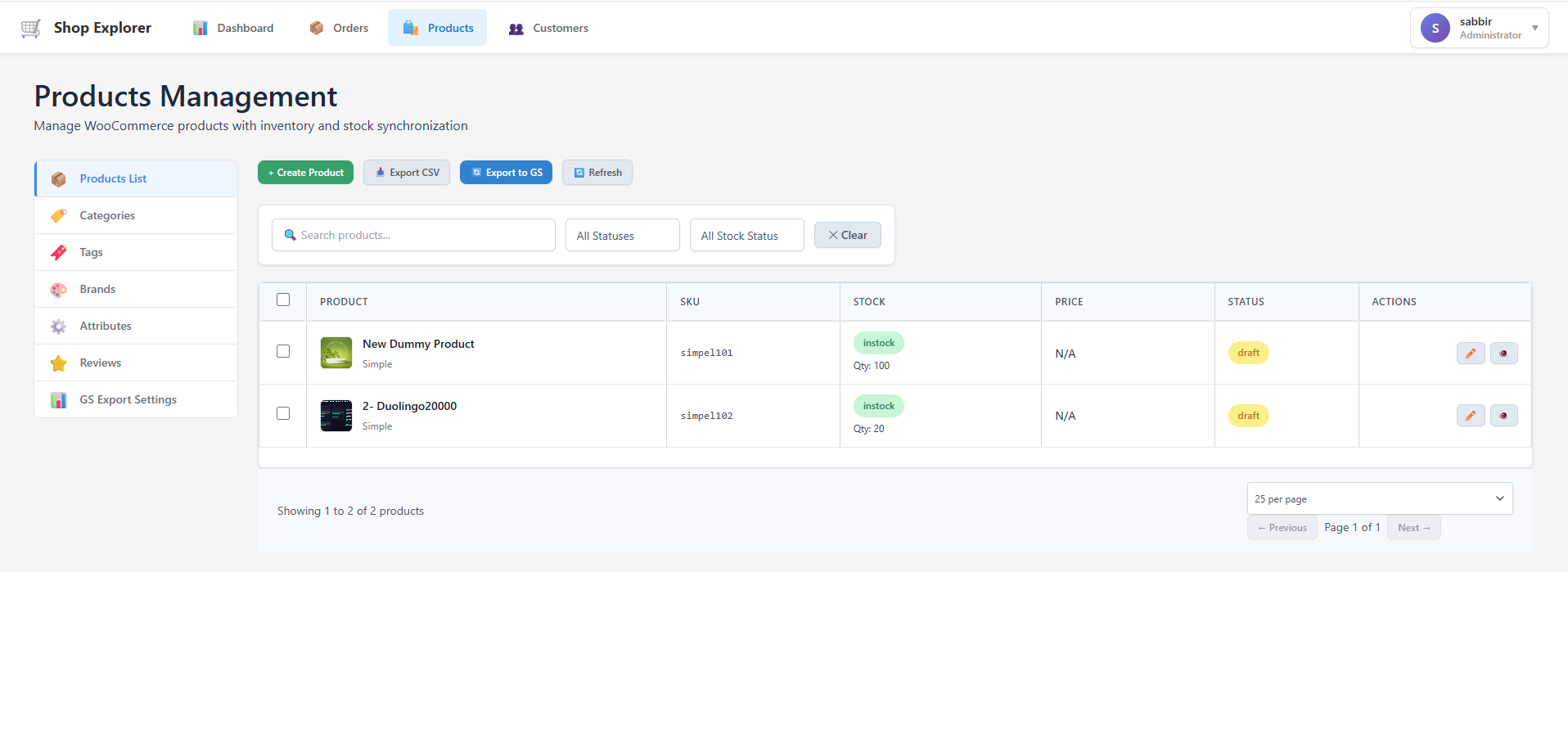
Stock management and inventory synchronization with full support for product variations, attributes, categories, and tags.
Admin Interface
Modern, responsive admin dashboard built with Material-UI for an enhanced user experience.
System Monitoring
Real-time monitoring of system health and performance metrics to ensure optimal operation.
Advanced Filtering
Powerful search and filtering capabilities for all data types to quickly find what you need.
This plugin transforms your WooCommerce store into a comprehensive management system with both traditional database operations and modern spreadsheet integration.
External Services
This plugin connects to Google Sheets API to provide spreadsheet-based data management functionality.
Google Sheets API Integration:
– What it’s used for: Export all data of WooCommerce orders, products, customer and inventory data in Google Sheets
– Authentication: Uses OAuth 2.0 with user-provided credentials stored securely in the WordPress uploads directory
– Service provider: Google LLC
– Terms of Service: https://developers.google.com/terms/
– Privacy Policy: https://policies.google.com/privacy
Installation
-
Upload the Plugin:
- Upload the shop-explorer folder to the /wp-content/plugins/ directory.
- Alternatively, install the plugin through the WordPress plugins screen directly.
-
Activate the Plugin:
- Navigate to the ‘Plugins’ section in your WordPress admin panel.
- Click ‘Add New’ and search for “Shop Explorer”.
- Click ‘Install Now’ and then activate the plugin.
-
Configure Settings:
- Navigate to Shop Explorer in the WordPress dashboard.
- Configure your management modes from Settings.
- Set up Google Sheets integration if needed.
Frequently Asked Questions
Yes! Shop Explorer requires WooCommerce to be installed and activated.
Absolutely! The plugin includes full support for product variations, attributes and complex product configurations.
Yes! You can bulk edit WooCommerce orders and products individually or together using a super easy and user-friendly interface.
Review feed
Screenshots
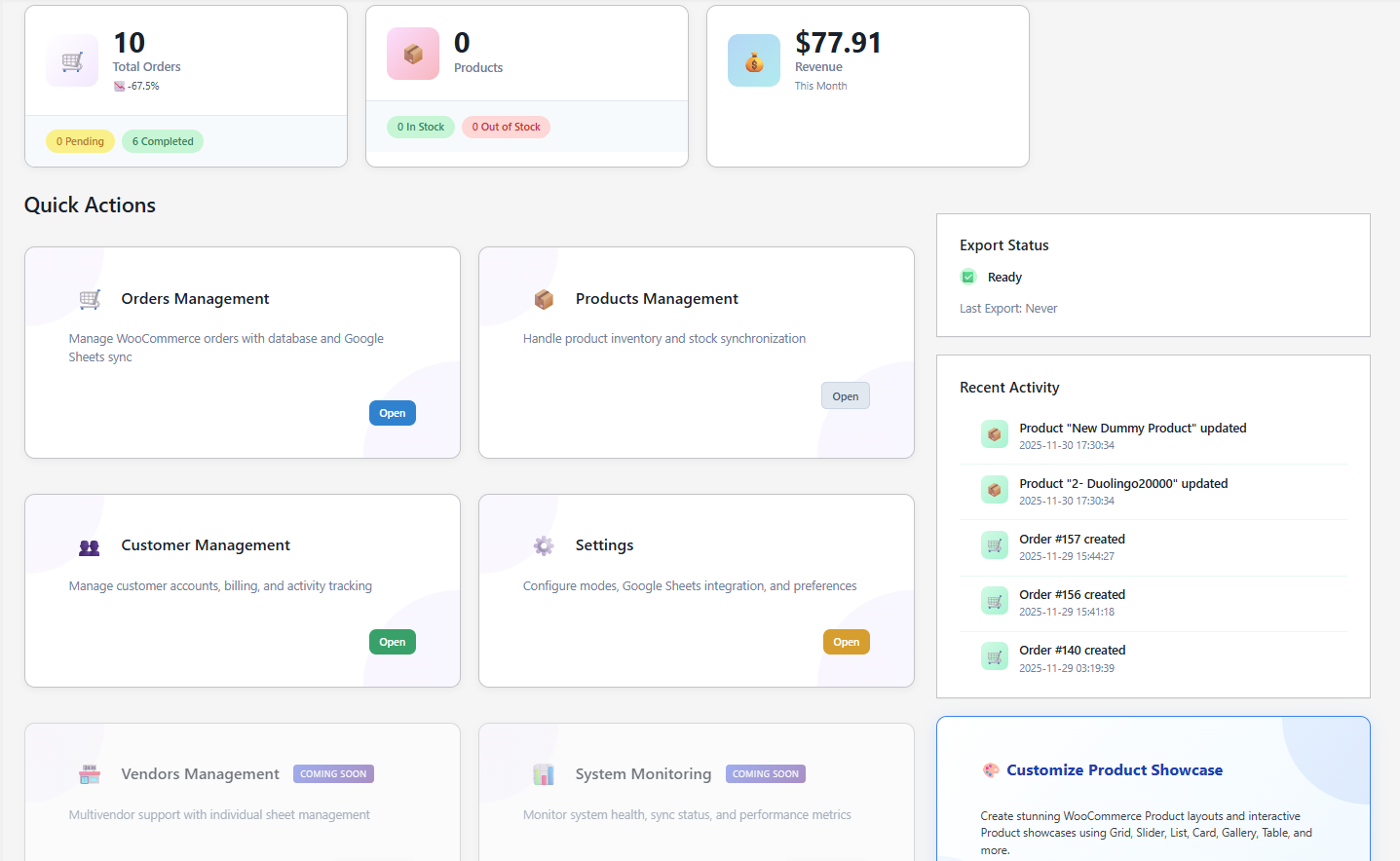
Dashboard Overview with key metrics and quick actions
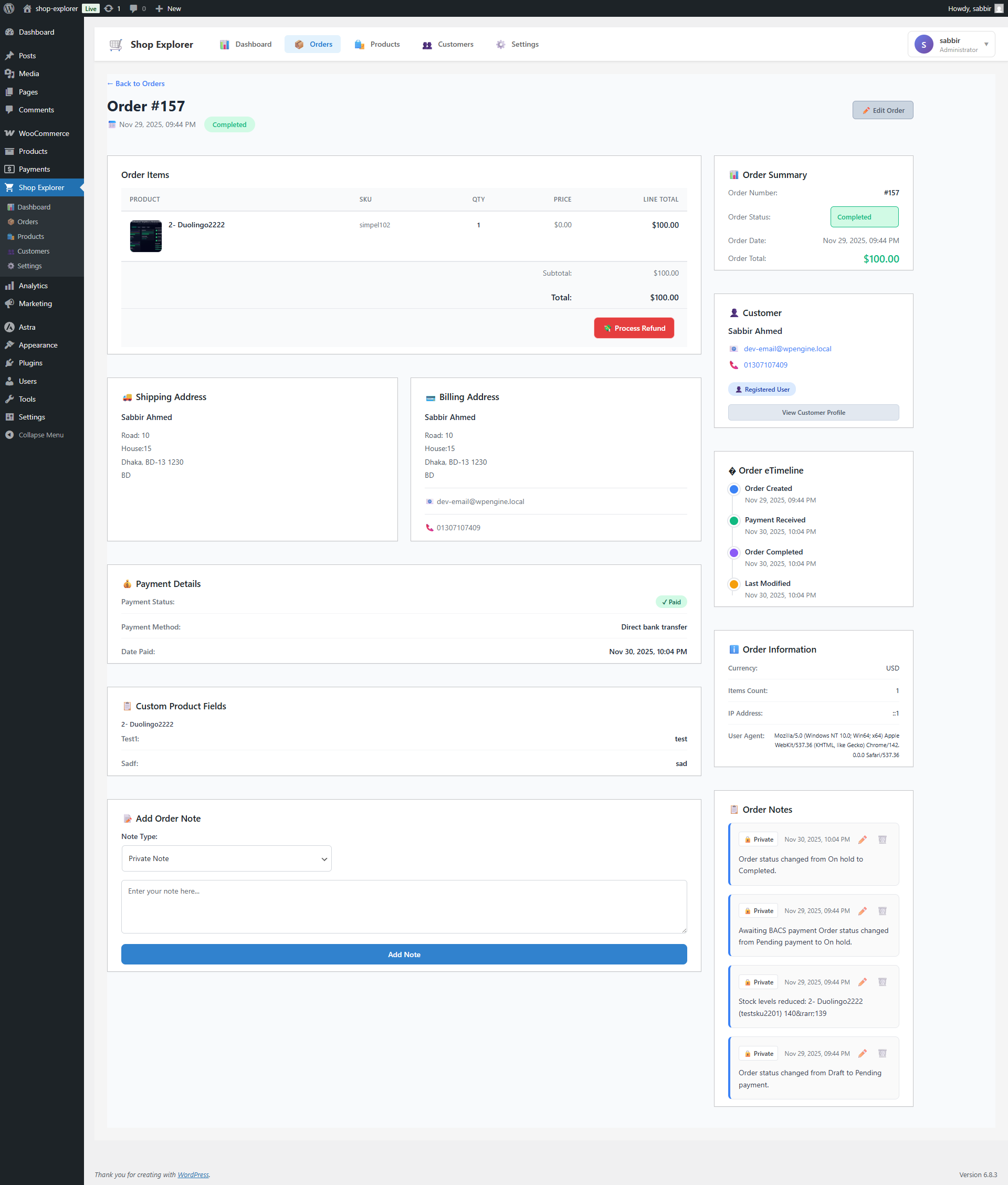
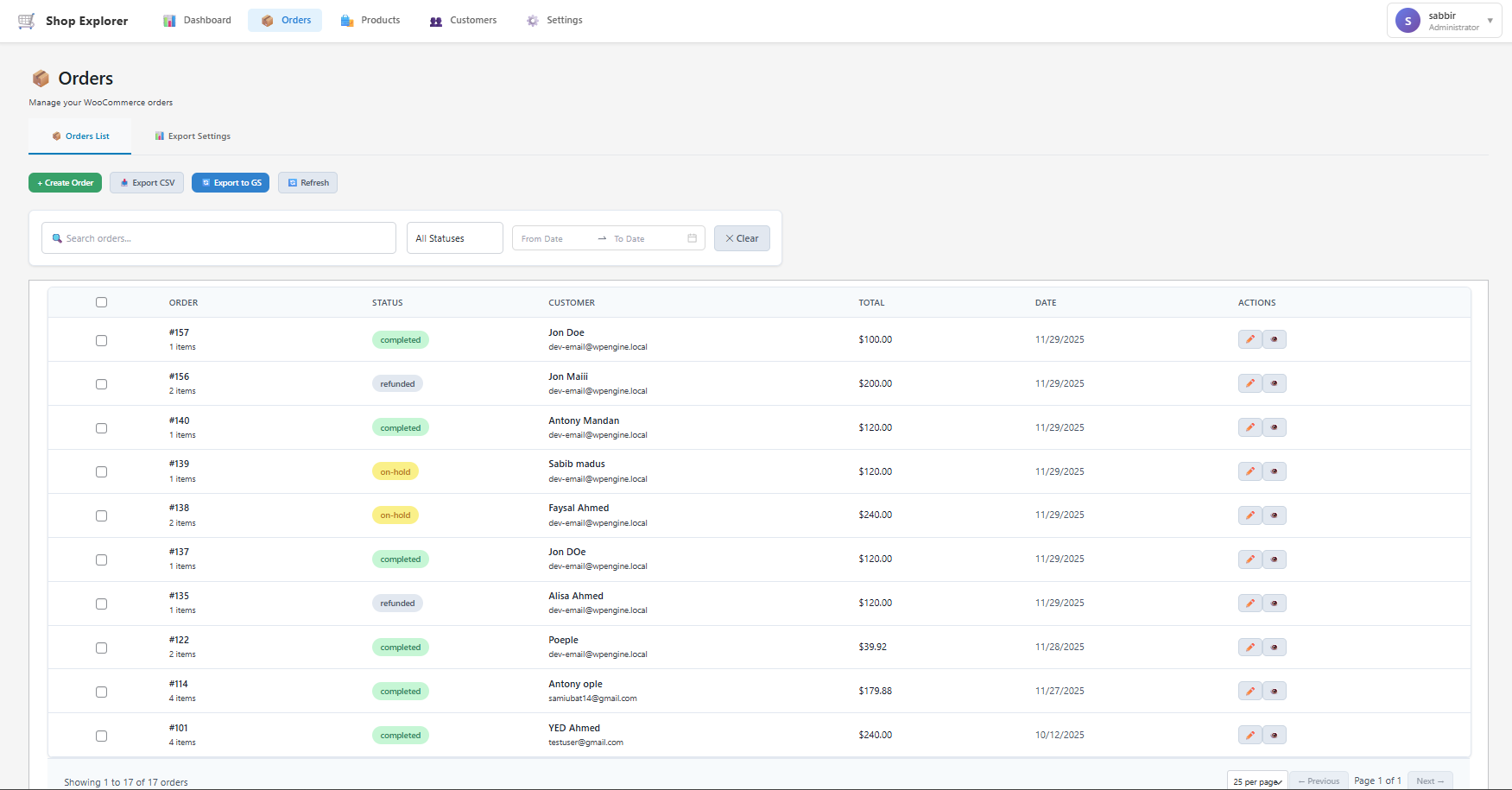
Orders Management with advanced filtering options
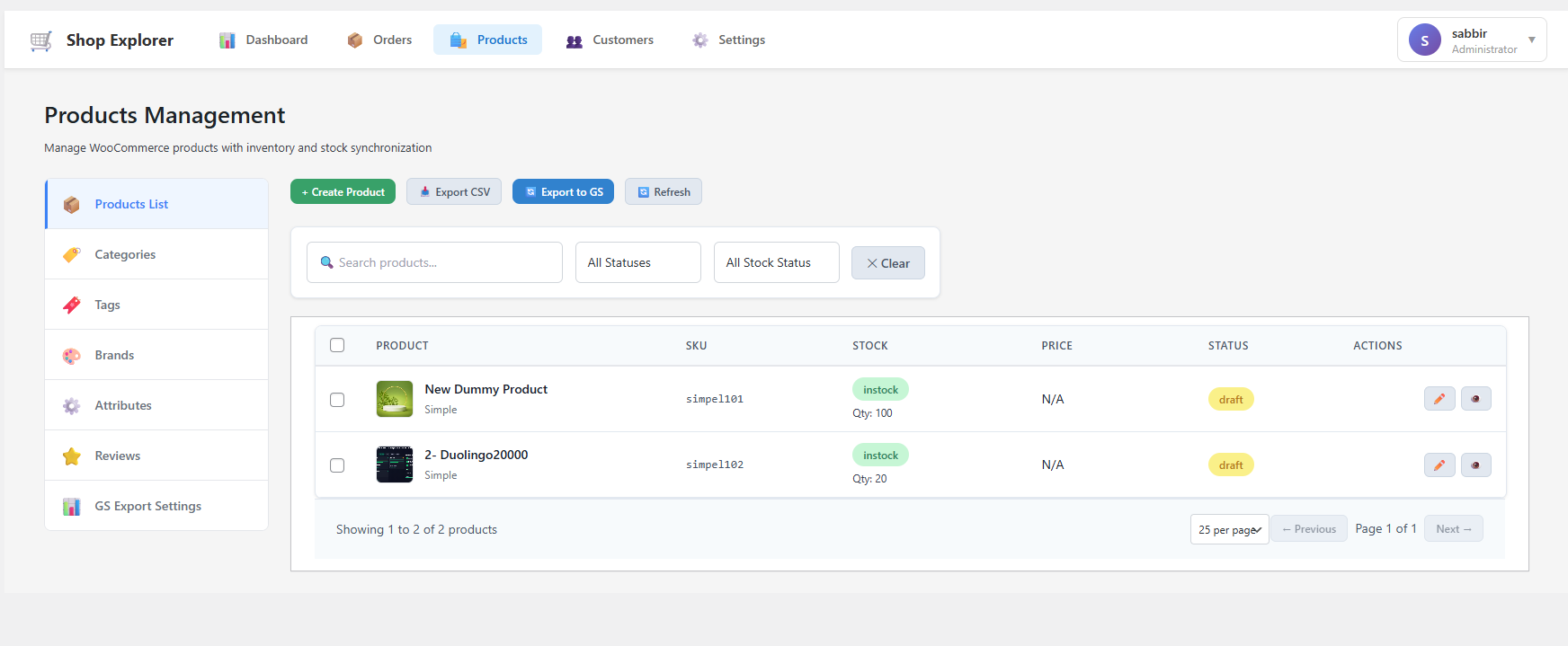
Product Management with variation support
Settings Configuration for modes and integrations
Google Sheets Integration Wizard
Changelog
1.0.1
- Fix: Fixed bulk editor page style.
1.0.0
- Initial stable release