

Plugin info
Maintenance & Compatibility
Maintenance score
Stale • Last updated 193 days ago
Is Shortcodes Analyzer abandoned?
Likely maintained (last update 193 days ago).
Compatibility
Similar & Alternatives
Explore plugins with similar tags, and compare key metrics like downloads, ratings, updates, support, and WP/PHP compatibility.
Description
Easily analyze and track shortcode usage across your WordPress website with Shortcodes Analyzer! Whether you’re looking to remove a plugin but don’t know where its shortcodes are used or want to optimize your website by reducing unnecessary plugins, this tool helps you make informed decisions.
With just one click, scan all posts, pages, and custom post types to see exactly where shortcodes are being used. No more guesswork—know before you disable or uninstall a plugin!
🚀 Key Features:
✅ Scan your entire website to find all used shortcodes
✅ Identify shortcode usage across posts, pages, and custom post types
✅ Helps in plugin cleanup and optimization
✅ Simple one-click processing—no technical knowledge required
🛠 How to Use:
1️⃣ Navigate to Settings > Shortcode Analyzer
2️⃣ Click the Start Scan button
3️⃣ Wait for the processing to complete
4️⃣ View the detailed report showing shortcode usage across your content
🔗 Need a Custom Plugin or Feature?
Looking for custom WordPress development? Get in touch with us at WPspin LLC for custom plugin development and feature requests.
Installation
- Upload plugin folder to the
/wp-content/plugins/directory - Activate the plugin through the ‘Plugins’ menu in WordPress Dashboard
Frequently Asked Questions
Review feed
Screenshots
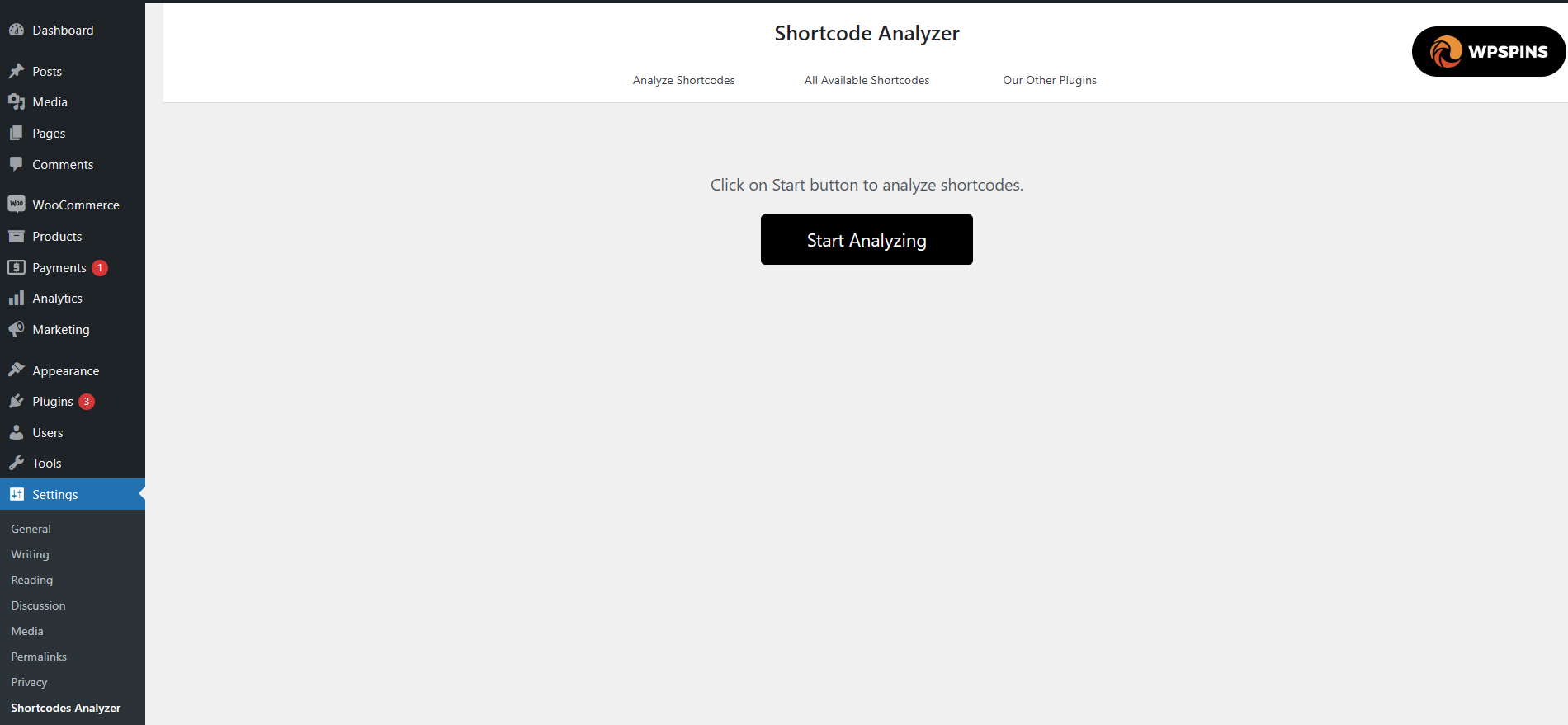
Dashboard view before starting the analysis
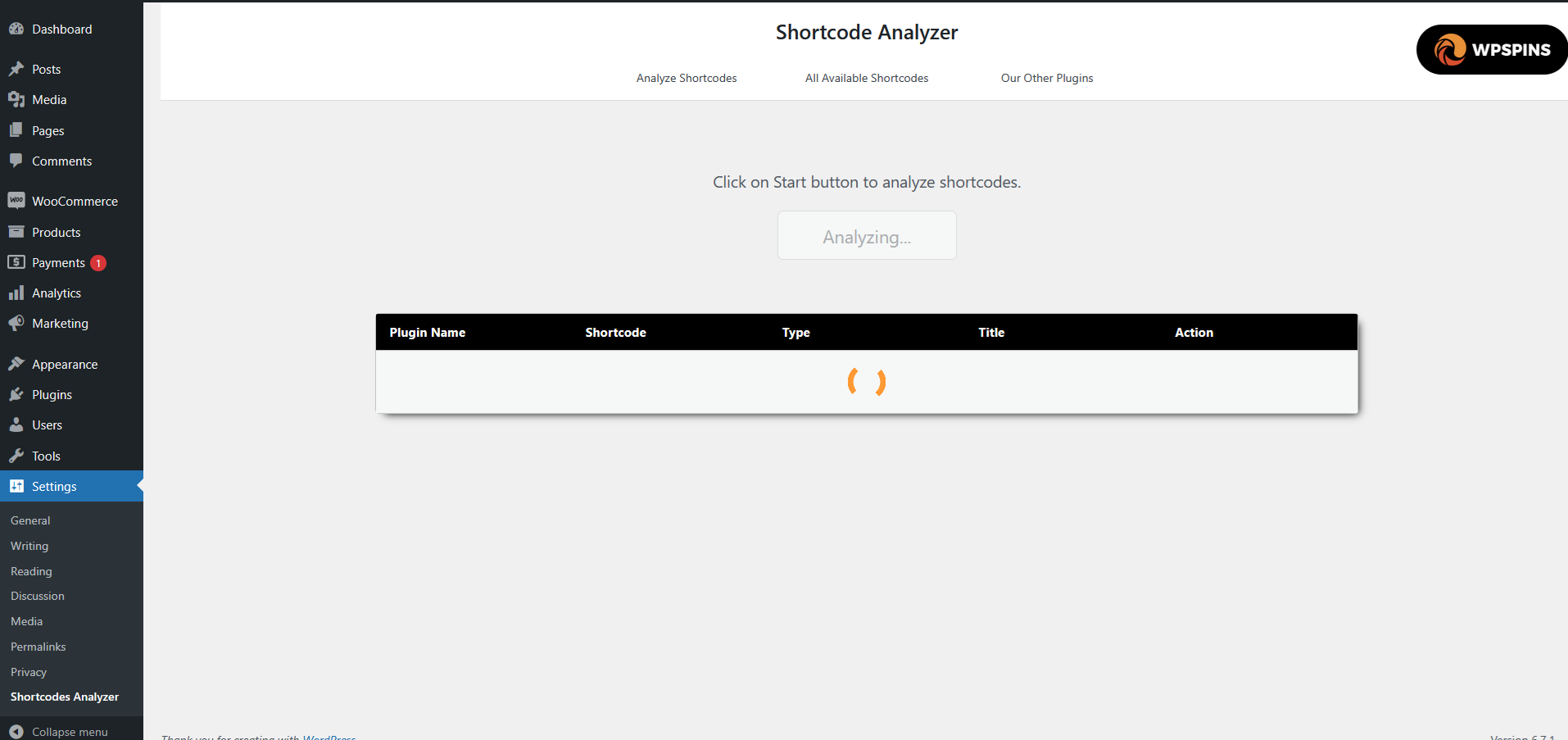
Dashboard view during the analysis process
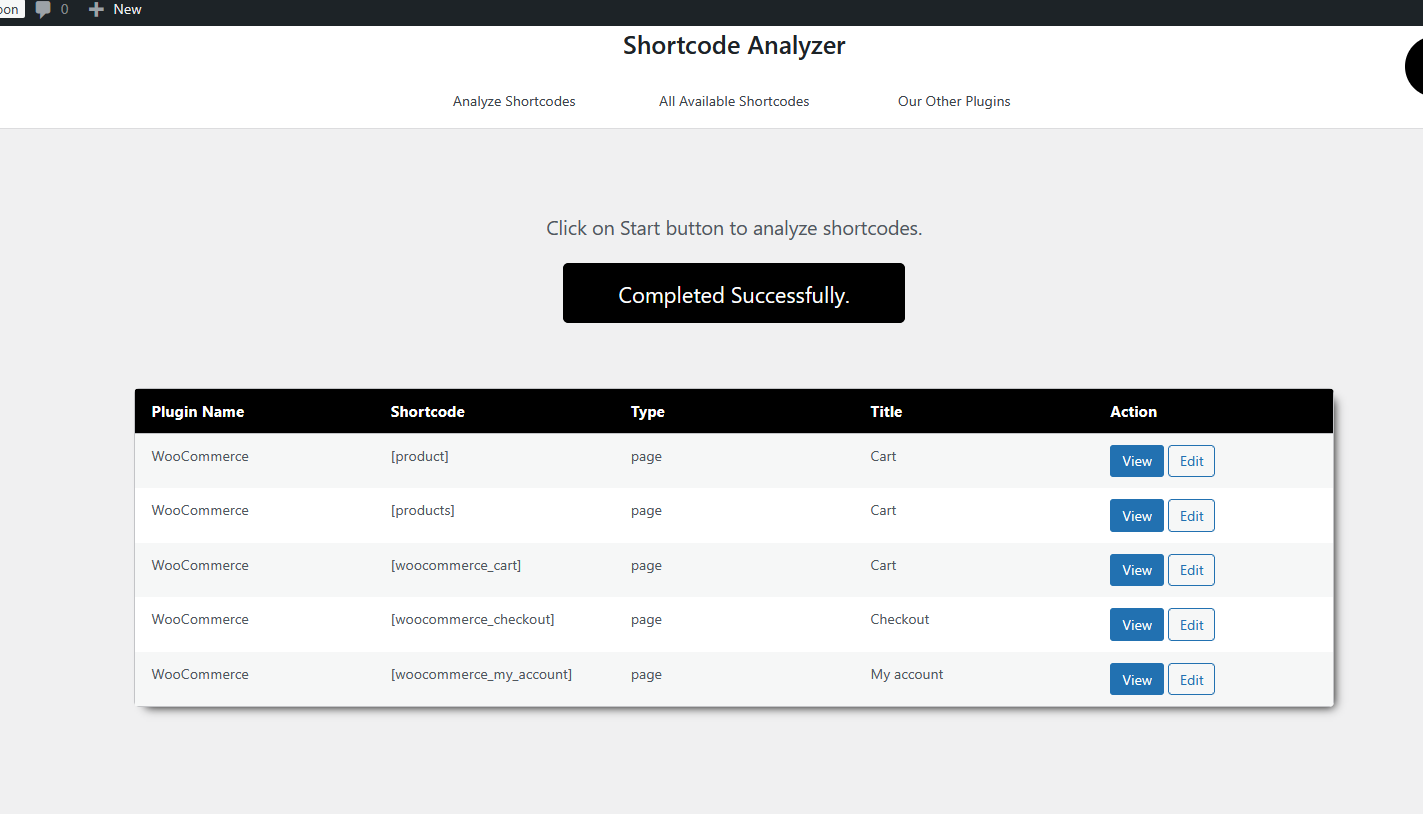
Analysis results displaying detected shortcodes
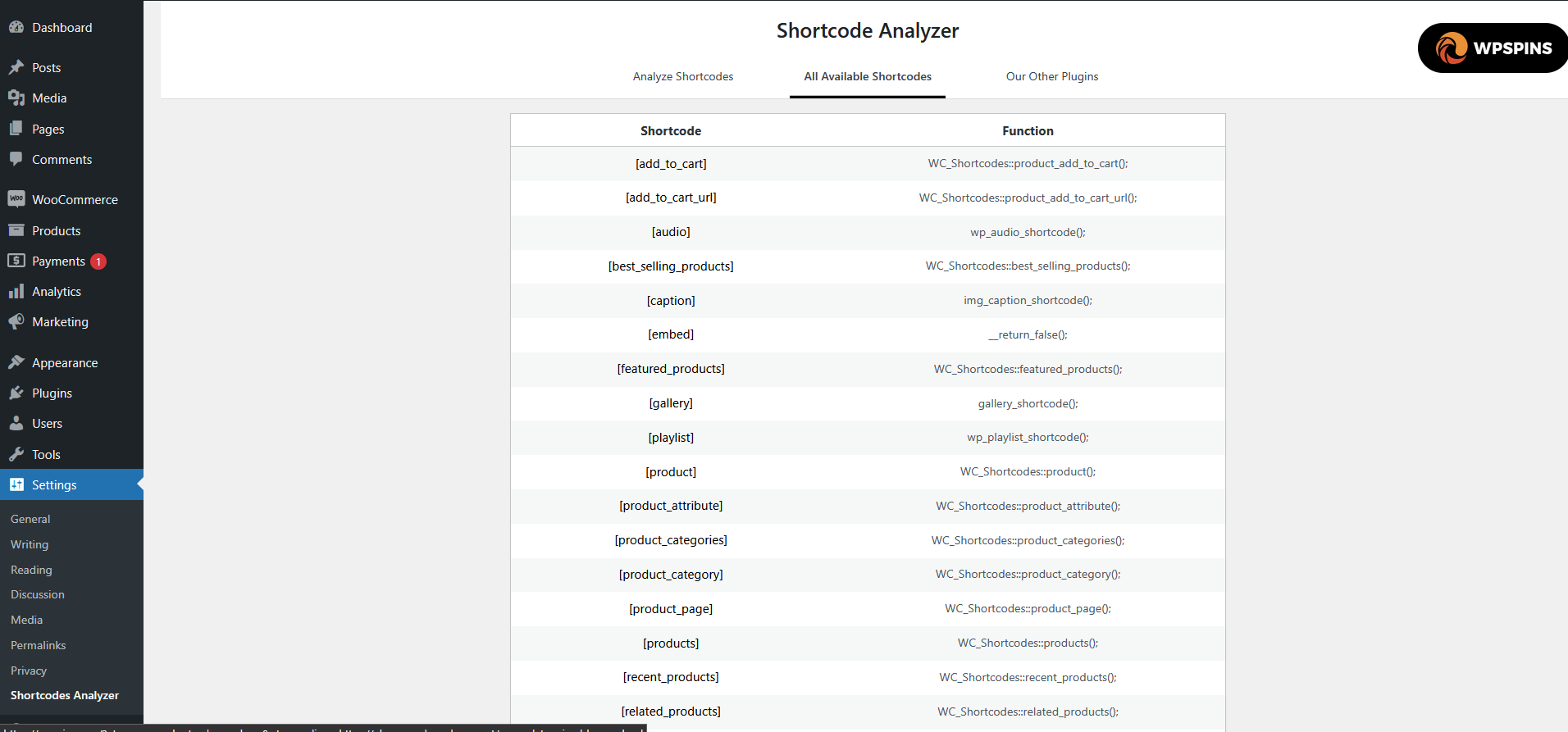
List of all available shortcodes
Changelog
1.0.0
- First version of the plugin.