

Web Stories Widgets For Elementor
This addon will helps you to easily represent Google Web stories in the Page/Post using Elementor Widget and shortcodes.
Plugin info
Maintenance & Compatibility
Maintenance score
Maintained • Last updated 134 days ago • 5 reviews
Is Web Stories Widgets For Elementor abandoned?
Likely maintained (last update 134 days ago).
Compatibility
Languages
Similar & Alternatives
Explore plugins with similar tags, and compare key metrics like downloads, ratings, updates, support, and WP/PHP compatibility.
Description
Web Stories Widgets for Elementor
Web Stories Widgets for Elementor is a simple and powerful addon that extends the official Web Stories plugin and adds a Web Stories widget inside Elementor.
With this plugin, you can easily display your Web Stories anywhere on your website using Elementor or shortcodes.
Key Features
-
Elementor Widget : Adds a dedicated Elementor widget so you can easily display Web Stories inside any Elementor. Just drag and drop the widget and choose your preferred story layout and options.
-
Shortcode Friendly: Whether you are working with Elementor, Gutenberg, or Classic Editor, simply paste the shortcode and display your web stories.
-
Recent Stories Display: Show your most recently created Web Stories anywhere on your website using a shortcode or the Elementor widget.
Use the shortcode below and replace the ID with your story’s ID:
Read Full Documentation:- Shortcodes & Docs
[webstory id=”{ add here story id}” button-text=”Default view” show-button=”yes”]
- Multiple Stories: You can display all stories or limit the number of stories to any value you prefer.
[Recent-stories column=”3″ show-button=”yes” show-no-of-story=”all” button-text=”Default view” order=”DESC” btn-color=”#8BCDA0″ btn-text-color=”#000″]
-
Choose Story Order: Sort your Web Stories in ascending (ASC) or descending (DESC) order.
-
Typography and Style Settings: Customize button fonts, size, spacing, and color directly from Elementor. This makes it easy to match your theme’s style.
-
Beginner-Friendly Setup.
-
Fully Responsive.
Installation
- Install Web Stories Widgets For Elementor from the WordPress.org repository or by uploading a plugin-zip unzipped folder to the /wp-content/plugins directory.
- You must also install Web Stories free plugin if you want to use this plugin.
- Activate the plugin through Plugins >> Installed Plugin menu in WordPress
- After plugin activation, you can find Web Stories Widgets For Elementor in the plugin Section.
Frequently Asked Questions
You can use the dedicated Web Stories Elementor widget. Just drag and drop the widget onto your page and configure your story options from the widget settings.
Yes. Use the shortcode below and replace the {story-id} with your actual story ID:
[webstory id=”{story-id}” button-text=”Default view” show-button=”yes”]
When editing any Web Story, the story ID appears in the browser URL as post=123. Use that number as your story ID.
Make sure that:
– The Web Stories plugin is active.
– You have published at least one story.
– You are using the correct shortcode or widget settings.
You can report security bugs through the Patchstack Vulnerability Disclosure Program. The Patchstack team help validate, triage and handle any security vulnerabilities Report a security vulnerability.
Review feed
Screenshots

Web Stories – Layout View

Recent Web Stories – Shortcode Output
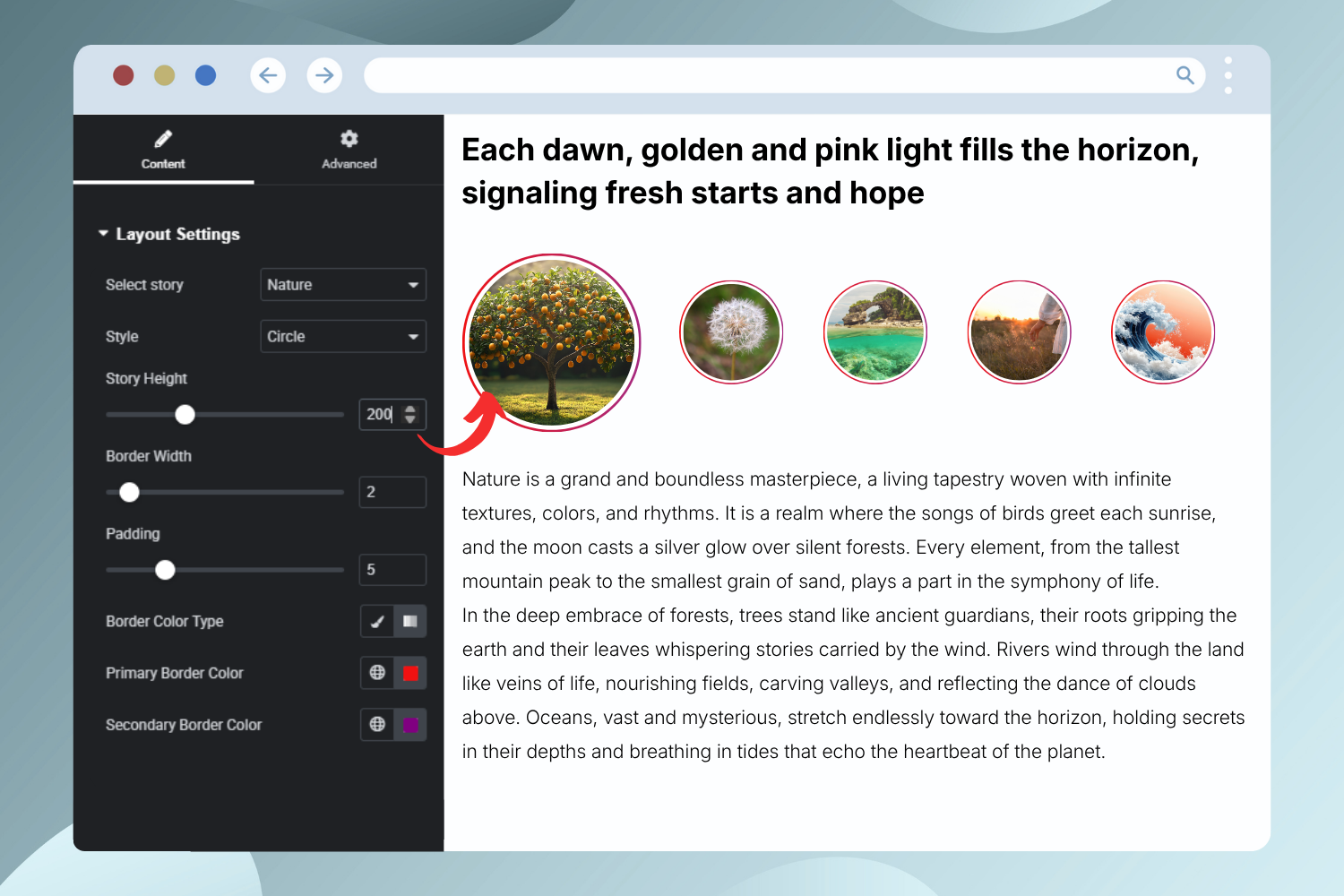
Elementor Widget – Web Stories Settings Preview
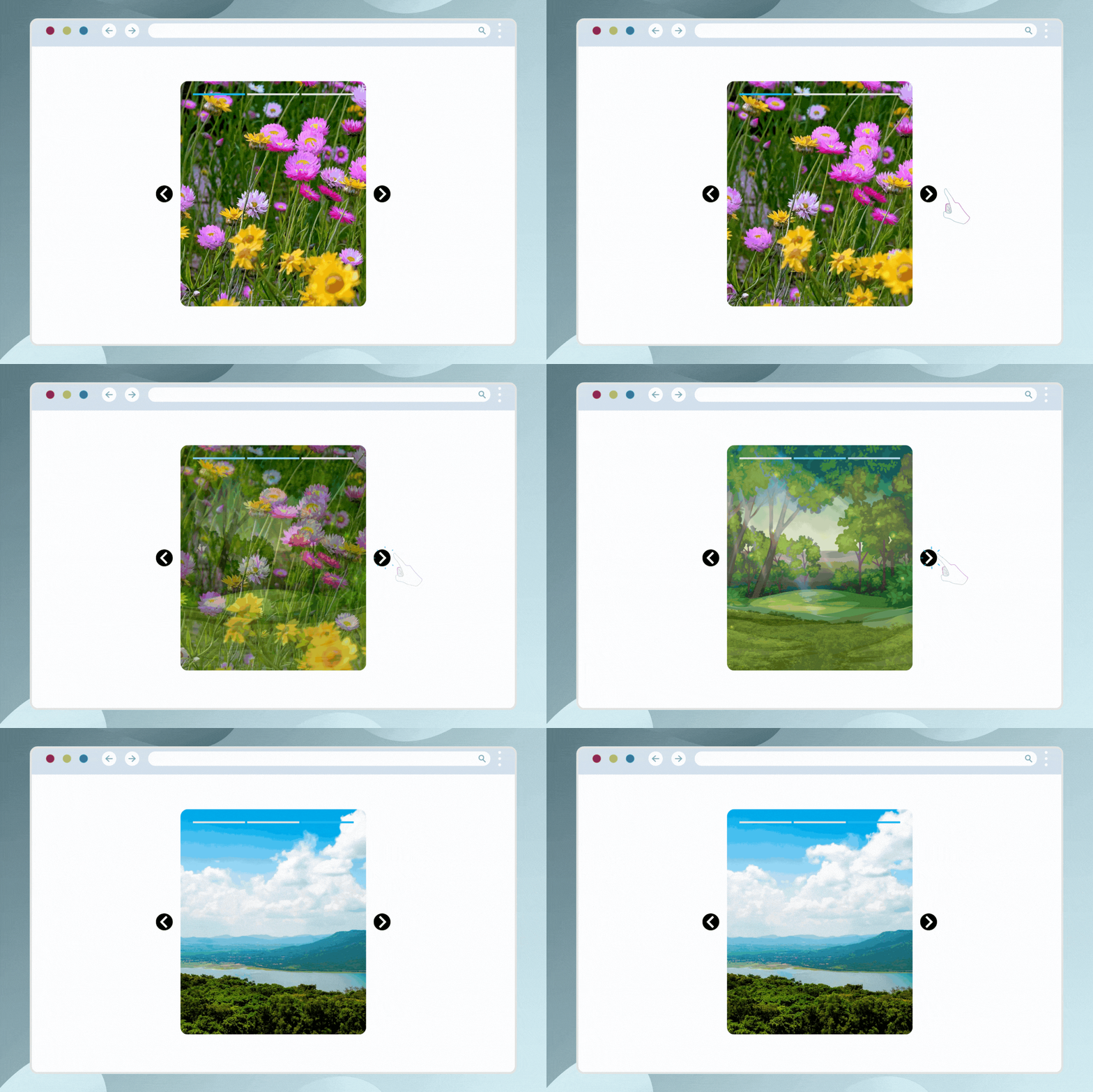
Web Stories – GIF Preview
Changelog
Version 1.2.3 | 19/11/2025
- Improved: Improved banner and logo design.
- Improved: Minor UI/UX enhancements.
- Tested Up To: WordPress 6.8.3.
- Tested Up To: Elementor 3.33.0.
Version 1.2.2 | 12/05/2025
- Tested Up To: WordPress 6.8.1.
- Tested Up To: Elementor 3.28.4.
Version 1.2.1 | 24/10/2024
- Improved: Minor changes.
Version 1.2.0 | 24/10/2024
- Added: New Circle style option added in the Elementor widget.
- Improved: Shortcode new style attributes added.
- Tested with: Web Stories V1.37 and Elementor V3.24.5
Version 1.1.1 | 10/10/2024
- Fixed: Resolved security issues.
Version 1.1 | 31/10/2022
- Added: Story height setting in Elementor widget.
- Added: Button styles in Elementor widget.
- Fixed: Shortcode issue in the column of Yoast Seo.
- Fixed: Button Design issue.
- Fixed: Typography class issue.
Version 1.0 | 19/10/2020
- New: Initial plugin release.