
Show Page Slug in Admin
A simple plugin to display page slugs directly in the WordPress admin for easy management.
Plugin info
Maintenance & Compatibility
Maintenance score
Possibly abandoned • Last updated 781 days ago
Is Show Page Slug in Admin abandoned?
Possibly abandoned (last update 781 days ago).
Compatibility
Similar & Alternatives
Explore plugins with similar tags, and compare key metrics like downloads, ratings, updates, support, and WP/PHP compatibility.
Description
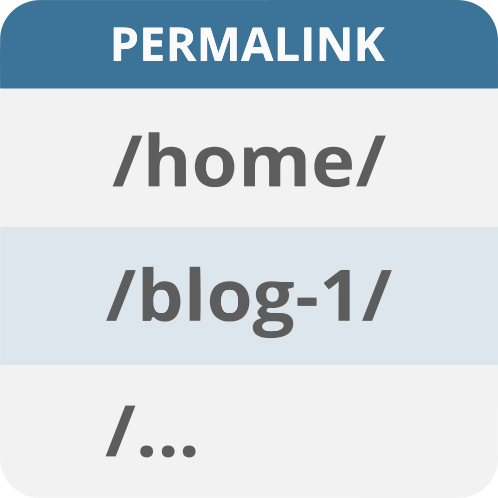
“Show Page Slug in Admin” adds a new column in the admin “Pages” view to display each page’s slug.
Instead of scrolling through lists of pages by name and inspecting each page individually to get the permalink, it shows up right beside the Author column.
Installation
- Upload the
show-page-slug-in-adminfolder to the/wp-content/plugins/directory. - Activate the plugin through the ‘Plugins’ menu in WordPress.
- Once activated, navigate to the Pages section in your admin. You’ll see a new ‘Permalink’ column showing the slugs of your pages.
Frequently Asked Questions
Initially, this plugin is designed to work only with standard WordPress pages. However, it can be modified to support custom post types with a small code adjustment.
The slug column will appear by default. If you need to hide it, you can do so via screen options in the WordPress admin.
Review feed
Screenshots

View of the Pages screen showing the slug under the new Permalink column.
Changelog
1.0
- Initial release.