

Sign-in With Solana
Authenticate users on your WordPress site using Solana wallets. A secure, decentralized login experience.
Plugin info
Maintenance & Compatibility
Maintenance score
Stale • Last updated 190 days ago
Is Sign-in With Solana abandoned?
Likely maintained (last update 190 days ago).
Compatibility
Similar & Alternatives
Explore plugins with similar tags, and compare key metrics like downloads, ratings, updates, support, and WP/PHP compatibility.
Description
Sign-in With Solana enables secure, Web3-compatible authentication on your WordPress website using Solana wallets like Phantom, Solflare, etc. Allow users to sign in without traditional usernames and passwords.
This plugin adds a “Sign in with Solana” button to the login page, enabling wallet-based authentication using cryptographic signatures to verify user identity.
Features
- Seamless integration with the WordPress and WooCommerce login forms
- Secure wallet-based authentication
- Supports popular Solana wallets (Phantom, Solflare, etc.)
- Automatically creates new WordPress user accounts for new wallet sign-ins
- No passwords required. Users authenticate by signing a message with their wallet
- No setup required. The plugin works seamlessly after activation.
Source Code
This plugin is an open source software with GPLv3 or later license. The code is available from our repository on GitHub.
Installation
- Go to Plugins > Add New.
- Search for Sign-in with Solana plugin.
- Click on Install Now and wait until the plugin is installed successfully.
- Click on Activate. (You can also activate on the Plugins > Installed Plugins page).
- Visit your login page to see the new “Sign-in with Solana” option.
Minimum Requirements
- WordPress 5.2
- PHP 7.2 with BCMath or GMP extension installed
Frequently Asked Questions
Any wallet that supports Solana and message-based signing should work, including Phantom and Solflare.
Users sign a challenge message with their wallet. The plugin verifies the cryptographic signature to authenticate the user.
If user registration is enabled (i.e., “Anyone can register” is checked under WordPress Settings > General), a new WordPress user account is automatically created, using the wallet address as the username.
Review feed
Screenshots
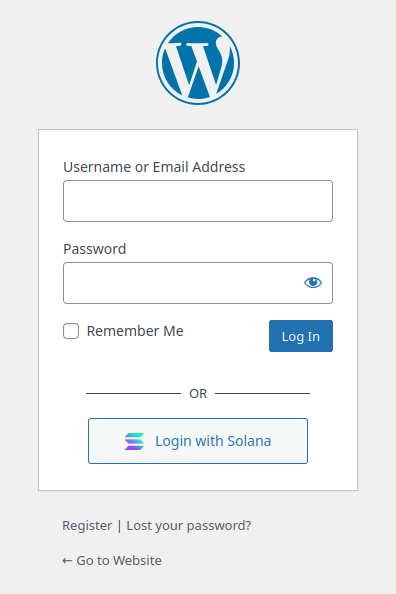
Login with Solana button on the Login page
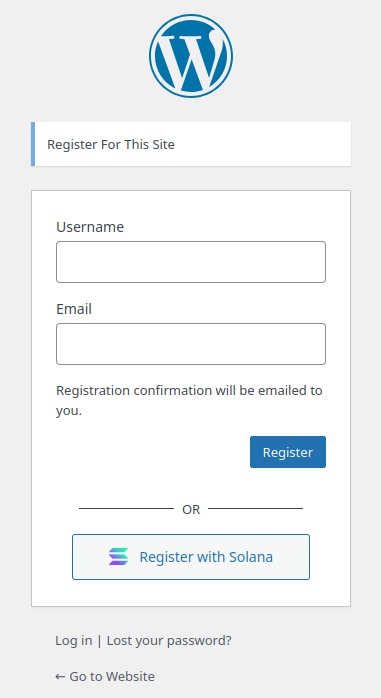
Register with Solana button on the Register page
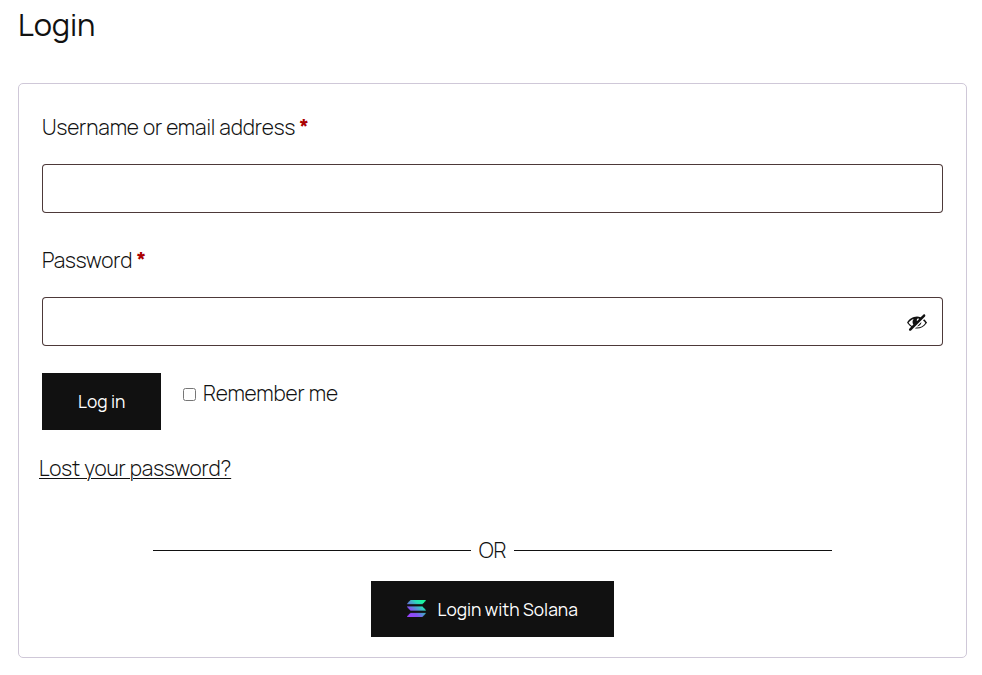
WooCommerce is also supported
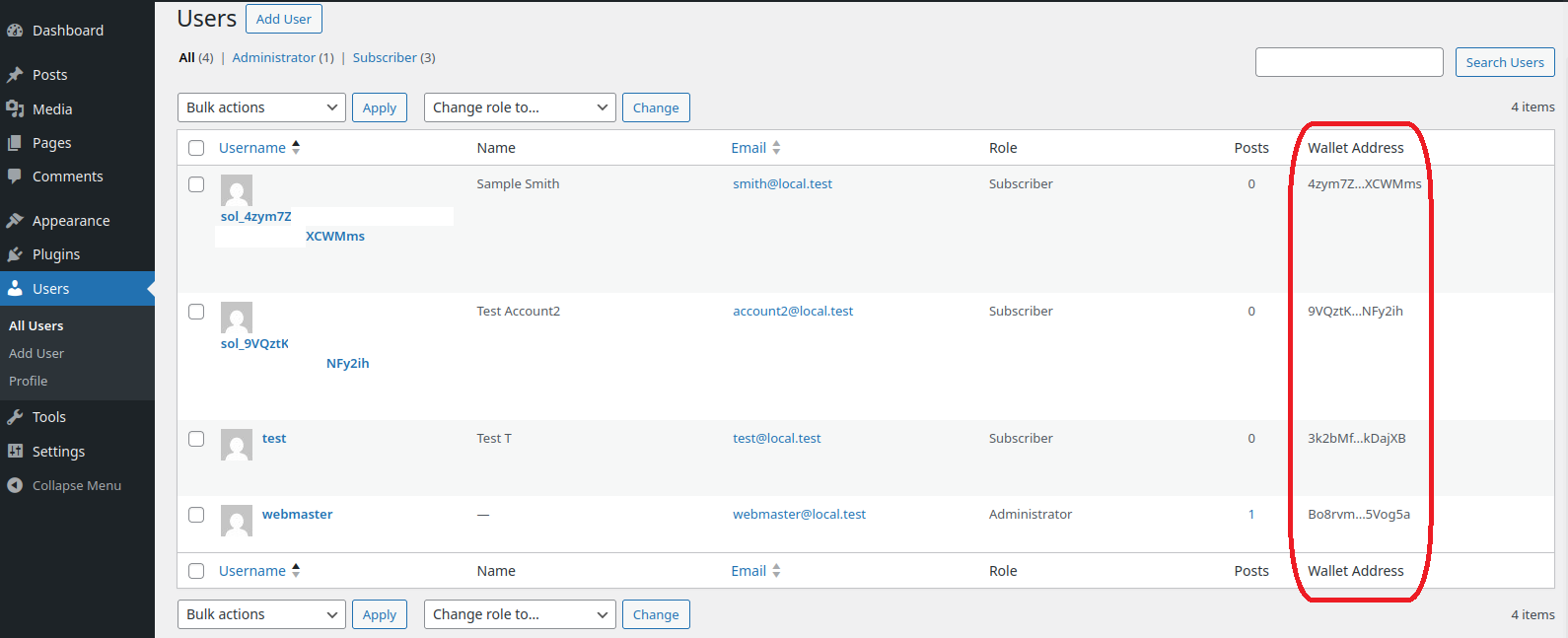
Wallet Address field on Users table list
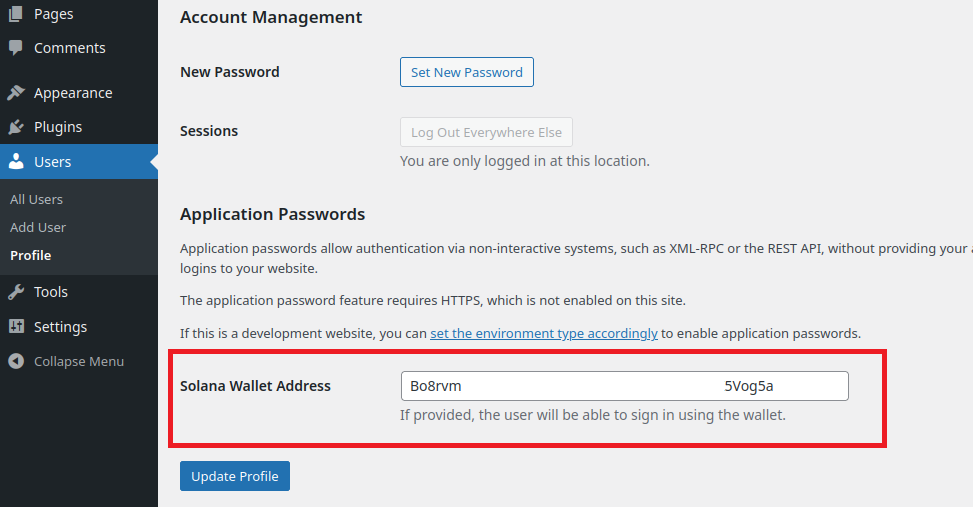
Update wallet address on user's profile
Changelog
0.2.0
- Add nonce and timestamp to signed message to mitigate against CSRF attacks
0.1.0
- Initial release