

Maintenance 22/1001247d since update
Active installs
10
Downloads
617
Reviews
1
Age
3.6y
Plugin info
Total downloads: 617
Active installs: 10
Total reviews: 1
Average rating: 4
Support threads opened: 0
Support threads resolved: 0 (0%)
Available in: 1 language(s)
Contributors: 1
Last updated: 11/2/2022 (1247 days ago)
Added to WordPress: 9/8/2022 (3 years old)
Minimum WordPress version: 5.9
Tested up to WordPress version: 6.1.9
Minimum PHP version: 7.0
Maintenance & Compatibility
Maintenance score
Possibly abandoned • Last updated 1247 days ago • 1 reviews
22/100
Is Simple Blurb abandoned?
Possibly abandoned (last update 1247 days ago).
Compatibility
Requires WordPress: 5.9
Tested up to: 6.1.9
Requires PHP: 7.0
Similar & Alternatives
Explore plugins with similar tags, and compare key metrics like downloads, ratings, updates, support, and WP/PHP compatibility.
Custom Blurb
Rating 0.0/5 (0 reviews) • Active installs 10
Advanced Card Widget for Elementor
Rating 0.0/5 (0 reviews) • Active installs 10
Description
This plugin will allow you to add a blurb from the WordPress block editor.
Blurbs are a great way to inform your visitors about important content of your website by using a image, a title and a description.
For the title and the description we use built-in Gutenberg blocks.
Features
- Alignments: you will able to align the blurb content, the image, the title and the description from the block toolbar
- Image top animation: enable a smooth top animation from the settings sidebar
- New blocks in the description: enable the ability to add new blocks (paragraphs and list) from the settings toolbar.
- Customization: This plugin offer fields to set the blurb maximum width, color, padding, etc.
- This is just a simple blurb. If people use it and like it, new interesting features will be added!
Installation
- Upload the plugin files to the
/wp-content/plugins/jc-blocks-simple-blurbdirectory, or install the plugin through the WordPress plugins screen directly. - Activate the plugin through the ‘Plugins’ screen in WordPress
- Once the plugin has been activated, a new block called ‘Simple Blurb’ will appear in the block inserter.
Frequently Asked Questions
No FAQ available
Review feed
No reviews available
Screenshots
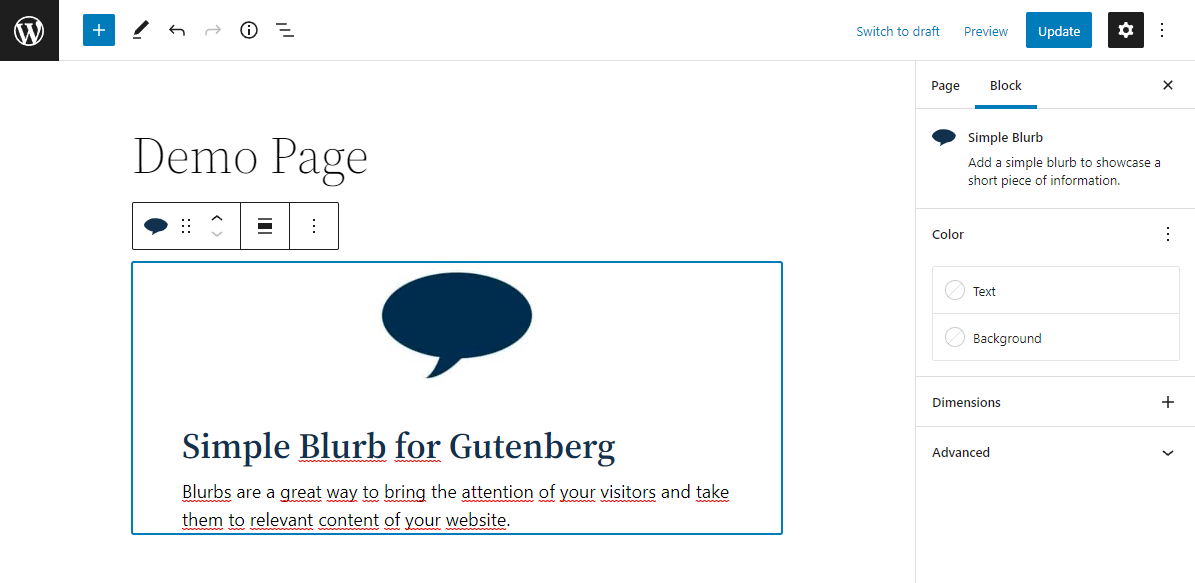
Block editor: Blurb.
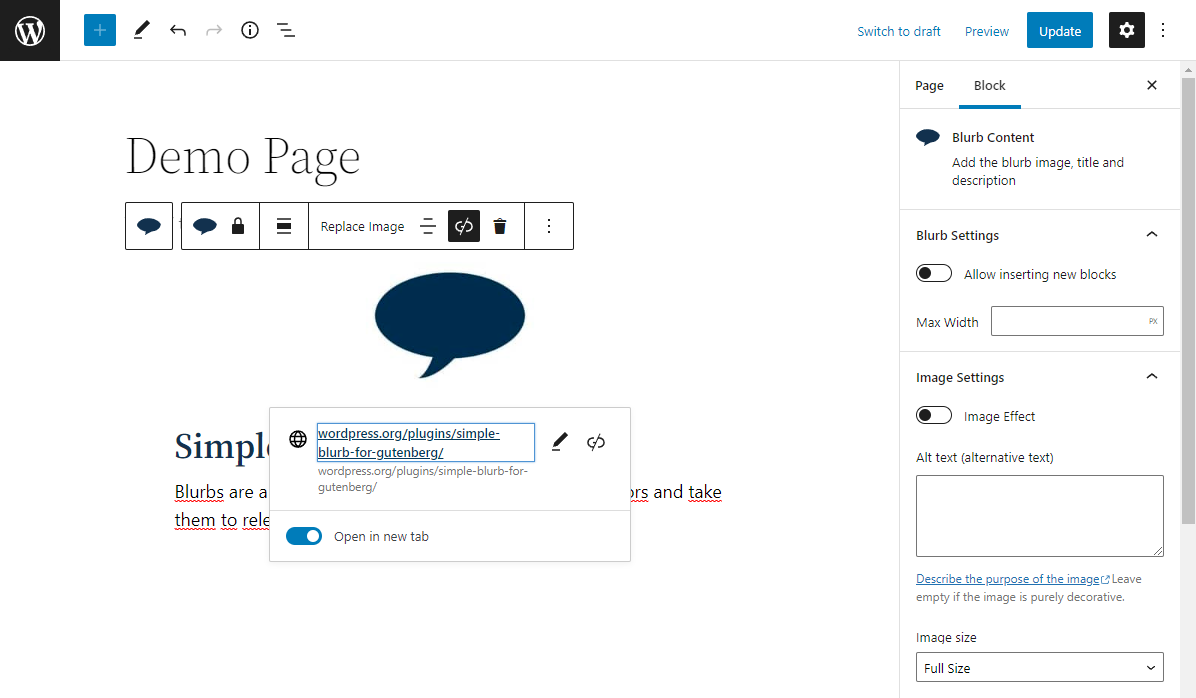
Block editor: Blurb Content.
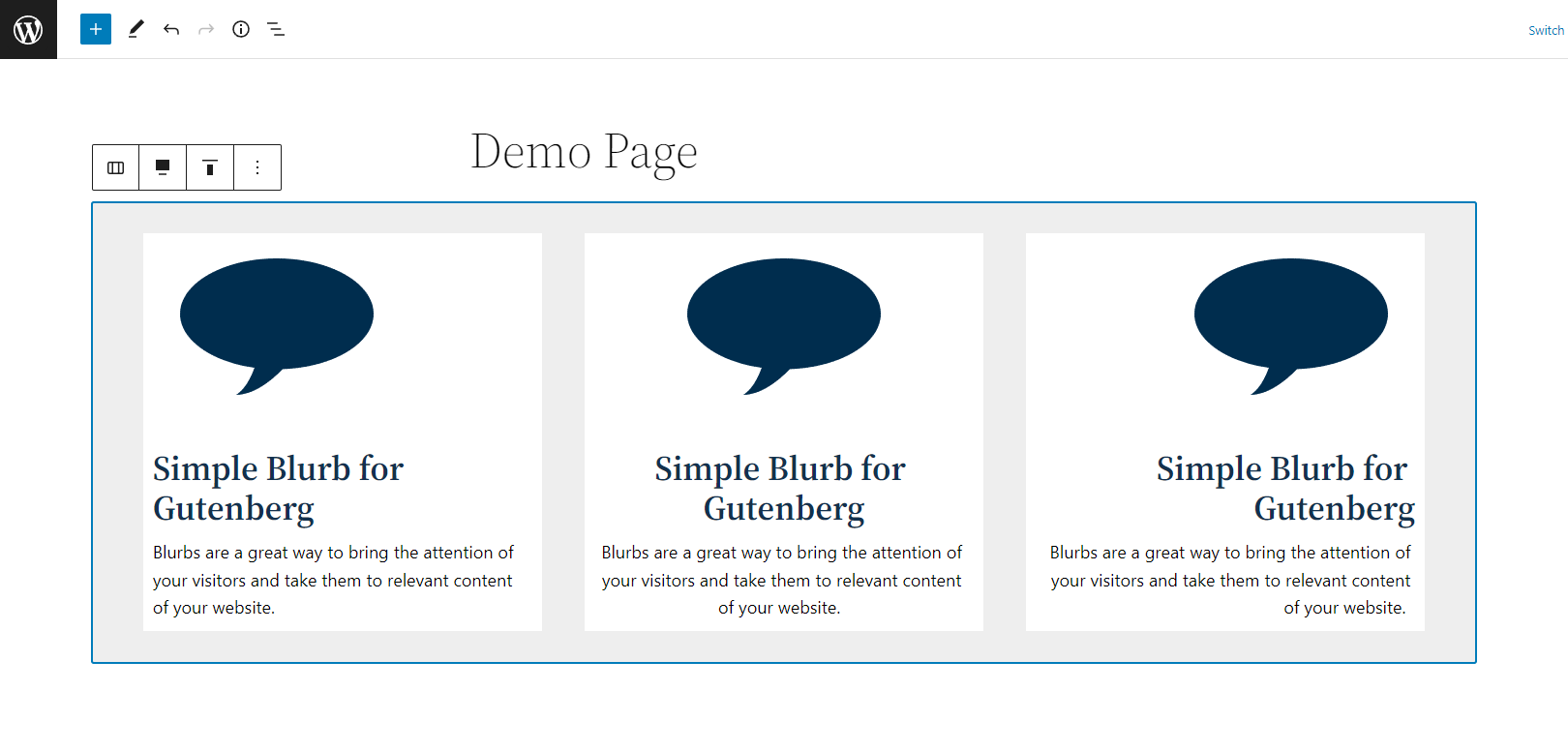
Block editor: Blurbs.
Changelog
1.0.0
- Plugin release.