

Simple CSS
Add CSS to your website through an admin editor, the Customizer or a metabox for page/post specific CSS.
Plugin info
Maintenance & Compatibility
Maintenance score
Stale • Last updated 200 days ago • 60 reviews
Is Simple CSS abandoned?
Likely maintained (last update 200 days ago).
Compatibility
Similar & Alternatives
Explore plugins with similar tags, and compare key metrics like downloads, ratings, updates, support, and WP/PHP compatibility.
Description
Need to add some custom CSS to your site? Simple CSS gives you an awesome admin editor and a live preview editor in the Customizer so you can easily add your CSS.
Want your CSS to only apply on a specific page or post? Simple CSS adds a metabox which allows you to do just that.
Check out GeneratePress, our awesome WordPress theme! (https://wordpress.org/themes/generatepress)
Features include:
- Full featured admin CSS editor
- Dark and light editor themes
- CSS editor in the Customizer so you can live preview your changes
- Metabox for page/post specific CSS
Installation
There’s two ways to install Simple CSS.
- Go to “Plugins > Add New” in your Dashboard and search for: Simple CSS
- Download the .zip from WordPress.org, and upload the folder to the
/wp-content/plugins/directory via FTP.
In most cases, #1 will work fine and is way easier.
Frequently Asked Questions
- Make sure Simple CSS is activated.
- Navigate to “Appearance > Simple CSS” and add your CSS to the editor.
- Make sure Simple CSS is activated.
- Navigation to “Appearance > Customize” and open the “Simple CSS” section.
- In “Appearance > Simple CSS”, change the “Dark” option below the “Save CSS” button to “Light”.
- Navigate to your page or post in the Dashboard and look for the “Simple CSS” metabox.
Review feed
Screenshots
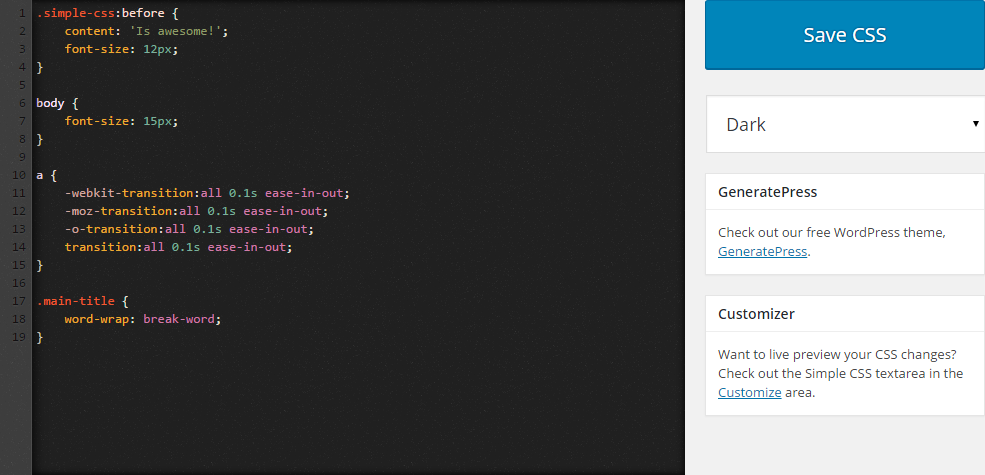
The dark theme of the CSS editor.
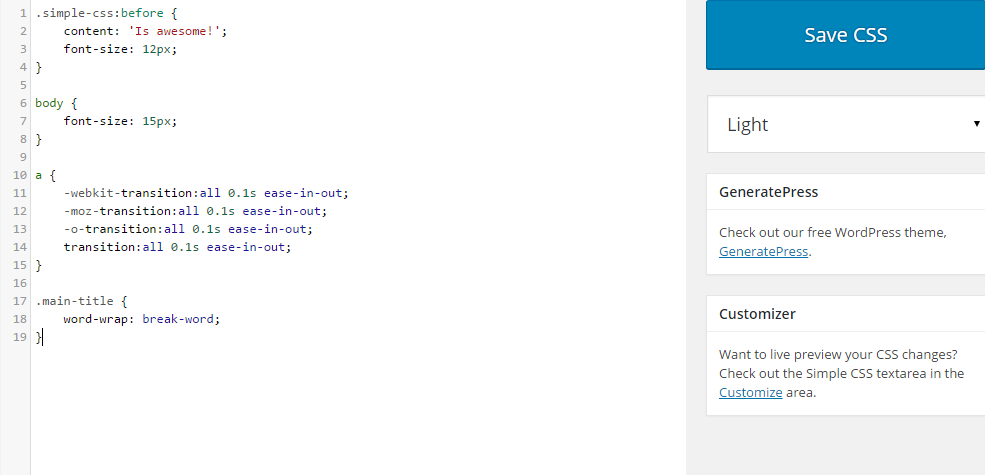
The light theme of the CSS editor.
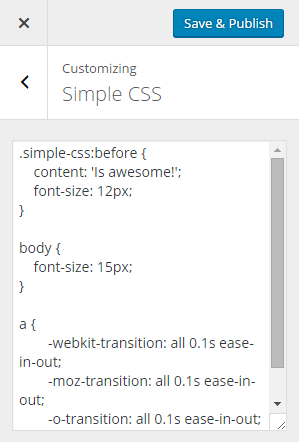
The CSS editor in the Customizer.

The CSS editor metabox.
Changelog
1.1.1
- Fix PHP notice when Simple CSS hasn’t been saved yet
1.1
- Fix meta box saving issue
1.0
- Show metabox only on public post types
- Add live preview to Customizer
- Code cleanup
- Better sanitizing/validation
0.4
- Use browser search instead of CodeMirror dialog search
- Don’t show GeneratePress metabox if it’s already activated
- Make CSS box full height
0.3
- Add CSS metabox to add CSS on specific pages and posts
- Adjust styling of dark theme
- Add tips to Simple CSS screen
0.2
- Remove extra whitespace from CSS output
- Remove spellcheck from Customizer input
- Allow > characters in the CSS
- Add find (ctrl + f) functionality
0.1
- Initial release