

Simple SEO Criteria Check
The plugin 'Simple SEO Criteria Checklist" evaluates your post URLs, internal and external post links and image meta data.
Plugin info
Maintenance & Compatibility
Maintenance score
Possibly abandoned • Last updated 942 days ago • 2 reviews
Is Simple SEO Criteria Check abandoned?
Possibly abandoned (last update 942 days ago).
Compatibility
Similar & Alternatives
Explore plugins with similar tags, and compare key metrics like downloads, ratings, updates, support, and WP/PHP compatibility.
Description
The Plugin Simple SEO Criteria Check fosters to get a better ranking in Google.
This will by supported by
- lists all your post’s permalinks and its URL lenght
- list all your post’s images, alt tags, filename and further meta data
- lists all internal and external links within a post
- progress bar shows your SEO health accordingly
Available in English and German
This checklist helps you which deciding which post links, post image data must be adjusted to have a more SEO friedly website.
Make Google happy! 😉
The plugin is written by Janine of Blapps.eu.
Installation
From your WordPress dashboard
- Visit ‘Plugins > Add New’.
- Search for ‘Simpe SEO Criteria Checklist’.
- Activate Simpe SEO Criteria Checklist from your Plugins page.
From WordPress.org
- Download Simpe SEO Criteria Checklist plugin.
- Upload the ‘simple-seo-criteria-checklist’ directory to your ‘/wp-content/plugins/’ directory, using your favorite method (ftp, sftp, scp, etc…)
- Activate Simpe SEO Criteria Checklist from your Plugins page.
Once Activated
- Visit WordPress dashboard sidebar in ‘Tools > Simpe SEO Criteria Checklist’.
- Click the Tab “Permalinks” to get a list of all your current permalinks to make adjustments.
- Click the Tab “Images” to get a list of all your post images and images meta data, such as alt tags
- Click the Tab “Internal/External” to get a list of all your post and corresponding internal and external links.
Frequently Asked Questions
Visit Neil Patel’s Website for compresensive documentation on SEO friendly URLs https://neilpatel.com/blog/seo-urls/
Permalinks can be changed within the post page. Use a redirection plugin to ensure old URLs are still accessible.
Unfortunately, changing or renaming the images file name is not possible via dashboard. To make this possible, you need a plugin or upload new images (with a better filename) instead.
Review feed
Screenshots

Screenshot internal and external link structure screenshot-1.(png|jpg|jpeg|gif).

Screenshot images and meta information screenshot-2.(png|jpg|jpeg|gif).
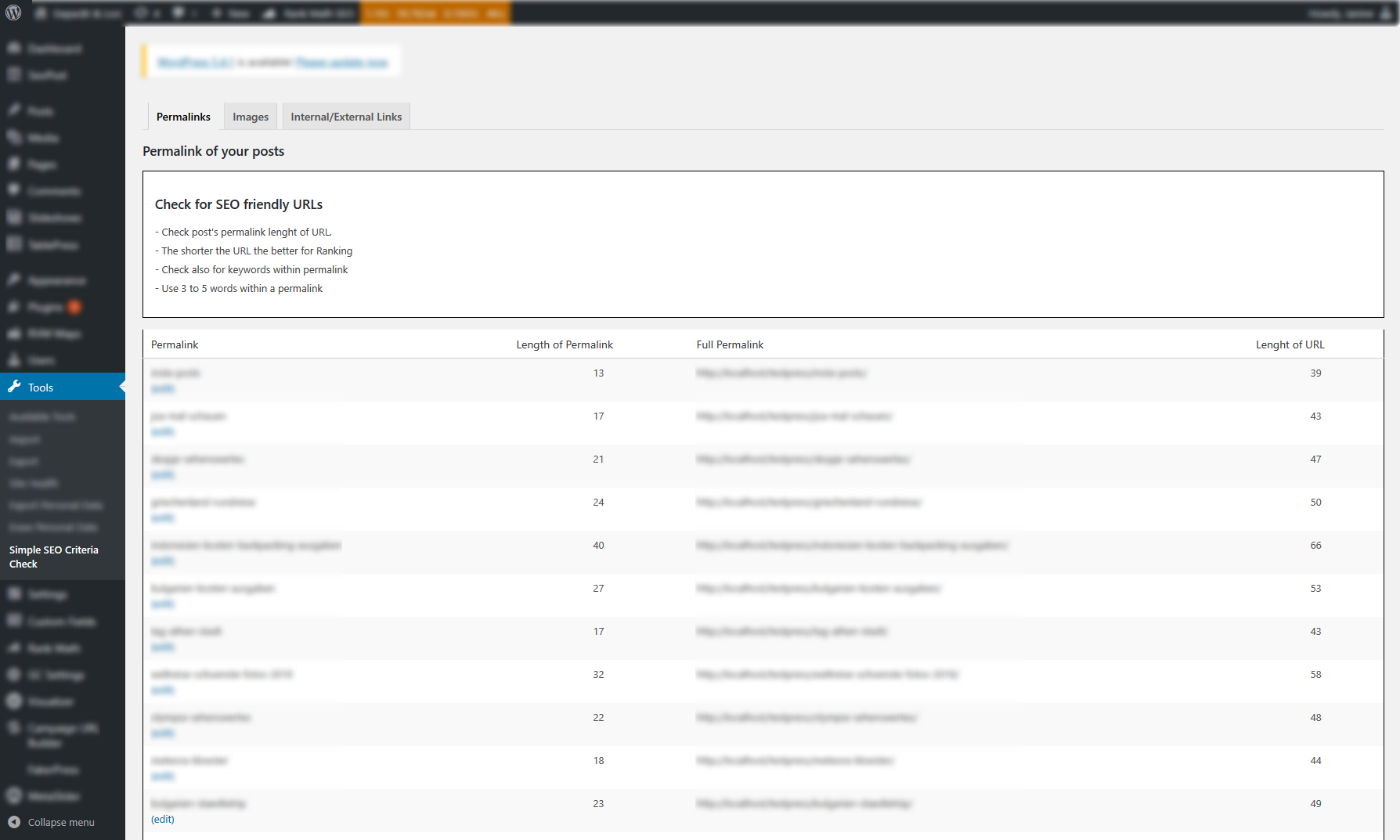
Screenshot permalink structure screenshot-3.(png|jpg|jpeg|gif).
Changelog
2.6
Ready for WP 6.3
2.5
Ready for WP 6
2.4
Added screenshots
2.3
Updated image file name display
2.2
Minor bug fix to Image Tab
2.1
Adjustments to Menu for SEO check for images
2.0
Added Alt Tag check for images for better SEO
1.4
Language updates
1.3
Minor bug fix
1.2
Minor text changes
1.1
Adjusted readme and settings text
1.0
Initial release