

SinglePlatform
With the SinglePlatform plugin, you will be able to update your menus and services from our portal so that your info is consistent across the web.
Plugin info
Maintenance & Compatibility
Maintenance score
Possibly abandoned • Last updated 1162 days ago • 1 reviews
Is SinglePlatform abandoned?
Possibly abandoned (last update 1162 days ago).
Compatibility
Similar & Alternatives
Explore plugins with similar tags, and compare key metrics like downloads, ratings, updates, support, and WP/PHP compatibility.
Description
SinglePlatform helps local business get discovered everywhere that matters online. With our official WordPress plugin, you can connect your website to our portal so that all of your updates automatically appear on your websites as well as across our expansive network of publishers. This plugin will create a dedicated menu page for your website. Save time with SinglePlatform today.
Installation
- Click “Install Now”.
- On the installed plugins page next to the SinglePlatform Plugin, click “Activate”.
- A tab called SinglePlatform will be created in your sidebar, click there.
- Enter your Location ID. If you don’t have this ID, contact your account manager.
- Click on the Pages link in your sidebar. The SinglePlatform menu page will be listed as “Menu”.
- Hover over the the “Menu” item and click “View” to see the published menu page.
- Alternatively, hover over the “Menu” item and click “Edit” to change the URL of the menu, or amend it with additional content.
Frequently Asked Questions
Review feed
Screenshots
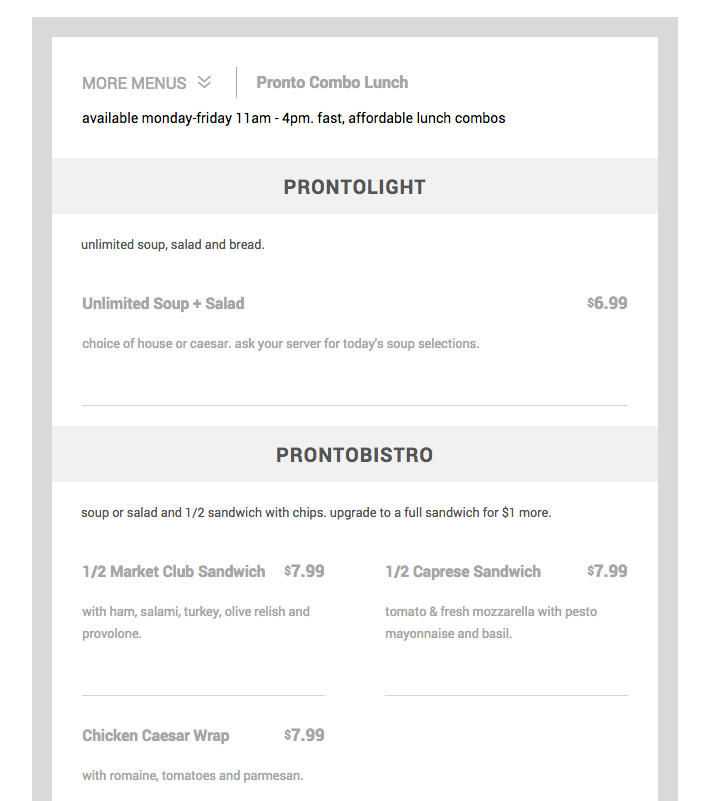
Menu Widget. Example of how your SinglePlatform menu can look on your website.
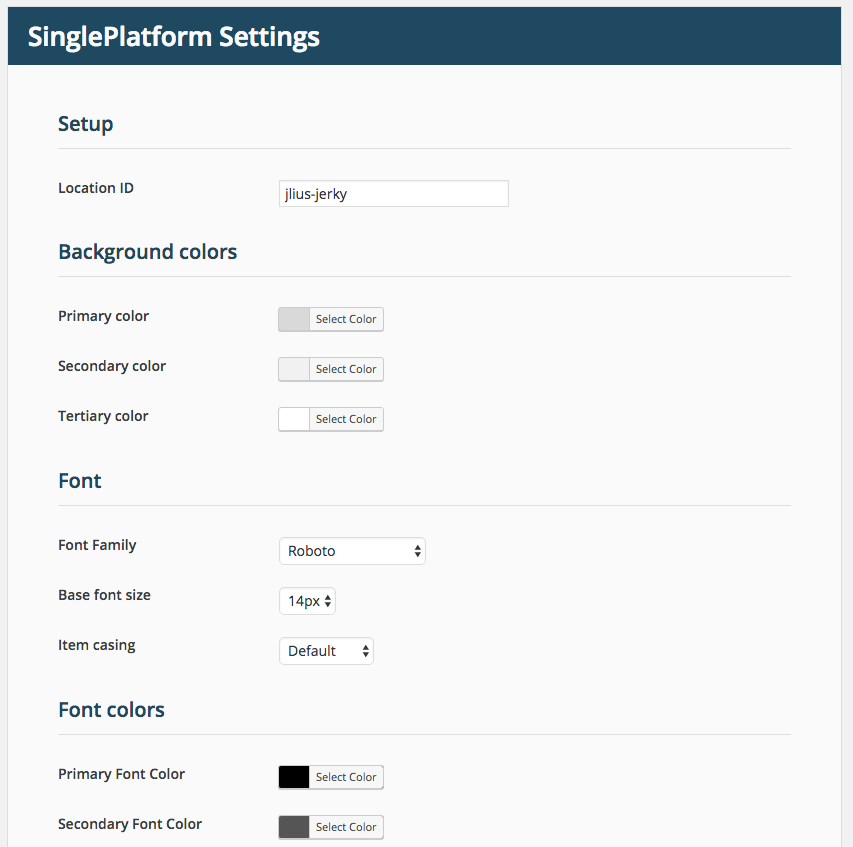
Settings screen. Customize Tweet and Timeline color schemes including background, text colors, and borders. Attribute site content to a Twitter account. Automatically include Tweet buttons alongside your post content.