

Site Checker: All-in-One QA Testing, Speed, Link & Security Audit
Scan, spot, and solve WordPress issues in seconds with Site Checker.
Plugin info
Maintenance & Compatibility
Maintenance score
Maintained • Last updated 129 days ago • 3 reviews
Is Site Checker: All-in-One QA Testing, Speed, Link & Security Audit abandoned?
Likely maintained (last update 129 days ago).
Compatibility
Similar & Alternatives
Explore plugins with similar tags, and compare key metrics like downloads, ratings, updates, support, and WP/PHP compatibility.
Description
Welcome! And say hello to WP Site Checker, every web developer’s one-stop toolbox for all your testing and building needs.
Tired of having to install a plethora of different plugins to check your website’s page speed, WordPress Compatibility, Security, and more? Well look no further!
WP Site Checker, a tool made by Web Developers, for Web Developers, has all the tools you need to not only help you speed through development in the initial stages, but keep up maintenance and site pace like it is nobody’s business.
So, what exactly does WP Site Checker offer? Well, our services are separated into 3 major functions;
Features
WP Related Checks:
“WordPress Related Checks” are the checks your website will run through pertaining to the general health of the WordPress Engine for your website. It’s checks include;
-
Checking for any WP plugin or theme updates
-
Checking your overall website content and caching health
-
Identifying how Search Engine Crawlers are interacting with your website
WP Security Checks:
“WordPress Security Checks” are the checks your website will run through in regards to the overall security of the site. This includes;
-
Identifying the Admin User ID and Admin URL, whether they are secure or the user in question has the right credentials
-
The installation status for the recommended WP security plugins, whether or not they have been enabled
-
The password strength of admin/user credentials and how vulnerable they are to be compromised
General Checks:
“A series of general checks that your website will go through, relating to outside factors as separate from WordPress functions and checks. These checks are meant for a variety of factors from optimization to security;
-
Redirection from Http to Https, ensuring the privacy of user information and basic security protocols
-
Page Speed reporting, leading you to problem points in your website that may be causing it to lag or slow down on a number of devices
-
SSL rating is a general check that makes sure your site’s SSL certificate is up to date, providing you with its current condition and grade
-
Youtube Suggested is simply a toggle that allows you to switch between the use of channel-specific, or genre-specific Youtube videos populating your website
-
The accessibility report will provide you with a detailed report of the accessibility of any given page on your website.
-
Broken Links ( Available in Premium )
-
Word Search ( Available in Premium )
-
404 Page Checker ( Available in Premium )
-
External & Internal Links ( Available in Premium )
-
Responsive Test ( Available in Premium )
-
Headings ( Available in Premium )
-
Spell & Grammar Check ( Available in Premium )
Documentation
You can find detailed usage instructions, setup steps, and feature documentation at:
Site Checker Documentation
External Services
This plugin connects to the following third-party services:
-
Google PageSpeed Insights API
- Purpose: Used to analyze website performance metrics and provide optimization suggestions.
- Data Sent: The URL of the page being tested.
- When Sent: When you run a site speed test from within the plugin dashboard.
- Service Provider: Google LLC
- Terms of Service: Google Terms of Service
- Privacy Policy: Google Privacy Policy
-
Qualys SSL Labs API
- Purpose: Used to analyze the SSL/TLS configuration of your website and provide a security grade.
- Data Sent: Your website’s domain name.
- When Sent: When you check your SSL rating from within the plugin dashboard.
- Service Provider: Qualys, Inc.
- Terms of Service: Qualys Terms of Service
- Privacy Policy: Qualys Privacy Policy
Source Code
This plugin includes minified JavaScript files for download pdf reports. The non-minified source code for these files is available as follows:
-
pdfobject.min.js
- The non-minified source code for PDFObject is available at PDFObject on GitHub
-
jspdf.min.js
- The non-minified source code for jsPDF is available at jsPDF on GitHub
-
html2canvas.min.js
- The non-minified source code for html2canvas is available at html2canvas on GitHub
Installation
- Ensure that your WordPress site is running WordPress 6.0 or higher.
- Upload the plugin folder
Site Checkerto the/wp-content/plugins/directory, or install the plugin via the WordPress Plugins screen directly. - Activate the plugin through the ‘Plugins’ menu in WordPress.
- Navigate to the Site Checker settings from the WordPress admin dashboard to begin using the features.
Frequently Asked Questions
Site Checker is an excellent plugin for web developers, professional or amateur, looking to take their maintenance practices to the next level. A veritable toolbox of everything you need from initial development to testing and maintenance. While you don’t need a comprehensive base of development and coding knowledge, we do recommend you at least know the basics of website development, so you know the purpose of the menagerie of functions this plugin provides you with. Beyond that, basically anyone can use this plugin!
Not at all! Site Checker is a light tool and has virtually no functions that should slow down your website in the slightest. Most of its functions are based in maintenance regardless, and chances are your website is either not active, or unlisted for maintenance during the time it is in use. Even if you’re online during maintenance though, users should see no dip in the speed of your site’s pages.
Site Checker is compatible with nearly all 3rd party WordPress plugins, except ones that aim to do what we already provide functions for. So any other extensions that aim to maintain your site using functions we already provide are a no go, all other plugins are are completely fine to use and shouldn’t affect the plugin in the slightest, especially theme or aesthetic extensions!
Review feed
Screenshots
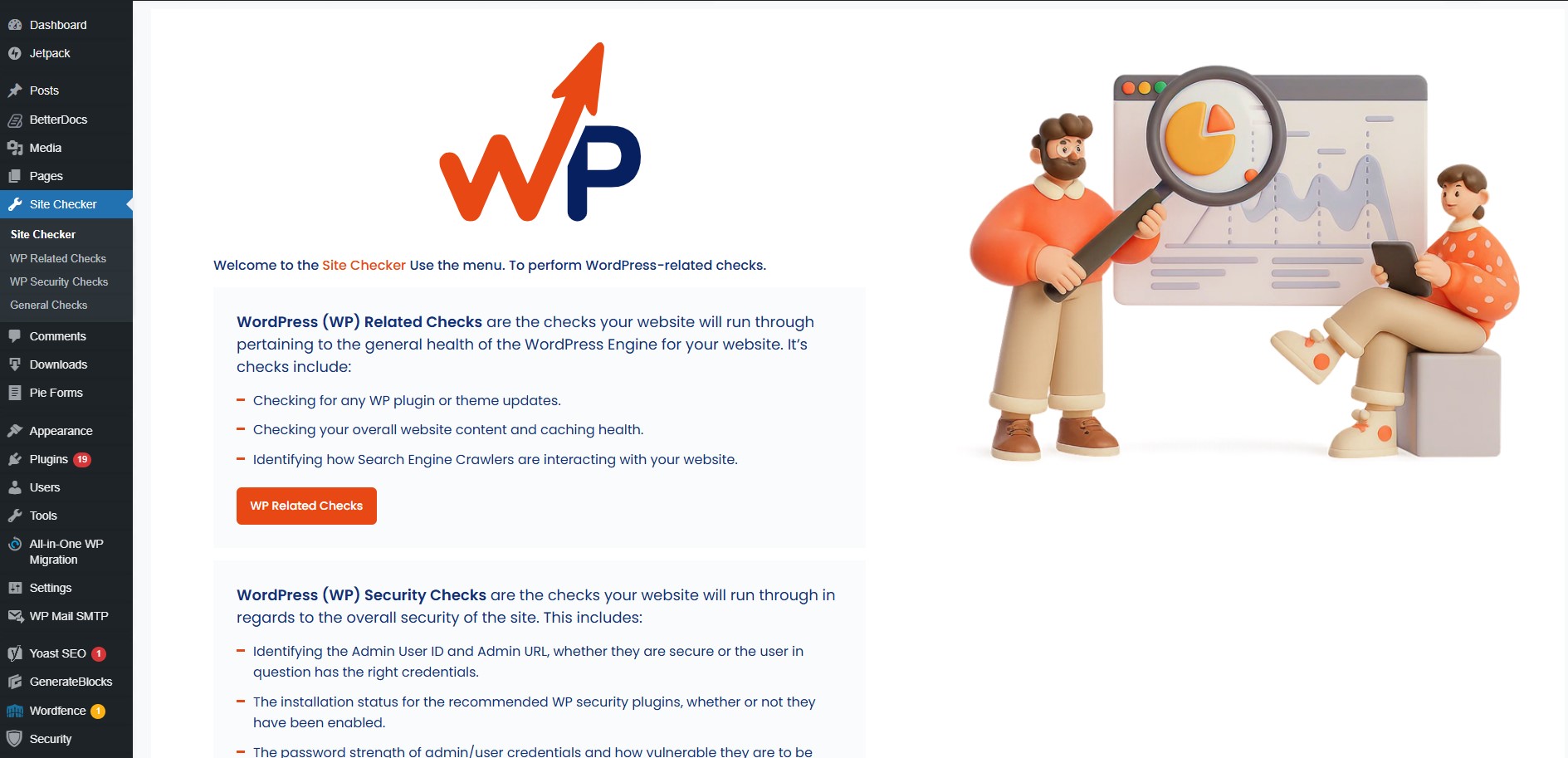
Site Checker Home
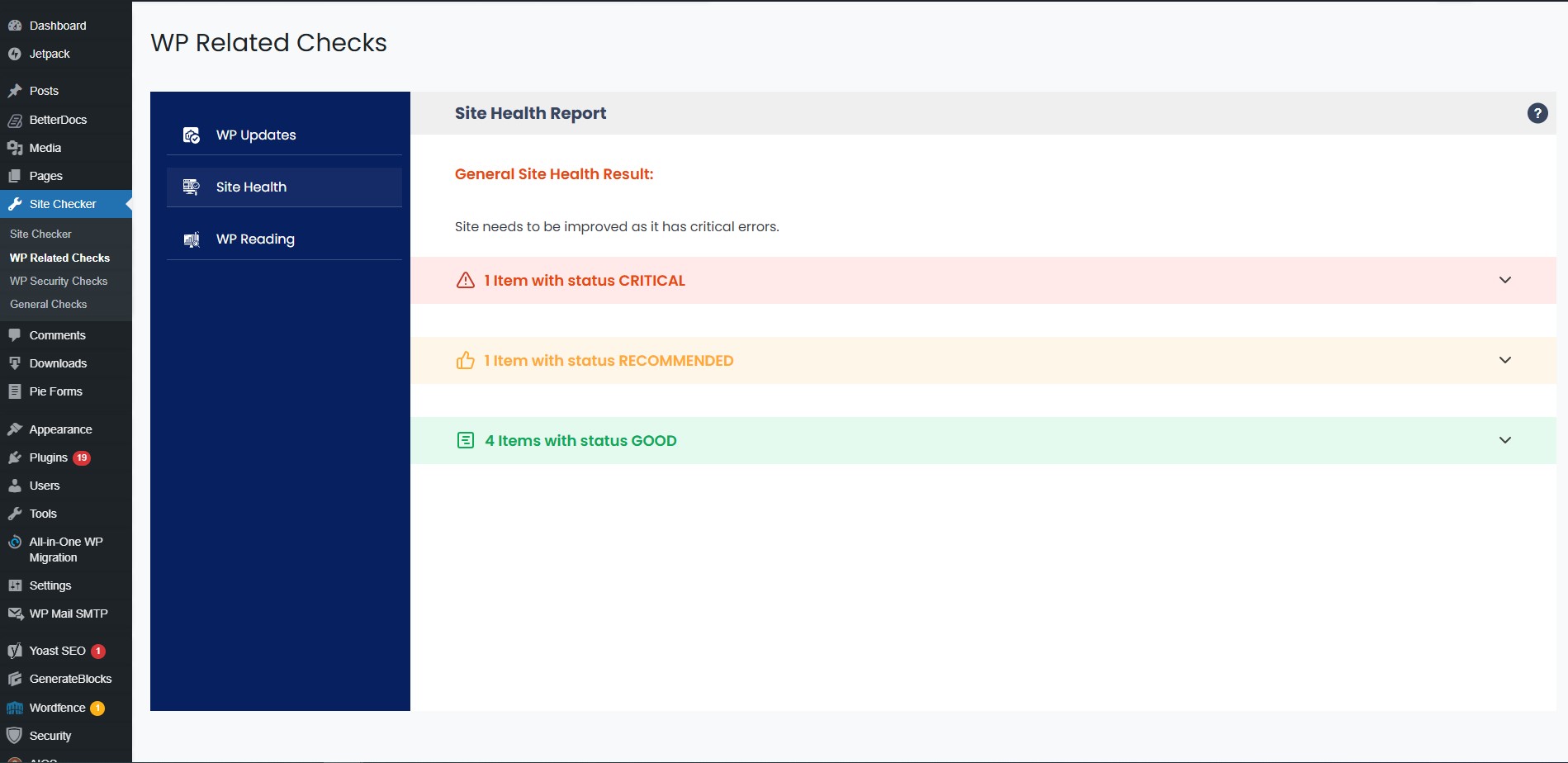
Site Health
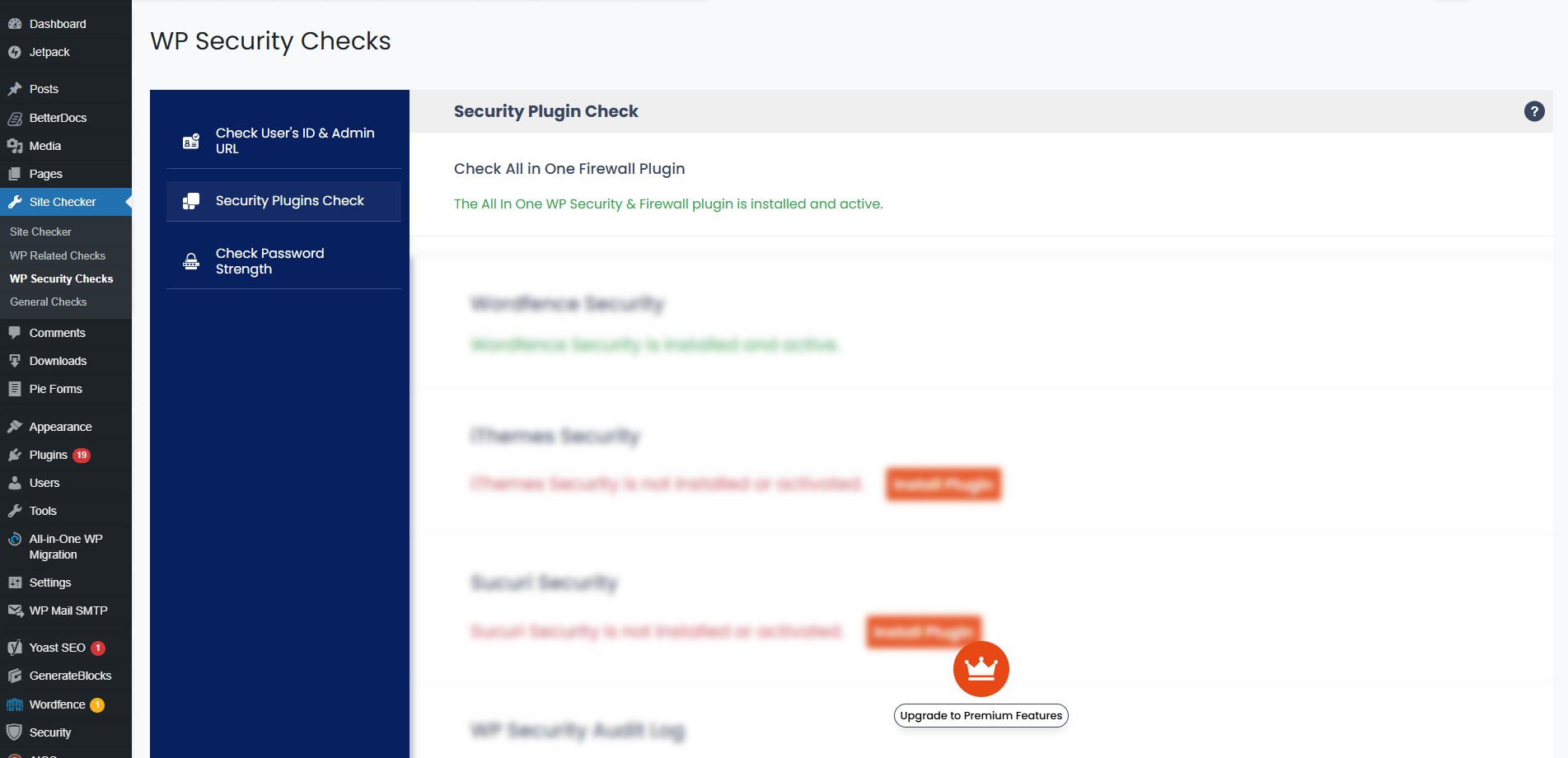
Security Plugin Check
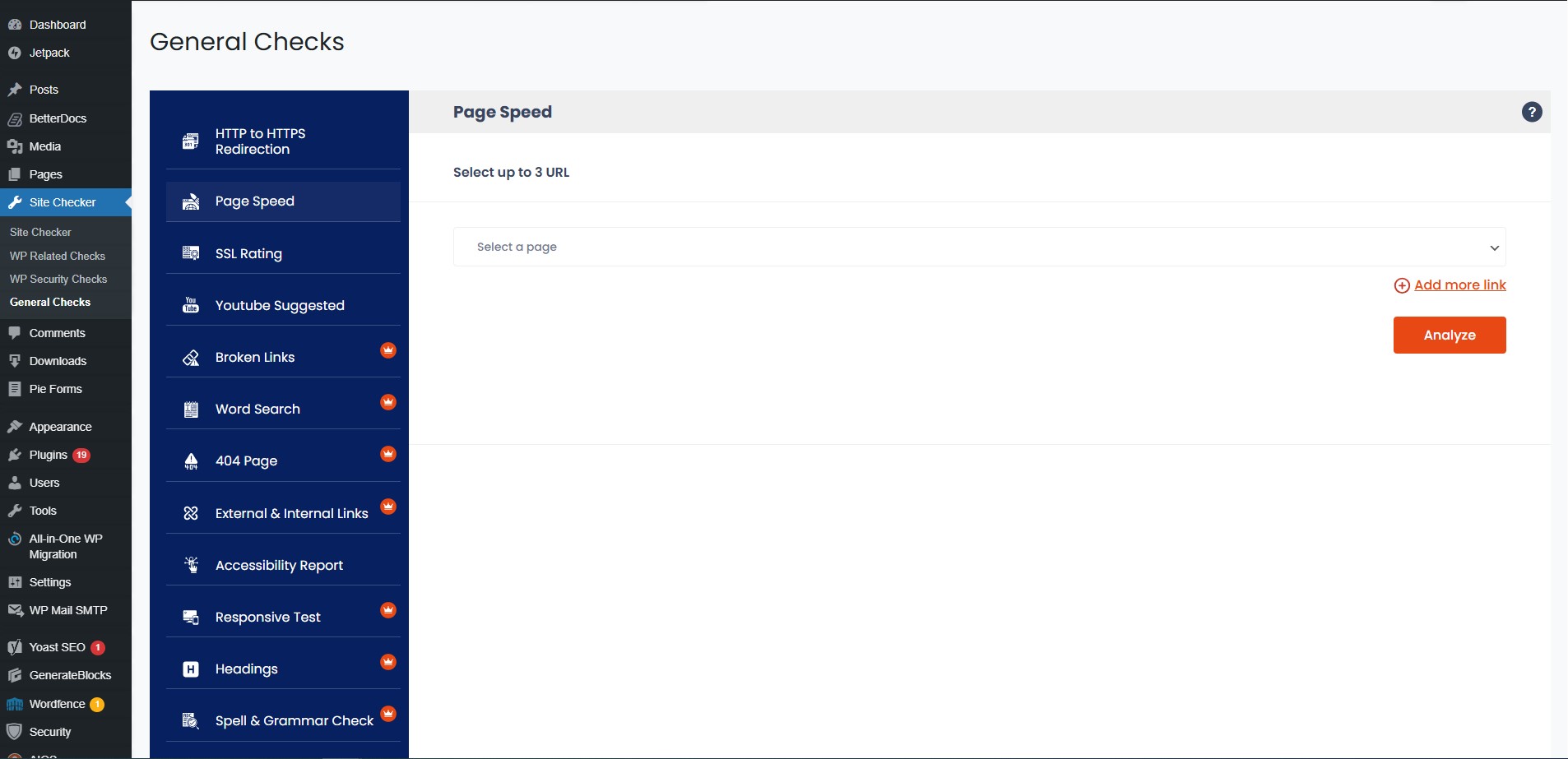
Page Speed Insights
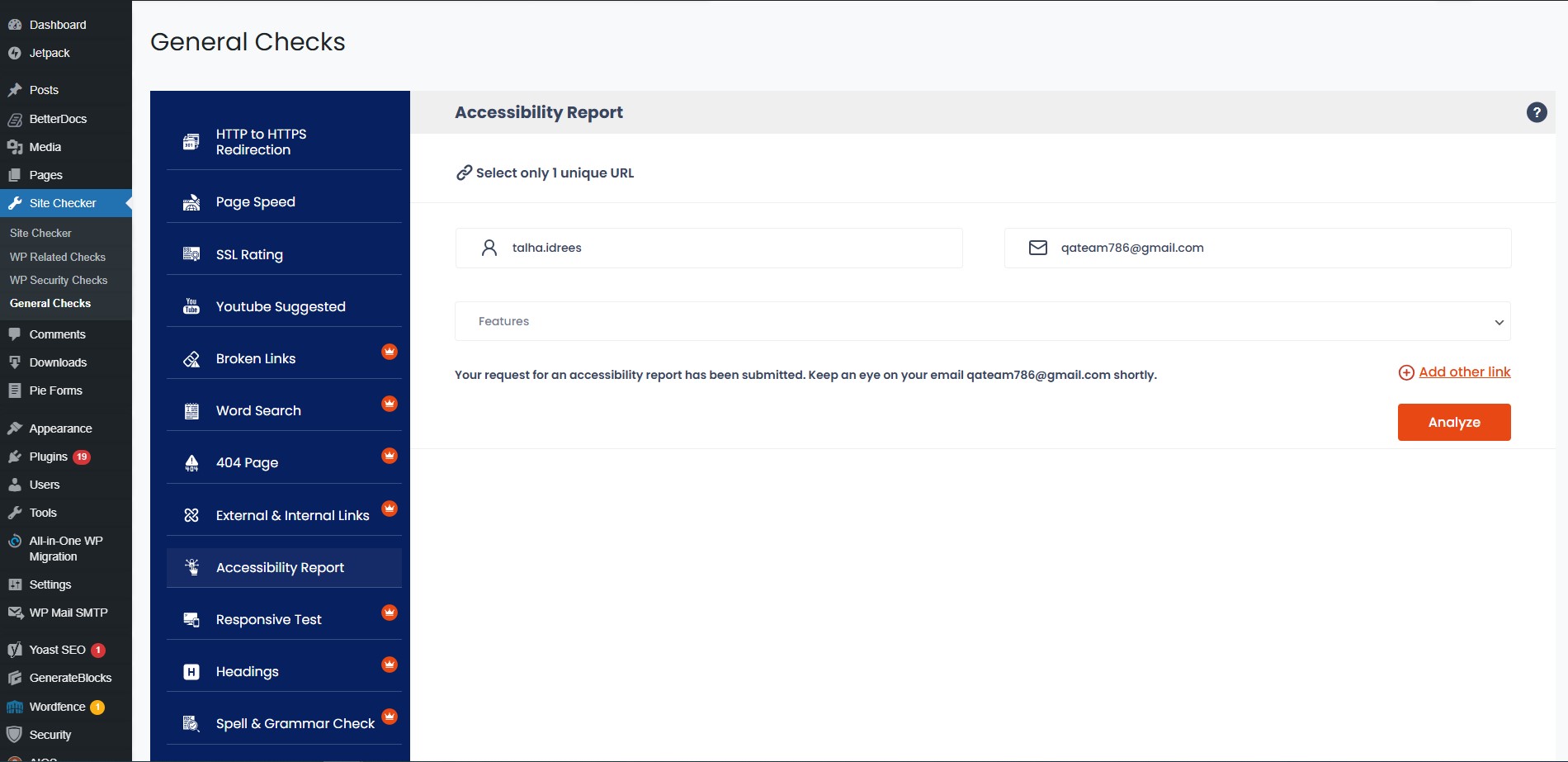
Accessibility Test
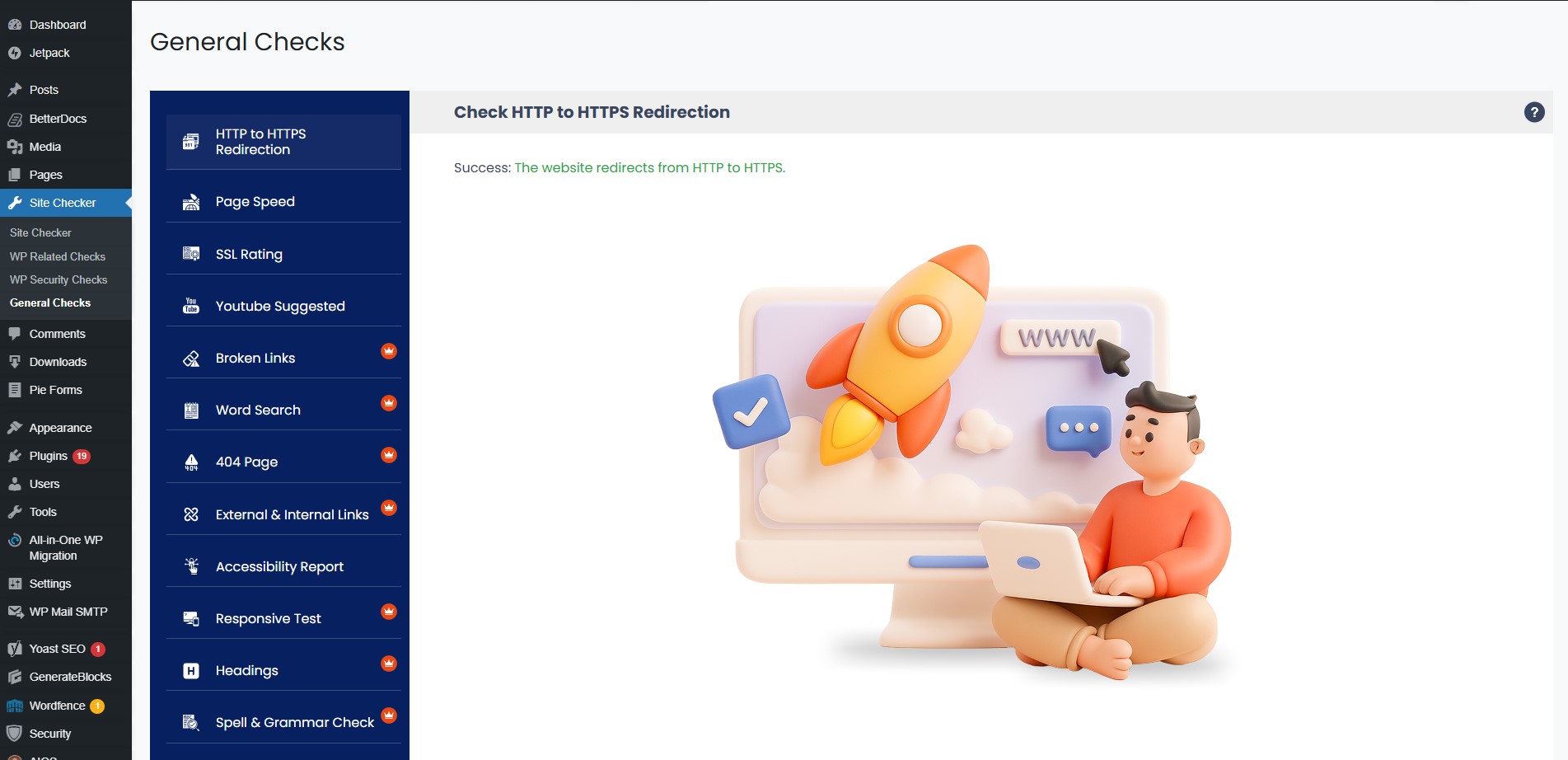
HTTP to HTTPS Redirection
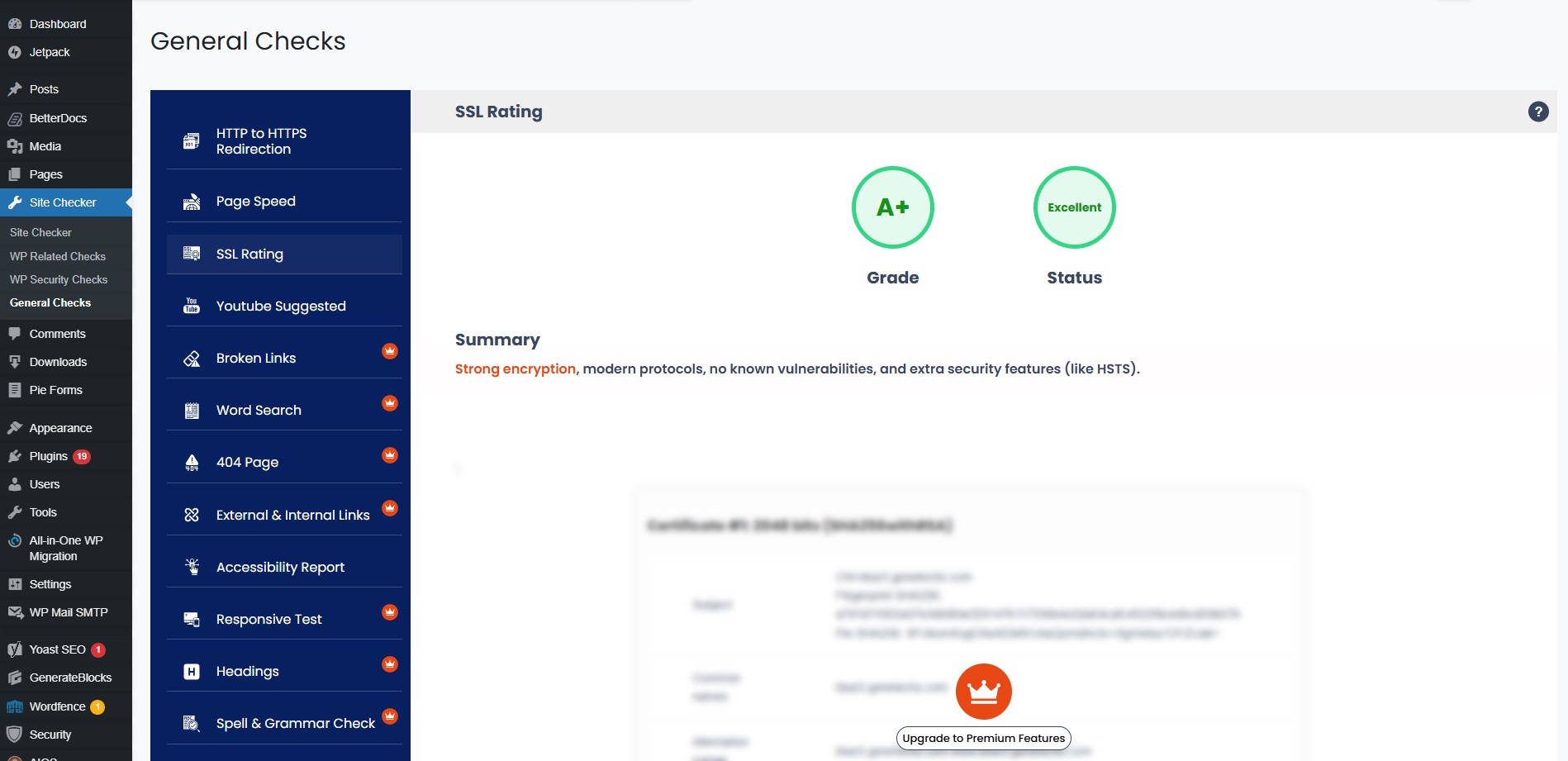
SSL Rating
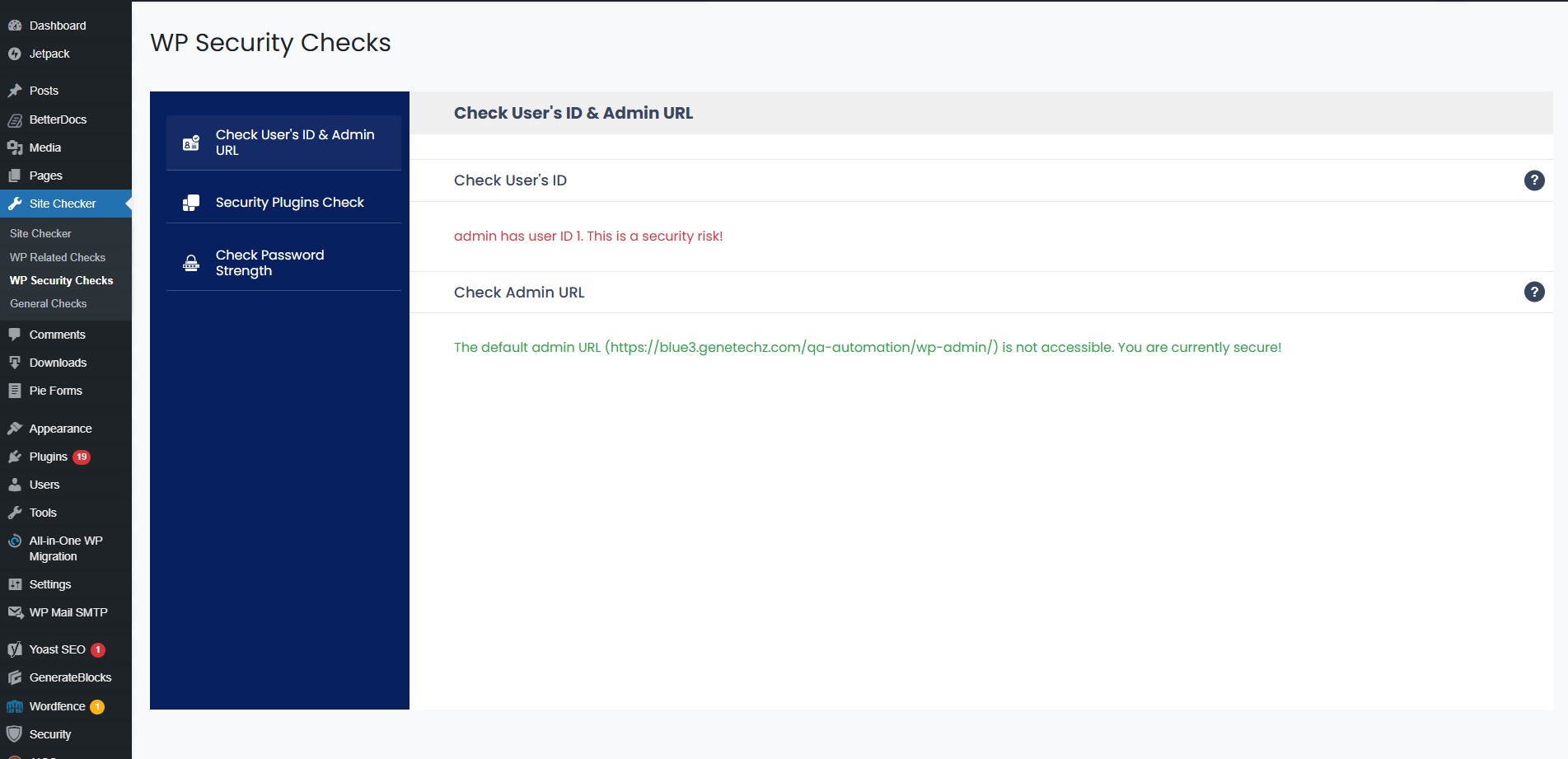
Check User's ID & Admin URL
Changelog
1.1.1
Released: November 24, 2025
- Minor UI improvements.
1.1
Released: November 19, 2025
- Added Accessibility Test feature.
- Improved the UI.
1.0.7
Released: October 23, 2025
- Added missing images in assets folder
- Updated alt text for image & added title
1.0.6
Released: October 23, 2025
- Optimized the Page Speed Results
- Updated functionality of WordPress Core updates
- Changed some CSS Styles
- Optimized Scripts.js
1.0.5
- Updated plugin banner
= 1.0.4
– Updated readme file and banner size
= 1.0.3
– Updated wording of Required Plugin Check to Security Plugin Check
1.0.2
- Removed Not Permitted Files e.g .py
- Documented Use of Third Party / External Service
- Fixed Calling core loading files directly
- Fixed Avoiding the use of certain PHP functions on remote files
- Added sitechal as prefix
= 1.0.1
– Fixed PHP syntax errors and cleaned up code accordingly
– Removed unused libraries (e.g: Guzzle) to reduce bloat and improve performance.
– Replaced remotely loaded JS/CSS assets with local copies.
– Prefixed all functions, classes, variables, and data storage keys with “wpsc_” to avoid naming collisions.
– All input values from $_POST, $_GET, etc, are now properly sanitized using WordPress-recommended functions.
1.0
- Initial launch of the plugin