

Sitemap Manager
Take control of your XML sitemap. Exclude URLs you don’t want indexed. Works with Yoast, Rank Math, AIOSEO, and core sitemaps.
Plugin info
Maintenance & Compatibility
Maintenance score
Maintained • Last updated 162 days ago
Is Sitemap Manager abandoned?
Likely maintained (last update 162 days ago).
Compatibility
Similar & Alternatives
Explore plugins with similar tags, and compare key metrics like downloads, ratings, updates, support, and WP/PHP compatibility.
Description
Sitemap Manager gives you full control over your WordPress XML sitemap. Easily exclude thank-you pages, landing pages, or other URLs you don’t want indexed.
Works with Yoast, Rank Math, AIOSEO, and the native WordPress sitemap.
Highlights
– See your sitemap in a readable table.
– Exclude any post, page, or custom post type.
– Compatible with major SEO plugins and core sitemaps.
– No impact on content—just the sitemap.
Perfect for advanced SEO, content strategy, and hybrid sites.
Installation
- Upload the
sitemap-managerfolder to/wp-content/plugins/. - Activate the plugin through Plugins Installed Plugins.
- Go to Tools Sitemap Manager to manage your sitemap.
Frequently Asked Questions
Yes. Sitemap Manager works with Yoast, Rank Math, and AIOSEO. It also supports the native WordPress sitemap if no SEO plugin is installed.
It lets you exclude specific posts or pages (like thank-you or campaign pages) from the XML sitemap so search engines don’t index them.
Yes, in Sitemap Manager Pro you can add any valid URL on your domain (static HTML, PHP, etc.) and we’ll include them in a dedicated sitemap.
Go to Tools Sitemap Manager Sitemap, check the box next to any item you want to exclude, and click Save Changes.
Yes. Sitemap Manager automatically detects the active SEO plugin and adapts.
No. Manage as many as your sitemap contains.
Visit Sitemap Manager Pro.
Review feed
Screenshots
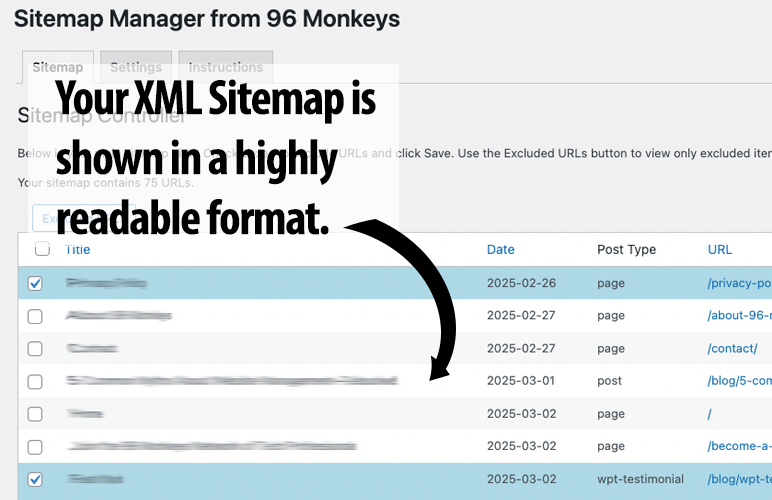
Your XML sitemap in a clean, readable table.
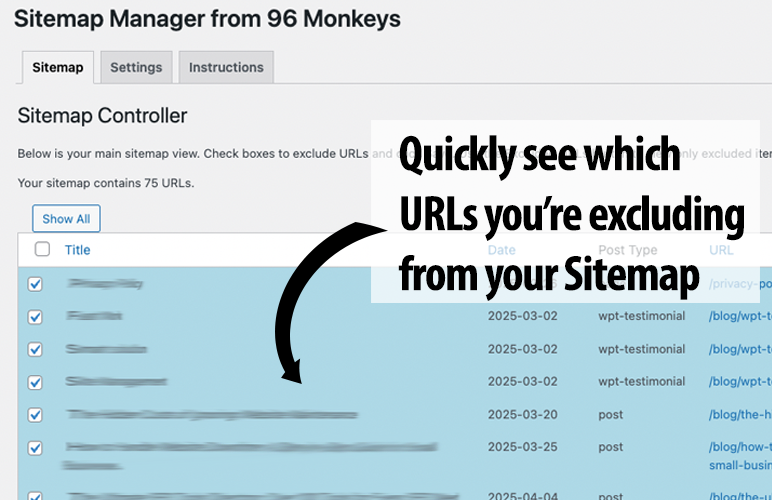
Quickly exclude URLs from the sitemap.
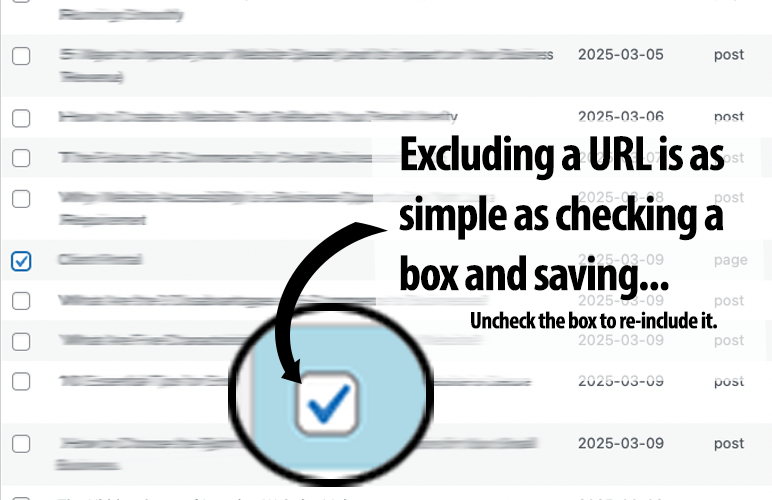
Excluding is as simple as checking a box.
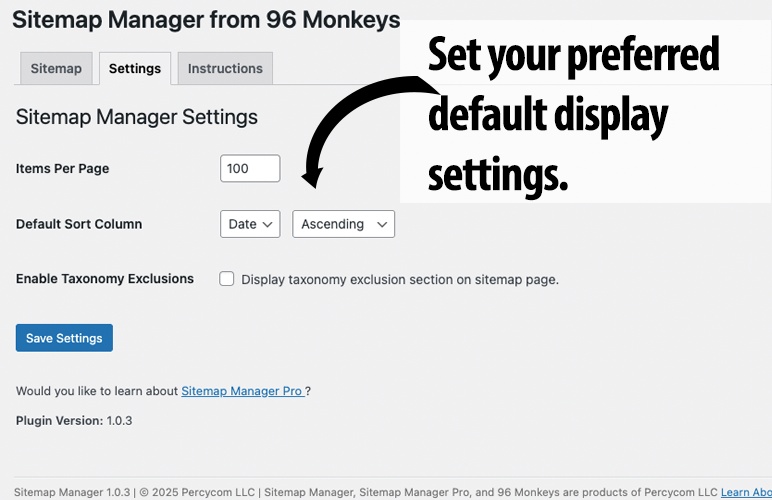
Display preferences for the listing.
Changelog
1.0.7
- Add compatibility/guard code for Sitemap Manager Pro to prevent conflicts.
1.0.2
- Improved compatibility and error suppression.
- Added nonce and capability checks.