

Plugin info
Maintenance & Compatibility
Maintenance score
Stale • Last updated 185 days ago • 1 reviews
Is Skittybop abandoned?
Likely maintained (last update 185 days ago).
Compatibility
Similar & Alternatives
Explore plugins with similar tags, and compare key metrics like downloads, ratings, updates, support, and WP/PHP compatibility.
Description
Skittybop is a WordPress plugin that enables users of a WordPress site to communicate with a pool of operators via video calls using the Skittybop Video Call service. You can install and use the plugin by following these steps:
- Download and install Skittybop using the built-in WordPress plugin installer.
- Log in as an administrator and create one or more WordPress accounts with the Operator role.
- Log in as any WordPress user and click the red button in the bottom right corner to start a video call with one of the available operators.
- Log in as an operator to accept incoming video calls 1.
- Visit the Skittybop page in the administration panel to view and manage the video call history.
To unlock the full potential of the Skittybop plugin, you need to create an account and have an active subscription by visiting the Skittybop API Management Platform. For more information about Skittybop video Call service please follow the links below:
-
Operators who need to stop receiving incoming video calls should log out from WordPress. This action will put them offline and stop notifications. ↩︎
Installation
You can download and install Skittybop using the built-in WordPress plugin installer. If you download Skittybop manually, make sure it is uploaded to “/wp-content/plugins/skittybop/”.
Frequently Asked Questions
Use the support forum of this plugin.
Skittybop uses your browser’s API to ask for permissions to access your microphone or camera. In case you get an error that your device can not be accessed or used, please check one of the following:
- Another application uses the device.
- Your browsing context is insecure (that is, the page was loaded using HTTP rather than HTTPS).
- You denied access to your browser when you were asked for.
- You have denied globally access to all applications via your browser’s configuration
Review feed
Excellent Work
Screenshots
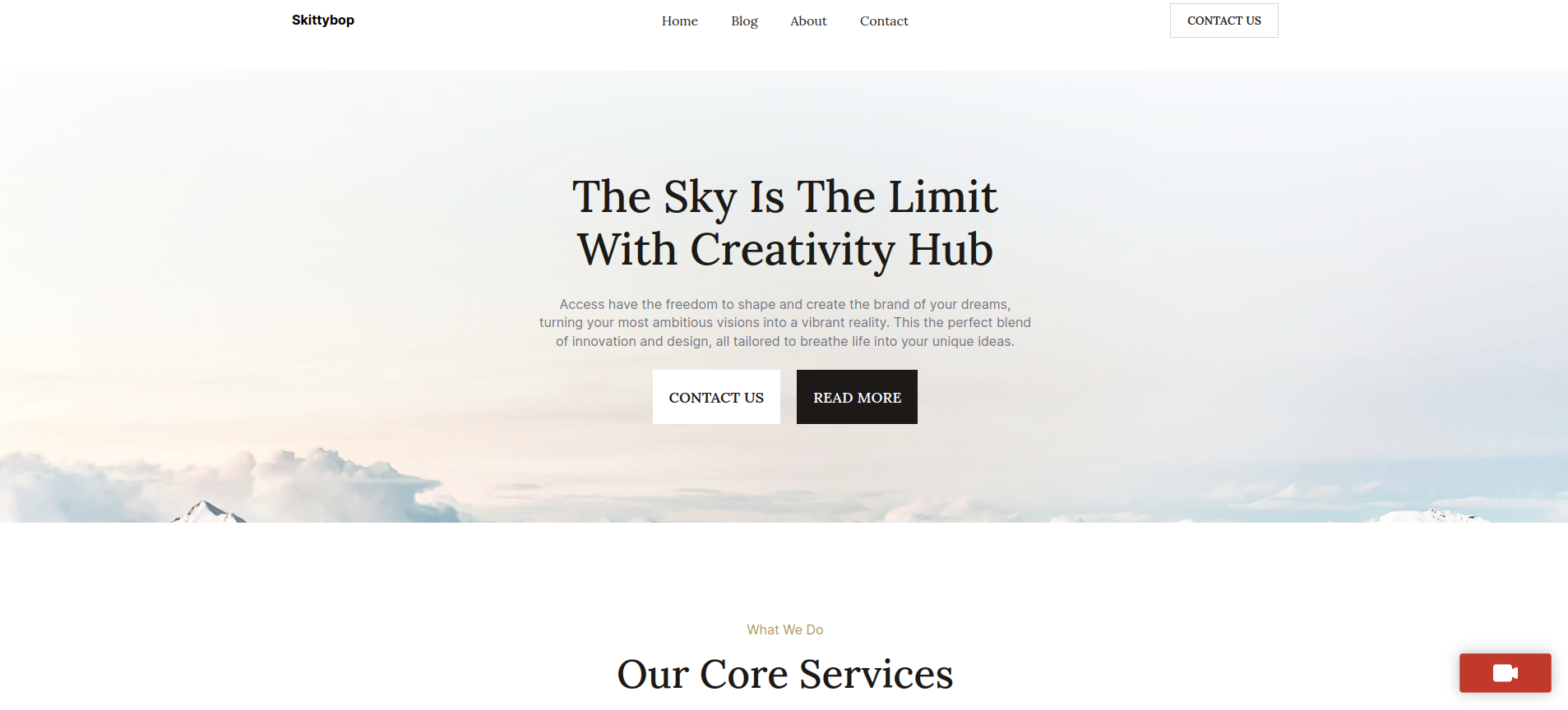
Start video call button

Pending outgoing video call dialog

Accept/Reject incoming video call dialog

Ongoing video call dialog

Video call history page

Video call history filtering

Operator status

Create an operator account

Pop-up video call

Pop-up video call window

Delete video calls for administrators
Changelog
1.0.6
- readme updated
1.0.5
- Initial version of the plugin