

Smart Support Chat Widget
Embed the Smart Support AI chat widget with customizable visuals and configuration.
Plugin info
Maintenance & Compatibility
Maintenance score
Actively maintained • Last updated 86 days ago
Is Smart Support Chat Widget abandoned?
Likely maintained (last update 86 days ago).
Compatibility
Similar & Alternatives
Explore plugins with similar tags, and compare key metrics like downloads, ratings, updates, support, and WP/PHP compatibility.
Description
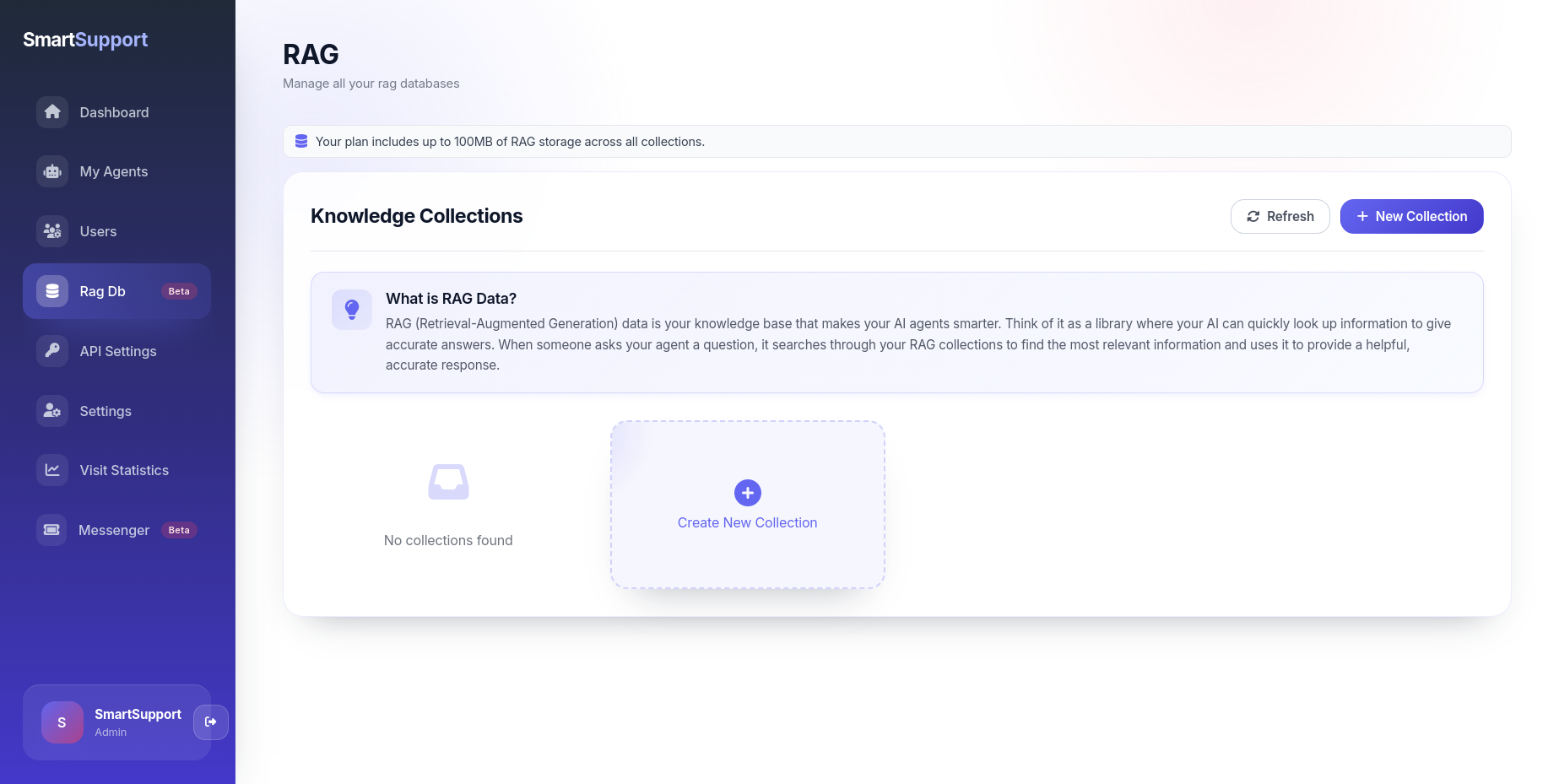
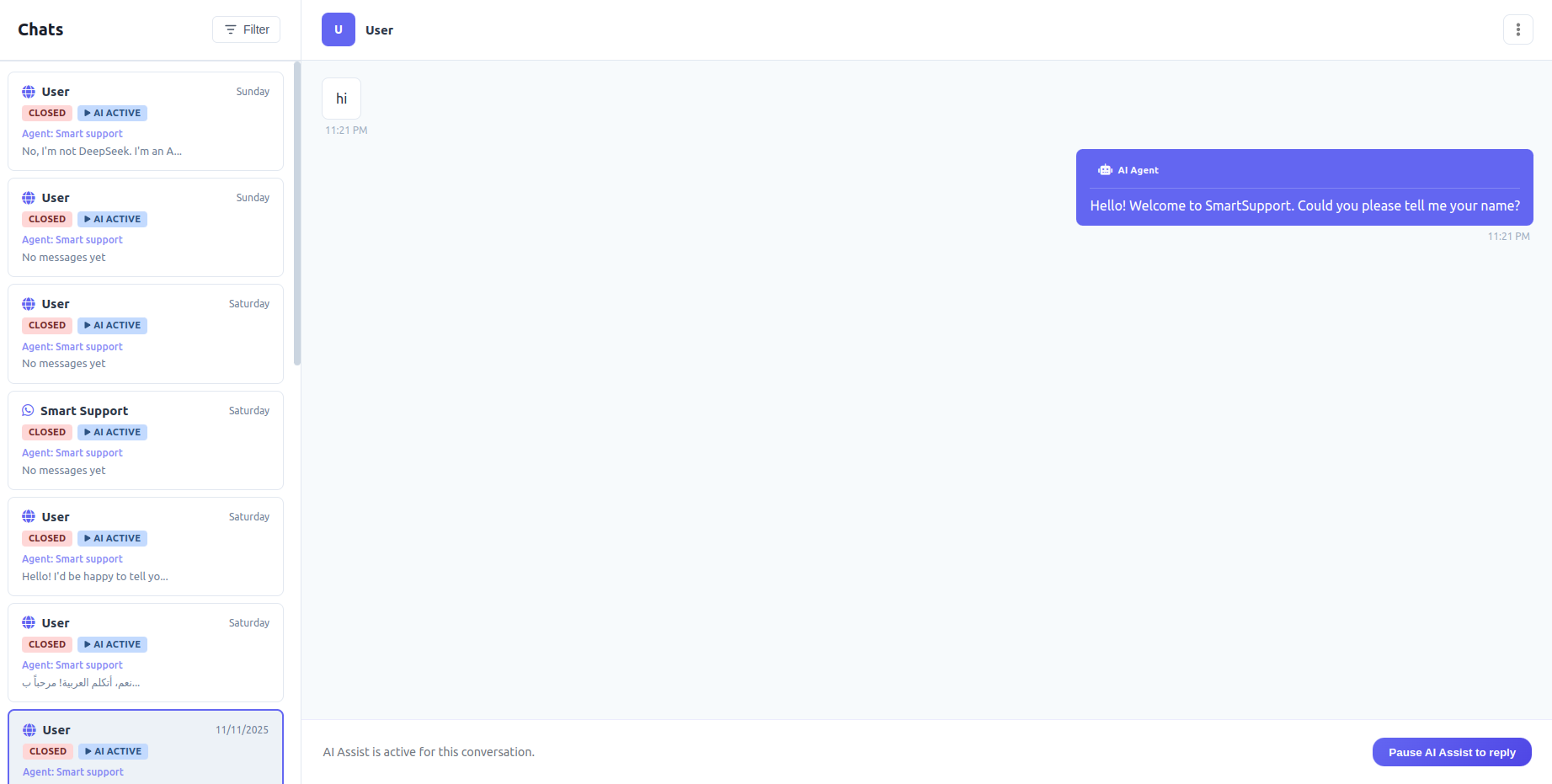
Smart Support Chat Widget turns your WordPress site into a SmartSupport-powered experience by keeping RAG (Retrieval-Augmented Generation) collections synced and feeding your SmartSupport AI agent the freshest content. Deploy the SmartSupport chat widget on any page and it will respond to visitors using the local page context plus the RAG collections you curate—all from the familiar WordPress admin.
Key capabilities
- AI chatbot ready out of the box: Drop in the SmartSupport chat widget and your AI agent answers questions using the current page content and any RAG collections you mapped in WordPress.
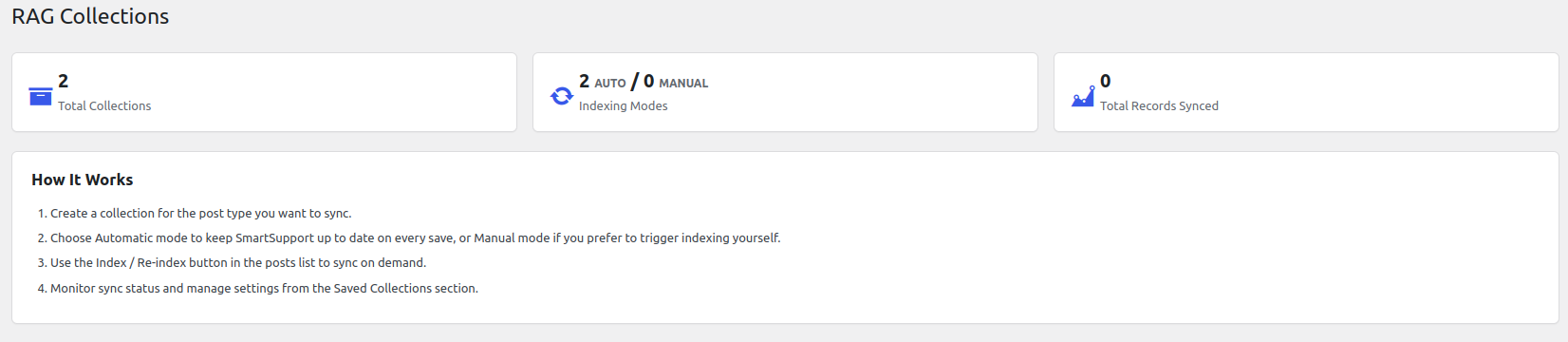
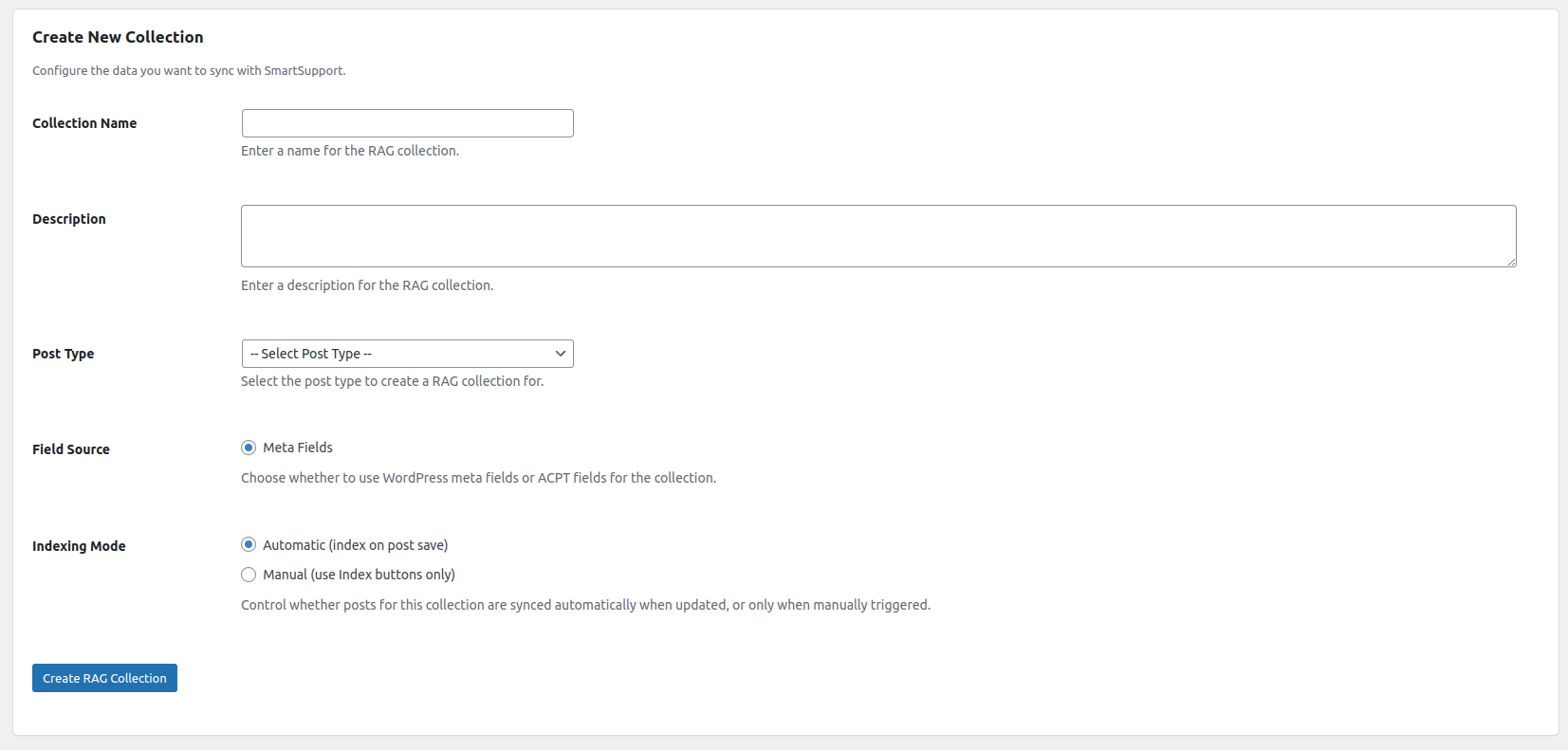
- Choose your RAG sources: Create SmartSupport RAG collections for posts, pages, or custom post types and include default WordPress fields, custom meta, ACPT fields, and even the canonical post URL.
- Automatic or manual indexing: Let Smart Support Chat Widget push updates every time you hit “Save,” or switch to manual mode for full editorial control.
- Bulk tools built in: Run a batch sync (up to 50 posts at once) whenever you need to catch SmartSupport up with your latest work.
- One-click commands: From the post list screen you can index, re-index, or clear a record without opening a single editor screen.
- Safe cleanup: When you trash or delete a post, Smart Support Chat Widget removes the associated SmartSupport record so your external knowledge base stays tidy.
- Frontend ready: On single posts, Smart Support Chat Widget outputs hidden inputs containing the SmartSupport collection name and record ID—handy for custom chat widgets or headless front-ends.
Why users love it
- No CSV exports, cron jobs, or custom scripts—your content syncs itself.
- Works with the fields and workflows you already use in WordPress.
- Surface-level UI highlights collection health with badges and summaries.
- Keeps SmartSupport clean by clearing stale records automatically.
- Adds zero-friction metadata for developers building deeper integrations.
Privacy
This plugin connects to your SmartSupport account. Depending on the fields you choose, the following information may be sent to SmartSupport when a post is indexed: post title, post content, excerpt, meta fields, and post URL. The SmartSupport AI chatbot widget loaded on the frontend is provided by SmartSupport and answers visitors based on the page context and referenced RAG collections. Please review SmartSupport’s Terms of Use and document the integration in your site’s privacy policy if required.
Short Description
Keep SmartSupport’s AI agent in sync with your WordPress content and drop a responsive chat widget on any page for instant, context-aware support.
Installation
- Upload the plugin files to
/wp-content/plugins/smart-support-chat-widget/, or install via the WordPress Plugins screen. - Activate the plugin through the Plugins menu.
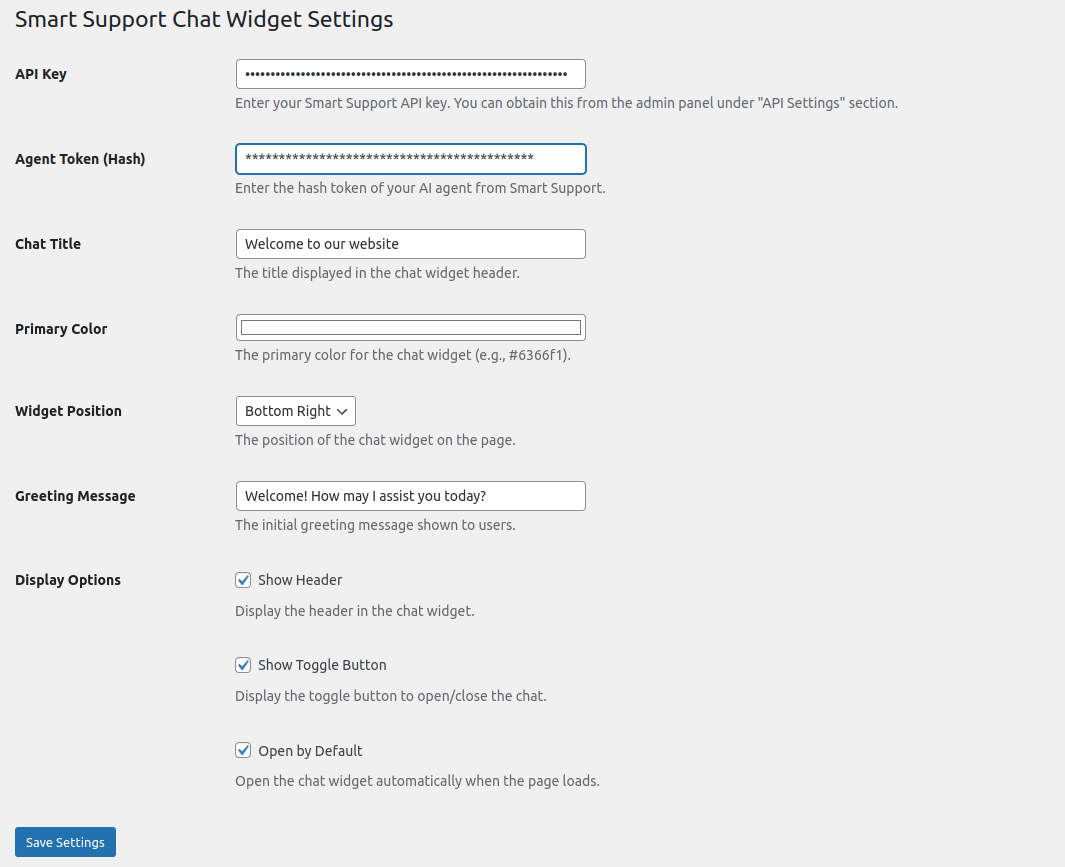
- Go to Smart Support Chat Widget Settings and add your SmartSupport API key and agent token.
- Visit Smart Support Chat Widget RAG Collections to create your first collection, select the fields to sync, and choose the indexing mode.
- (Optional) Visit Smart Support Chat Widget Bulk Indexing to run a one-time sync of recent posts.
- Save or update a post to test the connection—the record appears instantly in SmartSupport.
Frequently Asked Questions
Yes. Smart Support Chat Widget serves as the bridge between WordPress and your SmartSupport AI agent. You’ll need a valid SmartSupport API key and agent token before the plugin can sync RAG collections or load the AI chat widget.
You can process up to 50 posts per bulk indexing run. If you need to sync more content, simply run additional batches.
All collections, settings, and record identifiers are saved in your WordPress database. Post content is only sent to SmartSupport when you index a post (either automatically or manually).
Yes. When creating a RAG collection you can pull in WordPress meta fields or ACPT fields, alongside the default WordPress fields bundled by Smart Support Chat Widget.
Review feed
Screenshots

Changelog
1.0.0
- Initial public release with collection management, manual/automatic indexing, bulk sync tools, record cleanup, and frontend metadata helpers.