

Maintenance 38/100330d since update
Active installs
10
Downloads
2,291
Reviews
0
Age
9.7y
Plugin info
Total downloads: 2,291
Active installs: 10
Total reviews: 0
Average rating: 0
Support threads opened: 0
Support threads resolved: 0 (0%)
Available in: 1 language(s)
Contributors: 2
Last updated: 3/23/2025 (330 days ago)
Added to WordPress: 6/21/2016 (9 years old)
Minimum WordPress version: 3.4
Tested up to WordPress version: 6.8.3
Minimum PHP version: 7.4
Maintenance & Compatibility
Maintenance score
Stale • Last updated 330 days ago
38/100
Is SMNTCS Pinterest Save Button abandoned?
Likely maintained (last update 330 days ago).
Compatibility
Requires WordPress: 3.4
Tested up to: 6.8.3
Requires PHP: 7.4
Similar & Alternatives
Explore plugins with similar tags, and compare key metrics like downloads, ratings, updates, support, and WP/PHP compatibility.
No similar plugins found yet.
Description
You have beautiful pictures and you want to whole world to see them? Why not adding the Pinterest Save Button so that your visitors are able to share your pictures on their Pinterest account? This plugin makes it super easy. Install, setup, done!
Installation
- Upload
smntcs-pinterest-save-buttonto the/wp-content/plugins/directory. - Activate the plugin through the
Pluginsmenu in WordPress. - Go to
Apperance»Customize. - Activate the Pinterest Save Button.
- Adjust settings based on your needs.
Frequently Asked Questions
No FAQ available
Review feed
No reviews available
Screenshots
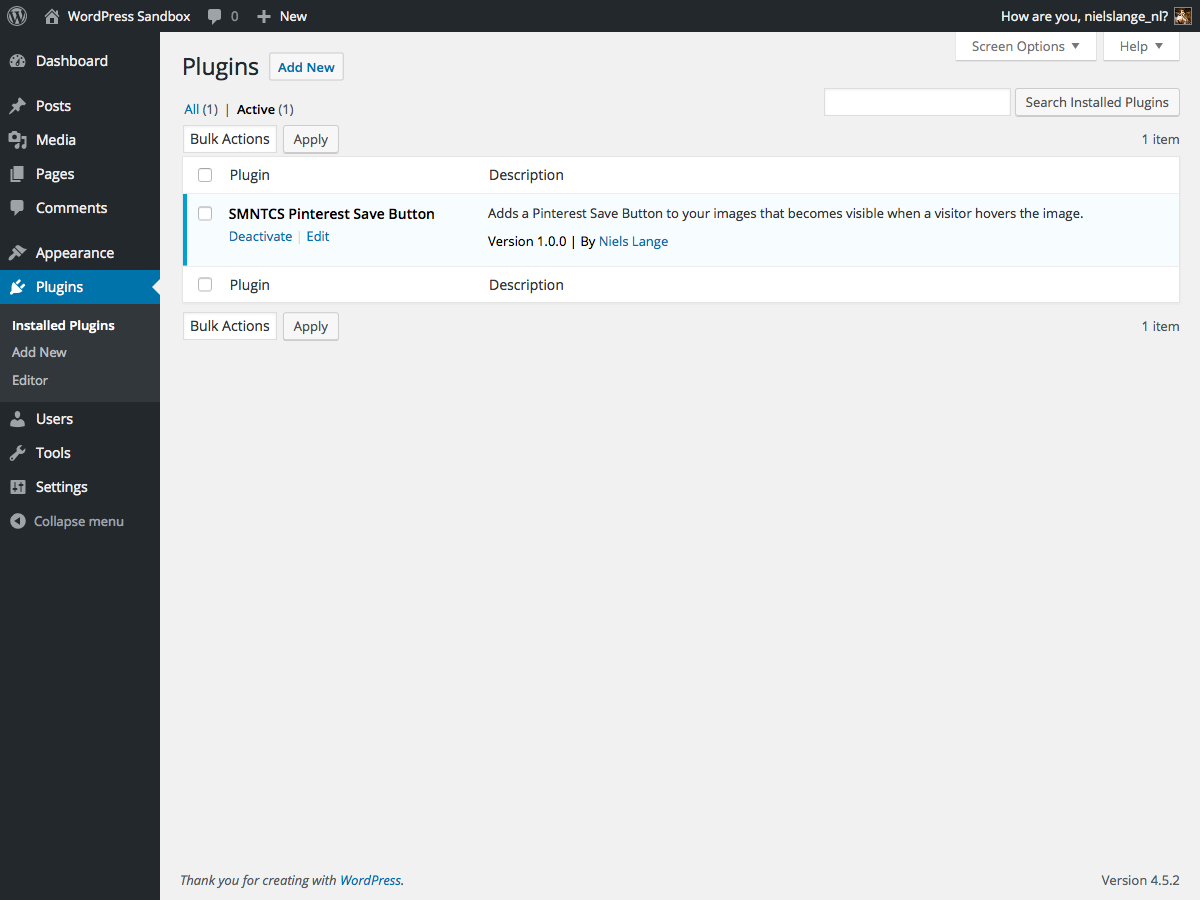
Upload and activate the plugin.

Open
Apperance → Customize.
Adjust settings of Pinterest Save Button.
Changelog
1.8 (2025.03.23)
- Test up to WordPress 6.8
1.7 (2023.12.24)
- Test up to WordPress 6.4
1.6 (2022.12.03)
- Test up to WordPress 6.1
1.5 (2020.01.02)
- Test up to WordPress 5.3
1.4 (2019.12.30)
- Test up to WordPress 5.2
1.3 (2019.06.30)
- Test up to WordPress 5.1
1.2 (2019.02.19)
- Correct text domain
1.1 (2019.01.14)
- Add text domain
1.0 (2016.07.20)
- Initial release