
Smooth Page Scroll Up/Down Buttons
Smooth Scroll Page Up/Down Buttons adds buttons that enables your site visitors to easily scroll up or down one screen/page at a time.
Plugin info
Maintenance & Compatibility
Maintenance score
Stale • Last updated 344 days ago • 21 reviews
Is Smooth Page Scroll Up/Down Buttons abandoned?
Likely maintained (last update 344 days ago).
Compatibility
Similar & Alternatives
Explore plugins with similar tags, and compare key metrics like downloads, ratings, updates, support, and WP/PHP compatibility.
Description
Summary
The Smooth Page Scroll Up/Down Buttons plugin for WordPress adds buttons to every page of your site, that can be used to (smoothly) scroll up or down exactly one screen/page at a time. This can be particularly handy for pages with a lot of text/content, or in cases wherever a browser’s scrollbar is just not good enough (or not present at all, like on tablets) to enable one-click, one-screen scrolling.
BONUS BUTTON! Optionally, you can add a “Back to top” button, that will take the visitor right back to the very top of the page.
No knowledge of any coding (HTML, CSS, JavaScript, PHP) is required at all.
Features
- Button positioning: choose between three options of where you want the buttons to appear — next to eachother at the bottom right, on top of eachother at the bottom right, or one at the top right and the other at the bottom right.
- Scrolling distance: scroll a full page with each click, half a page, or however far you want.
- Button size: choose the size of the buttons.
- Scrolling speed: set the speed at which pages should scroll from one page to another.
- ‘Back to top’ button: optionally, include an additional button that takes the user back to the very top of the page.
Installation
- Upload the “smooth-page-scroll-updown-buttons” directory to your “wp-content/plugins” directory.
- In your WordPress admin, go to PLUGINS and activate “Smooth Page Scroll Up/Down Buttons”
- Go to SETTINGS – SMOOTH SCROLL PAGE UP/DOWN BUTTONS
- Choose the layout (where you want the buttons to appear) and the scroll speed
Frequently Asked Questions
Currently, the only thing you can change about the buttons, is their SIZE and POSITIONING (using any of the 4 layout templates). A future version may include more buttons, and/or the option to upload your own button graphics or point to your own uploaded images.
From my own experience, the four options you have are the most common ones that people use. If, however, there is another layout that you think could be useful, please let me know and I might add it in a future update.
As with every plugin, it’s possible that things don’t work. The most common reason for this is that the plugin has a conflict with another plugin you’re using. It’s impossible to tell what could be wrong exactly, but if you post a support request in the plugin’s support forum on WordPress.org, I’d be happy to give it a look and try to help out. Please include as much information as possible, including a link to your site where the problem can be seen.
For any other issues, please use the WordPress.org forum.
Review feed
Screenshots
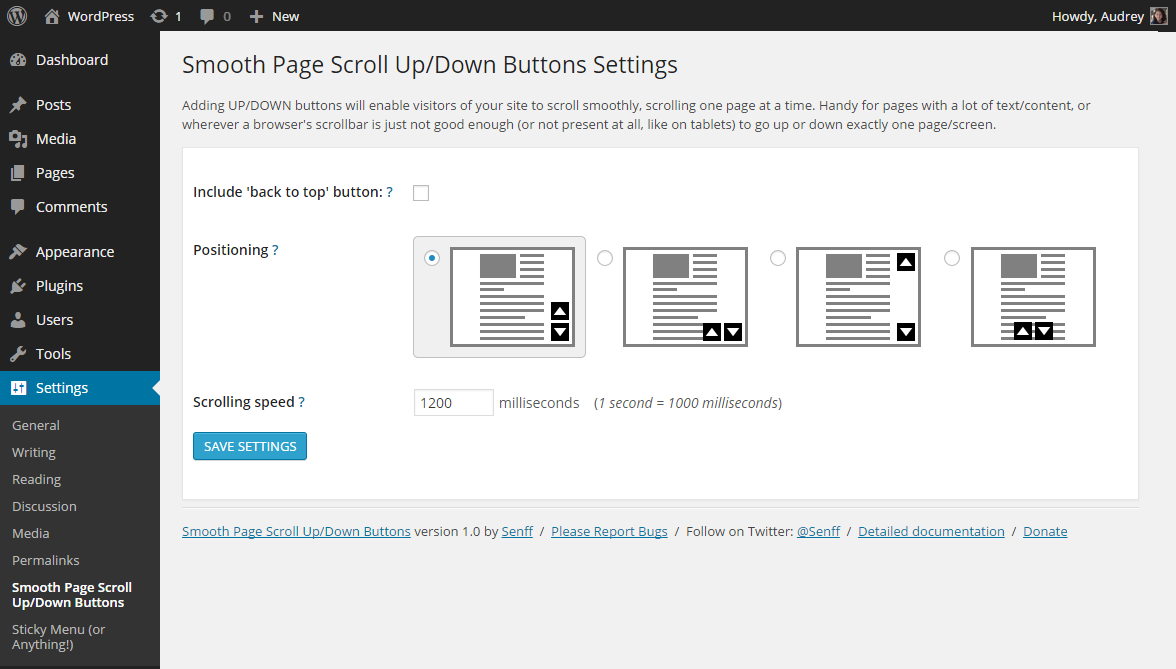
Settings screen
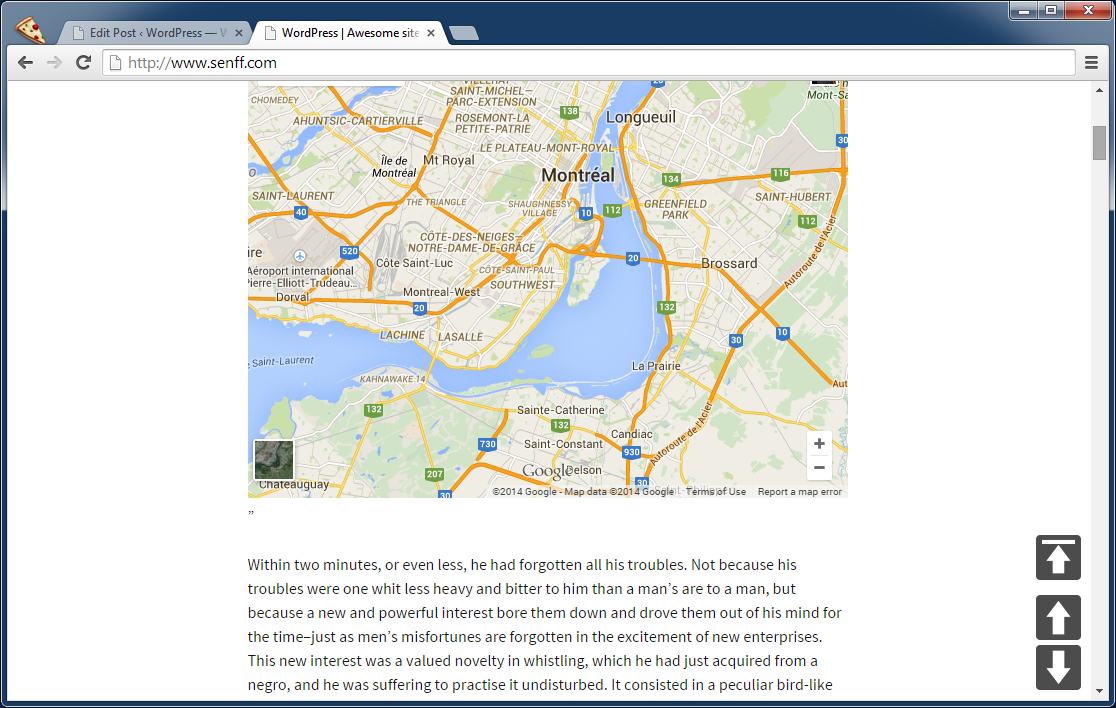
Example of buttons on site
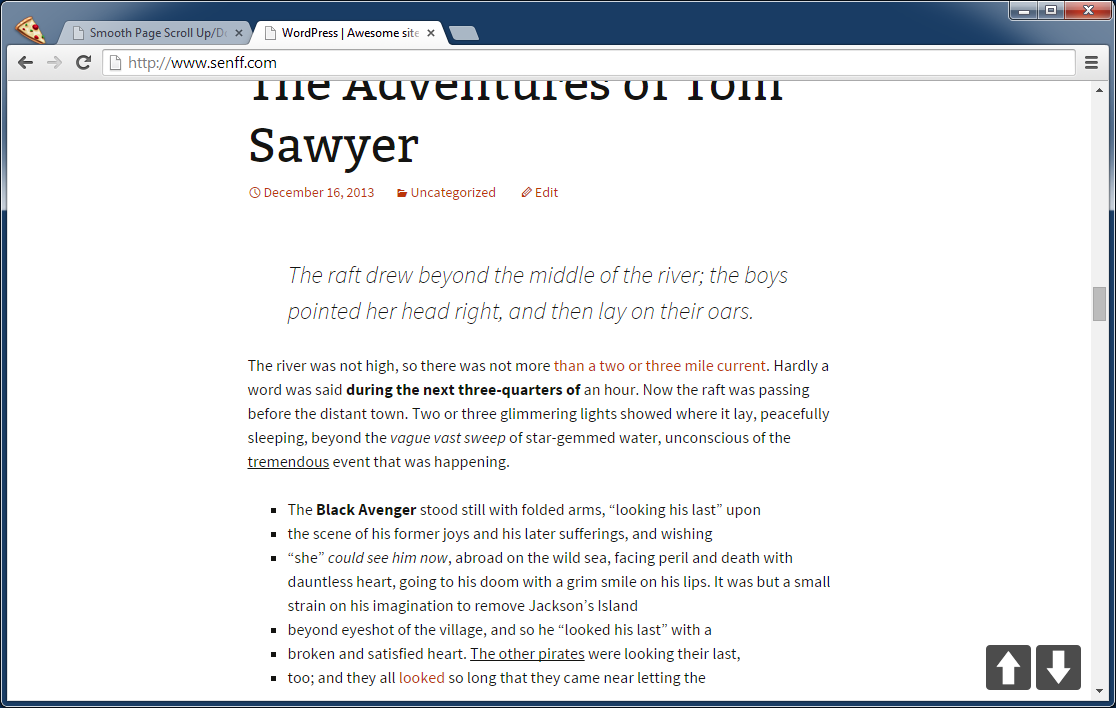
Example of buttons on site
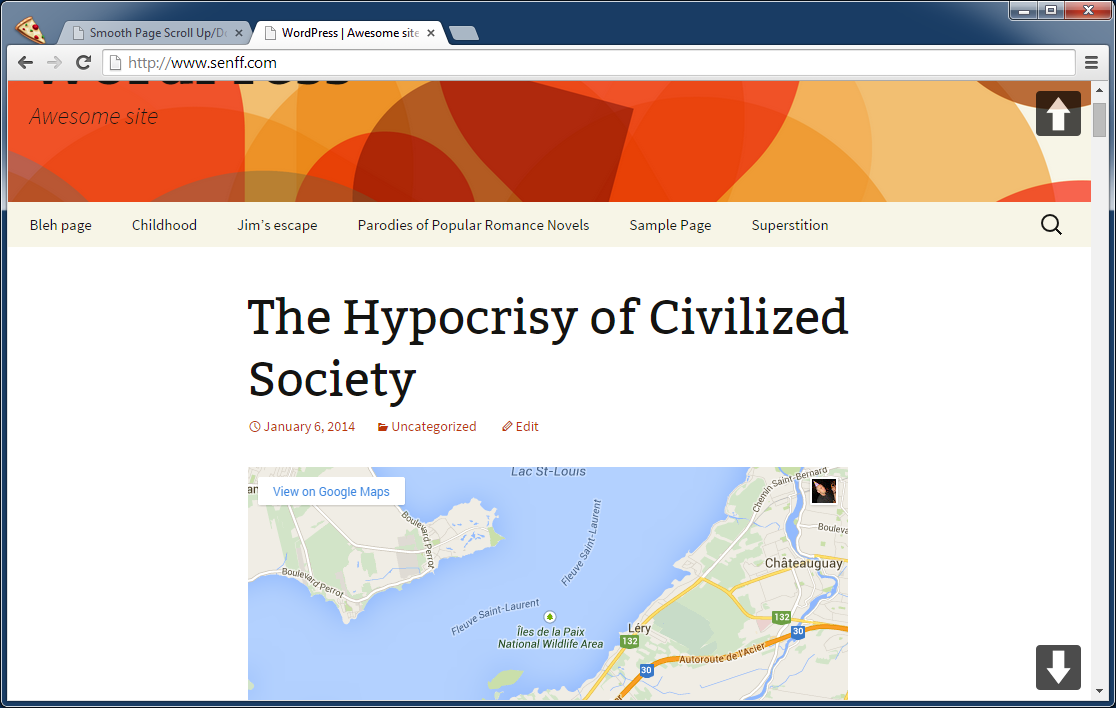
Example of buttons on site
Changelog
1.4.2
- Adjusted some code to better adhere to plugin standards.
1.4.1
Compatibility update
1.4
Fixed some security issues.
1.3
Added option to resize buttons.
1.2.1
Removed restriction to not scroll more than 100%.
1.2
Adding option to control how far the page scrolls with a click.
1.1
Adding additional setting for button placement: bottom center.
1.0
- Initial release.