
Social Divi
This plugin adds the ability to add more social icons to your website when using the Divi theme.
Plugin info
Maintenance & Compatibility
Maintenance score
Stale • Last updated 311 days ago • 4 reviews
Is Social Divi abandoned?
Likely maintained (last update 311 days ago).
Compatibility
Developers
Similar & Alternatives
Explore plugins with similar tags, and compare key metrics like downloads, ratings, updates, support, and WP/PHP compatibility.
Description
This plugin was made to easily add more social icons to your WordPress websites when using the Divi theme. By default Divi only supports 5 icons (Facebook, Twitter, Google+, Instagram, RSS).
The latest test was run with WordPress 6.2 and Font Awesome 4.3.2, however, it should also work with older versions.
This plugin enables the following icons:
– WhatsApp
– Facebook
– Twitter
– X (Twitter)
– Bluesky
– LinkedIn
– YouTube
– Vimeo
– Medium
– Tumblr
– Pinterest
– Instagram
– Snapchat
– Telegram
– TikTok
– Twitch
– Periscope
– SoundCloud
– Spotify
– Apple
– Xing
– Behance
– Dribbble
– Flickr
– GitHub
– Discord
– Houzz
– RSS
Usage
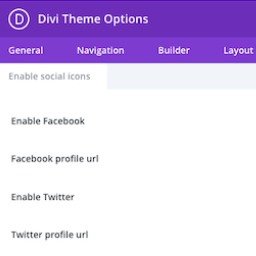
After activating the plugin, you will see a ‘Social Icons’ tab in the ‘Theme options’ of Divi.
You will be able to enable icons like you would normally do with the default icons.
Contributing
Contributions are welcome. Please create one pull request for every feature/bugfix/translation you make.
The repository can be found at Github
Installation
- Install and activate the Font Awesome plugin.
- To install this plugin, just upload this folder into the
wp-content/pluginsfolder of your website. Alternatively, you can install it from the WordPress Plugin Repository. - After adding the plugin to your website you can activate the plugin.
Frequently Asked Questions
- Click on ‘Theme Options’ in the ‘Divi’ menu in the admin interface.
- Click on the new ‘Social Icons’ tab.
- Enable the switch for the icons you want to use.
- Fill out the URL to your profile account on the social media platform.
The icons appear wherever Divi would normally place your social media icons.
By default this is in the footer, and in the secondary menu bar.
Review feed
Best FREE Plugin for Divi
Screenshots

Overview of the new Divi theme options.

New icons in the header & footer of a plain Divi install.
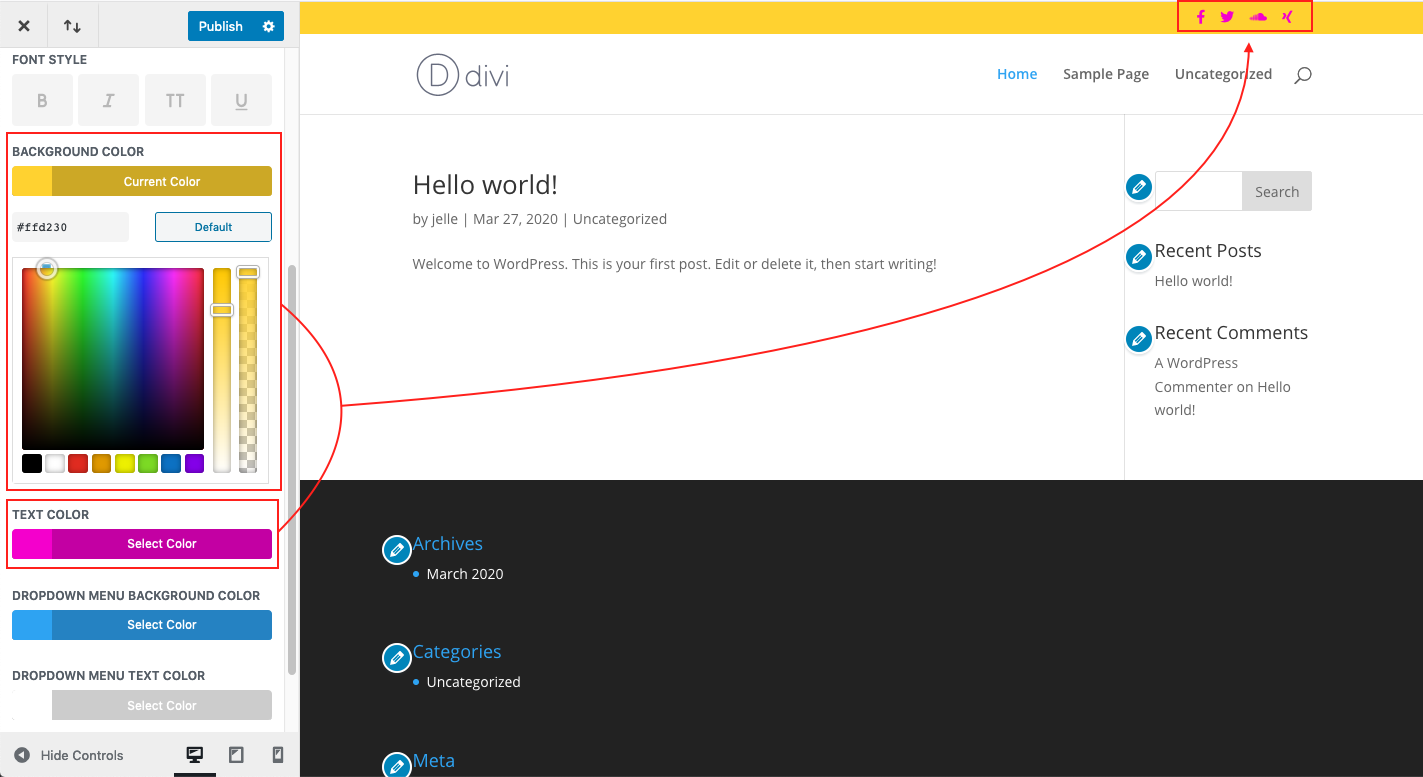
Changing the colors through the Theme Customizer.
Changelog
1.8.0 – 2025-05-26
- Added the Bluesky icon
- Added the X (Twitter) icon
1.7.0 – 2023-06-12
- Added the Telegram icon
- Added the Twitch icon
1.6.0 – 2023-06-12
- Added the Apple icon
- Added the Spotify icon
1.5.0 – 2022-12-27
- Added the Discord icon
1.4.0 – 2022-10-29
- Added the WhatsApp icon
1.3.0 – 2022-08-07
- Added the TikTok icon
1.2.0 – 2022-08-07
- Added the Houzz icon (Thanks @cejayassoc!)
1.1.3 – 2020-03-27
- Updated the tested up to tag to version 5.3.
- Fixed incompatibility issue with the latest version of Font Awesome.
1.1.2 – 2019-09-13
- Updated the tested up to tag to version 5.2. (Thanks @warengonzaga!)
- Improved the README with a link to the git repository.
1.1.1 – 2019-04-10
- Added the changelog.
- Some javascript that will remove the default Elegant Themes icon list that comes with Divi. This is to prevent duplicate icons and confusion for users.
- Updated the version number in social-divi.php
- Updated the version number in readme.txt
- Fixed typo’s in readme.txt, to improve readability of plugin information.
1.1.0 – 2019-04-10
- Made it easier for people to rate the plugin. This was done by adding a small ‘rate us’ section to the plugin metadata on the plugin overview page.
- Fixed a typo in the comments to translators in social-divi.php
- Regenerated the social-divi.pot file.