

Social Media Card Generator
Short Description: A WordPress plugin to easily generate custom social media cards for posts.
Plugin info
Maintenance & Compatibility
Maintenance score
Stale • Last updated 243 days ago
Is Social Media Card Generator abandoned?
Likely maintained (last update 243 days ago).
Compatibility
Similar & Alternatives
Explore plugins with similar tags, and compare key metrics like downloads, ratings, updates, support, and WP/PHP compatibility.
Description
Social Media Card Generator adds a simple and intuitive interface to the WordPress post editor, enabling you to generate beautiful and engaging social media cards on the fly. Stop relying on whatever image social platforms decide to pull from your post. Instead, create a custom, branded image with your post’s title and a short description overlaid, ensuring your content looks professional when shared on platforms like X (formerly Twitter), Facebook, and LinkedIn.
The plugin uses a template image that you provide, ensuring all your social cards maintain a consistent brand identity. You can customize font sizes, text positions, and output formats directly from the settings page.
Key Features
- Seamless Integration: Adds a “Social Media Card Generator” meta box directly to the post editor sidebar.
- Custom Templates: Upload your own branded background image to use as a template.
- Dynamic Text: Automatically populates the card with the post title and an optional custom description.
- Live Preview: Generate and preview the social card without leaving the editor.
- Media Library Integration: The generated card is automatically saved to your WordPress Media Library.
- Customizable Layout: Adjust the font size and vertical position of the title and description.
- Flexible Output: Choose between JPEG (for smaller file sizes) or PNG (for higher quality) output formats.
- Quality Control: Set the compression quality for JPEG images.
Donate
Find this plugin useful? Support Orphans in Nigeria
Installation
Frequently Asked Questions
Upload the plugin folder to your /wp-content/plugins/ directory and activate it through the WordPress admin panel.
A size of 1200×630 pixels is recommended for optimal display on social media platforms like Facebook and Twitter.
You can customize the font size, text position, and output format from the Settings > Social Media Card Generator page in the WordPress admin area.
Review feed
Screenshots
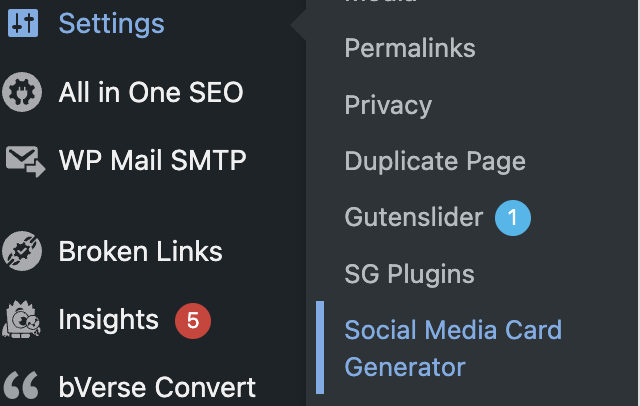
The Social Media Card Generator settings page in the WordPress admin area: screenshot-1.png
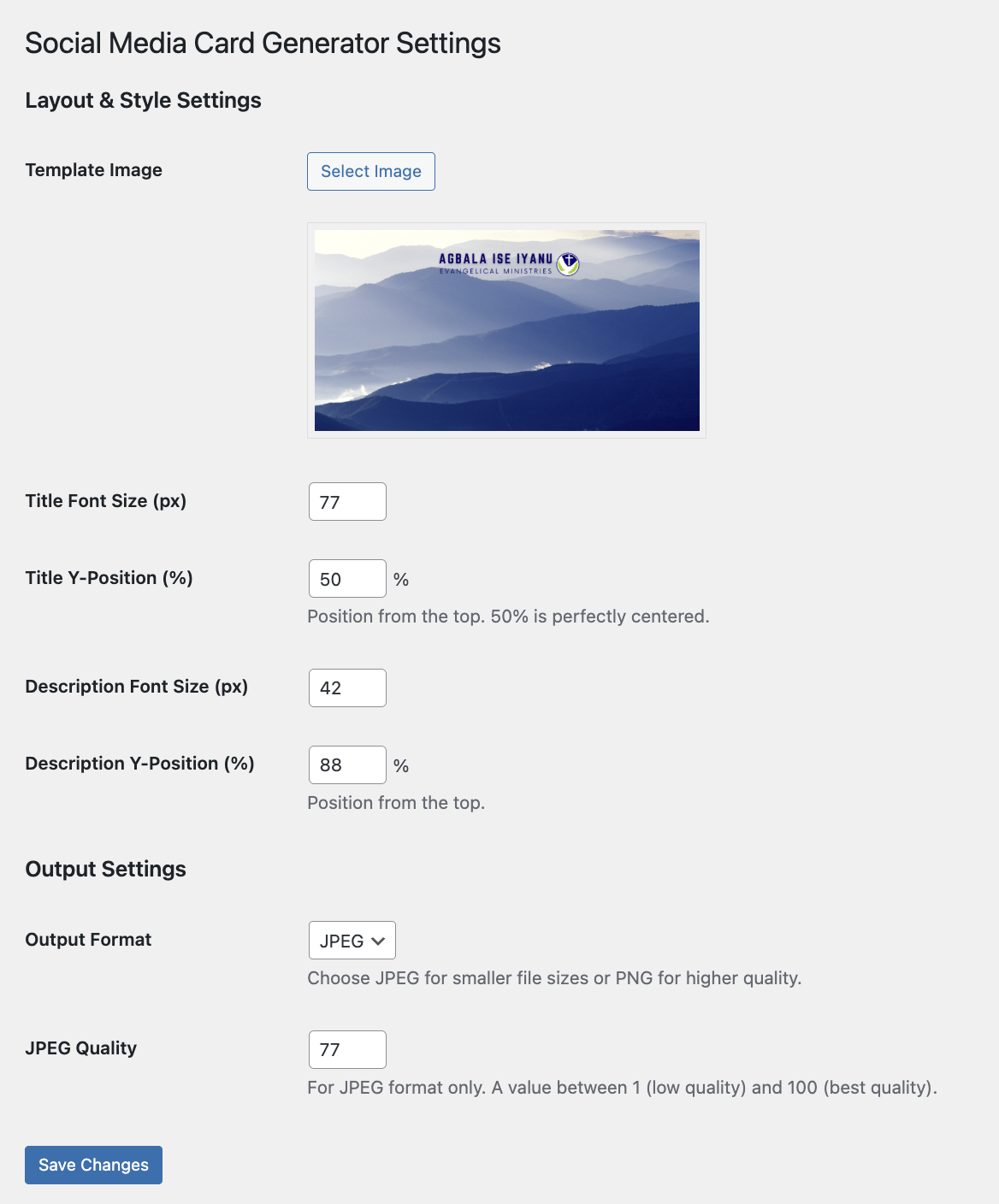
Configuring the template image, layout, and output settings: screenshot-2.png
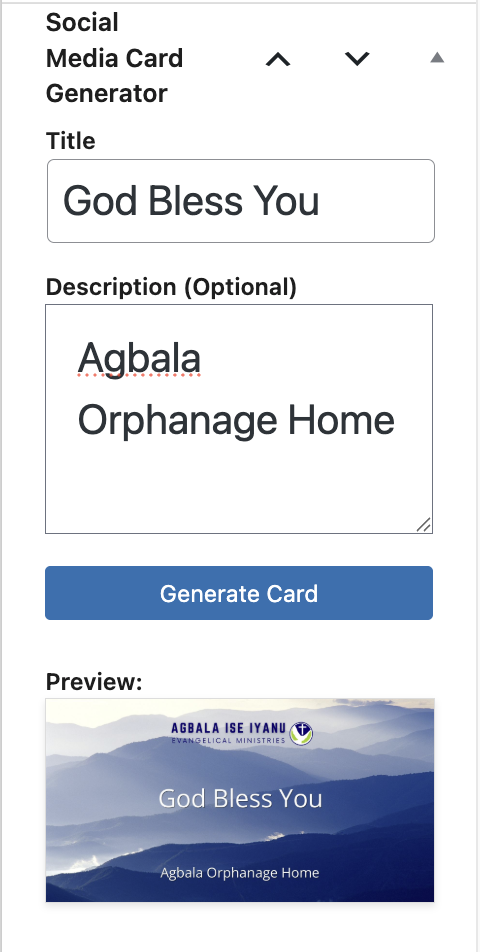
The generator meta box in the post editor with a live preview: screenshot-3.png
Changelog
1.4.2
- Initial release.