

Plugin info
Maintenance & Compatibility
Maintenance score
Possibly abandoned • Last updated 668 days ago • 7 reviews
Is SocialBugCRM abandoned?
Possibly abandoned (last update 668 days ago).
Compatibility
Similar & Alternatives
Explore plugins with similar tags, and compare key metrics like downloads, ratings, updates, support, and WP/PHP compatibility.
Description
SocialBugCRM will create an interactive widget on your website and works with your existing sites secure authentication. Our widget is capable of solving complex business processes. Easily create a seamless single sign on from your website into our CRM. Extend your websites functionality that can help your customers interact with your business and/or backend users operate more efficiently. Please note, install is free and requires no payment upfront, however this is not a free app.
Modules
Our platform has multiple modules, each operate independently. We are able to customize modules and build new modules by request. We are happy to digitize your business process and work with your unique requirements.
Affiliate Module
Create a referral sales network. Networks can have structures of unilevel, binary or matrix. Interface to configure custom requirements that can be applied to ranks and bonuses. We are now working with CBD affiliate businesses.
Warehouse Module
Warehouse fulfillment, track all tasks during order fulfillment. Assign orders to processors, packers and delivery agents. Add per item packing difficulty level and estimated retrieval time. Set bin locations to help workers walk the warehouse in the most optimal way. Warehouse workers can assign themselves order’s from the real-time order queue.
Warranty Module
Configure products to have warranties. View all products currently under warranty. Search for customers with existing warranties. Automate warranty registration if third party is selling your products and you need customers to manually register the warranty.
Software language support:
- English
- Spanish
- Russian
- Italian
- French
- Portuguese
- German
- Romanian
- Hungarian
- New Languages on Request
Please contact us on the website if you have any support related issues or at [email protected]
Installation
Instructions how to install plugin and configure it, please visit this page.
Automatic installation
Automatic installation is the easiest option as WordPress handles the file transfers itself and you don’t need to leave your web browser. To
do an automatic install of, log in to your WordPress dashboard, navigate to the Plugins menu and click Add New.
In the search field type SocialBugCRM and click Search Plugins. Once you’ve found our plugin you can view details
about it such as the point release, rating and description. Most importantly of course, you can install it by simply clicking Install Now.
Manual installation
The manual installation method involves downloading our plugin and uploading it to your webserver via your favourite FTP application.
- Place the ‘SocialBugCRM’ folder in your ‘/wp-content/plugins/’ directory.
- Activate SocialBugCRM plugin.
- A new menu item would be created in the admin menu called Launch SocialBugCRM.
- Click on Launch SocialBugCRM to login into SocialBugCRM BackOffice.
Updating
Automatic updates should work great for you. As always, though, we recommend backing up your site prior to making any updates just to be sure nothing goes wrong.
Frequently Asked Questions
Each modules are priced differently, we also charge usage fee’s.
Review feed
Screenshots

Admin Modules Page

User Dashboard Page

Affiliate Dashboard Page

User E-Wallet Page

User Autoships Page

User Membership Page

Affiliate Team Page

Affiliate Party Order Page

Admin Payout Batches Page

Admin Payout Requests Page

Admin E-Pins Page

Admin E-Wallets Page

Admin Message Templates/Autoresponders Page

Admin Approve Bonus Page

Admin Bonuses Page
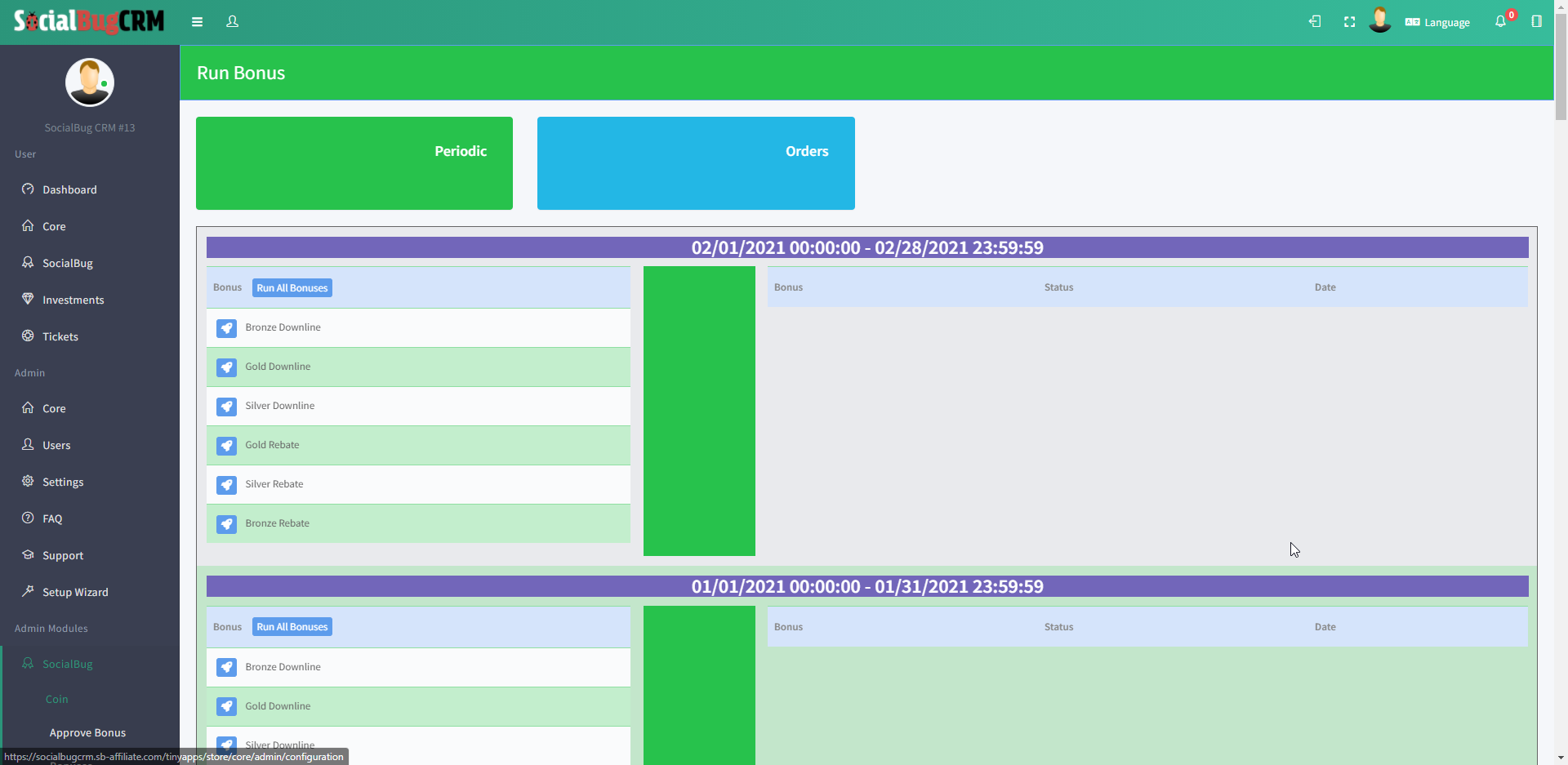
Admin Run Bonus Page

Admin Periods Page

Admin Requirements Page

Admin Requirements List

Admin Ranks Page

Admin Wholesale Discount/Rebates Page

Admin Hostess Rewards Page

Admin Hostess/Customer Specials Page
Changelog
1.0.3
- Minor bug fixes & Improvements.= 1.0.2 =
- Minor bug fixes & Improvements.
1.0.1
- Minor bug fixes & Improvements.