

Softech Country Phone Validator
Add phone input with country flags, dial codes, and validation to WordPress forms and WooCommerce checkout (classic + blocks).
Plugin info
Maintenance & Compatibility
Maintenance score
Stale • Last updated 234 days ago • Support resolved 100%
Is Softech Country Phone Validator abandoned?
Likely maintained (last update 234 days ago).
Compatibility
Similar & Alternatives
Explore plugins with similar tags, and compare key metrics like downloads, ratings, updates, support, and WP/PHP compatibility.
Description
Softech Country Phone Validator (SCPV) is a powerful and flexible plugin that adds country flag dropdowns and format validation to any phone input field in WordPress.
It works seamlessly with:
– Contact Form 7
– WPForms
– Forminator
– Elementor Forms
– Any other WordPress form plugin (via selector or class targeting)
– WooCommerce Checkout (Classic and Blocks/Gutenberg)
Core Features:
– Country dropdown with flags and international dial codes
– Live phone format validation based on selected country
– Set a default country globally
– Apply automatically to all fields or target with custom selectors
– Admin panel with options to enable WooCommerce, set defaults, and more
– Fully extensible and works with any form that uses HTML inputs
External Libraries
This plugin uses the intl-tel-input library, licensed under the MIT License, to enhance phone number fields with international flags, dial codes, and formatting.
All required assets (CSS, JS, and utility scripts) are bundled locally within the plugin under the assets/intl-tel-input/ directory. No external CDNs or remote file calls are used, ensuring full compliance with WordPress.org plugin guidelines.
The intl-tel-input library is included under the terms of the MIT License.
License
This plugin is licensed under the GPLv2 or later.
See license.txt for full terms.
Installation
- Upload the plugin to
/wp-content/plugins/or install via the WordPress plugin dashboard. - Activate through the “Plugins” screen.
- Go to Settings > Phone Validator (SCPV) to configure.
- Add the
.scpv-phone-defaultclass to your phone fields, or define your custom selectors in settings.
Frequently Asked Questions
Yes! As long as your form has <input> fields, you can use SCPV by adding a class or using the “Apply to all” option.
Yes. SCPV supports both the Classic and new WooCommerce Block-based checkout.
Yes. Enable the “Apply to all tel fields” option in the plugin settings.
Review feed
Screenshots
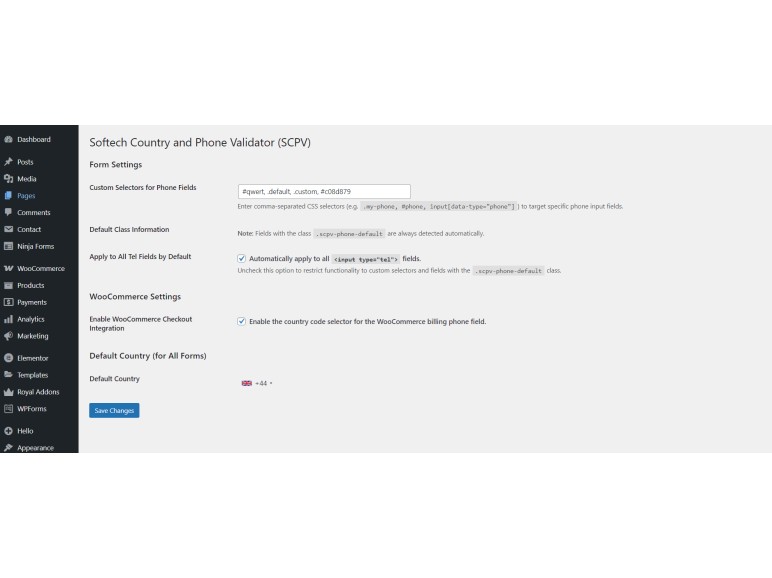
Admin settings panel with WooCommerce options and custom selectors
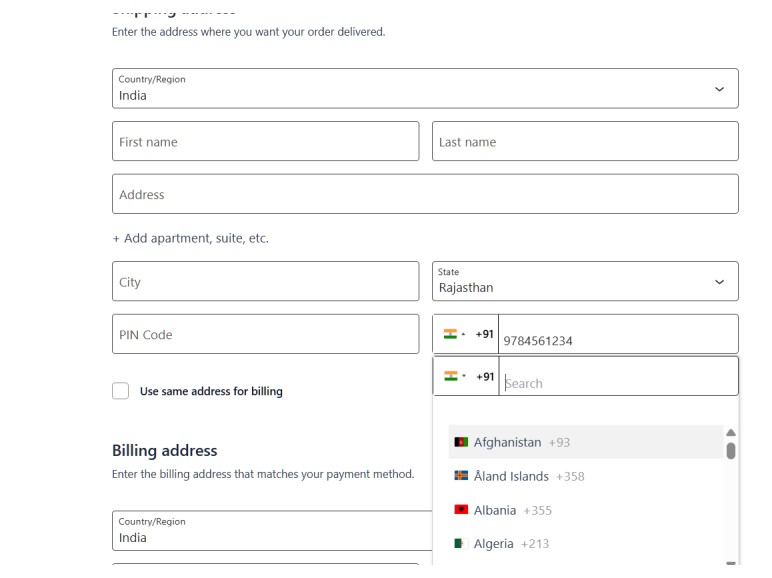
Phone input field with country flag dropdown for WooCommerce
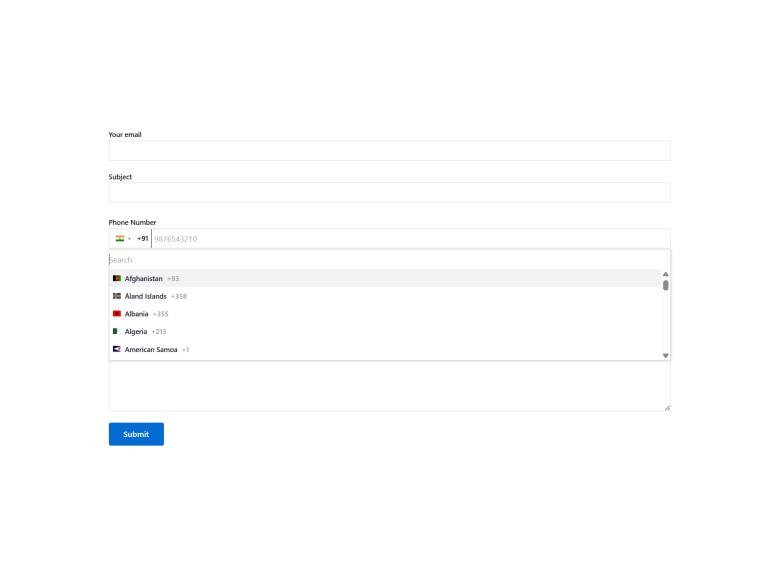
Phone input field with country flag dropdown for Contact Form 7
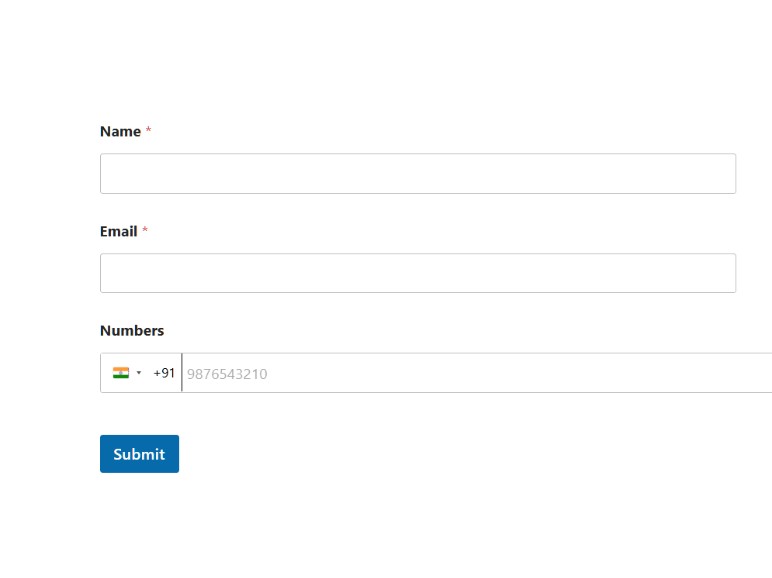
Phone input field with country flag dropdown for Wp Forms

Phone input field with country flag dropdown for Forminator
Changelog
1.0
- Initial release
- Support for CF7, WPForms, Forminator
- Admin settings panel added
- WooCommerce checkout (Classic + Blocks) support
- Default country and selector options
- Apply to all
<input type="tel">fields option