

Stachethemes Seat Planner Lite
A WooCommerce extension for creating and managing seat-based products with a drag & drop seat planner.
Maintenance 38/100355d since update
Active installs
40
Downloads
584
Reviews
0
Age
1.0y
Plugin info
Total downloads: 584
Active installs: 40
Total reviews: 0
Average rating: 0
Support threads opened: 0
Support threads resolved: 0 (0%)
Available in: 1 language(s)
Contributors: 1
Last updated: 4/12/2025 (355 days ago)
Added to WordPress: 4/1/2025 (1 years old)
Minimum WordPress version: 6.7
Tested up to WordPress version: 6.7.4
Minimum PHP version: 8.2
Maintenance & Compatibility
Maintenance score
Stale • Last updated 355 days ago
38/100
Is Stachethemes Seat Planner Lite abandoned?
Likely maintained (last update 355 days ago).
Compatibility
Requires WordPress: 6.7
Tested up to: 6.7.4
Requires PHP: 8.2
Similar & Alternatives
Explore plugins with similar tags, and compare key metrics like downloads, ratings, updates, support, and WP/PHP compatibility.
No similar plugins found yet.
Description
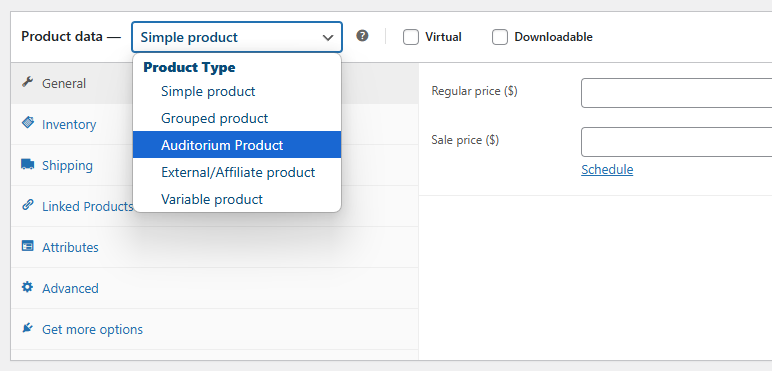
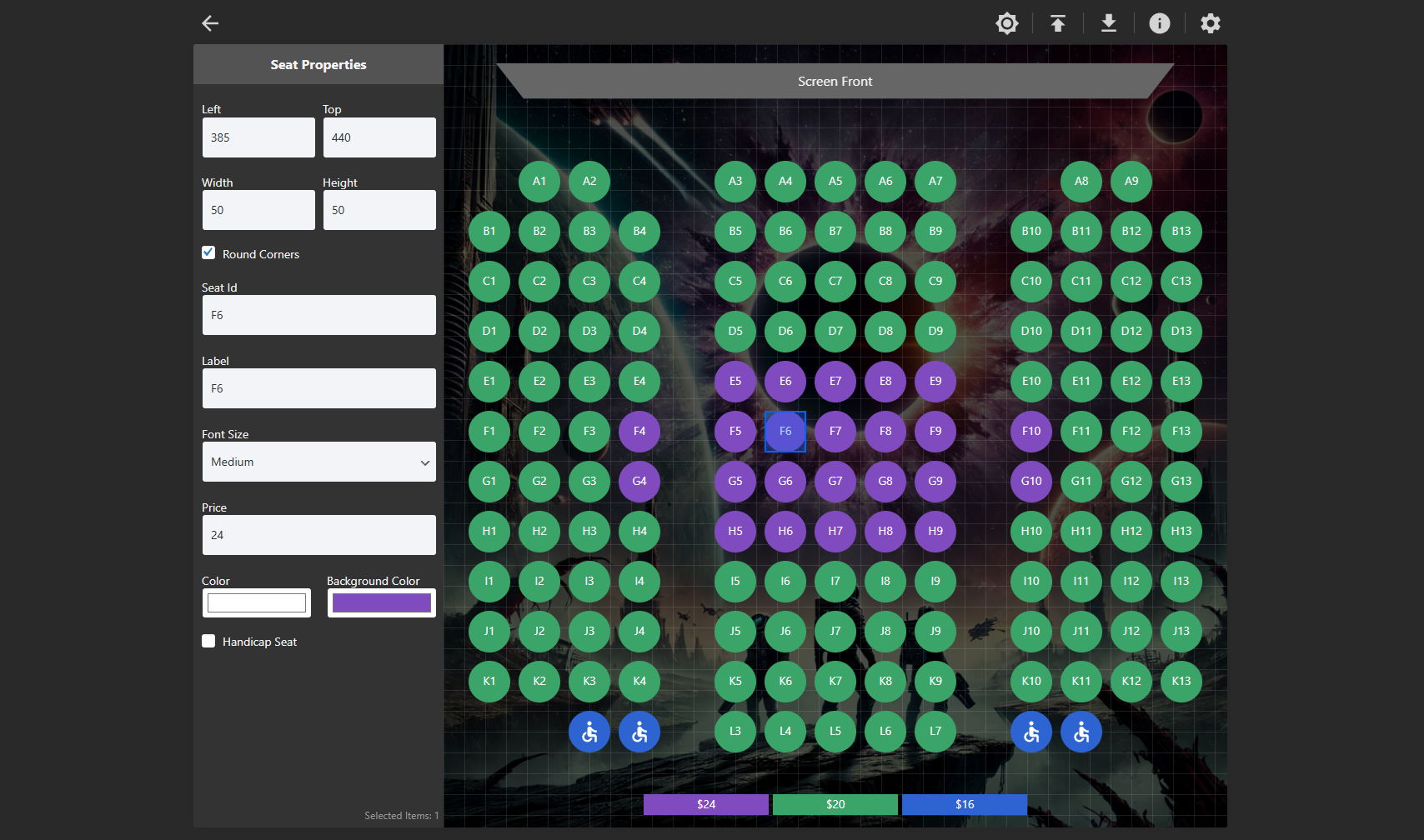
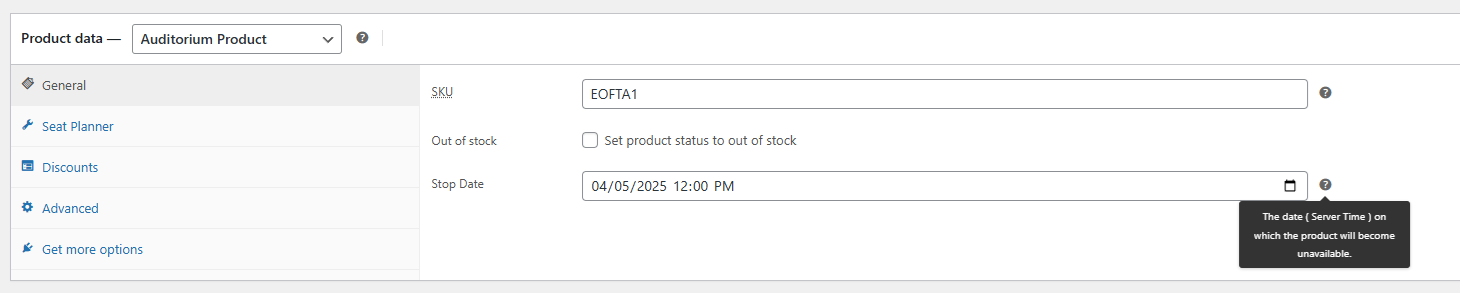
A WooCommerce extension that adds a custom Auditorium product type for selecting seats with a drag & drop seat planner.
Easily create and manage seating arrangements for events, venues, or any seat-based products.
Features
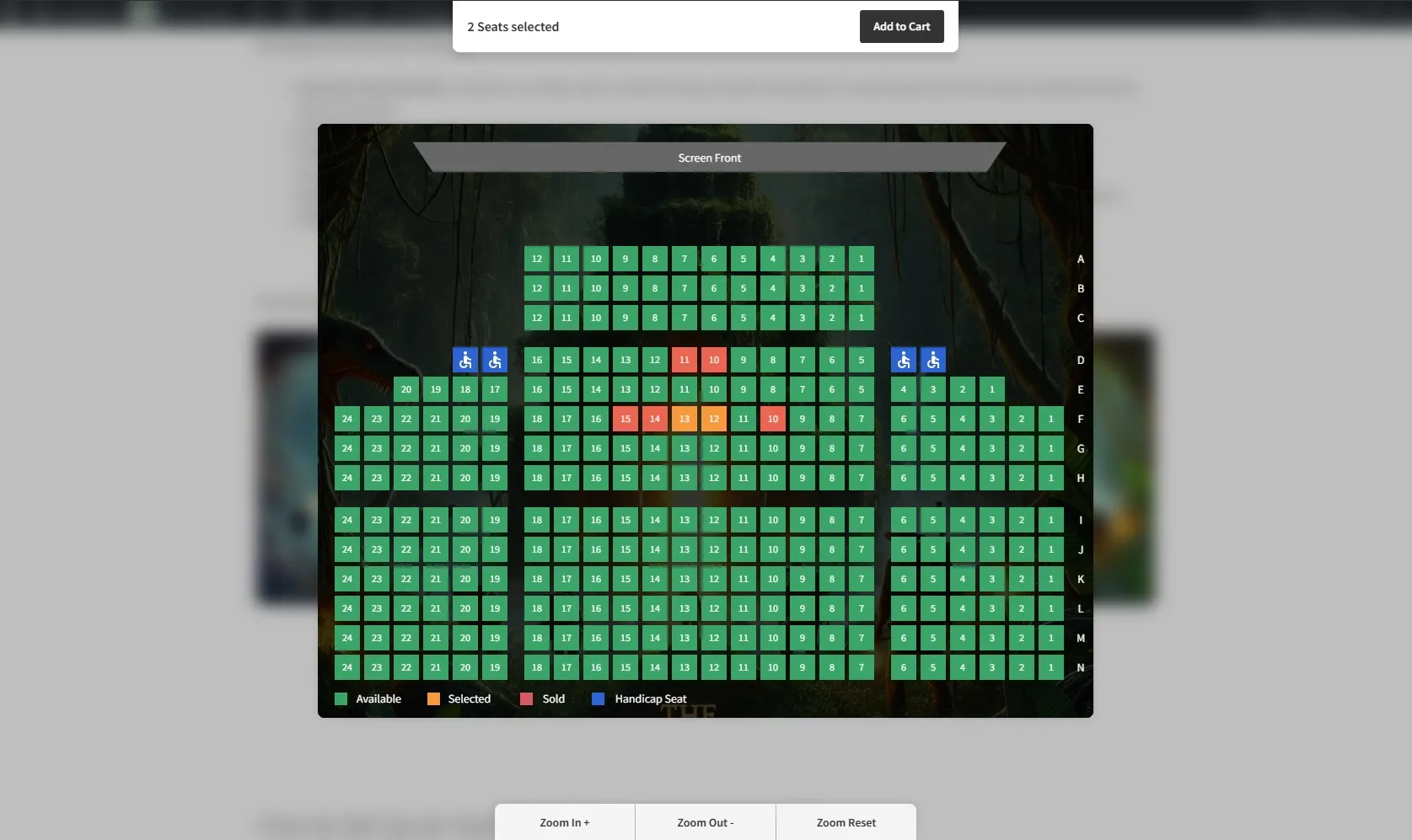
- Interactive Seat Selection: Customers can select seats in real-time using a dynamic seat map.
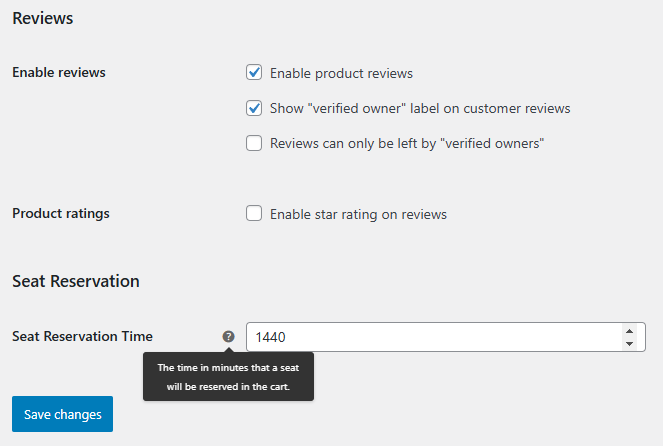
- Seat Reservation: Seats added to the cart are reserved for a configurable duration, preventing others from selecting them.
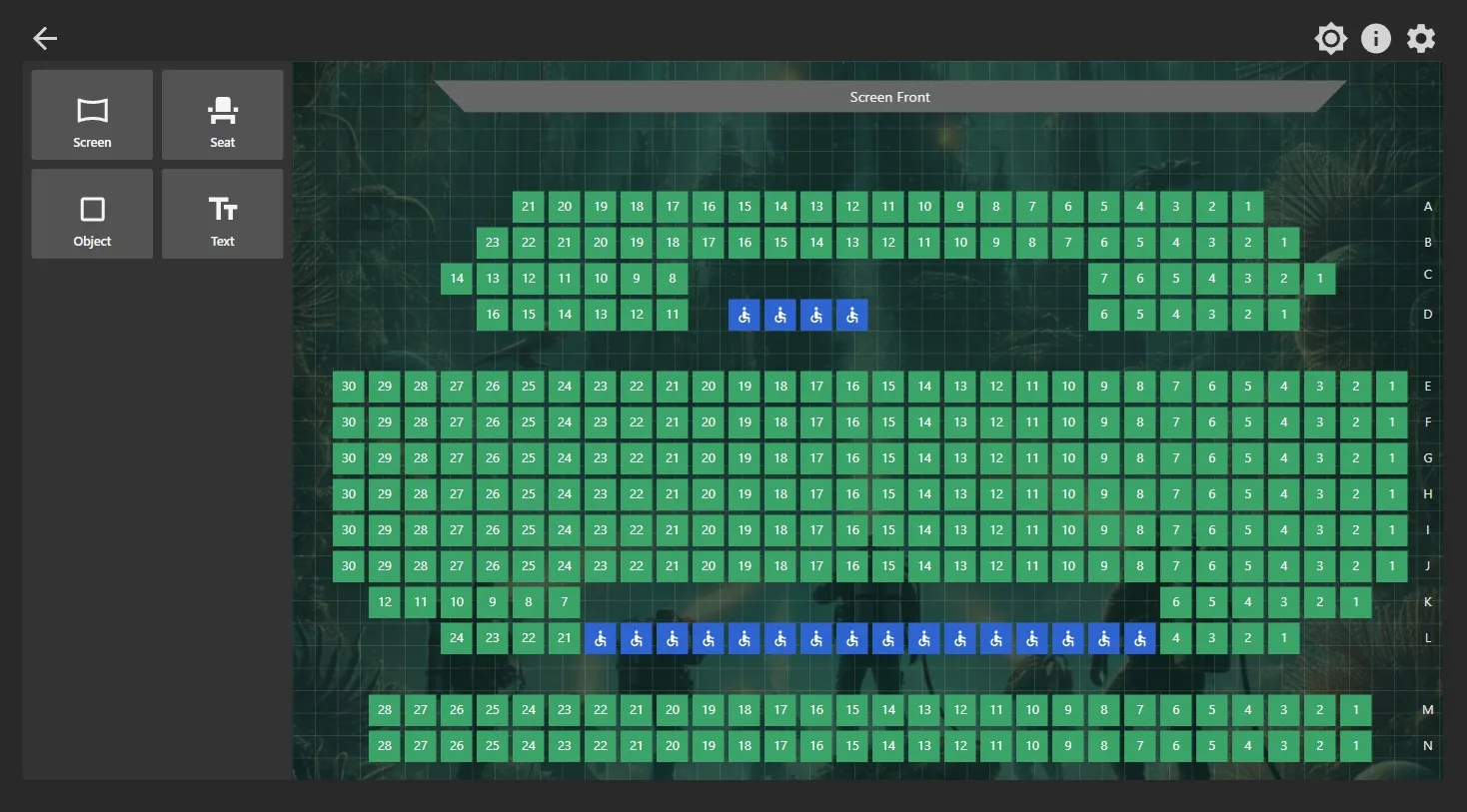
- Handicap Accessible Seating: Mark seats as “Handicap Seats” and use customizable background colors to highlight accessibility.
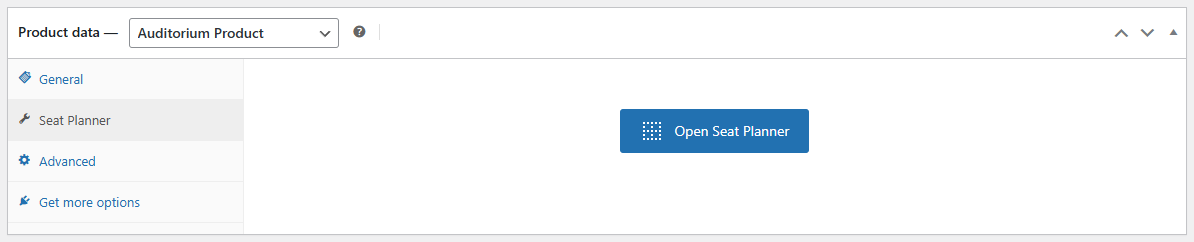
- Easy-to-Use Drag & Drop Editor: Manage seats effortlessly with a simple drag-and-drop interface. No technical skills required.
Premium Features
Upgrade to Stachethemes Seat Planner Premium for advanced features:
- Dynamic Pricing: Assign different prices to seats based on location or other factors.
- Seat Discounts: Offer fixed or percentage-based discounts.
- QR Code Generator for Each Seat: Automatically generate a unique QR code for each seat purchased, allowing for easy digital validation.
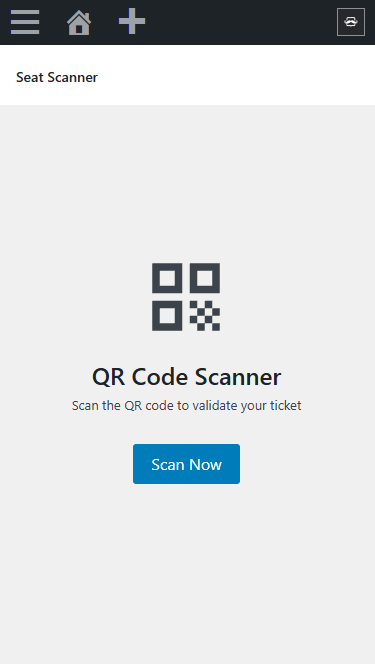
- QR Code Scanner for Ticket Validation: Enable quick entry and ensure smooth check-ins for event attendees.
- PDF Ticket Attachments: Attach ticket details as a PDF file to the “Order Completed” email.
Upgrade to Stachethemes Seat Planner Premium
Video Demonstration
Source Repository
Credits
Installation
Installation from within WordPress
- Visit Plugins > Add New.
- Click Upload Plugin and upload the plugin archive.
- Install and activate the Stachethemes Seat Planner Lite plugin.
Manual Installation
- Upload the entire
stachethemes-seat-planner-litefolder to the/wp-content/plugins/directory. - Visit Plugins.
- Activate the Stachethemes Seat Planner Lite plugin.
Frequently Asked Questions
No FAQ available
Review feed
No reviews available
Screenshots



Changelog
1.0.5
- Add to cart seat validation improvements
1.0.4
- Initial public release with core seat selection features.